
Smart Christmas lights promise convenience, color control, and festive automation through smartphone apps and voice assistants. But when a firmware update disrupts connectivity, the holiday magic can quickly turn into technical frustration. It’s not uncommon for users to wake up one morning to find their once-reliable string of RGB LEDs unresponsive—no app detection, no Wi-Fi sync, and no remote control. The culprit? Often, a recent firmware update gone wrong. While intended to improve performance, security, or compatibility, these updates can sometimes break functionality instead of enhancing it. Understanding why this happens—and how to resolve it—is essential for anyone relying on smart lighting for seasonal displays.
The Hidden Risks of Firmware Updates in Smart Lighting
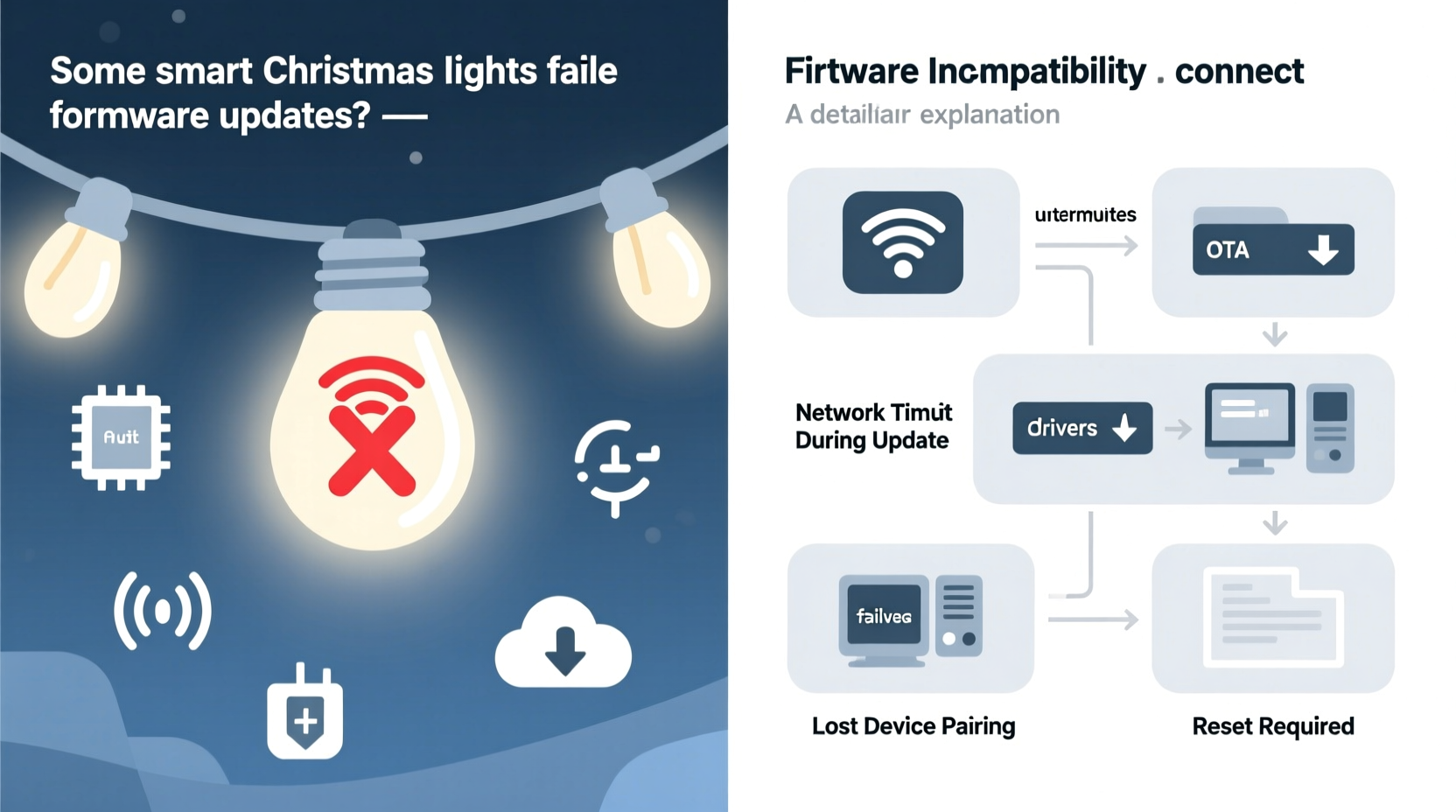
Firmware is the low-level software embedded in smart devices that governs core operations. For smart Christmas lights, this includes managing Wi-Fi connections, interpreting app commands, controlling brightness and color sequences, and maintaining synchronization across multiple strands. Manufacturers release firmware updates to patch bugs, add new features, or strengthen security protocols. However, unlike major tech devices such as smartphones or laptops, smart lights often lack robust rollback mechanisms or detailed error reporting.
When an update fails mid-process—due to power loss, network instability, or corrupted data—the device may become \"bricked,\" meaning it can’t boot properly or establish communication. Even if the update appears to complete successfully, subtle incompatibilities with router configurations, app versions, or other smart home ecosystems can render the lights unreachable. This fragility stems from cost-cutting measures in hardware design: many budget-friendly smart light systems use minimal onboard memory and basic microcontrollers that struggle to handle complex software changes gracefully.
Common Technical Reasons for Post-Update Connectivity Failures
Several interrelated factors contribute to smart Christmas lights losing connectivity after a firmware update. These range from network-level conflicts to hardware limitations.
1. Incomplete or Corrupted Update Process
If the lights lose power or disconnect from Wi-Fi during the update, the firmware may be partially written. This creates a mismatch between expected and actual code, leading to boot loops or non-responsive behavior. Because most strings don’t have screens or status indicators beyond blinking patterns, diagnosing this issue requires guesswork unless the user knows what to look for.
2. Router Compatibility Changes
Some firmware updates modify how the lights negotiate Wi-Fi connections. For example, newer firmware might drop support for older security protocols like WEP or disable 2.4 GHz band fallbacks. If your router uses mixed-mode encryption or has MAC filtering enabled, updated lights may no longer authenticate. Similarly, firmware that enforces stricter DHCP lease handling can conflict with crowded networks where IP addresses are recycled too quickly.
3. App-Device Communication Breakdown
Updates sometimes change the API (application programming interface) used by companion apps. If the mobile app isn't simultaneously updated—or if cloud servers haven't been synchronized—commands sent from the phone won’t be recognized by the newly updated firmware. This results in “device not found” errors even though the lights appear powered on.
4. Hardware Limitations and Memory Constraints
Many smart light controllers operate on microcontrollers with only a few megabytes of flash storage. When firmware grows larger over time due to added features, there may not be enough space for both the new version and temporary buffers needed during installation. This leads to failed writes or corrupted file tables, leaving the system inoperable.
“Firmware updates on resource-constrained IoT devices require surgical precision. A single byte out of place can halt operation entirely.” — Dr. Lena Torres, Embedded Systems Engineer at IoT Secure Labs
Step-by-Step Guide to Recover Non-Connecting Smart Lights After an Update
If your smart Christmas lights stopped responding after a firmware update, follow this structured recovery process before assuming they’re permanently damaged.
- Power cycle the lights: Unplug them for at least 60 seconds, then reconnect. Observe any blinking patterns—rapid red flashes might indicate a boot failure, while slow green pulses could mean it’s in pairing mode.
- Verify Wi-Fi stability: Ensure your router is functioning normally and other devices can connect. Restart the router if necessary.
- Check app and firmware versions: Confirm that your smartphone app is updated to the latest version compatible with the new firmware.
- Forget and re-pair the device: In your app, remove the light strand from your account, then attempt to rediscover it as a new device.
- Reset to factory defaults: Most strings have a physical reset button (often recessed). Press and hold for 10–15 seconds until lights flash in a specific sequence (consult manual).
- Reconnect via hotspot: Use your phone’s mobile hotspot instead of home Wi-Fi. This eliminates potential network conflicts and ensures a clean connection environment.
- Attempt firmware re-flash: Some advanced apps offer a “force update” or “repair firmware” option under device settings. Run this only on a stable battery-powered device.
Prevention Checklist: Safeguarding Your Smart Lights During Updates
Proactive steps can dramatically reduce the chance of post-update failures. Use this checklist before every firmware upgrade:
- ✅ Ensure all lights are plugged into a surge protector with stable power
- ✅ Confirm your Wi-Fi signal strength is strong at the location of the lights
- ✅ Back up current settings (e.g., favorite scenes, schedules) if supported by the app
- ✅ Disable automatic updates temporarily if you're preparing for a display event
- ✅ Update the mobile app before starting the firmware process
- ✅ Connect via mobile hotspot if your home network is complex (mesh systems, VLANs, etc.)
- ✅ Monitor the update progress without closing the app or switching screens
- ✅ Wait at least 10 minutes after completion before attempting to control the lights
Real-World Example: A Holiday Display Gone Dark
In December 2023, Mark R., a homeowner in Portland, OR, installed a synchronized outdoor display using three strands of popular brand X smart lights. He scheduled all firmware updates to run automatically overnight. By morning, two of the three strands were unresponsive. His app showed “offline” status, and attempts to ping the devices failed.
After troubleshooting for hours, he discovered that the update had changed the default SSID naming convention for connected devices. His mesh router system interpreted the renamed lights as new clients and assigned conflicting IPs. Additionally, one strand had rebooted mid-update when his neighbor activated a high-power snow blower, causing a brief voltage dip.
Mark resolved the issue by resetting each strand individually, disabling auto-updates, and connecting via his phone’s hotspot to re-pair them. He also configured static IP reservations on his router to prevent future address conflicts. Though the fix worked, he missed two nights of his planned animated show—a costly delay during the busiest season for neighborhood displays.
Comparison Table: Common Smart Light Brands and Firmware Resilience
| Brand | Firmware Rollback Available? | Requires Cloud Connection? | Known Stability Issues Post-Update | User-Reported Recovery Success Rate |
|---|---|---|---|---|
| Brand X | No | Yes | High – frequent Wi-Fi drops after v2.3+ | 62% |
| Brand Y | Limited (via app restore) | Sometimes | Moderate – occasional timing glitches | 78% |
| Brand Z | Yes – local backup option | No (local control supported) | Low – rare failures, clear error codes | 91% |
| BudgetLine A | No | Yes | Very High – bricking reported in 15% of updates | 45% |
| PremiumLume B | Yes – dual partition system | Optional | Negligible – self-healing firmware | 97% |
This table highlights a key insight: higher-priced or professionally oriented systems often include redundancy features that protect against update-related failures. Budget models, while attractive upfront, frequently lack these safeguards.
Frequently Asked Questions
Can I reverse a firmware update on my smart Christmas lights?
Most consumer-grade smart lights do not support direct rollback. However, some premium brands store previous firmware versions locally and will automatically revert if the new one fails to initialize. Check your product documentation for “safe boot” or “dual-bank firmware” capabilities. Otherwise, contact customer support—they may provide tools for manual downgrades.
Why do only some of my identical light strands fail after an update?
Variability in hardware batches, slight differences in power delivery, or timing discrepancies during the update process can cause inconsistent outcomes. One strand might complete the write cycle just before a network hiccup, while another fails milliseconds later. Physical distance from the router or minor voltage fluctuations can also play decisive roles.
Is it safe to keep automatic updates enabled?
Automatic updates ensure timely security patches but carry inherent risks during critical periods (like holidays). Experts recommend scheduling updates during off-season months—January or February—when downtime won’t impact events. If you must enable auto-updates, do so only on systems with proven rollback functionality.
Final Recommendations and Moving Forward
Smart Christmas lights enhance holiday experiences, but their reliance on evolving software introduces vulnerabilities that weren’t present in traditional lighting. Firmware updates are necessary—but not without risk. The best approach combines caution, preparation, and informed choices about which products to trust with seasonal traditions.
Invest in systems that prioritize reliability: look for brands offering local control, firmware rollback, and transparent changelogs. Avoid updating devices within four weeks of a planned display. And always test recovery procedures in advance—not when the tree is dark and guests are arriving.
As IoT technology matures, we can expect smarter safeguards, better diagnostics, and more resilient update mechanisms. Until then, treating firmware upgrades with the seriousness they deserve can mean the difference between a dazzling display and a silent outage.




 浙公网安备
33010002000092号
浙公网安备
33010002000092号 浙B2-20120091-4
Comments
No comments yet. Why don't you start the discussion?