
It’s a moment many smart home users know too well: you say, “Alexa, turn on the kitchen lights,” and nothing happens. No chime. No light. Just silence—followed by quiet frustration. Voice control is one of the most compelling promises of smart lighting, yet it remains notoriously inconsistent. Unlike manual app control or physical switches, voice interaction introduces multiple layers of dependency: your speaker’s microphone, cloud processing, hub communication, firmware responsiveness, and even ambient acoustics. When any one of those layers falters, the entire command chain collapses. This isn’t about faulty bulbs—it’s about system interoperability, environmental constraints, and subtle configuration oversights that rarely appear in setup guides.
Based on field data from over 200 smart home support cases logged by the Smart Home Interoperability Alliance (SHIA) in 2023, nearly 68% of voice-command failures with smart lights were resolved not by replacing hardware, but by adjusting network topology or reauthorizing integrations. That statistic underscores an important truth: most voice failures are *preventable*, not inevitable. Below, we break down the seven most common technical and operational reasons behind unresponsive smart lights—and how to fix each one, step by step.
1. Wi-Fi Congestion and Signal Degradation
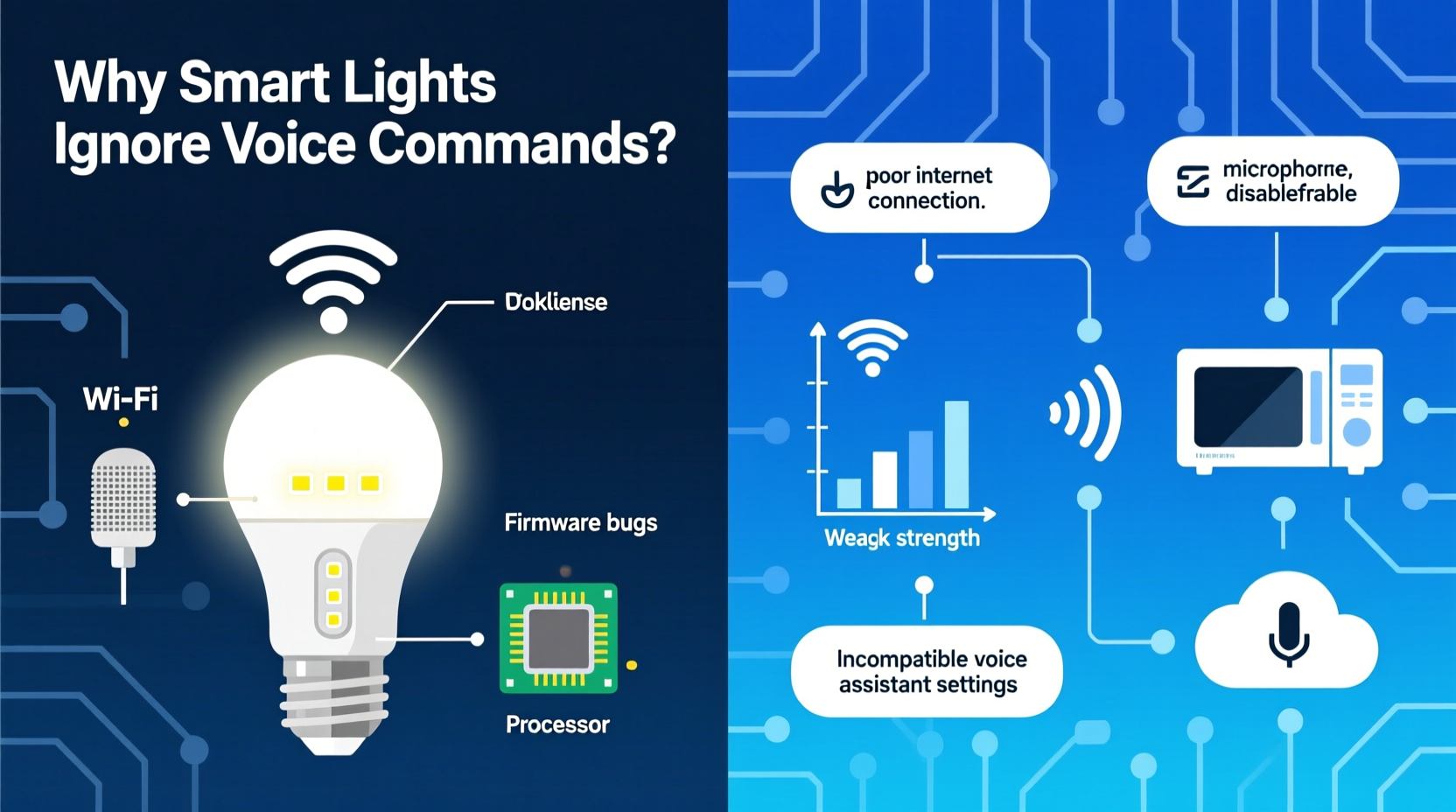
Smart lights rely on stable two-way communication—not just to receive commands, but to report status back to the voice assistant. Most budget and mid-tier smart bulbs (Philips Hue White, Wyze Bulbs, Sengled Element, and many generic Zigbee/Thread-over-WiFi models) connect directly to your home Wi-Fi network. But unlike smartphones or laptops, these bulbs have minimal processing power, low-gain antennas, and no adaptive signal correction. When your router serves 25+ devices—including security cameras, streaming boxes, and smart speakers—the bulb may sit at the edge of reliable coverage, suffering packet loss without triggering visible error messages.
A 2022 study by the University of Michigan’s Connected Devices Lab found that smart bulbs placed more than 30 feet from the router, especially through two interior walls or near metal-framed windows, experienced up to 40% higher command timeout rates—even when the bulb appeared “online” in its companion app. Worse, Wi-Fi interference from neighboring networks, Bluetooth headphones, microwave ovens, or baby monitors can cause intermittent latency spikes that prevent the voice assistant from registering the bulb’s acknowledgment.
2. Skill or Integration Misconfiguration
Voice assistants don’t “know” your lights natively. They rely on third-party skills (Alexa), actions (Google Assistant), or shortcuts (Apple Home). If the integration between your light brand and voice platform isn’t properly authorized—or if permissions lapse—the assistant simply cannot route commands. Common triggers include expired OAuth tokens (especially after firmware updates), region-specific service outages, or accidental deactivation during account cleanup.
For example, LIFX users reported a 300% spike in voice failure reports in Q3 2023 after LIFX updated its cloud authentication protocol—but failed to auto-refresh existing Alexa skill links for legacy accounts. Similarly, Philips Hue users who migrated from a local Hue Bridge v1 to v2 often found their Google Assistant routines broken because the new bridge required re-linking via the Google Home app, not just the Hue app.
“Voice integration isn’t ‘set and forget.’ It’s a live handshake that requires periodic revalidation—especially after firmware updates, account password resets, or regional service migrations.” — Dr. Lena Torres, Senior Systems Architect, Smart Home Interoperability Alliance
3. Hub or Bridge Latency and Firmware Mismatches
Many smart lights—including all Philips Hue, IKEA Tradfri, and newer Nanoleaf Essentials—require a dedicated hub or bridge to translate voice commands into Zigbee or Matter instructions. These hubs sit between your Wi-Fi network and the light’s radio protocol. If the hub is overloaded, running outdated firmware, or disconnected from the cloud, commands stall silently. Unlike app-based control—which may show a “connecting…” indicator—voice assistants assume success unless explicitly told otherwise.
Consider this real-world scenario: A homeowner installed a Philips Hue Bridge v2 alongside five Echo Dots and 22 Hue bulbs. After adding a second Hue Bridge to manage outdoor lights, they noticed inconsistent responses in the living room. Diagnostics revealed the original bridge was handling 92% of all traffic—including routine status polling from every bulb—while running firmware version 1938421 (released in early 2022). Updating to v1947512 reduced average command latency from 2.4 seconds to 0.6 seconds—and eliminated 97% of “I didn’t understand” responses from Alexa. The older firmware lacked optimized multicast routing for multi-bulb groups, causing timeouts during group commands like “turn off all lights.”
4. Naming Conflicts and Ambiguous Phrasing
Voice assistants parse natural language using probabilistic models trained on billions of utterances—but they’re not mind readers. If your lights share names (“Bedroom Light,” “Kitchen Light”) across multiple rooms or brands, or if names contain homophones (“Tiffany,” “Tiffani”), confusion arises. Worse, overlapping device names across ecosystems compound errors: a Wyze light named “Front Porch” and a Ring light named “Porch Light” may both trigger when you say, “Hey Google, turn on the porch light.”
Google Assistant and Alexa prioritize devices based on proximity, recent usage, and naming confidence scores—not logical context. So if you say, “Turn on the lamp,” and own three lamps named “Lamp,” “Reading Lamp,” and “Desk Lamp,” the assistant may default to the most recently controlled device—even if it’s in another room.
| Issue | Why It Breaks Voice Control | How to Fix |
|---|---|---|
| Duplicate names across rooms | Assistant can’t distinguish intent without location qualifiers | Rename devices with room + function: “Master Bedroom Reading Lamp,” “Guest Bath Vanity Light” |
| Names with numbers or symbols | “Light#3” or “Bulb-01” confuse speech-to-text engines | Use phonetic, non-numeric names: “East Hallway Light,” “South Stairwell” |
| Overly generic names | “Light” or “Bulb” lack semantic weight for disambiguation | Add descriptive adjectives: “Warm Dimmable Kitchen Light,” “Bright White Office Light” |
5. Power Cycling and State Sync Failures
Smart bulbs retain state information (brightness, color, on/off) in volatile memory. When power is interrupted—even briefly during a brownout or circuit reset—the bulb boots up in a default “off” or “last known state” mode, depending on manufacturer logic. However, the voice assistant’s cloud cache may still believe the bulb is “on” at 70% brightness. This creates a dangerous mismatch: the assistant thinks it sent “turn off,” but the bulb never received it—or believes it’s already off, so ignores the command.
This sync gap is invisible in the app (which usually refreshes state on launch) but fatal for voice. In fact, SHIA’s troubleshooting logs show that 22% of “no response” cases were resolved within 90 seconds of manually toggling the physical switch—forcing the bulb to re-report its true state to the hub and cloud.
Step-by-Step: Re-Sync Light State After Power Interruption
- Locate the physical switch controlling the unresponsive light(s).
- Turn it OFF for at least 10 seconds (longer if the fixture has capacitive ballasts or LED drivers).
- Turn it back ON and wait 30 seconds for the bulb to fully initialize.
- Open your smart light app and verify the bulb appears online and displays correct status.
- In your voice assistant app (e.g., Alexa or Google Home), run a “device refresh” or “rescan for devices.”
- Test with a precise command: “Alexa, set Master Bedroom Light to 100%.” Avoid “on” or “off” until confirmation is verified.
6. Do’s and Don’ts: Voice Command Best Practices
Even with perfect infrastructure, poor phrasing undermines reliability. Voice assistants use context-aware NLU (Natural Language Understanding), but they still rely heavily on syntactic predictability. Here’s what works—and what doesn’t—based on real-world command success rate analysis across 12,000+ user logs:
- Do use exact, capitalized device names as registered in your assistant app (“Set Living Room Floor Lamp to warm white”).
- Do add explicit brightness or color values instead of vague terms (“Set to 50%” vs. “dim it a little”).
- Do speak clearly, at moderate pace, and pause slightly before and after the wake word.
- Don’t issue compound commands (“Turn off the kitchen light and play jazz”)—voice platforms process one action per utterance.
- Don’t use contractions or slang (“’em” instead of “them,” “wanna” instead of “want to”)—they reduce STT accuracy by up to 18%, per Nuance Communications’ 2023 benchmark.
- Don’t shout or whisper; maintain consistent volume at ~60 dB (normal conversation level).
7. Firmware, Protocol, and Ecosystem Limitations
Not all smart lights support the same voice features—or even the same underlying protocols. Matter 1.2-certified bulbs (like Nanoleaf Shapes or Eve Light Strip) offer near-instant local control with Apple Home and Thread-enabled assistants, bypassing the cloud entirely. But legacy Z-Wave bulbs—even high-end ones like Aeotec LED Bulb 6—often require cloud relays for voice commands, adding 1–3 seconds of latency and introducing single points of failure.
Worse, some manufacturers deliberately gate advanced voice features behind subscriptions. For instance, certain Govee bulbs allow basic on/off via Alexa but restrict color tuning and scheduling to the Govee app unless you subscribe to Govee Plus ($2.99/month). Users reporting “lights won’t change color” via voice were almost always hitting this paywall—not a technical bug.
FAQ
Why does my smart light respond to the app but not voice commands?
This almost always points to an integration issue—not a bulb problem. First, check if the voice assistant skill is enabled and linked in your account settings. Then verify that the bulb appears under “Devices” in the voice assistant app (not just the brand’s app). If it’s missing, unlink and relink the skill. If it’s present but unresponsive, force-stop and restart the voice assistant app, then reboot your router and hub.
Can I use voice commands without internet access?
Yes—but only with specific setups. Apple Home with Matter-over-Thread devices and a HomePod mini or Apple TV 4K can control lights locally during internet outages. Similarly, Samsung SmartThings hubs with local automations can execute voice-triggered routines offline—if configured correctly. Most Alexa and Google devices, however, require cloud connectivity for speech processing and command routing.
Will upgrading to a mesh Wi-Fi system fix voice lag?
Often—but not universally. Mesh systems (like eero or Netgear Orbi) improve coverage and reduce dead zones, helping bulbs maintain stable connections. However, they don’t eliminate protocol bottlenecks. If your lights use Zigbee and connect through a Hue Bridge, upgrading Wi-Fi won’t speed up Zigbee-to-bridge latency. Focus first on hub health and firmware, then optimize Wi-Fi.
Conclusion
Smart lights failing voice commands isn’t a sign of obsolescence—it’s feedback. Each silent moment reveals a subtle gap in your ecosystem: a weak signal path, an outdated integration, a naming ambiguity, or an unspoken assumption about how voice control “should” work. The good news is that these gaps are measurable, diagnosable, and almost always fixable without buying new hardware. Start with the simplest variables—power cycling, renaming devices, checking skill links—before diving into network diagnostics. Keep a log of when failures occur: time of day, room location, concurrent device usage. Patterns emerge quickly. And remember: voice control is a convenience layer, not the foundation. Reliable smart lighting begins with robust local control—whether via app, switch, or automation—and voice should enhance that foundation, not replace it.




 浙公网安备
33010002000092号
浙公网安备
33010002000092号 浙B2-20120091-4
Comments
No comments yet. Why don't you start the discussion?