
Smart lighting systems have transformed homes into responsive, mood-aware environments. From dimmed evening hues to vibrant party palettes, saved scenes are central to the convenience and personalization these devices offer. Yet many users report a frustrating issue: after a routine firmware update, their carefully crafted lighting scenes vanish without warning. This isn’t just inconvenient—it can feel like losing part of a home’s personality. The root causes vary, but they’re often tied to software architecture, update protocols, and manufacturer design choices. More importantly, there are proven strategies to prevent data loss and ensure your scenes survive even the most disruptive updates.
Why Firmware Updates Can Erase Saved Scenes
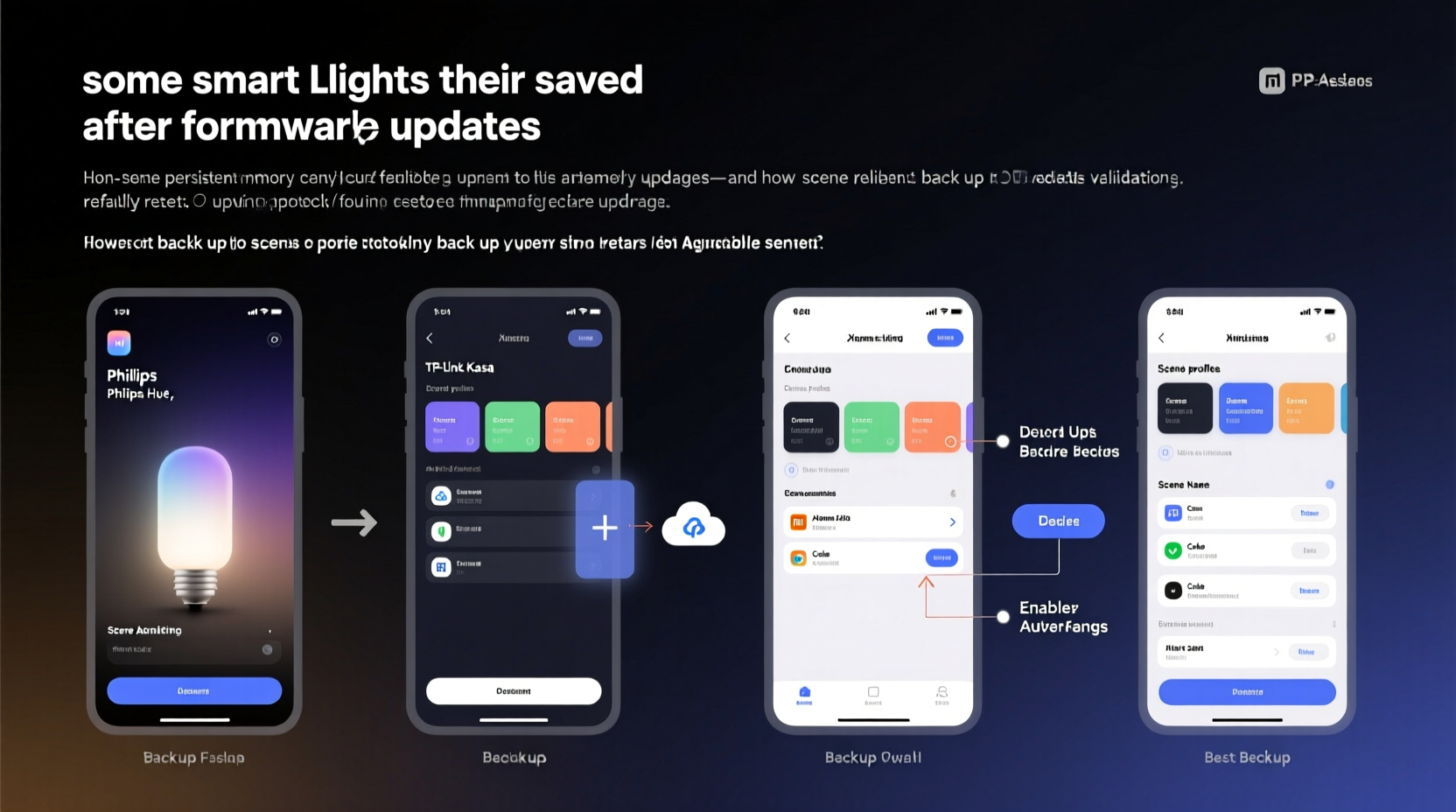
Firmware updates in smart lighting systems serve critical purposes: patching security vulnerabilities, improving responsiveness, enabling new features, and fixing bugs. However, the process of updating firmware is not always seamless. In some cases, the update procedure involves rewriting the entire memory of the device or resetting it to factory defaults. When this happens, any user-generated data stored locally—such as custom scenes, schedules, or group configurations—can be wiped out.
One common reason for scene loss is that certain brands store scene data on the individual bulb or bridge rather than in the cloud. While local storage offers faster response times and offline functionality, it also means that when a device resets during an update, that data disappears unless backed up externally. Additionally, some manufacturers don’t implement migration scripts that carry over old settings into the new firmware version. Without such safeguards, compatibility gaps emerge, and scenes become orphaned.
“Many IoT devices prioritize stability over data retention during updates. If the firmware rewrite requires a clean slate, user configurations are often the first casualties.” — Dr. Lena Torres, Embedded Systems Engineer at SmartHome Labs
This behavior is more prevalent in budget-friendly or early-generation smart bulbs. Higher-end ecosystems like Philips Hue or Lutron often use centralized hubs with robust backup mechanisms, reducing the risk. But even within premium brands, third-party integrations or experimental beta firmware can introduce instability.
How Scene Data Is Stored (And Why It Matters)
To understand how scenes disappear, it helps to know where they live in the first place. There are three primary storage models used by smart lighting platforms:
- Local Device Storage: Scenes are saved directly on the bulb or controller. Fast execution, but vulnerable to resets.
- Hub-Based Storage: A central bridge (like a Hue Bridge) holds all configuration data. More resilient, especially if the hub itself isn't updated frequently.
- Cloud-Only Storage: All settings reside on remote servers. Requires internet access but enables easy recovery across devices.
The safest approach combines hub-based and cloud storage with automatic syncing. For example, when you create a scene in the Philips Hue app, it's sent to both the Hue Bridge and encrypted servers. Even if one fails, the other retains the data. In contrast, Wi-Fi-only bulbs like certain TP-Link Kasa or Wyze models may rely solely on local memory until synced with the cloud—which doesn’t always happen instantly.
Step-by-Step Guide to Back Up Your Smart Light Scenes
Preventing scene loss starts with proactive backup practices. Follow this timeline to secure your configurations before, during, and after firmware updates.
- Document Scene Settings Manually (Weekly): Keep a log of each scene’s parameters—color temperature, brightness, bulb grouping, timing, and activation method. Use a spreadsheet or note-taking app.
- Export Configurations via App (If Available): Some apps, like Home Assistant or Hubitat, allow JSON or YAML exports of automation rules and lighting states. Save these files to multiple locations.
- Test Backup Restoration Monthly: Import your exported file into a test environment to confirm it works. This ensures your backup isn’t corrupted or outdated.
- Check for Updates During Low-Use Hours: Schedule updates during times when losing scenes won’t disrupt routines—e.g., mid-morning instead of bedtime.
- Recreate Critical Scenes Immediately After Update: If an update completes successfully but scenes are missing, rebuild essential ones right away using your documentation.
This sequence minimizes downtime and gives you control over your lighting ecosystem regardless of backend changes.
Do’s and Don’ts: Best Practices for Scene Preservation
| Action | Recommendation | Rationale |
|---|---|---|
| Use a Centralized Hub | ✅ Do | Hubs typically back up data and manage updates more gracefully than standalone bulbs. |
| Enable Auto-Backup in Apps | ✅ Do | Platforms like SmartThings offer optional cloud backups; enable them if available. |
| Update All Bulbs Simultaneously | ❌ Don’t | Updating multiple devices at once increases failure risk and complicates rollback. |
| Rely Solely on App Memory | ❌ Don’t | App interfaces may not reflect actual device state post-update. |
| Ignore Beta Firmware Warnings | ❌ Don’t | Beta versions often lack full backward compatibility; stick to stable releases unless testing. |
Mini Case Study: Recovering from a Failed LIFX Update
In early 2023, a homeowner in Portland upgraded her living room LIFX bulbs using the latest firmware through the official app. She had spent weeks fine-tuning a “Sunset Relax” scene—warm amber tones at 35% brightness, gradually dimming over 45 minutes. After the update completed, the scene was gone. No error message appeared, but attempts to activate it triggered “scene not found” alerts.
Because she kept a detailed Google Doc listing RGB values, transition speeds, and associated voice commands, she was able to recreate the scene within 20 minutes. She later discovered that LIFX stores complex scenes primarily in the mobile app unless linked to an external automation platform. Since she hadn’t integrated with IFTTT or Apple Home, the local cache loss meant total erasure.
Her solution? She now exports all scene details monthly and links key automations to Apple Shortcuts, which syncs across devices independently of the LIFX app. She also delays non-critical updates by two weeks to monitor community feedback online.
Tools and Platforms That Automate Scene Backups
While manual logging works, automation reduces human error. Several platforms offer built-in or plugin-driven backup capabilities:
- Home Assistant: Exports full configuration directories, including light presets and automations, in YAML format. Users can schedule automated snapshots to external drives or cloud storage.
- Hubitat Elevation: Allows rule and device configuration exports with timestamps. Supports rollback to previous versions after failed updates.
- OpenHAB: Provides version-controlled configuration management ideal for advanced users comfortable with coding.
- Node-RED: Can be configured to monitor scene changes and log them to a database or CSV file in real time.
Even if you don’t use these platforms daily, consider setting up a secondary instance purely for monitoring and backup. They act as insurance policies against proprietary app failures.
Frequently Asked Questions
Can I prevent scene loss without technical tools?
Yes. Simply writing down your scene settings—bulb names, colors, brightness levels, and activation triggers—in a physical notebook or digital document goes a long way. Take screenshots of app screens showing scene configurations. Store these in a dedicated folder labeled “Smart Lighting Backup.” It’s low-tech but highly effective.
Are cloud-connected lights immune to scene loss?
Not entirely. While cloud-based systems like Google Nest or Amazon Alexa-integrated lights store scenes remotely, issues can still occur. For example, if the cloud service deprecates an API or revokes third-party access, scenes tied to those integrations may break. Always maintain an independent record outside the ecosystem.
Is it safe to skip firmware updates to avoid losing scenes?
No. Skipping updates introduces security risks and performance issues. Outdated firmware can make devices vulnerable to hacking, especially on open Wi-Fi networks. Instead of avoiding updates, prepare for them. Back up first, then update in stages, verifying functionality afterward.
Expert Insight: Design Philosophy Behind Data Loss
The persistence of scene loss points to a deeper tension in IoT development: usability versus reliability. Many manufacturers optimize for quick deployment and low cost, sacrificing long-term data integrity.
“Consumer IoT treats devices as disposable. But homes aren’t labs—they’re lived-in spaces where continuity matters. Losing a scene shouldn’t feel like losing a memory.” — Rajiv Mehta, UX Researcher at Connected Living Institute
This mindset shift—from treating smart devices as gadgets to viewing them as permanent fixtures—is slowly influencing better design. Newer platforms like Matter aim to standardize configuration storage across brands, reducing fragmentation and improving resilience. Until full interoperability arrives, however, users must remain vigilant custodians of their own data.
Checklist: Secure Your Smart Lighting Scenes
- ☑ Identify how your system stores scenes (local, hub, cloud)
- ☑ Document all current scenes with exact settings
- ☑ Enable auto-backup features in your app or hub
- ☑ Export configurations to external storage (e.g., USB, cloud drive)
- ☑ Test restoration process in a non-critical zone
- ☑ Delay non-essential firmware updates until stability is confirmed
- ☑ Recreate essential scenes immediately after any update
- ☑ Integrate with automation platforms (e.g., Home Assistant, IFTTT) for redundancy
Conclusion
Smart lights should enhance life, not complicate it. The disappearance of saved scenes after firmware updates is a solvable problem—not a necessary trade-off. By understanding where your data lives, adopting disciplined backup habits, and leveraging available tools, you can protect your personalized lighting environments from unexpected resets. Technology evolves, but your comfort settings don’t need to reset with every patch. Take control today: audit your current setup, document your scenes, and build a simple yet reliable backup routine. Your future self will walk into a perfectly lit room, exactly as intended.




 浙公网安备
33010002000092号
浙公网安备
33010002000092号 浙B2-20120091-4
Comments
No comments yet. Why don't you start the discussion?