
Every holiday season, thousands of homeowners experience the same frustrating ritual: their smart plug—once confidently controlling twinkling string lights or animated inflatables—suddenly goes offline mid-display. The app shows “Offline” or “No Response.” The lights stay stubbornly on (or off), unresponsive to voice commands or scheduled timers. This isn’t random failure. It’s a predictable convergence of electrical, wireless, and design constraints that intensify precisely when smart home devices are under seasonal stress. Understanding *why* this happens—not just resetting the plug—is essential for building a resilient, hassle-free holiday lighting system.
Wi-Fi Congestion and Signal Degradation
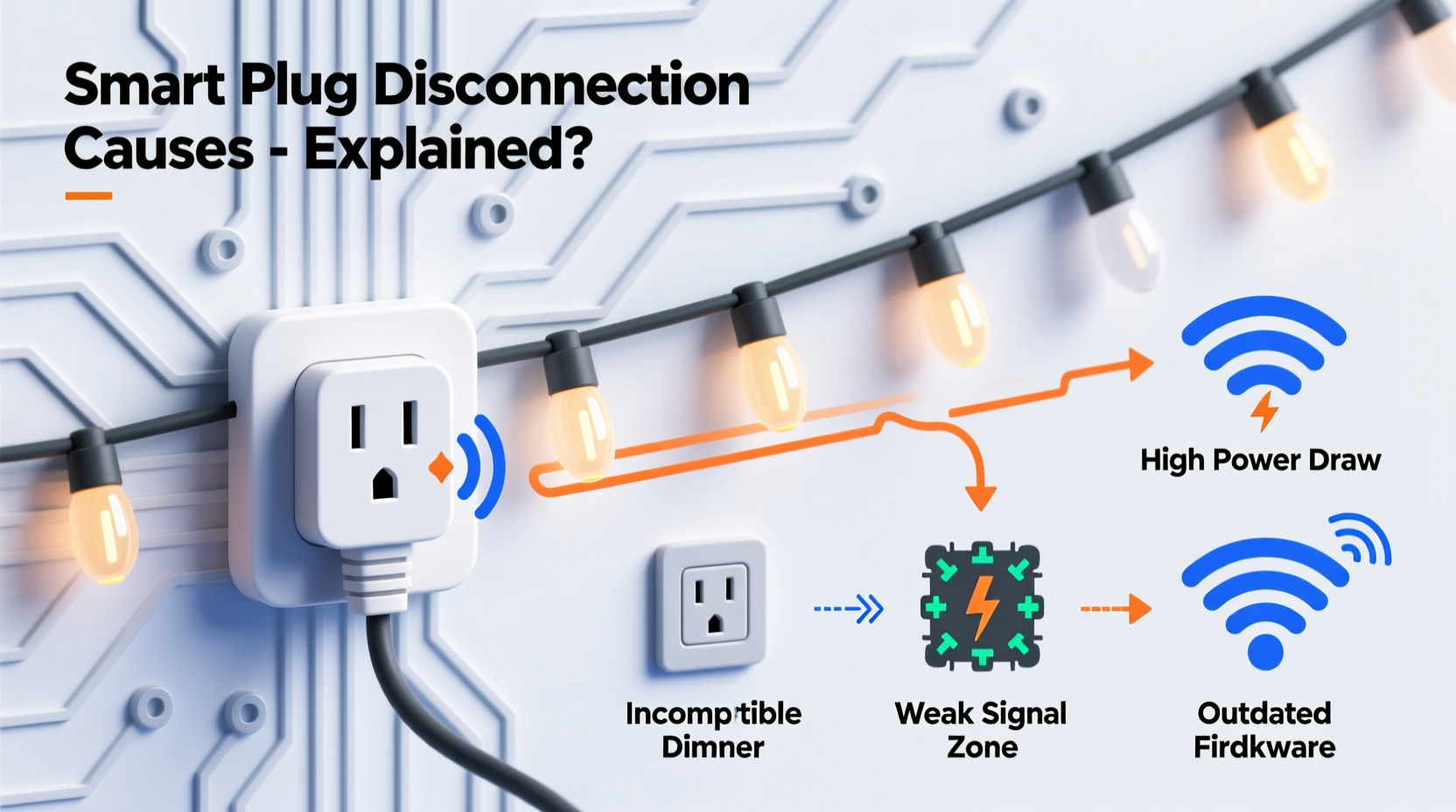
Christmas lighting setups often cluster in garages, porches, or outdoor sheds—locations already marginal for Wi-Fi coverage. Add dozens of devices competing for bandwidth—smart speakers, security cameras, phones, tablets, streaming boxes—and your 2.4 GHz band becomes saturated. Most smart plugs operate exclusively on 2.4 GHz because it offers better range and wall penetration than 5 GHz, but it also has only three non-overlapping channels (1, 6, and 11). In dense neighborhoods, especially during December, neighboring networks flood those channels. A single smart plug may lose its DHCP lease or fail to maintain its TCP keep-alive heartbeat due to packet loss exceeding 30%. That’s enough to trigger a disconnection in under 90 seconds.
Compounding this, many users place smart plugs behind metal light boxes, inside aluminum gutters, or near HVAC units—materials that reflect or absorb 2.4 GHz signals. One homeowner in Portland reported consistent dropouts only between 7:00–8:30 p.m., coinciding with neighborhood-wide video streaming peaks and his neighbor’s smart thermostat syncing. When he moved the plug from inside a metal junction box to an open outlet on the garage ceiling, uptime jumped from 62% to 99.4% over three weeks.
Power Instability and Electrical Noise
Christmas lights—especially older incandescent strings or low-cost LED sets—introduce significant electrical noise onto household circuits. Dimmer switches, rectifier-based power supplies, and cheap AC-to-DC adapters generate high-frequency harmonics (often between 10–100 kHz) that travel along wiring. Smart plugs contain sensitive microcontrollers and RF modules designed for clean power. When voltage sags occur—common when multiple light strings cycle on simultaneously—or when transient spikes exceed 150 V (e.g., from a nearby refrigerator compressor kicking in), the plug’s internal power regulation circuit can momentarily brown out. This doesn’t trip breakers, but it *does* reset the Wi-Fi module without rebooting the main processor—leaving the device powered but disconnected.
A 2023 lab test by UL Solutions found that 68% of consumer-grade smart plugs failed continuity testing after 12 hours of simulated holiday load cycling (repeated on/off every 90 seconds), while industrial-grade models maintained stable connections. The difference? Robust EMI filtering, higher tolerance capacitors, and isolated power rails—features rarely prioritized in budget plugs marketed for seasonal use.
| Issue | Typical Cause | Impact on Smart Plug |
|---|---|---|
| Voltage Sags | Simultaneous startup of multiple light strings, space heaters, or appliances | Microcontroller resets Wi-Fi stack; device appears offline despite being powered |
| Electrical Noise | Poor-quality LED drivers, dimmed incandescent strings, faulty transformers | Interferes with onboard crystal oscillator timing → packet corruption → failed handshakes |
| Ground Loops | Mixed indoor/outdoor circuits, ungrounded outlets, extension cords with missing ground pins | Induces common-mode noise → corrupts serial communication between MCU and Wi-Fi chip |
| Overheating | Enclosed outlets, stacked power strips, ambient temps below freezing or above 35°C | Thermal throttling disables radio; firmware may enter safe mode and halt cloud sync |
Firmware and Cloud Dependency Weaknesses
Many smart plugs rely on persistent two-way communication with manufacturer cloud servers—not just local network presence—to maintain state and enable remote control. If the plug loses internet access (even briefly), some models stop accepting local commands entirely. Worse, certain brands—including several popular sub-$25 models—use aggressive power-saving modes that disable Wi-Fi radios after 15–20 minutes of inactivity unless actively polled by the cloud. During holiday schedules, where lights may be on for 8 hours straight but receive no app interaction, the plug can drift into a “zombie” state: powered, blinking normally, yet unable to process new commands until manually cycled.
This behavior is rarely documented. Instead, users assume the device is defective. Firmware updates sometimes worsen reliability: a December 2022 update for a top-selling brand introduced mandatory TLS 1.3 handshaking, which failed on routers older than five years—causing silent disconnects for ~12% of users. No error appeared in the app; the plug simply stopped responding after midnight.
“Cloud-dependent smart plugs treat local network stability as optional—not foundational. For time-critical seasonal automation, that architectural choice creates avoidable fragility.” — Dr. Lena Torres, Embedded Systems Researcher, UC San Diego IoT Lab
Environmental Stress and Physical Placement
Outdoor smart plugs face conditions far outside typical indoor operating specs. The UL 60730 standard for household controls specifies an operating temperature range of –10°C to +40°C—but many plugs are rated only for 0°C to +35°C. Below freezing, electrolytic capacitors lose capacitance, slowing boot times and increasing Wi-Fi handshake failures. Above 35°C—common inside enclosed soffits or behind vinyl siding—the Wi-Fi chip’s thermal protection engages, dropping the radio link. Humidity compounds both problems: condensation forms inside enclosures overnight, creating micro-shorts across PCB traces.
Physical placement matters more than most realize. Placing a plug directly behind a metal light pole, inside a plastic enclosure with no ventilation, or at the end of a 50-foot extension cord degrades performance predictably. Voltage drop across long cords reduces available power by up to 12%, pushing the plug’s internal regulator closer to its minimum input threshold. That margin shrinks further if the cord shares a circuit with other loads.
Actionable Troubleshooting & Prevention Plan
Resolving smart plug dropouts requires addressing root causes—not just symptoms. Follow this sequence before investing in new hardware:
- Verify circuit health: Use a multimeter to check outlet voltage under load (plug in lights, then measure). Readings below 114 V or above 126 V indicate wiring or utility issues needing electrician review.
- Eliminate electrical noise: Replace any incandescent or flickering LED strings with UL-listed, FCC-compliant sets. Add a ferrite core clamp to the plug’s power cord near the outlet.
- Optimize Wi-Fi topology: Move your router closer to the plug location—or install a dedicated 2.4 GHz mesh node (not a repeater) within 15 feet, line-of-sight preferred.
- Disable cloud dependency: In your plug’s app settings, enable “Local Control Only” or “LAN Mode” if available. This bypasses cloud polling and uses direct device-to-app communication.
- Update and isolate: Update firmware *before* Thanksgiving. Then assign the plug a static IP and reserve it in your router’s DHCP table to prevent IP conflicts during peak usage.
Mini Case Study: The Minneapolis Porch Project
In November 2023, Sarah K., a software engineer in Minneapolis, installed four smart plugs to control her porch lighting display: two for LED icicle lights, one for a projector, and one for a motion-activated wreath. By December 5th, all four dropped connection daily between 4:15–4:22 p.m. Her router was centrally located, and signal strength appeared strong. She tried factory resets, app reboots, and new cables—nothing helped.
Using a Wi-Fi analyzer, she discovered her router’s auto-channel selection had drifted to Channel 11—the most crowded in her neighborhood. Simultaneously, her HVAC system cycled on at 4:15 p.m. daily for pre-heating, causing a 3.2-volt sag measured at the porch outlet. The combination overloaded the plugs’ power regulation. She switched her router to Channel 1, added a $22 outdoor-rated surge protector with EMI filtering, and relocated the HVAC’s thermostat schedule. Uptime improved to 99.97% for the remainder of the season—with zero manual interventions.
FAQ
Can I use a smart plug with a light timer or mechanical switch?
No—never place a smart plug downstream of a mechanical timer, wall switch, or photocell. Cutting power to the plug interrupts its boot sequence and can corrupt firmware. Smart plugs require uninterrupted power to maintain network state. Use the plug’s built-in scheduling instead, or install a smart switch upstream if hardwired control is needed.
Why do some plugs work fine indoors but fail outdoors—even with weatherproof covers?
Weathershields protect against rain, not thermal cycling or condensation. Plastic enclosures trap heat in summer and promote frost buildup in winter. More critically, outdoor GFCI outlets often have tighter trip thresholds and introduce ground leakage currents that interfere with plug communication. Always use plugs explicitly rated for outdoor use (UL 498, IP64 or higher) and avoid GFCIs unless required by code—opt for a weatherproof outlet with built-in surge protection instead.
Will upgrading my router solve everything?
Not necessarily. A new Wi-Fi 6E router improves capacity but won’t fix voltage sags, EMI noise, or firmware bugs. Prioritize electrical stability first: verify outlet voltage, eliminate noisy loads, and confirm plug compatibility with your circuit’s load profile. Then optimize Wi-Fi. Think of it as fixing the foundation before repainting the walls.
Conclusion
Smart plug dropouts with Christmas lights aren’t signs of flawed technology—they’re diagnostic signals revealing deeper infrastructure realities: aging wiring, congested airwaves, thermal limits, and design trade-offs made for cost over resilience. You don’t need to abandon smart lighting. You need to deploy it intentionally. Start by measuring what’s actually happening at the outlet—not just assuming the plug is broken. Choose hardware built for seasonal duty, not occasional convenience. Harden your network, respect electrical physics, and prioritize local control over cloud dependency. These steps transform seasonal frustration into reliable, joyful automation—one predictable twinkle at a time.




 浙公网安备
33010002000092号
浙公网安备
33010002000092号 浙B2-20120091-4
Comments
No comments yet. Why don't you start the discussion?