
It’s a familiar frustration: you’re browsing on your smartphone using Wi-Fi, and everything loads smoothly. But as soon as you switch to mobile data, certain websites crawl—images take forever to appear, text stutters into place, and videos buffer endlessly. Meanwhile, other sites work just fine. This inconsistency raises a critical question: why do some websites load slowly only on mobile data?
The answer lies not in a single cause but in a combination of network conditions, website design choices, carrier behaviors, and device limitations. Understanding these factors is essential for users trying to improve their browsing experience and developers aiming to optimize performance across all connectivity types.
Network Differences Between Wi-Fi and Mobile Data
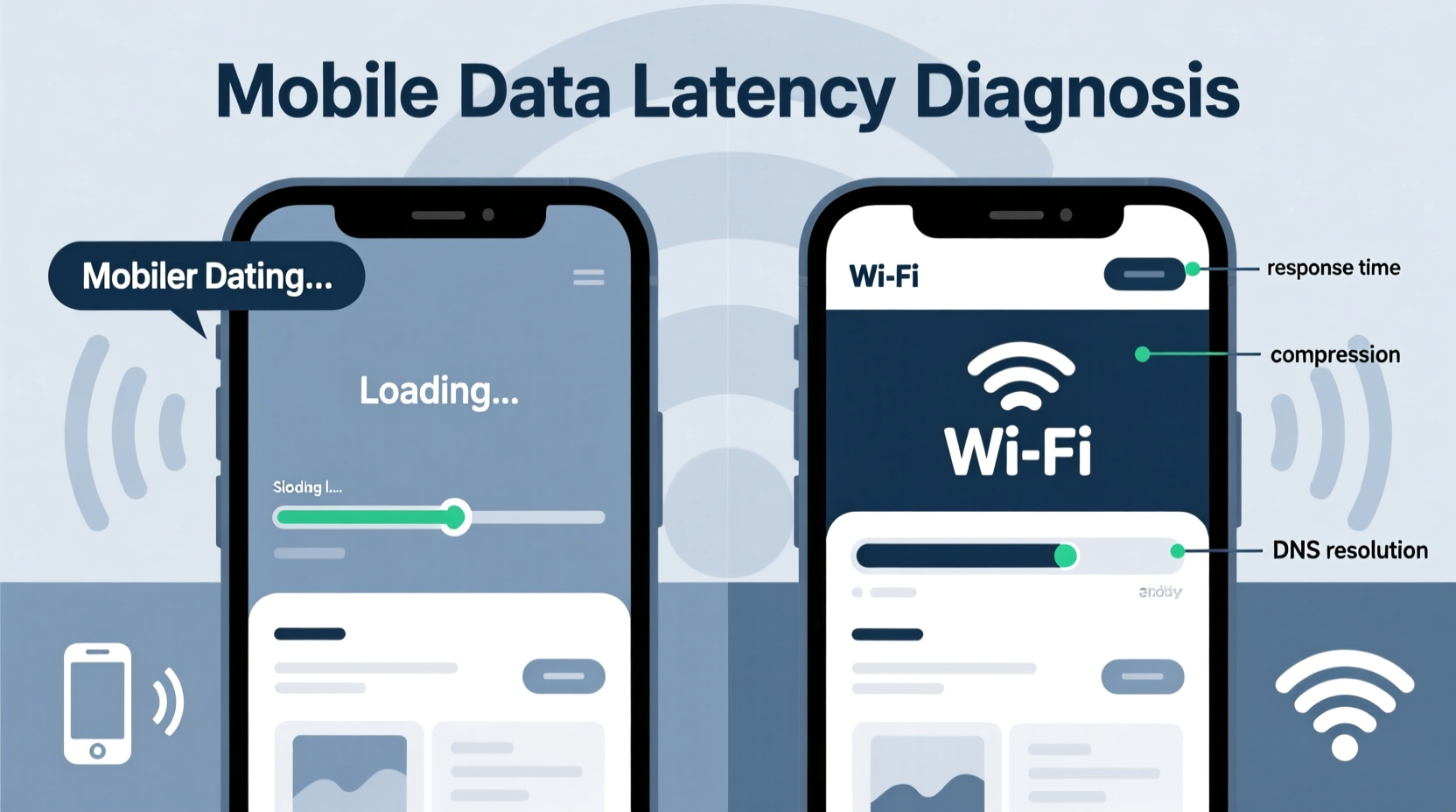
At the most basic level, mobile data and Wi-Fi operate on fundamentally different infrastructures. While both deliver internet access, their performance characteristics vary significantly.
Wi-Fi typically offers higher bandwidth, lower latency, and more stable connections—especially when connected to a strong local router. In contrast, mobile data relies on cellular towers, signal strength, network congestion, and the technology standard (3G, 4G LTE, or 5G) available at your location.
However, even with a solid 4G or 5G connection, some websites still underperform. Why? Because raw speed isn’t the only factor. Latency, packet loss, and throttling play major roles—and they affect complex websites more than simple ones.
Website Design and Resource Intensity
Not all websites are built equally. A site rich in high-resolution images, embedded videos, third-party scripts, and dynamic content will naturally demand more data and processing power. On mobile data, this becomes a bottleneck.
Consider a news website that auto-plays video ads, loads social media widgets, and serves uncompressed hero images. Over Wi-Fi, caching and fast throughput mask inefficiencies. But on mobile data—even with decent signal—each request adds up, increasing load time exponentially.
Moreover, many websites don’t implement responsive asset delivery. They serve the same large desktop-sized images to mobile devices, wasting bandwidth and slowing down rendering. Without adaptive image compression or lazy loading, mobile users pay the price in speed and data usage.
“Over 60% of mobile page weight comes from images. Poor optimization directly impacts load times on constrained networks.” — Tim Kadlec, Web Performance Expert
Carrier Throttling and Traffic Management
One of the most overlooked reasons for slow website loading on mobile data is carrier-imposed throttling. Many mobile providers use traffic shaping techniques to manage network congestion and reduce bandwidth costs.
Throttling can be general (slowing all data after a user hits a monthly cap) or selective (targeting specific types of traffic like video streaming or large downloads). Some carriers also prioritize certain domains or services while deprioritizing others, which may explain why YouTube works fine but a smaller blog lags.
In some cases, carriers compress web traffic through proxy servers to reduce data consumption. While this saves bandwidth, it often degrades content quality and interferes with modern web standards, leading to broken layouts or delayed script execution.
| Factor | Impact on Mobile Data | Impact on Wi-Fi |
|---|---|---|
| Latency | High (30–100ms+) | Low (10–30ms) |
| Bandwidth Variability | Frequent fluctuations due to signal | Generally stable |
| Throttling | Common (especially after data caps) | Rare |
| Packet Loss | Higher in weak signal areas | Minimal |
| TLS/Encryption Overhead | More noticeable due to latency | Negligible |
Diagnosing the Root Cause: A Step-by-Step Guide
If you're experiencing slow website performance exclusively on mobile data, follow this structured approach to identify the source:
- Rule out signal issues: Check your signal bars and try moving to an area with better reception. Use field test mode (available on most smartphones) for precise signal strength readings (RSRP/RSRQ).
- Test multiple websites: Determine if the slowness affects all sites or just specific ones. If only one site is slow, the problem likely lies with the site’s optimization.
- Compare load times: Visit the same page over Wi-Fi and mobile data. Note differences in full load time, time to first byte (TTFB), and interactivity.
- Analyze data usage: Use your phone’s data usage settings to see how much data the problematic site consumes. High usage suggests unoptimized assets.
- Use developer tools: On Android, enable USB debugging and use Chrome DevTools via desktop. On iOS, enable Web Inspector in Safari settings. Monitor network requests, identify large files, and check for failed or delayed resources.
- Check for redirects and third-party scripts: Excessive tracking pixels, ad networks, or social embeds can multiply HTTP requests, each adding delay on high-latency mobile networks.
- Test with ad/content blockers: Install a browser with built-in blocking (e.g., Firefox Focus) to see if performance improves. If it does, third-party content is likely the culprit.
Real-World Example: The Blog That Wouldn’t Load
Jamie, a freelance writer, noticed that her favorite industry blog loaded instantly on Wi-Fi but took over 20 seconds on her 4G connection. Other sites worked fine. Curious, she ran diagnostics.
Using Chrome DevTools, she discovered the blog was loading a 5MB background video autoplaying silently, along with six external analytics scripts and three social media widgets. Total page weight: 8.7MB.
She tested again with an ad blocker—the load time dropped to 4 seconds. Further inspection revealed no responsive images; the same 2000px-wide JPEGs were served to her phone. When she contacted the site owner, they admitted they hadn’t optimized for mobile performance, assuming “everyone uses Wi-Fi now.”
This case illustrates how poor optimization disproportionately affects mobile data users, especially when combined with carrier limitations.
Developer Best Practices for Mobile Data Optimization
For website owners and developers, ensuring performance on mobile data isn’t optional—it’s essential. A significant portion of global users rely solely on cellular networks, particularly in emerging markets.
- Implement responsive images: Use
srcsetandsizesattributes to serve appropriately sized images based on device width. - Enable lazy loading: Delay offscreen images and iframes until they’re about to enter the viewport.
- Minify and compress assets: Reduce CSS, JavaScript, and HTML file sizes. Use Gzip or Brotli compression on the server.
- Leverage browser caching: Set proper cache headers so returning visitors don’t reload everything.
- Limit third-party scripts: Each external tracker or widget introduces additional DNS lookups, TCP handshakes, and potential failures—all costly on mobile data.
- Adopt progressive enhancement: Build core functionality with lightweight HTML, then enhance with JavaScript only when needed.
- Use a CDN: Distribute content globally to reduce latency, especially for users far from origin servers.
“We’ve seen 40% faster load times on 3G-equivalent connections just by removing non-critical third-party scripts.” — Lara Hogan, Author of *Designing for Performance*
Checklist: Optimizing Your Experience on Mobile Data
Whether you're a user or a developer, here’s a practical checklist to address slow website loading on mobile data:
- ✅ Test website speed on both Wi-Fi and mobile data to confirm the issue.
- ✅ Use a network inspector tool to identify large or slow-loading resources.
- ✅ Disable non-essential browser extensions or trackers temporarily.
- ✅ Switch to a lightweight browser (e.g., Microsoft Edge Lite, Opera Mini) that compresses pages.
- ✅ Enable data saver modes on Android or iOS, which restrict background data and preload content.
- ✅ For developers: Audit your site with Lighthouse or WebPageTest using a 3G or 4G throttling profile.
- ✅ Prioritize critical rendering path: inline above-the-fold CSS, defer non-essential JavaScript.
- ✅ Monitor real-user performance with RUM (Real User Monitoring) tools to catch mobile-specific issues.
Frequently Asked Questions
Why does YouTube work fine but other sites don’t on mobile data?
YouTube and similar platforms use advanced optimization: adaptive bitrate streaming, edge caching, and efficient codecs. They’re engineered for variable network conditions. Most standard websites lack this level of infrastructure and optimization.
Can my phone model affect website loading speed on mobile data?
Yes. Older phones may have slower modems, less RAM for handling multiple requests, or outdated browsers that don’t support modern performance features like HTTP/2 or efficient JavaScript engines. However, network and website factors usually dominate.
Is 5G immune to these slowdowns?
No. While 5G offers faster speeds and lower latency, it doesn’t eliminate poor website design or carrier throttling. A bloated, unoptimized site will still perform poorly—even on 5G—due to excessive resource loading and render-blocking scripts.
Conclusion: Taking Control of Mobile Web Performance
The disparity in website loading speed between Wi-Fi and mobile data is not random—it’s the result of layered technical and operational factors. From carrier policies to website bloat, each element contributes to the final user experience.
Users can take steps to mitigate the issue: choosing efficient browsers, monitoring data usage, and diagnosing problems with available tools. But long-term improvement depends on developers prioritizing performance, especially for users on constrained networks.
As mobile data becomes the primary internet gateway for billions worldwide, optimizing for real-world conditions isn’t just good practice—it’s a necessity. Whether you’re building websites or simply browsing them, understanding the “why” behind slow loads empowers you to make smarter choices.




 浙公网安备
33010002000092号
浙公网安备
33010002000092号 浙B2-20120091-4
Comments
No comments yet. Why don't you start the discussion?