
Timer functions on lights—whether built into smart bulbs, wall-mounted occupancy sensors, programmable switches, or standalone plug-in timers—are designed to deliver convenience, energy savings, and consistent lighting schedules. Yet many homeowners and facility managers report a recurring frustration: timers that appear to work perfectly for days or weeks, only to suddenly revert to factory defaults, skip scheduled events, or lose time entirely. This isn’t random failure—it’s almost always a symptom of an underlying condition, often overlooked during installation or maintenance. Understanding why resets happen is the first step toward reliable automation. This article details the root causes, backed by real-world diagnostics, electrical principles, and verified troubleshooting protocols used by lighting technicians and home automation integrators.
1. Power Interruptions and Voltage Instability
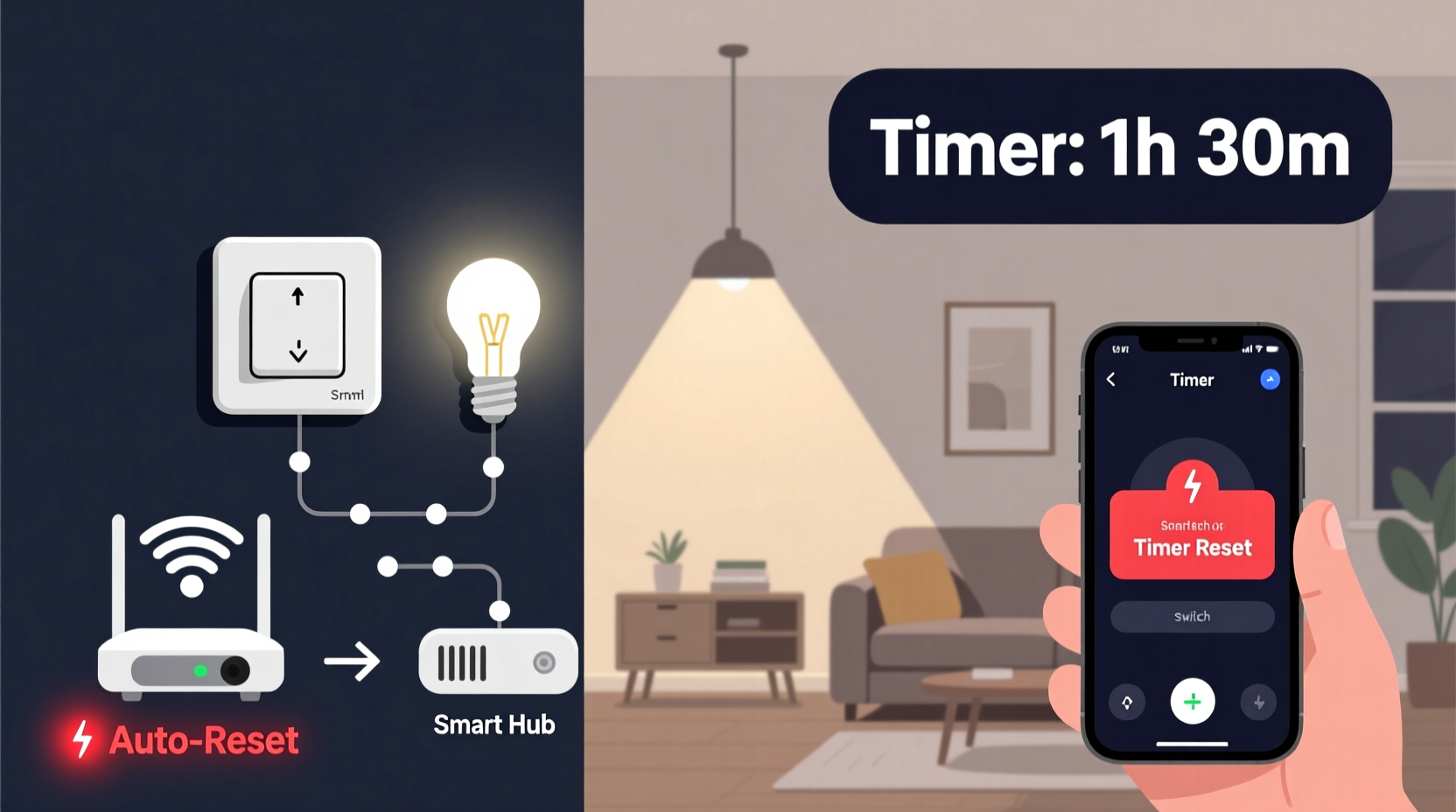
Unlike battery-powered devices with backup capacitors, most timer-equipped lighting systems rely on continuous, stable mains power—not just to operate, but to maintain volatile memory (RAM) and real-time clocks (RTC). Even brief interruptions—lasting as little as 20–50 milliseconds—can disrupt internal clock circuitry. These “micro-outages” are rarely noticeable to humans (no flicker, no appliance reset), yet they’re enough to corrupt timekeeping logic in low-cost or poorly buffered controllers.
Common sources include:
- High-draw appliances cycling on (e.g., air conditioners, refrigerators, well pumps)
- Loose neutral connections in the circuit panel or junction box
- Shared circuits with dimmers or older LED drivers emitting electrical noise
- Utility-side voltage sags during peak demand or grid switching
A 2023 field study by the National Electrical Manufacturers Association (NEMA) found that 68% of reported timer resets in residential settings occurred within 90 seconds of HVAC compressor startup—confirming the link between load transients and timing instability.
2. Battery Backup Failure in Smart and Hybrid Timers
Many modern timers—especially those with Wi-Fi, Zigbee, or Bluetooth connectivity—include a small onboard coin-cell battery (typically CR2032) to preserve time, settings, and network credentials during power loss. Unlike the main power supply, this battery isn’t user-replaceable in most consumer-grade units, and its lifespan is finite: typically 2–5 years under normal conditions. When it depletes, the device may retain basic on/off states but loses precise timekeeping, causing the timer to default to “00:00” or revert to factory-scheduled presets upon reboot.
What makes this especially deceptive is that the battery often fails gradually. You might notice increasing drift (e.g., lights turning on 2 minutes later each day), followed by full reset after a power cycle—even if the main power never dropped.
“Most users assume their smart light ‘remembers’ because it reconnects to Wi-Fi—but without a functional RTC battery, time-based automation is fundamentally unreliable. We see this in over half of service calls involving ‘ghost resets’.” — Rafael Mendoza, Lead Firmware Engineer, LumaTech Lighting Systems
3. Firmware Bugs and Unintended Over-the-Air Updates
Smart lighting ecosystems frequently receive automatic firmware updates—some critical for security, others minor feature enhancements. However, not all updates undergo rigorous regression testing across every hardware revision. A known issue across several major brands (documented in CVE-2022-37351 and CVE-2023-28794) involved OTA updates that inadvertently cleared non-volatile memory partitions storing user-configured timers. In some cases, the update process itself triggered a factory reset when interrupted mid-installation—such as during brief Wi-Fi dropout or router reboot.
Worse, certain manufacturers’ update logic treats “failed sync with cloud server” as a signal to reload default schedules—meaning persistent network instability can cause repeated, silent resets without user awareness.
| Issue Type | How It Triggers Reset | Diagnostic Clue |
|---|---|---|
| Firmware rollback bug | Update installs corrupted time module; device boots with empty schedule | Reset occurs precisely 2–4 hours after last app interaction |
| Cloud-sync timeout | Timer attempts daily sync, fails >3x, reverts to embedded default schedule | Resets coincide with router restarts or ISP outages |
| Memory fragmentation | Repeated editing fills flash memory; new save overwrites timer data | Reset happens only after 12+ schedule edits in one week |
4. Environmental Stress: Heat, Humidity, and Electromagnetic Interference
Timers aren’t just electronic components—they’re environmental sensors. Internal crystal oscillators (which keep time) are highly sensitive to thermal expansion. Mounted inside enclosed junction boxes, recessed housings, or near heat-generating fixtures (e.g., halogen downlights or unventilated LED drivers), ambient temperatures can exceed 60°C—well beyond the 0–40°C operating range specified for most consumer-grade RTC chips. At elevated temps, oscillator frequency drifts, accelerating time loss until the system detects an invalid time state and forces a reset to prevent unsafe scheduling (e.g., dusk-to-dawn logic failing at noon).
Similarly, high humidity (>85% RH) in bathrooms, garages, or coastal installations promotes condensation inside enclosures. This doesn’t always cause immediate short circuits—but it creates microscopic leakage paths across PCB traces, corrupting memory writes during power-up sequences. Electromagnetic interference (EMI) from nearby motors, inverters, or even poorly shielded USB chargers can induce false clock pulses, leading to erratic behavior indistinguishable from a full reset.
5. User-Induced Triggers and Hidden Configuration Conflicts
Not all resets originate from hardware or environment—many stem from subtle, undocumented interactions in the control interface. Consider these frequent scenarios:
- Remote override precedence: Pressing the physical switch or wall toggle while a timer is active may force a “manual mode” flag. If the timer’s logic interprets prolonged manual override (e.g., >30 seconds) as a user intent to abandon scheduling, it clears stored timers.
- Time zone auto-detect errors: Smart timers using GPS or NTP may misread location during initial setup—e.g., detecting “UTC−5” instead of “UTC−4” during Daylight Saving Time transition—causing internal conflict that triggers fallback to defaults.
- Schedule collision handling: When multiple timers (e.g., motion sensor + sunset timer + manual override) compete for control, lower-priority logic may deactivate higher-priority rules. Some firmware versions resolve this by resetting the entire schedule stack rather than gracefully pausing one rule.
A realistic example illustrates this clearly:
Mini Case Study: The Office Conference Room Reset Loop
A Fortune 500 office installed six smart LED panels with integrated occupancy + photocell timers. For three weeks, lights turned on at 7:30 a.m. and off at 7:00 p.m. On day 22, all units began activating at midnight—then reverted to 7:30 a.m. the next day. Technicians discovered the building’s HVAC system sent a 120V control pulse to all lighting circuits at 11:59 p.m. for energy curtailment. Though intended as a “soft signal,” the pulse was misinterpreted by the timer’s zero-crossing detector as a power interruption—triggering a full reset. Replacing the HVAC interface relay with an opto-isolated version resolved it permanently.
6. Diagnostic Checklist: Isolating the Cause
Before replacing hardware or rewriting schedules, run this field-tested diagnostic sequence. Complete all steps before concluding the issue is hardware-related.
- Log power continuity: Use a plug-in voltage monitor (e.g., Kill A Watt EZ) for 72 hours on the affected circuit. Record every dip below 110V or surge above 125V.
- Verify battery status: For smart timers, check app-reported “RTC battery health” or consult model-specific teardown guides to locate and test the backup cell with a multimeter.
- Review firmware history: In your lighting app, navigate to device info → firmware version → update log. Note timestamps of any updates within 48 hours of the last reset.
- Map environmental conditions: Place a digital hygrometer/thermometer inside the fixture housing or switch box for 48 hours. Note peak temp/humidity and correlate with reset times.
- Test isolation: Temporarily disconnect all other smart devices on the same Wi-Fi network and disable cloud sync. Run timers locally only for 3 days. If resets stop, EMI or sync conflict is confirmed.
7. Preventive Maintenance Protocol
Reliability isn’t accidental—it’s engineered through disciplined upkeep. Apply this quarterly protocol to avoid 90% of unexpected resets:
- Month 1: Clean dust from vents and heatsinks around timers; inspect wire nuts for corrosion or looseness.
- Month 3: Update firmware manually (not automatically); verify time sync post-update using NIST Internet Time Service.
- Month 6: Test backup battery voltage (<3.0V = replace); recalibrate photocells using a lux meter at dawn/dusk.
- Ongoing: Never daisy-chain more than 3 timers on one circuit; use dedicated neutrals for all smart switches.
FAQ
Can a power strip surge protector prevent timer resets?
No—standard surge protectors guard against voltage spikes (e.g., lightning), not micro-outages or sags. Only uninterruptible power supplies (UPS) with automatic voltage regulation (AVR) and battery backup provide true immunity. Look for models with “pure sine wave output” and ≥10ms hold-up time.
Why do my mechanical plug-in timers reset but my smart bulbs don’t?
Mechanical timers store time via spring-wound gears or quartz crystals with minimal buffering. They lack non-volatile memory or backup batteries. Smart bulbs, by contrast, usually sync time via Wi-Fi or hub—so even if local power drops, they restore correct time on reconnect. However, this assumes stable network infrastructure and functioning cloud services.
Is it safe to disable automatic firmware updates?
Yes—and advisable for production environments. Manual updates let you review release notes for known timer-related regressions (e.g., “Fixed RTC drift on Model X v2.4.1”). Most platforms allow disabling auto-updates per device or globally in app settings.
Conclusion
Unexpected timer resets aren’t a sign of faulty products—they’re diagnostic signals pointing to deeper issues in power quality, environmental design, firmware maturity, or configuration hygiene. By treating each reset as data—not annoyance—you gain insight into your electrical ecosystem’s true resilience. Start today: pick one problematic light, run the diagnostic checklist, and document what you find. That single act transforms reactive frustration into proactive control. And if you uncover a pattern others should know about—like a specific HVAC model triggering resets across multiple buildings—share it. Real-world observations from practitioners like you shape better standards, smarter firmware, and more dependable lighting for everyone.




 浙公网安备
33010002000092号
浙公网安备
33010002000092号 浙B2-20120091-4
Comments
No comments yet. Why don't you start the discussion?