
It’s the moment you’ve been grinding for hours: the epic music swells, the screen darkens, and the final boss emerges. You’re ready—until your game freezes, crashes, or sends you back to the desktop. This pattern isn’t just bad luck. Many players report that games tend to crash specifically during boss fights, leading to frustration and suspicion. Is it a flaw in your PC? A bug in the code? Or something more nuanced?
The truth is, boss fight crashes are rarely random. They often stem from a convergence of performance demands and underlying system limitations. While it might feel like the universe is conspiring against your victory, the cause usually lies in either hardware stress, software inefficiency, or a combination of both. Understanding why these moments trigger instability can help you fix the root problem—not just retry the fight.
Why Boss Fights Are Performance Hotspots
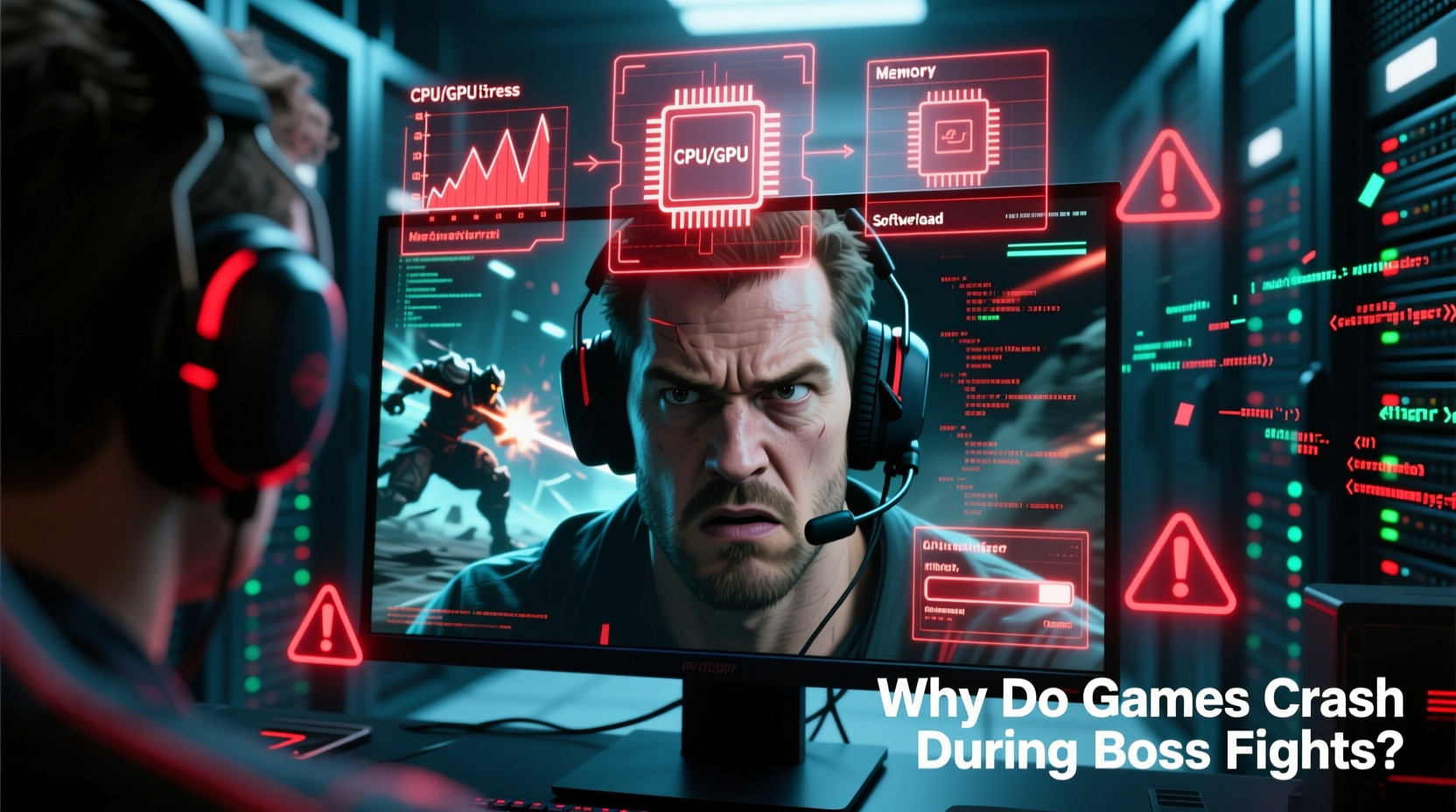
Boss encounters are among the most complex scenes in any game. Unlike regular gameplay, they involve multiple high-intensity systems running simultaneously:
- Advanced AI routines: Bosses use sophisticated behavior trees, pathfinding, and reaction logic.
- Heavy visual effects: Explosions, particle systems, dynamic lighting, and screen shakes increase GPU load.
- Complex animations: High-poly models with real-time physics (e.g., cloth, hair, destruction) tax both CPU and GPU.
- Audio layering: Orchestral scores, voice lines, and environmental sound cues spike memory usage.
- Scripted events: Cutscenes, camera movements, and triggers run in parallel with gameplay.
When all these elements converge, the system must process significantly more data per frame than during standard gameplay. This sudden spike can expose weaknesses in either hardware capability or software optimization.
Hardware Limitations That Trigger Crashes
Your gaming rig may handle exploration and combat smoothly—until a boss fight pushes it beyond its limits. Here are common hardware-related causes:
Thermal Throttling and Overheating
Extended gameplay heats up your CPU and GPU. During boss fights, when utilization jumps to 95–100%, temperatures can spike rapidly. If cooling is inadequate, components may throttle performance or shut down entirely to prevent damage.
For example, a GPU running at 82°C during normal play might hit 95°C+ during a boss encounter, triggering thermal protection and a sudden crash.
Insufficient RAM or VRAM
Boss fights often load additional assets into memory: new textures, animation sequences, and audio files. If your system runs out of available RAM or VRAM, the game may fail to allocate memory, resulting in a crash.
This is especially common on systems with 8GB of RAM or GPUs with 4GB or less VRAM. Even if the game runs fine elsewhere, the added memory pressure during boss phases can be the breaking point.
Power Supply Instability
A weak or aging power supply unit (PSU) may struggle to deliver consistent wattage during peak loads. When a boss fight demands maximum GPU and CPU power, voltage drops can occur, leading to system resets or black screens.
“Many so-called ‘random’ crashes during intense gameplay are actually power delivery failures. It’s not the game—it’s the PSU failing under load.” — David Lin, Hardware Engineer at PC Dynamics Lab
Software and Optimization Issues
Even on high-end systems, poorly optimized games can crash due to software flaws. Developers sometimes prioritize visual fidelity over stability, assuming players have top-tier hardware.
Poor Memory Management
Some games fail to release unused memory after loading assets. This “memory leak” accumulates over time. By the time you reach a boss fight—often late in a play session—the game may consume more memory than is available.
This is particularly common in open-world titles where background systems continue running even during scripted events.
Bug-Prone Scripting
Boss fights rely on complex scripts that coordinate AI, animations, effects, and triggers. A single unhandled exception—like a missing asset reference or a race condition—can cause the entire process to terminate.
These bugs are often hard to catch during testing because they depend on specific player actions or timing. What works in QA may fail unpredictably in real-world conditions.
Inadequate Driver Support
Graphics drivers play a critical role in translating game code into hardware instructions. Outdated, buggy, or incompatible drivers can misinterpret rendering commands during complex scenes, leading to crashes or driver timeouts (e.g., “Display driver stopped responding and has recovered”).
How to Diagnose the Real Cause
Determining whether a crash is hardware- or software-related requires systematic troubleshooting. Follow this step-by-step approach:
- Check crash timing: Does the crash happen at the same point every time? Consistency suggests a software bug. Random timing may point to hardware instability.
- Monitor system temps: Use HWMonitor or Core Temp to log CPU and GPU temperatures. Sustained temps above 90°C indicate overheating risks.
- Review crash logs: Windows Event Viewer (under Windows Logs > Application) often shows the failing module (e.g., “nvlddmkm” for NVIDIA driver crashes).
- Test on lower settings: Reduce graphics quality, especially shadows and particle effects. If crashes stop, the issue is likely performance-related.
- Run stress tests: Tools like FurMark (GPU) and Prime95 (CPU) can reveal hardware instability under load.
- Update everything: Ensure your OS, drivers, and game are fully patched. Many crashes are fixed in updates.
Mini Case Study: Elden Ring Boss Crashes on PS4
In early 2022, thousands of PlayStation 4 players reported frequent crashes during encounters with Malenia, Blade of Miquella. The fight features rapid motion, water physics, particle-heavy abilities, and complex AI—all pushing the aging console to its limit.
Players initially blamed software bugs, but analysis revealed a different story. Digital Foundry found that the scene caused sustained 99% GPU utilization and memory bandwidth saturation. On older PS4 models with degraded thermal paste, temperatures spiked within minutes, leading to automatic shutdowns.
Solutions included cleaning the console, reapplying thermal paste, and using external cooling. Interestingly, the same fight ran more stably on PS5 and PC, confirming the issue was hardware-limited performance, not a coding error.
Prevention Checklist: Avoid Boss Fight Crashes
Use this checklist to minimize crash risk before entering high-stakes battles:
- ✅ Clean dust from fans and vents weekly
- ✅ Update GPU drivers before launching new games
- ✅ Lower particle effects and shadow quality in settings
- ✅ Restart your system before long play sessions
- ✅ Monitor temperatures during gameplay
- ✅ Install games on SSDs to reduce loading hitches
- ✅ Close background apps (Discord, browsers, etc.)
- ✅ Check for game patches and community hotfixes
Hardware vs. Software: A Comparative Overview
| Factor | Hardware Issue Indicators | Software Issue Indicators |
|---|---|---|
| Crash Timing | Occurs under high load (boss fights, cutscenes) | Occurs at same point regardless of system |
| Temperature | High CPU/GPU temps (>90°C) | Normal temps during crash |
| System Specs | Below recommended requirements | Meets or exceeds specs |
| Crash Logs | Driver timeout, thermal event | Access violation, memory allocation failed |
| Fix Method | Cooling upgrade, hardware replacement | Patch, mod, settings change |
Frequently Asked Questions
Can overclocking cause boss fight crashes?
Yes. Overclocked CPUs or GPUs may become unstable under sustained load. A boss fight’s prolonged high utilization can trigger crashes that don’t occur during lighter gameplay. If you’ve overclocked, revert to stock speeds to test stability.
Why does my game crash only on the final phase of a boss?
Many bosses introduce new mechanics, forms, or environments in later phases. These transitions often load additional assets and scripts simultaneously, creating a temporary performance spike. If your system is near its limit, this surge can exceed capacity and cause a crash.
Do mods increase crash risk during boss fights?
Often, yes. Mods can add high-resolution textures, new animations, or expanded AI behaviors—exactly the kind of load that stresses systems during already-intensive encounters. Poorly coded mods may also conflict with core game scripts, increasing crash likelihood.
Final Steps: Stabilize Your System for Victory
Boss fight crashes aren’t inevitable. Whether the culprit is a dusty heatsink or an unpatched engine bug, most issues are diagnosable and fixable. Start by ruling out hardware problems—clean your system, monitor temperatures, and verify power stability. Then address software factors: update drivers, adjust settings, and check for patches.
If crashes persist, consider community fixes. Many games have fan-made patches or configuration tweaks that improve stability during high-load scenes. For example, some PC players of *Sekiro: Shadows Die Twice* use INI file edits to cap frame rates and reduce background strain during Isshin fights.
Remember: the goal isn’t just to beat the boss. It’s to do it without your technology betraying you at the climax. With the right preparation, you can turn frustrating crashes into satisfying victories.




 浙公网安备
33010002000092号
浙公网安备
33010002000092号 浙B2-20120091-4
Comments
No comments yet. Why don't you start the discussion?