
Bluetooth technology has revolutionized the way we listen to music, take calls, and interact with voice assistants. But many users have noticed a frustrating side effect: when the microphone is in use—whether during a phone call, voice chat, or voice command—the audio quality of their headphones suddenly degrades. Music becomes muffled, voices sound thin, and bass disappears. This isn’t random; it’s a direct consequence of how Bluetooth manages data transmission under dual-use conditions. Understanding the root causes helps demystify the issue and reveals practical ways to minimize or avoid the drop in fidelity.
The Role of Bluetooth Codecs and Bandwidth Limits
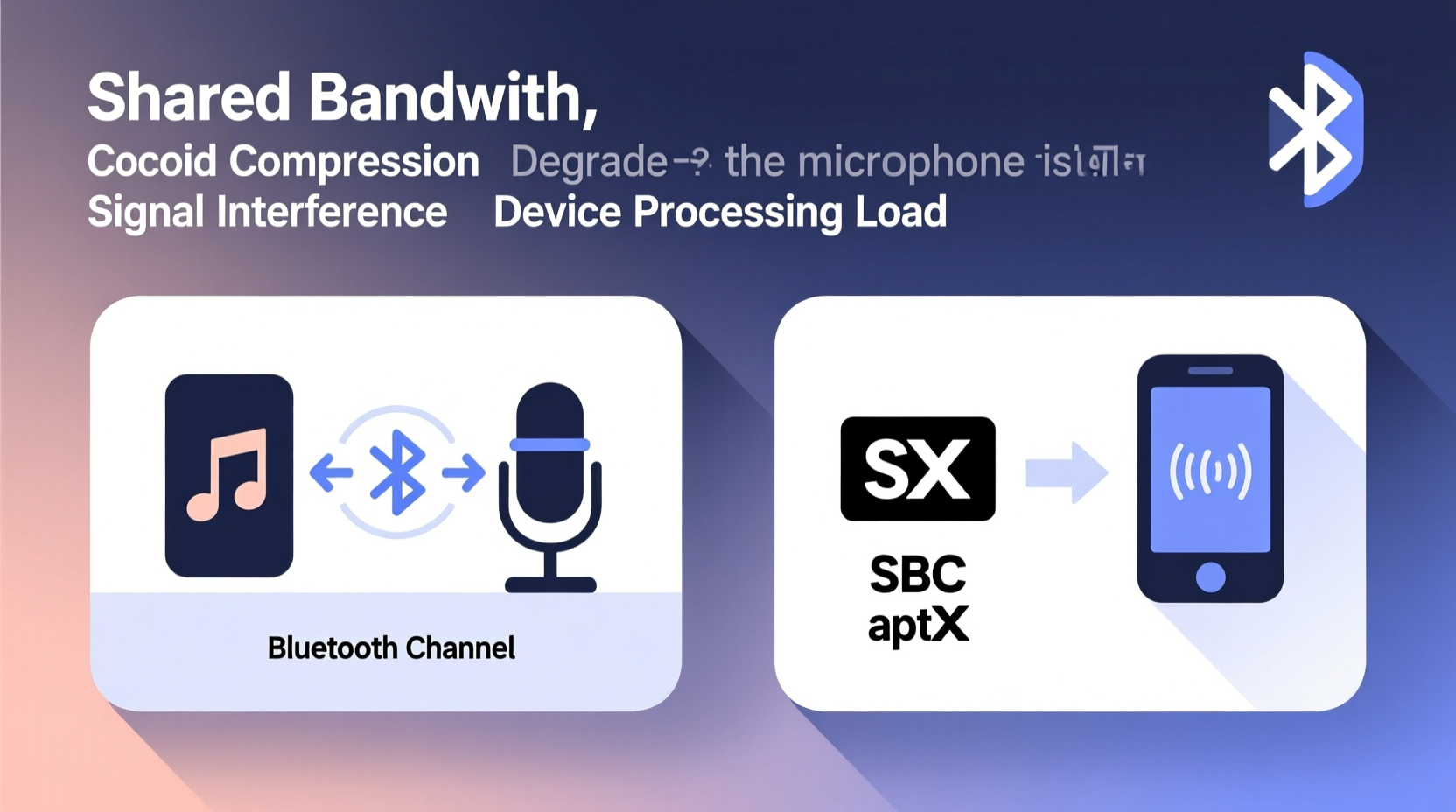
Bluetooth operates on limited bandwidth compared to wired connections or Wi-Fi. To transmit both high-quality audio and microphone input simultaneously, the system must compress data efficiently. The key lies in the codecs—compression-decompression algorithms—that determine how audio is encoded before transmission and decoded upon receipt.
Common Bluetooth codecs include:
- SBC (Subband Coding): The default codec for all Bluetooth devices. It's widely compatible but offers low to moderate audio quality, especially under load.
- AAC (Advanced Audio Coding): Used primarily by Apple devices. Offers better sound than SBC but still constrained by Bluetooth’s bandwidth limits.
- aptX and aptX HD: Developed by Qualcomm, these provide higher bitrates and better clarity, though they require compatible hardware.
- LDAC: Sony’s high-resolution codec that can transmit up to 990 kbps, significantly improving audio quality—but only when not sharing bandwidth with the microphone.
When the microphone is inactive, your device typically uses the best available codec for playback. But as soon as the mic is engaged, the Bluetooth profile switches from A2DP (Advanced Audio Distribution Profile), designed for high-quality stereo output, to HSP (Headset Profile) or HFP (Hands-Free Profile), which support two-way communication but at much lower bandwidths.
“Switching to HFP forces even high-end headphones into narrowband voice mode, sacrificing music-grade audio for functional voice clarity.” — Dr. Rajiv Mehta, Wireless Audio Systems Engineer
How Microphone Activation Triggers Audio Downgrade
The moment you start speaking into your Bluetooth headset—during a Zoom meeting, WhatsApp call, or Siri/Google Assistant query—the connection must handle bidirectional audio streams:
- Downlink: Audio from your device to your headphones (e.g., game sounds, music).
- Uplink: Your voice captured by the microphone and sent back to the device.
Because Bluetooth uses a single radio channel, managing both streams requires time-sharing and compression. HSP and HFP are optimized for telephony, not music. They cap the sampling rate at 8–16 kHz (compared to 44.1 kHz for CD-quality audio) and limit bandwidth to around 64 kbps—barely enough for intelligible speech.
This shift means even if your headphones support LDAC or aptX, they cannot maintain those standards while transmitting microphone data. The system defaults to SBC or CVSD (Continuous Variable Slope Delta Modulation), resulting in noticeable loss of richness, depth, and spatial detail.
Bluetooth Profiles and Their Impact on Sound Quality
Different Bluetooth profiles dictate what kind of data can be transmitted and how. The switch between them is automatic and often invisible to users, but it directly affects performance.
| Profile | Purpose | Max Bitrate | Audio Quality | Microphone Support |
|---|---|---|---|---|
| A2DP | Stereo audio playback | Up to 328 kbps (LDAC) | High (music-grade) | No |
| HSP | Bidirectional mono voice | 64 kbps | Low (voice-only) | Yes |
| HFP | Enhanced hands-free calling | 64–256 kbps (with wideband speech) | Moderate (clear speech) | Yes |
| AVRCP | Remote control (play/pause) | N/A | No audio | No |
Most Bluetooth headsets operate in A2DP mode when playing media. However, any application that accesses the microphone—even briefly—forces a fallback to HSP/HFP. Once downgraded, some devices fail to revert promptly to A2DP, leaving users stuck with poor audio long after the mic is no longer needed.
Real-World Example: Gaming with Voice Chat
Consider a mobile gamer using wireless earbuds to play an online multiplayer game. Background music and environmental effects stream in high quality via A2DP. When the player presses a button to speak to teammates, the system activates HFP to send voice data. Instantly, the game audio becomes compressed and flat. Even after releasing the push-to-talk button, the audio may remain degraded for several seconds—or until the app fully releases the microphone resource.
This delay disrupts immersion and diminishes the listening experience. Gamers report missing subtle cues like footsteps or directional gunfire due to reduced dynamic range and frequency response.
Hardware and Software Limitations Across Devices
Not all Bluetooth implementations are equal. Differences in chipset design, firmware optimization, and operating system behavior contribute to inconsistent experiences.
For example:
- iOS devices tend to hold onto HFP longer than necessary after Siri interactions, prolonging audio degradation.
- Android phones vary widely depending on manufacturer; some support concurrent A2DP and HFP (via Bluetooth LE Audio or proprietary extensions), while others strictly enforce profile switching.
- Cheap Bluetooth adapters or older laptops may lack support for wideband speech (mSBC), forcing even basic calls into narrowband mode (CVSD), which sounds tinny and lacks clarity.
Additionally, dual-device setups (e.g., connecting headphones to both a phone and laptop) increase complexity. Only one device can typically act as the active audio source, and microphone requests from either endpoint can trigger downgrades unpredictably.
Checklist: Minimizing Bluetooth Audio Quality Drops
To maintain the best possible sound when using your microphone, follow this actionable checklist:
- ✅ Use wired headphones for critical audio tasks requiring microphone access.
- ✅ Choose headsets that support Bluetooth LE Audio and LC3 codec, which allows better coexistence of audio and mic streams.
- ✅ Avoid using voice assistants unnecessarily; type commands instead when audio quality matters.
- ✅ Close background apps that might access the microphone without notification (e.g., dictation tools).
- ✅ Restart your Bluetooth connection after heavy mic usage to force a re-negotiation of the audio profile.
- ✅ Update firmware on your headphones and host device to ensure optimal profile management.
Emerging Solutions: Bluetooth LE Audio and UC-Logic
The future of Bluetooth audio is evolving beyond these limitations. With the introduction of Bluetooth LE Audio and the LC3 codec, new possibilities are emerging for maintaining high-quality audio even during microphone use.
Unlike classic Bluetooth, LE Audio separates audio streams more efficiently and supports asymmetric operation—meaning a headset can receive high-bitrate stereo audio while sending low-bitrate uplink voice without forcing a full profile downgrade.
One key advancement is UC-Logic (Universal Communication Logic), introduced in recent Bluetooth specifications. It enables consistent, high-quality voice communication across platforms by standardizing wideband and fullband audio for calls and voice chats. Devices supporting UC-Logic can maintain 16–32 kHz sampling on both uplink and downlink, preserving tonal balance and naturalness.
However, adoption remains limited. As of 2024, only select flagship models from Samsung, Apple, and Sony offer partial LE Audio support. Full ecosystem maturity will likely take another 2–3 years.
Frequently Asked Questions
Does turning off the microphone instantly restore audio quality?
Not always. While the microphone signal stops immediately, some devices take several seconds to renegotiate and re-establish the A2DP profile. During this transition period, audio may remain compressed. Restarting playback or disconnecting and reconnecting the Bluetooth device often speeds up recovery.
Can I prevent audio quality loss during phone calls?
You can't eliminate it entirely with current mainstream Bluetooth tech, but you can reduce its impact. Use headsets with good noise isolation so you don’t need to raise volume. Consider switching to a USB-C or 3.5mm headset for important calls where audio fidelity is crucial. Alternatively, use speakerphone in quiet environments to keep your Bluetooth headphones in A2DP mode.
Why do some Bluetooth earbuds handle mic use better than others?
Higher-end models often include better digital signal processors (DSPs), advanced firmware logic, and support for multiple concurrent profiles. For instance, certain Jabra or Bose models implement “smart switching” that minimizes downtime in high-quality mode. Additionally, brands investing in Bluetooth SIG certifications are more likely to adhere to updated standards like mSBC or LC3.
Step-by-Step Guide to Optimizing Your Setup
If you're struggling with persistent audio drops, follow this sequence to diagnose and improve your experience:
- Test with different devices: Pair your headphones with another phone or tablet to see if the issue persists. If not, the problem lies with the original device’s Bluetooth stack.
- Disable auto-mic features: Turn off “Hey Siri,” “OK Google,” or similar wake words to prevent unintended mic activation.
- Forget and re-pair: Remove the headset from Bluetooth settings and pair again. This forces a fresh profile negotiation.
- Check for firmware updates: Visit the manufacturer’s app (e.g., Sony Headphones Connect, Samsung Wearable) to update your earbuds’ firmware.
- Use alternative input methods: When possible, type rather than speak, or use a separate dedicated microphone (like a desktop mic) to keep your headphones in playback-only mode.
- Monitor app permissions: On Android/iOS, restrict microphone access for non-essential apps to prevent background interference.
Conclusion: Taking Control of Your Audio Experience
The drop in Bluetooth audio quality during microphone use is not a flaw—it’s a trade-off inherent in current wireless technology. Bandwidth constraints, legacy protocols, and automatic profile switching prioritize functionality over fidelity. But awareness empowers change. By understanding the mechanisms behind the downgrade, choosing compatible hardware, and applying smart usage habits, you can significantly reduce its impact.
As Bluetooth LE Audio gains traction, we’re moving toward a future where high-quality audio and clear voice communication coexist seamlessly. Until then, small adjustments make a big difference. Optimize your setup, stay informed about firmware updates, and advocate for better standards. Your ears deserve clarity—wireless shouldn’t mean compromised.




 浙公网安备
33010002000092号
浙公网安备
33010002000092号 浙B2-20120091-4
Comments
No comments yet. Why don't you start the discussion?