
When summer heat rolls in, the last thing you want is a non-responsive air conditioner remote. You press buttons, but nothing happens—the fan doesn’t start, the temperature stays unchanged, and cool relief remains out of reach. Before calling for service or assuming the entire unit is faulty, it’s worth understanding that most remote issues stem from simple, fixable problems. In fact, over 90% of unresponsive AC remotes are due to user-side issues rather than system failure. This guide walks through the most common reasons your AC remote might not be working and provides practical, step-by-step solutions you can implement immediately.
Common Causes of a Non-Responsive AC Remote
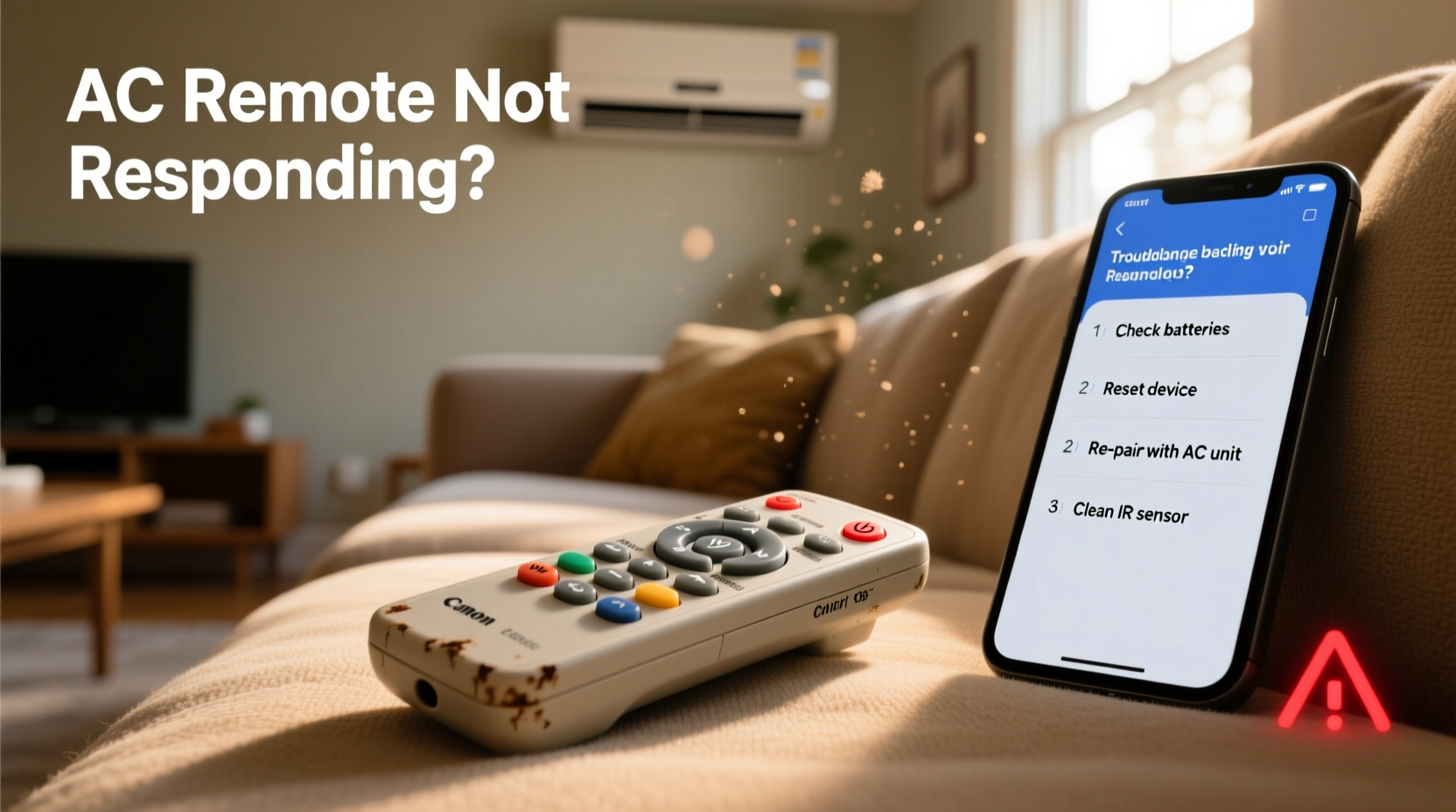
An AC remote acts as the primary interface between you and your cooling system. When it stops responding, the disruption affects comfort and efficiency. Understanding root causes helps you diagnose and resolve the issue faster. The most frequent culprits include:
- Dead or weak batteries – The leading cause of remote failure.
- Dirt or corrosion on battery contacts – Prevents proper power flow.
- Signal interference – Obstructions or electronic noise blocking infrared transmission.
- Remote misalignment – Pointing inaccurately at the indoor unit’s receiver.
- Unit power issues – Tripped circuit breakers or unplugged units.
- Software glitches or lock modes – Accidental activation of child lock or mode freeze.
- Physical damage – Drops, spills, or worn-out buttons.
Before assuming hardware failure, systematically rule out these everyday factors. Most problems can be resolved in under 15 minutes with basic tools and attention to detail.
Step-by-Step Troubleshooting Guide
Follow this logical sequence to identify and fix the problem efficiently. Start with the simplest checks and progress to more involved diagnostics.
- Check the batteries – Replace them even if they seem functional. Old batteries may show voltage but fail under load.
- Inspect battery terminals – Look for corrosion (white/green crust) or bent contacts. Clean gently with a cotton swab dipped in vinegar.
- Verify remote alignment – Stand directly in front of the indoor unit, within 20 feet, and point the remote straight at the sensor panel.
- Test the IR signal – Use your smartphone camera: aim the remote at the lens and press any button. If you see a faint purple glow, the emitter is working.
- Reset the AC unit – Turn off the power at the circuit breaker for 2–3 minutes, then restore it. This clears temporary software locks.
- Check for lock mode – Look for a \"LOCK\" icon on the remote display. Press and hold the \"Lock\" or \"Mode\" button for 3–5 seconds to disable.
- Clean the remote – Use compressed air to blow debris from under buttons. Wipe exterior with a dry microfiber cloth.
This process covers over 85% of remote response failures. If the unit still doesn’t react after completing all steps, move to deeper diagnostics.
Do’s and Don’ts When Fixing Your AC Remote
| Do | Don’t |
|---|---|
| Use high-quality alkaline batteries (e.g., Duracell or Energizer) | Reuse old batteries across devices |
| Store the remote away from humidity and direct sunlight | Leave it near sinks, showers, or windowsills |
| Press buttons firmly but gently | Slam or over-press keys, which damages internal membranes |
| Wipe the remote monthly with a dry cloth | Use water, alcohol, or cleaning sprays directly on the device |
| Keep spare batteries on hand | Wait until the remote dies completely before replacing batteries |
Maintaining good habits extends remote lifespan and prevents avoidable malfunctions. A well-cared-for remote can last five years or more, even with daily use.
Real-World Example: Resolving a Silent Remote in a Rental Unit
In Miami, tenant Maria returned home after work to find her bedroom AC unresponsive. The unit was running, but adjusting temperature via remote had no effect. She replaced the batteries—no change. Frustrated, she called maintenance, but instead of waiting, she decided to troubleshoot herself.
Maria checked online and learned about the smartphone camera trick. When she pointed her phone at the remote’s front while pressing buttons, no light appeared. That confirmed the IR emitter wasn’t functioning. She opened the battery compartment again and noticed one contact spring was slightly bent. Using tweezers, she straightened it, reinserted fresh batteries, and tested again. This time, the purple flicker showed on her screen—and the AC responded instantly.
The repair took less than ten minutes and avoided a $75 service call. Her landlord later praised her initiative and shared the tip with other tenants. This case illustrates how a minor mechanical fault—not a complex electronic issue—often causes remote failure.
“Most AC remote issues aren’t technical—they’re tactile. A tiny gap in contact, a speck of dust, or a misaligned spring stops communication. Precision matters more than electronics knowledge.” — Rajiv Mehta, HVAC Technician with 18 years of field experience
Quick Fixes Checklist
Keep this checklist handy for fast resolution during peak cooling season:
- ✅ Replace batteries with new, name-brand ones
- ✅ Clean battery terminals with vinegar and a cotton swab
- ✅ Ensure correct remote orientation when aiming at the unit
- ✅ Use smartphone camera to verify IR signal output
- ✅ Power cycle the AC unit via circuit breaker
- ✅ Disable lock mode by holding “Lock” button for 5 seconds
- ✅ Remove obstructions between remote and indoor unit
- ✅ Test remote in another room to rule out interference
- ✅ Check display screen for dimness or error codes
- ✅ Try a universal AC remote as a temporary replacement
Mark each item as you go. If the remote works after any step, you’ve found the cause. If none restore function, consider professional help or replacement.
Frequently Asked Questions
Can I use rechargeable batteries in my AC remote?
Yes, but with caution. Rechargeable batteries typically output 1.2V per cell versus 1.5V for alkaline. Some remotes may not operate reliably at lower voltage. Use only high-capacity NiMH types and replace them promptly when performance declines. For best results, stick with disposable alkalines unless sustainability is a priority.
Why does my remote work intermittently?
Intermittent response usually points to loose battery contacts, partial corrosion, or a failing IR LED. It can also occur if the remote is near the edge of its operational range or if ambient light (like sunlight) overwhelms the sensor. Clean the contacts, ensure tight battery fit, and test in a shaded room to isolate the issue.
Is it possible to operate the AC without the remote?
Some models have a physical control panel on the indoor unit itself, often hidden behind a flap. These allow basic operation—on/off, fan speed, and mode selection. Consult your user manual to locate emergency controls. If unavailable, a universal infrared remote programmed for your brand can serve as a backup.
Preventing Future Remote Issues
Prevention is far easier than repair. Incorporate these practices into your seasonal AC maintenance routine:
- Scheduled battery replacement: Change batteries every six months, ideally at the start of summer and winter.
- Monthly inspection: Wipe down the remote and check for stuck buttons or display anomalies.
- Designated storage: Keep the remote in a labeled tray or cup away from moisture and pets.
- Digital backup: Save a photo of your remote’s model number and pairing instructions in your phone.
- Universal remote setup: Program a multi-brand remote now so it’s ready if your original fails.
One HVAC technician recommends labeling spare remotes with installation date and battery type: “Just like changing furnace filters, treating your remote with scheduled care prevents emergencies,” he says.
Conclusion: Take Control of Your Cooling Comfort
A non-responsive AC remote doesn’t have to mean a hot, uncomfortable home or an expensive service visit. Most issues stem from simple oversights—weak batteries, dirty contacts, or accidental lock modes—that you can fix yourself in minutes. By following a structured troubleshooting approach, using smart diagnostics like the smartphone IR test, and maintaining your remote regularly, you regain reliable control over your indoor climate.
Don’t wait for discomfort to strike. Apply these fixes today, keep the checklist accessible, and share what you’ve learned with family or roommates. Small actions make a big difference in home efficiency and peace of mind. Stay cool—and in command.




 浙公网安备
33010002000092号
浙公网安备
33010002000092号 浙B2-20120091-4
Comments
No comments yet. Why don't you start the discussion?