
If your Alexa Echo suddenly starts sounding muffled, crackling, or like it's underwater, you're not alone. Thousands of users report audio distortion issues that disrupt everything from music playback to smart home commands. While the problem can be alarming, most causes are simple to diagnose and often solvable within minutes—without needing a replacement device.
Distortion isn't just an annoyance; it can interfere with voice recognition, alarms, timers, and calls. The good news? In most cases, the issue stems from avoidable factors like software glitches, placement problems, or temporary connectivity hiccups. Understanding the root cause is key to applying the right fix quickly.
Common Causes of Alexa Echo Audio Distortion
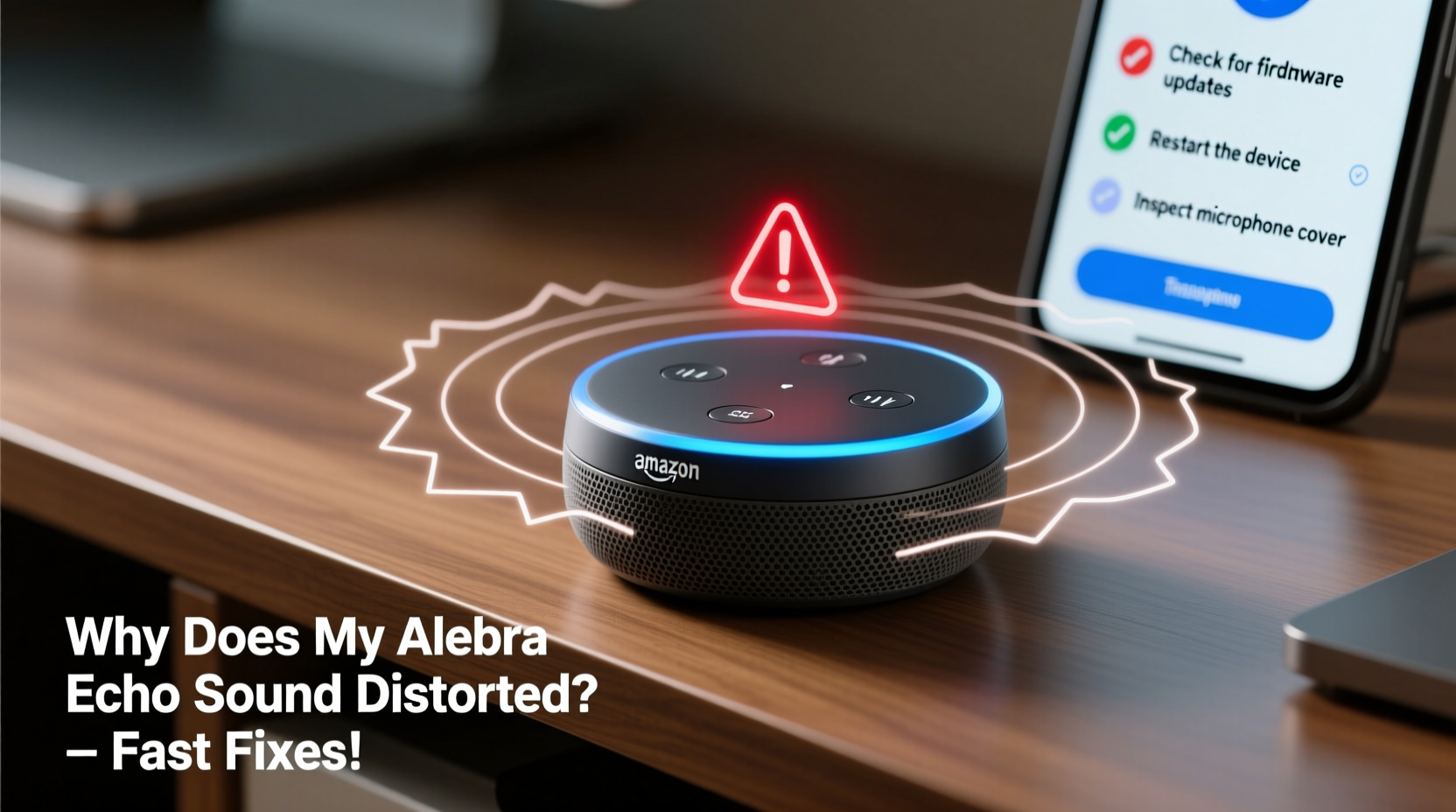
Before jumping into solutions, it helps to know what might be behind the poor sound. Alexa Echo devices use advanced microphones and speakers, but they’re sensitive to environmental and technical conditions. Here are the most frequent culprits:
- Physical obstructions or poor placement: Placing the Echo near walls, inside cabinets, or behind objects can block speaker output and microphone input.
- Dust or debris buildup: Over time, dust can accumulate in speaker grilles or microphone holes, affecting sound clarity.
- Wi-Fi interference or weak signal: Streaming audio requires stable internet. A weak or unstable connection can lead to choppy, compressed, or distorted playback.
- Outdated firmware: Amazon regularly rolls out updates to improve performance. If your device hasn’t updated, bugs may persist.
- Speaker overdrive or volume overload: Playing audio at maximum volume for extended periods can strain internal components.
- App or account sync errors: Sometimes, the Alexa app misconfigures settings or fails to apply preferences correctly.
- Hardware defects (rare): Though uncommon, physical damage or manufacturing flaws can cause lasting distortion.
“Audio distortion in smart speakers is more often environmental than mechanical. Simple adjustments usually resolve 80% of reported issues.” — David Lin, Senior Audio Engineer at SmartHome Labs
Step-by-Step Guide to Fix Distorted Alexa Sound
Follow this systematic troubleshooting process to identify and eliminate the source of distortion. Most users resolve the issue within 15 minutes using these steps.
- Check device placement
Move your Echo away from corners, walls, or enclosed spaces. Place it on a flat surface at least 6–12 inches from obstacles. Avoid placing it face-down or covering any part of the grille. - Reduce volume temporarily
If the sound is crackling or fuzzy, lower the volume using the app or voice command: “Alexa, set volume to 4.” High volume can distort low-quality streams or overwork small speakers. - Restart the Echo device
Unplug the power adapter from the outlet for 30 seconds. Plug it back in. Wait for the light ring to turn blue, indicating reboot completion. This clears temporary memory glitches. - Test Wi-Fi signal strength
Open the Alexa app → Devices → Echo & Alexa → Select your device → Check “Connection Status.” If signal strength is below -70 dBm, consider moving the router closer or using a Wi-Fi extender. - Update the device firmware
Firmware updates happen automatically, but you can force a check by restarting the device and ensuring it’s connected to Wi-Fi for several minutes. No manual update option exists, so patience is required. - Clear audio cache (for mobile app)
On Android or iOS, go to app settings → App Management → Alexa → Storage → Clear Cache. This resolves playback glitches caused by corrupted temporary files. - Factory reset as last resort
Press and hold the Microphone Off and Volume Down buttons simultaneously for 20 seconds until the light ring turns orange, then white. After resetting, reconfigure the device through the app.
Troubleshooting Checklist: Quick Fixes at a Glance
Use this checklist to methodically eliminate potential issues. Mark each item as resolved to track progress.
| Action | Status | Notes |
|---|---|---|
| Move Echo to open area | [ ] | Avoid shelves, cabinets, or tight spaces |
| Lower volume to 3–5 | [ ] | Prevents speaker strain |
| Restart device (unplug/replug) | [ ] | Wait 2+ minutes after reboot |
| Verify Wi-Fi signal strength | [ ] | Should be above -70 dBm |
| Reboot your router | [ ] | Resets network congestion |
| Check for app updates | [ ] | Update Alexa app via App Store or Google Play |
| Factory reset if needed | [ ] | Last resort after other steps fail |
Real-World Example: How Sarah Fixed Her Echo Dot in 10 Minutes
Sarah, a busy teacher in Portland, noticed her Echo Dot in the kitchen started sounding “like a robot underwater” during her morning news briefings. She tried adjusting volume and restarting the app, but the distortion persisted.
Instead of ordering a new device, she followed a structured approach. First, she moved the Echo from inside a spice cabinet to the countertop—immediately improving clarity. Still, faint crackling remained. She then unplugged her router for 20 seconds and restarted both the router and Echo. After reconnecting, the audio was crisp and normal.
The root cause? A combination of poor placement and Wi-Fi congestion from multiple smart devices. By addressing both, Sarah restored full functionality without spending a dime.
Do’s and Don’ts: Best Practices for Echo Audio Health
Maintaining consistent audio quality involves both proactive care and avoiding common mistakes. Refer to this guide to keep your Echo performing optimally.
| Do’s | Don’ts |
|---|---|
| Place Echo on a flat, open surface | Don’t enclose it in cabinets or shelves |
| Keep speaker grilles clean with a dry microfiber cloth | Don’t use liquids or compressed air directly on the device |
| Update your router firmware regularly | Don’t ignore slow Wi-Fi—it affects audio streaming |
| Use moderate volume levels daily | Don’t max out volume for long durations |
| Restart your Echo monthly as preventive maintenance | Don’t skip device reboots for months at a time |
Frequently Asked Questions
Can humidity damage my Alexa Echo and cause distortion?
Yes. High humidity, especially in bathrooms or kitchens, can cause condensation inside the speaker chamber, leading to temporary or permanent distortion. Always avoid placing Echo devices in steam-prone areas. If exposed, unplug immediately and let it dry in a warm, ventilated room for 24–48 hours before reuse.
Why does my Echo sound fine sometimes but distorted others?
Intermittent distortion often points to Wi-Fi instability or background app conflicts. For example, if multiple devices are streaming simultaneously, bandwidth drops can compress audio. Try limiting connected devices or upgrading your internet plan. Also, ensure no Bluetooth devices are interfering—disable unused pairings in the Alexa app.
Is there a way to test if the speaker hardware is broken?
You can perform a basic hardware test by playing different types of audio: music, weather reports, and audiobooks. If all sound distorted—even after a factory reset and fresh setup—the issue is likely hardware-related. Contact Amazon Support for warranty evaluation or replacement.
When to Contact Amazon Support
If you’ve completed all troubleshooting steps and the distortion remains, it may be time to involve Amazon. Hardware failures, while rare, do occur—especially after power surges, drops, or liquid exposure.
To request support:
- Open the Alexa app or visit amazon.com.
- Go to Help → Contact Us.
- Select your Echo device and describe the issue, including steps already taken.
- Choose your preferred contact method: chat, email, or phone.
Amazon typically offers replacements under warranty (usually one year) if the device is defective and not physically damaged. Proof of purchase may be required.
Conclusion: Restore Clarity and Confidence in Your Smart Speaker
Distorted sound from your Alexa Echo doesn’t have to mean replacement. In most cases, the fix is simpler than expected—often involving nothing more than a strategic relocation, a quick reboot, or a router refresh. By understanding the common triggers and following a logical troubleshooting path, you can restore crystal-clear audio in minutes.
Smart devices thrive on consistency and care. Just like any electronic, your Echo performs best when given proper space, stable connections, and periodic maintenance. Don’t let a minor glitch disrupt your routines. Apply these fixes today, and reclaim the seamless, responsive experience you expect from your smart home.




 浙公网安备
33010002000092号
浙公网安备
33010002000092号 浙B2-20120091-4
Comments
No comments yet. Why don't you start the discussion?