
If you've been startled awake by a sudden chime or an unexpected voice from your Amazon Echo device in the middle of the night, you're not alone. Many Alexa users report their devices activating without warning during quiet hours, disrupting sleep and raising privacy concerns. While Alexa is designed to be responsive, unintended triggers can turn a helpful assistant into a nighttime nuisance. The good news is that most causes are fixable with simple adjustments to settings, routines, or environmental factors.
This guide explores the most common reasons behind unexplained Alexa activations after dark and provides clear, actionable steps to regain control over your smart speaker’s behavior—without sacrificing its daytime usefulness.
Common Reasons Alexa Activates at Night
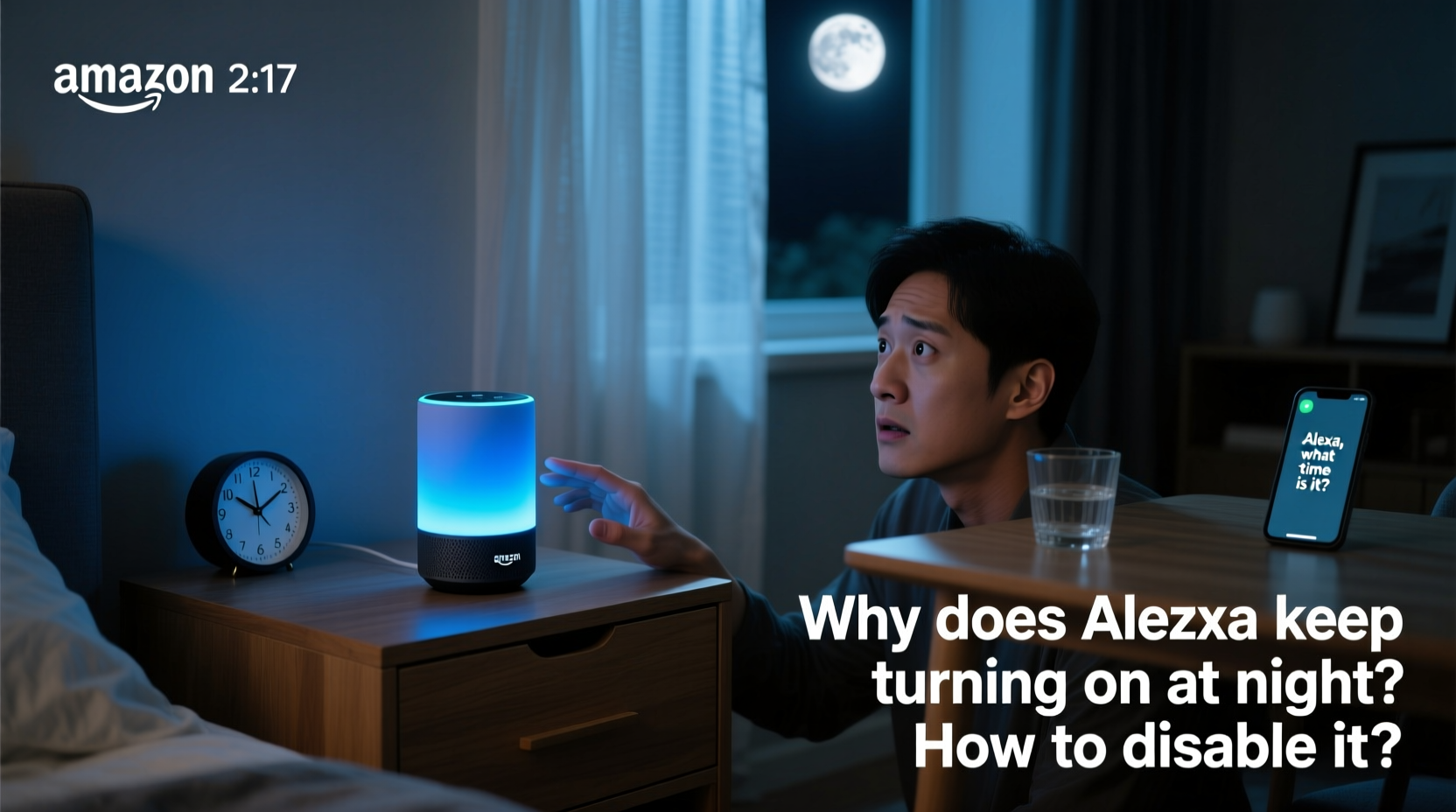
Alexa turns on when it detects the wake word (“Alexa,” “Echo,” “Computer,” etc.) through its built-in microphones. However, not every activation is intentional. Several factors can cause false triggers, especially in low-noise environments like bedrooms at night.
- Background noise misinterpreted as the wake word: Sounds like snoring, pet movements, creaking floors, or even HVAC systems can mimic speech patterns.
- Voice commands from nearby media: TV shows, movies, or ads containing the word “Alexa” can activate your device remotely.
- Scheduled routines or alarms: Forgotten timers, reminders, or automated actions may trigger sounds during the night.
- Firmware glitches or app bugs: Occasionally, software updates introduce instability that leads to erratic behavior.
- Proximity to other smart devices: Interference from Wi-Fi congestion or Bluetooth signals might affect microphone sensitivity.
Understanding these root causes is the first step toward preventing disruptions. Some users assume their device is “listening all the time,” but Amazon emphasizes that audio is only processed locally for wake-word detection unless the wake word is recognized. Still, minimizing accidental triggers improves both peace of mind and uninterrupted rest.
Step-by-Step Guide to Prevent Unwanted Nighttime Activations
Follow this systematic approach to diagnose and resolve nighttime Alexa activations:
- Review recent routines and alarms: Open the Alexa app, go to Routines, and check if any are scheduled between midnight and 6 AM. Disable or reschedule non-essential ones.
- Check device history: Tap the Activity tab in the Alexa app to see logs of recent voice interactions. Look for entries around the time of activation—even if you didn’t speak.
- Adjust microphone sensitivity: In the Alexa app, navigate to Settings > Device Settings > [Your Device] > Microphone Sensitivity. Lower the sensitivity slightly if your environment is quiet.
- Change the wake word: If “Alexa” is too commonly triggered, switch to “Echo,” “Amazon,” or “Computer” under Device Settings > Wake Word.
- Mute the device manually at night: Press the microphone mute button (red line) on top of the Echo. This disables listening entirely until unmuted.
- Set up a Sleep Schedule: Use Routines to automatically mute the device every night and unmute it in the morning.
Implementing just one or two of these steps often resolves the issue. For example, switching from “Alexa” to “Echo” reduces interference from media content, while muting overnight eliminates risk completely.
Do’s and Don’ts When Managing Alexa at Night
| Action | Recommended? | Reason |
|---|---|---|
| Use the mute button nightly | ✅ Yes | Ensures no audio is captured; ideal for bedrooms. |
| Keep firmware updated | ✅ Yes | Patches known bugs affecting wake-word detection. |
| Place Echo near a TV or sound system | ❌ No | Increases risk of activation from commercials or dialogue. |
| Leave default wake word unchanged | ⚠️ Only if necessary | “Alexa” is frequently used in media; consider changing it. |
| Run diagnostics via the Alexa app | ✅ Yes | Helps detect hardware or connectivity issues early. |
Real Example: How Sarah Fixed Her Midnight Alexa Alerts
Sarah, a teacher from Portland, began waking up to her Echo Dot announcing weather updates at 2:17 AM several times a week. She had no memory of setting such a routine. After checking her Activity log, she discovered that a podcast episode playing on her phone earlier that evening contained the phrase, “Hey Alexa, what’s the forecast?”—which activated her device and created a repeating alarm.
She resolved the issue in three steps: First, she deleted the rogue alarm. Second, she changed her wake word to “Echo.” Third, she enabled a routine that mutes the device at 10 PM and unmutes it at 7 AM. Since then, her sleep has improved significantly, and she hasn’t experienced another false trigger.
Her case illustrates how seemingly minor oversights—like leaving the default wake word near media sources—can lead to persistent problems. A few targeted changes made all the difference.
Expert Insight: What Tech Specialists Say About Smart Speaker Behavior
“Smart speakers are engineered to respond quickly, but that responsiveness comes with trade-offs. In quiet environments, even subtle sounds can resemble wake words. Users should treat placement and settings as part of their digital hygiene—just like updating passwords.” — Dr. Marcus Lin, IoT Security Researcher at Northwestern University
“The best defense against false activations is a layered approach: change the wake word, use physical mute buttons, and schedule downtime. It doesn’t reduce functionality—it enhances reliability.” — Lena Patel, Senior UX Designer for Voice Interfaces
Complete Checklist to Stop Alexa From Turning On at Night
- ☑ Review and delete unnecessary routines or alarms
- ☑ Check Activity log for unrecognized triggers
- ☑ Change the wake word to something less common
- ☑ Lower microphone sensitivity in quiet rooms
- ☑ Mute the device manually before bed
- ☑ Create a Sleep Routine to auto-mute and unmute
- ☑ Keep the device away from TVs, radios, and speakers
- ☑ Ensure your Echo is running the latest firmware
FAQ: Common Questions About Alexa Turning On at Night
Can Alexa turn on by itself without hearing anything?
No, Alexa cannot activate without detecting what it interprets as the wake word. However, background noises, electronic interference, or faint voices can sometimes be misclassified as commands. True “random” activations are extremely rare and usually trace back to overlooked audio inputs or scheduled events.
Is it safe to leave Alexa in the bedroom?
Yes, with precautions. Many people safely use Alexa in bedrooms for alarms, white noise, or sleep tracking. To maintain privacy and minimize disturbances, enable the microphone mute at night, avoid placing it near windows or shared walls, and regularly review voice history for anomalies.
Will disabling the wake word stop all activations?
Disabling the wake word means you’ll need to press the action button to use Alexa. This prevents passive listening but limits convenience. For most users, adjusting the wake word or using scheduled muting offers a better balance between usability and control.
Conclusion: Take Control of Your Smart Home Experience
Your smart devices should serve you—not disrupt your life. An Alexa that turns on unexpectedly at night isn’t a flaw in technology; it’s a signal that settings need fine-tuning. By understanding how wake-word detection works, reviewing your device’s activity, and applying smart configurations like wake-word changes and automated muting, you can eliminate unwanted interruptions for good.
These fixes don’t require technical expertise—just attention to detail and a few minutes in the Alexa app. Once implemented, you’ll enjoy the benefits of voice assistance during the day while reclaiming peaceful, uninterrupted nights.




 浙公网安备
33010002000092号
浙公网安备
33010002000092号 浙B2-20120091-4
Comments
No comments yet. Why don't you start the discussion?