
It’s 2:37 a.m. You’re half-asleep when suddenly, a voice cuts through the silence: “Here’s your Flash Briefing.” Your Amazon Echo lights up, glowing an eerie blue in the dark. No one spoke. No alarms were set. Yet Alexa is awake—and so are you. This unsettling experience isn’t rare. Across forums and social media, users report their Alexa devices activating overnight with no explanation. While it can feel like something out of a horror movie, the truth is far more mundane—and entirely fixable.
The phenomenon of Alexa turning on unexpectedly at night stems from a mix of technical quirks, environmental triggers, and misunderstood settings. The good news? With a few targeted adjustments, you can reclaim your peace of mind and ensure your smart speaker stays silent when it should.
How Alexa Listens (and Why It Might Mishear)
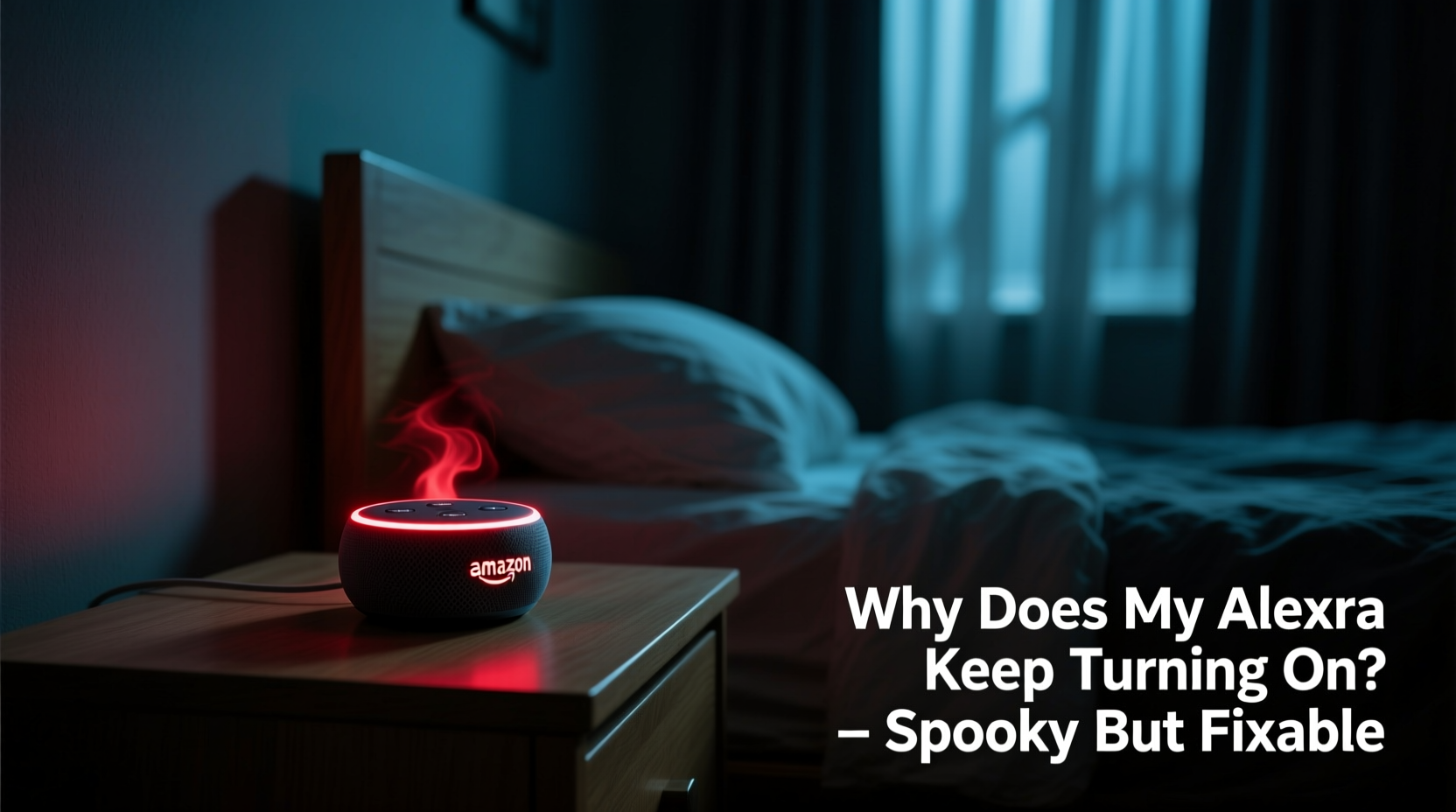
Alexa is designed to respond to a wake word—typically “Alexa,” though you can change it to “Echo,” “Computer,” or “Amazon.” The device uses far-field microphones and on-device signal processing to detect this word continuously. When the system identifies a close match, it activates, sends audio to the cloud, and executes the request.
But false positives happen. Background noise, similar-sounding phrases in TV shows, or even snoring can mimic the wake word. In quiet environments—like a bedroom at night—the microphone becomes hyper-sensitive, increasing the chance of accidental triggers.
Amazon acknowledges this limitation. According to Dr. Rohit Prasad, former SVP and Distinguished Scientist at Amazon Alexa AI:
“While our acoustic models are trained on millions of hours of speech, ambient sounds and homophones can still lead to unintended wake word detections. Continuous learning and user feedback help us refine accuracy.” — Dr. Rohit Prasad, Amazon Alexa AI
This means that while Alexa is smart, it's not infallible. And nighttime conditions often create the perfect storm for misfires.
Common Causes of Nighttime Alexa Activations
Understanding what prompts these ghostly awakenings is the first step toward stopping them. Below are the most frequent culprits:
- Sound Reflections and Echoes: Hard surfaces like mirrors, glass, or tile can reflect sound, causing Alexa to hear its own responses and re-activate.
- TV or Radio Playback: Late-night programming—even from another room—can contain words that sound like “Alexa.” A character saying “I’ll check the weather” might be misheard as “Alexa, check the weather.”
- Pets and Snoring: Dogs barking, cats jumping, or human snoring patterns can produce frequencies that resemble the wake word.
- Firmware Glitches: Outdated software or bugs in updates may cause erratic behavior, including spontaneous activation.
- Scheduled Notifications: Forgotten routines, such as bedtime reminders or weather alerts, can trigger Alexa silently during the night.
Step-by-Step Guide to Stop Midnight Activations
Follow this structured approach to diagnose and eliminate unwanted Alexa behavior:
- Review Active Routines: Open the Alexa app, go to Routines, and inspect all scheduled actions. Disable any you don’t recognize or no longer use.
- Adjust Wake Word Sensitivity: In the Alexa app, navigate to Device Settings > [Your Device] > Wake Word Sensitivity. Lower the sensitivity if you're in a noisy or reflective space.
- Check for Firmware Updates: Ensure your Echo is running the latest software. Under Device Settings, look for “Software Version” and confirm it’s current.
- Relocate the Device: Move Alexa away from windows, mirrors, or speakers. Place it on a soft surface like a fabric-covered nightstand to reduce echo.
- Disable Unnecessary Skills: Some third-party skills enable push notifications or background listening. Audit your skills under Skills & Games and remove unused ones.
- Turn Off Microphone When Sleeping: Press the microphone off button on top of the device before bed. A red light indicates the mic is disabled.
- Use Do Not Disturb Mode: Enable DND in the Alexa app (Settings > Do Not Disturb) to silence notifications and prevent visual cues between set hours.
Implementing even a few of these steps can dramatically reduce—or eliminate—nighttime disruptions.
Do’s and Don’ts: Managing Alexa Behavior
| Do | Don’t |
|---|---|
| Enable Do Not Disturb during sleep hours | Leave Alexa near a TV or stereo system |
| Regularly review active routines and skills | Ignore firmware update notifications |
| Use the physical mic-off button nightly | Place Echo directly against a wall or mirror |
| Test wake word sensitivity in different rooms | Assume Alexa is always listening to private conversations |
| Update your wake word to something less common | Disregard recurring false activations as normal |
Real Example: Sarah’s Sleepless Nights Solved
Sarah, a teacher from Portland, began noticing her Alexa Dot in the bedroom would turn on around 1:00 a.m., sometimes announcing traffic updates or repeating music playlists. She lived alone and hadn’t set any routines. At first, she dismissed it as a glitch. But after three weeks of disrupted sleep, she decided to investigate.
Using the Alexa app, she discovered a forgotten routine titled “Evening Wind Down” that had been created months earlier during a smart home workshop. It was set to trigger at 1:00 a.m. with the command: “Play relaxing rain sounds.” The issue wasn’t supernatural—it was user error compounded by poor labeling.
She deleted the routine, moved the Echo away from her bedside TV, and enabled Do Not Disturb from 10 p.m. to 7 a.m. The activations stopped immediately. “I felt silly for not checking sooner,” she said. “But I’m glad I didn’t just unplug it and give up on smart tech.”
Advanced Fixes for Persistent Issues
If basic troubleshooting doesn’t resolve the problem, consider deeper solutions:
Change Your Wake Word
“Alexa” is the default and most commonly used wake word, making it more prone to accidental triggers due to frequency in media and conversation. Switching to “Computer” or “Echo” reduces overlap with everyday speech.
To change it: Alexa app → Devices → Echo & Alexa → [Select Device] → Device Settings → Wake Word
Factory Reset as a Last Resort
If your device continues to act erratically despite all fixes, perform a factory reset. This clears corrupted settings and reinstalls the base firmware.
Hold the Mic Off and Volume Down buttons simultaneously for 20 seconds until the light ring cycles through colors. After resetting, reconfigure the device and rebuild routines carefully.
Monitor Smart Home Integrations
Some connected devices—like motion sensors or security cameras—can trigger Alexa routines based on activity. For example, a pet-triggered hallway sensor might activate a “Someone’s Up” announcement. Review automation logs in the Alexa app under Activity to identify hidden triggers.
FAQ: Common Questions About Alexa Turning On at Night
Can someone hack my Alexa and spy on me?
While extremely rare, unauthorized access is possible if your account lacks two-factor authentication or uses weak passwords. However, most nighttime activations have benign explanations. Alexa only sends audio to the cloud after detecting the wake word—unless manually triggered via remote features like Drop In (which requires permission). To stay safe, enable 2FA and regularly check your login history in Amazon account settings.
Does Alexa record everything I say?
No. Alexa processes audio locally in real time and only uploads data after the wake word is detected. Pre-wake audio is not saved or transmitted. You can view, delete, or auto-delete voice recordings in the Alexa app under Privacy Settings.
Why does Alexa glow blue at night without speaking?
A brief blue glow may indicate a background notification, software update, or connectivity check. If it happens frequently, check Do Not Disturb settings and disable unnecessary alerts like package tracking or calendar reminders.
Prevention Checklist
Stay ahead of issues with this monthly maintenance checklist:
- ✅ Audit all active Alexa routines
- ✅ Delete unused or outdated skills
- ✅ Confirm firmware is up to date
- ✅ Test microphone sensitivity in your room
- ✅ Verify Do Not Disturb schedule is active
- ✅ Physically mute the microphone at night if needed
- ✅ Review recent voice history for anomalies
Conclusion: Peaceful Nights Are Within Reach
The sudden activation of your Alexa at night may feel eerie, but it’s rarely mysterious. Most cases stem from overlooked settings, environmental factors, or simple misunderstandings about how voice assistants work. By taking control of your device’s configuration, you transform a source of anxiety into a reliable tool.
Smart technology should enhance your life—not interrupt your sleep. Start tonight: review your routines, adjust your settings, and consider using the microphone off button as part of your bedtime ritual. Small changes lead to significant improvements in both functionality and comfort.




 浙公网安备
33010002000092号
浙公网安备
33010002000092号 浙B2-20120091-4
Comments
No comments yet. Why don't you start the discussion?