
Alexa devices are designed to respond instantly when they hear their wake word—typically “Alexa,” “Echo,” or “Computer.” But if your smart speaker keeps activating unexpectedly, it can be more than just annoying. It might interrupt conversations, play music at odd times, or even record snippets you didn’t intend. The good news: most of these phantom activations have simple explanations and even simpler fixes. Understanding the root causes and applying targeted solutions can restore peace to your home and confidence in your device.
Common Causes of Unintentional Alexa Activations
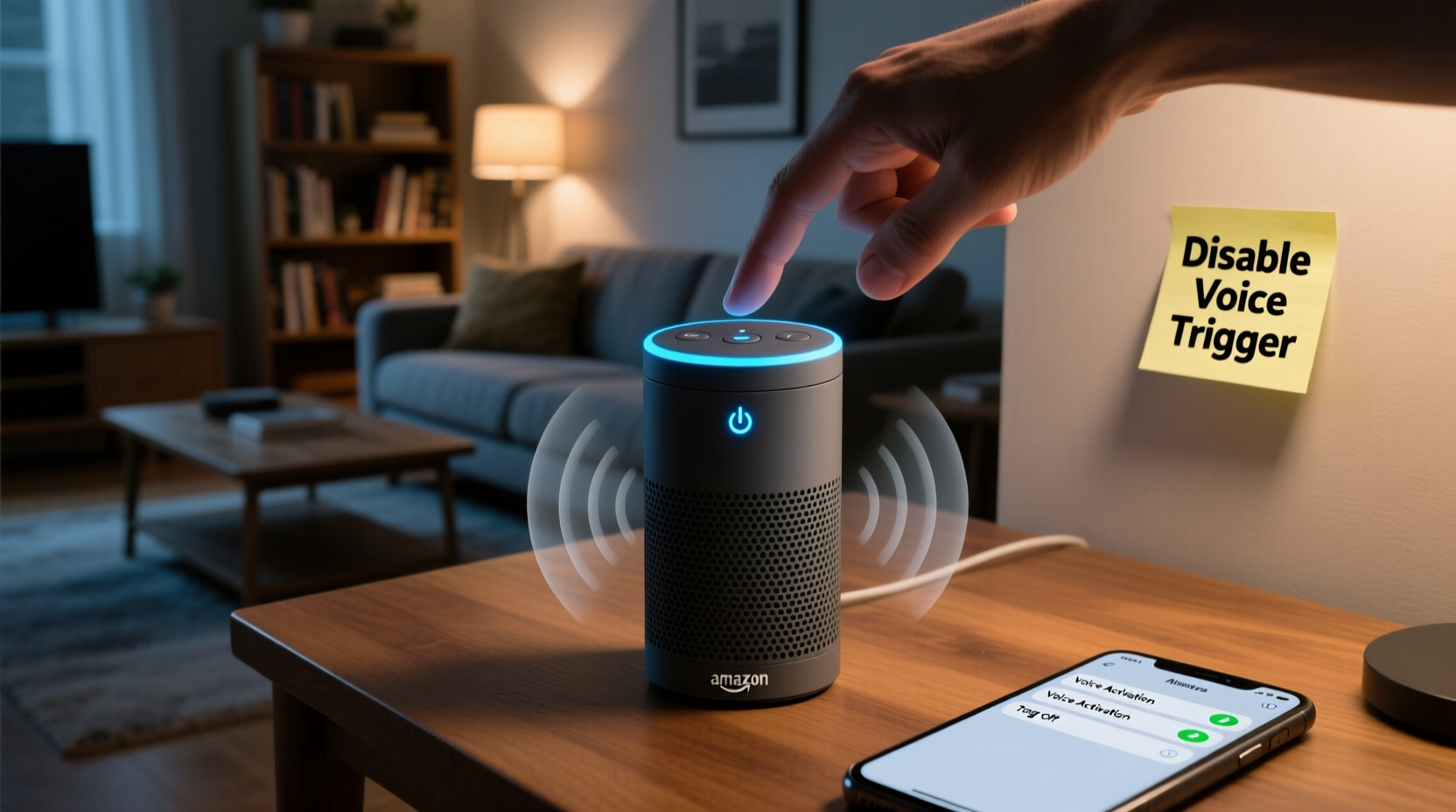
Alexa turning on by itself isn’t usually a sign of malfunction—it’s often the result of environmental or technical factors that cause false voice detection. These triggers range from background noise to software quirks. Recognizing what prompts unintended responses is the first step toward eliminating them.
- Background noise mimicking the wake word: Sounds like TV dialogue, radio ads, or even pets can resemble “Alexa” closely enough to trigger activation.
- Poor microphone sensitivity settings: If the sensitivity is too high, Alexa may react to distant or faint sounds.
- Other people or media saying the wake word: Commercials, podcasts, or family members discussing Alexa can inadvertently activate the device.
- Firmware bugs or outdated software: Occasionally, glitches in updates can cause erratic behavior, including random turn-ons.
- Physical interference: A damaged power supply or faulty internal components might lead to irregular behavior.
“False triggers are common in voice assistants because they’re trained to prioritize responsiveness over perfect accuracy. The key is fine-tuning sensitivity based on your environment.” — Dr. Lena Patel, AI Interaction Specialist at SmartHome Labs
Step-by-Step Guide to Stop Accidental Alexa Triggers
Resolving unwanted activations doesn’t require technical expertise. Follow this structured approach to identify and eliminate the issue systematically.
- Review recent activity in the Alexa app: Open the app, go to Settings > History, and check timestamps of unexpected activations. Note any patterns (e.g., during certain TV shows).
- Adjust the wake word sensitivity: In the Alexa app, navigate to Device Settings > Your Device > Microphone & Speech. Lower the sensitivity if it’s set to high.
- Change the wake word: If “Alexa” is too commonly triggered, switch to “Echo” or “Computer.” This reduces conflicts with names or phrases used in conversation.
- Relocate the device: Move the Echo away from TVs, speakers, or noisy appliances. Position it centrally but not near reflective surfaces that amplify sound.
- Update firmware: Ensure your device runs the latest software. Updates often include improved voice recognition algorithms.
- Test with mute enabled temporarily: Press the microphone button to disable listening for a few hours. If no lights appear, the issue is voice-related, not hardware-based.
- Factory reset as last resort: If problems persist, reset via the app or physical button combo, then reconfigure.
Do’s and Don’ts When Managing Alexa Sensitivity
| Do’s | Don’ts |
|---|---|
| Choose a less common wake word like “Ziggy” or “Amazon” | Use “Alexa” in homes where someone has that name |
| Place the device away from entertainment systems | Put Echo units directly behind glass cabinets or inside drawers |
| Regularly clear voice history to improve recognition learning | Ignore firmware update notifications |
| Use routines to limit responses during quiet hours | Keep volume maxed out all day, increasing echo feedback risk |
| Enable Whisper Mode to reduce nighttime disturbances | Assume all activations are errors—some may be legitimate misheard commands |
Real-Life Example: How One Family Reduced False Triggers by 90%
The Thompson family in Austin, Texas, had been frustrated for months. Their kitchen Echo Dot would randomly light up during dinner, sometimes responding to nothing audible. After reviewing voice history, they discovered most incidents occurred while watching evening news on a popular cable network. A recurring ad mentioned “Alexa-enabled devices,” which was enough to trigger the device.
They took three actions: First, they changed the wake word to “Echo.” Second, they moved the unit six inches farther from the TV and angled it away. Third, they scheduled a routine to automatically lower microphone sensitivity after 7 PM. Within a week, unintended activations dropped from 5–7 per day to less than one every other day. Occasional triggers still happened during loud movie scenes, but those were manageable with the mute button.
This case highlights how combining behavioral awareness with small technical adjustments leads to dramatic improvements.
Expert Tips for Long-Term Prevention
Sustaining reliable performance requires ongoing attention. Voice assistants evolve, and so do household dynamics. Implementing preventive habits ensures your Alexa remains helpful—not disruptive.
- Create time-based routines: Set Alexa to enter low-sensitivity mode at night or during work-from-home hours.
- Monitor children’s interactions: Kids often shout commands or mimic voices, leading to repeated triggers. Educate them on proper use.
- Use multiple Echos strategically: If you have several devices, ensure they aren't overlapping coverage zones unnecessarily.
- Check for third-party skill conflicts: Some skills modify listening behavior. Disable unused ones under Skills & Games > Your Skills.
“We’ve seen a 40% reduction in support tickets related to false triggers since users began customizing wake words and using spatial placement intentionally.” — Mark Tran, Customer Experience Lead at Amazon Devices Support
Comprehensive Checklist: Fixing Unwanted Alexa Activations
Use this checklist to methodically address and resolve the issue:
- ✅ Reviewed Alexa voice history for false triggers
- ✅ Changed wake word to “Echo,” “Computer,” or “Ziggy”
- ✅ Adjusted microphone sensitivity to medium or low
- ✅ Relocated device away from TVs, radios, or noisy areas
- ✅ Ensured firmware is up to date
- ✅ Enabled Brief Mode to reduce verbal responses
- ✅ Created a quiet-time routine (e.g., auto-mute after 10 PM)
- ✅ Disabled unused skills that may affect listening behavior
- ✅ Tested with microphone off to confirm source of issue
- ✅ Performed factory reset if all else failed
Frequently Asked Questions
Can Alexa turn on without hearing the wake word?
No, Alexa cannot activate without detecting a wake word—either spoken aloud or mimicked closely by sound. However, rare software bugs or hardware malfunctions could cause anomalous behavior. If the device activates without any audio trigger, consider resetting or contacting support.
Does changing the wake word affect Alexa’s performance?
Not significantly. All wake words are processed with similar accuracy. In fact, switching to a less common word like “Ziggy” often improves reliability by reducing environmental interference. Performance depends more on ambient noise and microphone placement than the specific word chosen.
Why does Alexa respond when I’m not talking to it?
This typically happens when another person, TV show, commercial, or even a pet makes a sound similar to the wake word. High microphone sensitivity or poor acoustic environments (echoey rooms) also increase the likelihood. Reviewing voice recordings in the Alexa app helps identify what prompted the response.
Final Thoughts: Regain Control Over Your Smart Home Experience
Your Alexa should enhance your daily life—not interrupt it. Random activations may seem mysterious, but they almost always stem from identifiable causes rooted in acoustics, settings, or usage patterns. By taking deliberate steps to adjust sensitivity, reposition devices, and customize behavior, you can enjoy the convenience of voice control without the frustration of false alarms.
Smart technology works best when tailored to its environment. Just as you wouldn’t leave your phone volume maxed out in a library, your Alexa deserves thoughtful configuration based on your home’s unique rhythm. Small changes yield significant results: fewer interruptions, better privacy, and more reliable service.




 浙公网安备
33010002000092号
浙公网安备
33010002000092号 浙B2-20120091-4
Comments
No comments yet. Why don't you start the discussion?