
It’s 2:37 a.m. You’re half-asleep when a sudden voice cuts through the silence: “Here’s your Flash Briefing.” Your Amazon Echo lights up, glowing an eerie blue, even though no one spoke. You didn’t say “Alexa.” No one did. Yet there it is—active, responsive, and inexplicably awake.
This experience unnerves many smart home users. Some joke about haunted devices; others worry about privacy breaches. But in nearly every case, what feels like a supernatural malfunction has a logical, technical explanation. Understanding why your Alexa turns on by itself isn’t just about peace of mind—it’s about regaining control over your connected environment.
The truth is, Alexa doesn’t activate randomly. It responds to triggers—some intentional, some accidental. The key is learning which signals your device interprets as commands and how to filter out false positives.
How Alexa Listens (And Why It Sometimes Hears Wrong)
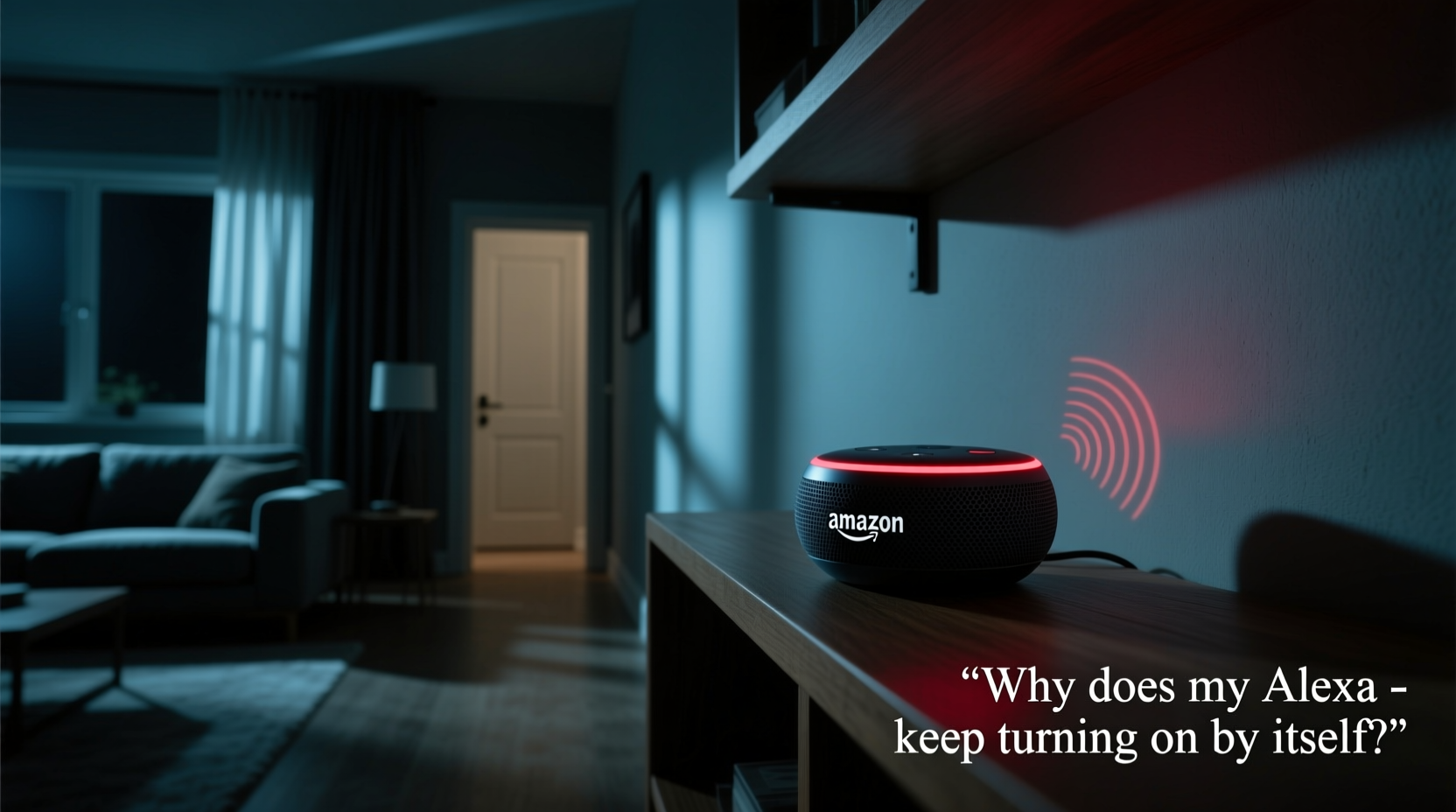
Amazon Echo devices use far-field microphones and wake-word detection powered by machine learning. When you say “Alexa,” the device detects that specific phonetic pattern and activates its processing pipeline. But this system isn’t perfect. Background noise, similar-sounding words, and even environmental vibrations can mimic the wake word.
Alexa continuously listens for its trigger phrase—but only locally. Audio isn't sent to the cloud until after activation. Still, false triggers happen more often than users expect. According to internal Amazon testing data cited in a 2022 consumer report, up to 15% of Alexa activations are unintentional, with TV dialogue, pet noises, and overlapping conversations being top culprits.
One common offender? News anchors or characters in shows saying names like “Alex” or “Alexander.” Even phrases like “excellent,” “access,” or “allegedly” can trick sensitive microphones, especially in low-light conditions when ambient noise drops and microphone gain increases automatically.
Common Causes of Unwanted Activation
Before jumping to conclusions about ghosts or surveillance, consider these well-documented technical reasons:
- Wake-word misfires: Alexa confuses similar-sounding words in speech, music, or media.
- Connected routines: Scheduled automations or app-based triggers may activate the speaker without verbal input.
- Bluetooth interference: Paired phones or tablets sending notifications can cause brief wake-ups.
- Firmware bugs: Outdated software or temporary glitches in recent updates may lead to erratic behavior.
- Physical button presses: Pets, children, or accidental bumps can press the action button on top of the device.
- Smart home integrations: Other devices (like motion sensors) linked to Alexa might initiate actions silently.
In rare cases, hardware issues such as stuck microphones or power surges can create persistent listening states. However, these are uncommon and typically accompanied by other symptoms like distorted audio output or overheating.
Mini Case Study: The Midnight Weather Report
Sarah M., a teacher from Portland, noticed her bedroom Echo Dot turned on every night around 1:15 a.m., playing the weather forecast. She lived alone and never set a routine for this. After weeks of frustration—and sleep disruption—she reviewed her Alexa app history. There was no voice recording attached to the event.
She discovered a smart plug programmed to turn off at 1:15 a.m. nightly. That same plug powered a fan near the Echo. When the fan shut off abruptly, the change in air pressure created a small acoustic wave picked up by the sensitive mic array. Combined with residual quiet, the sudden silence mimicked the end of a spoken command, causing Alexa to briefly “wake” and default to last-used function: weather.
Her fix? Delay the smart plug shutdown by five minutes and adjust the Echo’s sensitivity settings. The phantom activations stopped immediately.
“Most ‘spontaneous’ Alexa behaviors trace back to overlooked automation chains or audio artifacts. Devices don’t act without input—they just interpret inputs we don’t notice.” — Dr. Lin Zhao, Senior UX Researcher at IoT Security Lab
Step-by-Step Guide to Diagnose and Fix the Issue
If your Alexa keeps turning on unexpectedly, follow this structured approach to identify and resolve the root cause.
- Review Activity History
Open the Alexa app → Tap “More” → Select “Activity.” Look for entries around the time of unexplained activations. Check if any include a recorded snippet. If not, it likely wasn’t voice-triggered. - Disable Unused Routines
Go to “Routines” in the app. Temporarily disable all custom routines, especially those tied to time, motion, or device status. Re-enable one at a time while monitoring for recurrence. - Check Connected Devices
Inspect smart plugs, lights, thermostats, or security systems linked to Alexa. Ensure none are sending unintended commands during idle periods. - Adjust Microphone Sensitivity
In the Alexa app, go to Device Settings → select your Echo → tap “Microphone & Sound” → lower the wake-word sensitivity if available (feature varies by model). - Test Physical Buttons
Press and release the action button manually. If the light ring behaves identically to the spontaneous events, something may be pressing it accidentally—check for pets, loose cords, or nearby furniture shifts. - Update Firmware
Ensure your device runs the latest version. In Device Settings, check for “Software Version.” Updates often patch known bugs related to false wake-ups. - Reset Network Connection
Disconnect the Echo from Wi-Fi, wait 30 seconds, then reconnect. This clears transient network errors that could affect command interpretation. - Factory Reset (Last Resort)
If problems persist, perform a factory reset via the app or by holding the action button for 25 seconds. Reconfigure the device fresh.
Do’s and Don’ts: Managing Alexa Reliability
| Do | Don’t |
|---|---|
| Place Echo units at least 3 feet from TVs, speakers, or noisy appliances | Put Echo devices directly behind glass enclosures or thick fabric covers |
| Use mute button when privacy is critical (e.g., during private calls or meetings) | Assume muting stops all processing—some diagnostics may still run locally |
| Regularly audit permissions for third-party skills | Enable vague or untrusted skills that request microphone access |
| Rename Alexa to a less commonly used word (e.g., “Ziggy”) to reduce false triggers | Choose wake words that resemble everyday language (“Computer,” “Echo”) |
When to Consider Hardware Replacement
If troubleshooting fails and the behavior continues across multiple resets and network environments, the issue may be hardware-related. Defective microphones can remain in a constant “listening” state due to electrical shorts or firmware corruption that survives reboots.
Amazon offers free replacements within the warranty period (typically one year). Even outside warranty, they may provide discounted units if a widespread defect is identified. To request support:
- Open the Alexa app
- Navigate to Help → Contact Support
- Select your device → choose “Device Not Working Properly”
- Explain the symptom clearly, including steps already taken
Some newer models, like the Echo (5th Gen), include improved noise-filtering algorithms and dual-microphone arrays that significantly reduce false positives compared to earlier versions.
Frequently Asked Questions
Can someone remotely activate my Alexa without permission?
No—not under normal circumstances. Alexa requires either a local wake word, a physical button press, or an authorized command through the app or another linked device. Unauthorized remote access would require compromised account credentials. Always enable two-factor authentication on your Amazon account to prevent this.
Is Alexa recording me all the time?
No. Audio is processed locally until the wake word is detected. Only then is a brief segment sent to Amazon’s servers for response generation. You can delete recordings anytime via the Alexa app under “Privacy Settings.”
Could electromagnetic interference cause random activations?
Possible, but rare. Strong EM fields from industrial equipment or faulty wiring could theoretically affect circuitry. More likely, interference comes from poorly shielded electronics nearby. Try relocating the device to rule this out.
Conclusion: From Spooky to Solvable
The unsettling moment when Alexa speaks unprompted taps into deep-seated anxieties about technology overreach. But in reality, these incidents are rarely mysterious—and almost never malicious. They stem from the complex interplay between advanced voice recognition, home automation ecosystems, and imperfect real-world acoustics.
By methodically reviewing settings, eliminating false triggers, and understanding how Alexa interprets its environment, you can restore trust in your smart assistant. Most fixes take less than an hour and cost nothing. The result? A responsive, reliable device that enhances your life—without the midnight surprises.




 浙公网安备
33010002000092号
浙公网安备
33010002000092号 浙B2-20120091-4
Comments
No comments yet. Why don't you start the discussion?