
In the quiet of your home, a sudden, unprovoked laugh from your Amazon Echo can send a chill down your spine. You're not alone if you've experienced this eerie moment—many Alexa users have reported their devices emitting spontaneous laughter, often in the middle of the night or when no one is speaking. This phenomenon has sparked widespread concern, online discussions, and even memes about sentient smart speakers. But what’s really happening? Is Alexa haunted? Hacked? Or is there a logical explanation behind these unsettling sounds?
The truth is more technical than supernatural. Unexpected laughter from Alexa is typically the result of voice recognition errors, software bugs, or misinterpreted commands. While rare, these incidents are enough to shake user confidence in an otherwise helpful device. The good news: most causes are fixable with a few adjustments. This guide breaks down why Alexa laughs unexpectedly, explores real-world cases, and provides actionable steps to silence the giggles for good.
Understanding the Trigger: Why Alexa “Hears” What Isn’t There
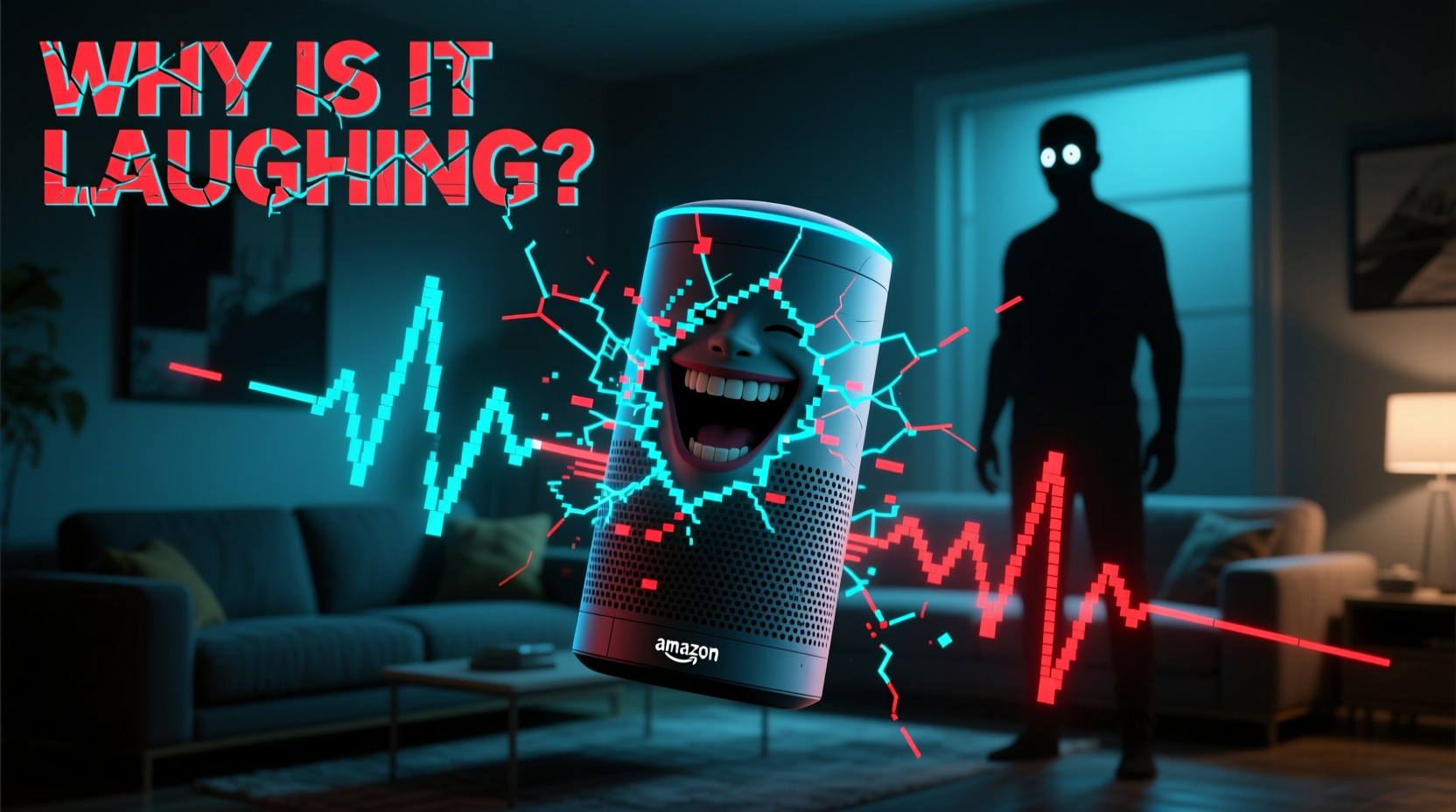
Alexa relies on wake-word detection and voice command processing to function. When you say “Alexa,” the device activates and begins listening for instructions. However, background noise, similar-sounding phrases, or audio interference can trick the system into thinking it was summoned—even when no one spoke.
In 2018, Amazon acknowledged a specific glitch that caused some Echo devices to emit a short, robotic chuckle in response to accidental triggers. The issue stemmed from a misclassification in the speech recognition model. Phrases like “Alexa, laugh” were being falsely detected from ambient sound, leading the assistant to respond with a literal laugh. Though Amazon quickly patched the flaw by changing the command to “Alexa, can you laugh?”—requiring a full sentence—the memory of that glitch lingers in public consciousness.
Even today, false positives occur. A child saying “ha ha,” a TV show character laughing near the microphone, or even rustling paper can generate enough acoustic similarity to trigger Alexa. Once activated, if the system misinterprets subsequent noise as a command involving humor or emotion, it may respond with a joke, a giggle, or a pre-recorded laugh sound.
Common Causes of Unprompted Alexa Laughter
Not all strange behaviors point to hacking or AI rebellion. Most issues stem from predictable technical factors. Here are the top reasons Alexa might laugh without warning:
- Voice command misinterpretation: Alexa processes speech patterns using machine learning. Accents, mumbling, or overlapping conversations can lead to incorrect interpretations.
- Firmware bugs: Outdated or buggy software may cause erratic responses, including unintended sound playback.
- Third-party skills gone rogue: Some custom skills include audio responses that mimic laughter. If triggered incorrectly, they can surprise users.
- Proximity to media sources: Smart TVs, YouTube videos, or podcasts mentioning “Alexa” can activate nearby devices.
- Hardware sensitivity: Overly sensitive microphones may pick up faint sounds and register them as commands.
In one documented case, a family in Portland reported their Echo laughing at 2 a.m. multiple times over two weeks. After reviewing logs, Amazon found the device had misheard “can I turn on the light?” as “Alexa, laugh.” The ambient echo in their kitchen amplified the misrecognition, creating a feedback loop of confusion.
“Voice assistants operate in complex acoustic environments. Even small errors in wake-word detection can lead to jarring user experiences.” — Dr. Lena Patel, Senior Researcher in Human-AI Interaction, MIT Media Lab
Step-by-Step Guide to Stop Alexa From Laughing Randomly
If your Echo keeps laughing unprompted, follow this systematic approach to diagnose and resolve the issue:
- Review Your Alexa App History
Open the Alexa app, go to Settings > Device History, and check recent voice inputs. Look for entries like “laugh,” “tell me a joke,” or “make a funny sound.” This confirms whether Alexa truly misheard something. - Disable Unnecessary Skills
Navigate to Skills & Games > Your Skills. Disable any third-party skills related to jokes, pranks, or sound effects. These often contain audio outputs that can be misfired. - Update Device Software
Ensure your Echo runs the latest firmware. In the Alexa app, go to Devices > Echo & Alexa > [Your Device] > About > Check for Software Updates. - Adjust Microphone Sensitivity (if available)
Some newer Echos allow sensitivity tuning. Lowering it slightly reduces false triggers without compromising usability. - Change the Wake Word
If “Alexa” is too commonly triggered, switch to “Echo,” “Computer,” or “Amazon” under Device Settings > Wake Word. This reduces cross-talk with media or conversation. - Physically Mute the Microphone
At night or when not in use, press the microphone off button (usually a red slash icon). No input means no accidental activations. - Factory Reset as Last Resort
If problems persist, reset the device via Settings > Reset to Factory Defaults. Reconfigure it afterward to clear corrupted settings.
Real Example: How One User Fixed Persistent Alexa Laughter
Sarah T., a teacher from Austin, Texas, began hearing her bedroom Echo giggle around midnight. Initially amused, she grew uneasy after several nights. She reviewed her Alexa history and discovered repeated entries for “Alexa, tell a ghost story” and “Alexa, laugh,” none of which she recalled saying.
After disabling a Halloween-themed skill she’d installed weeks earlier and moving the device away from her smart TV, the laughter stopped. She later realized her late-night Netflix shows sometimes included characters saying words that sounded like “Alexa” followed by emotional reactions—enough to fool the microphone. By switching the wake word to “Echo” and turning off unused skills, Sarah regained peace of mind—and sleep.
Do’s and Don’ts: Managing Alexa Behavior Safely
| Do’s | Don’ts |
|---|---|
| Regularly review voice history for anomalies | Ignore repeated odd behaviors—investigate them |
| Keep software updated | Install random third-party skills without checking reviews |
| Use the mute button when privacy matters | Place Echo near speakers or TVs playing Alexa-related content |
| Customize wake words to reduce false triggers | Assume every glitch means your device is compromised |
| Contact Amazon Support if issues persist | Try unauthorized firmware modifications |
Could Someone Be Spying or Hacking Through Alexa?
A common fear following strange Alexa behavior is that someone has accessed the device remotely. While theoretically possible in extreme cases of security failure, verified instances of malicious hacking are exceedingly rare. Amazon employs end-to-end encryption for voice recordings and requires authentication for remote access.
That said, poor password hygiene or shared accounts can increase risk. Always use a strong, unique password for your Amazon account and enable two-factor authentication. Avoid letting guests connect to your Alexa unless necessary.
If you suspect unauthorized access:
- Check Settings > Login & Security for unfamiliar devices.
- Review voice history for commands you didn’t make.
- Revoke third-party app permissions under Account Settings > Apps and Services.
- Log out of all devices and re-login securely.
Remember: Alexa cannot initiate calls, messages, or recordings without a clear trigger. Random laughter is almost always a glitch—not surveillance.
FAQ: Common Questions About Alexa Laughter Glitches
Is Alexa laughing because it’s becoming self-aware?
No. Alexa lacks consciousness or emotions. It responds based on programmed rules and machine learning models. Any laughter is a result of misinterpreted input or software behavior—not independent thought.
Can I disable Alexa’s laugh sound completely?
You can't delete individual sounds, but you can prevent the command from triggering. Disable skills that involve laughter, avoid saying “laugh” near the device, and consider renaming the wake word. Additionally, muting the microphone eliminates all responses.
Has Amazon fixed the laughing bug?
Yes, the major 2018 incident was resolved by modifying the voice command structure. Saying just “Alexa, laugh” no longer works; users must now say “Alexa, can you laugh?” to get a response. However, isolated false triggers still occur due to environmental factors.
Final Checklist: Secure and Silence Your Alexa
Follow this checklist monthly to maintain reliable, non-creepy performance:
- ✅ Review voice command history
- ✅ Update all Echo devices
- ✅ Audit and remove unused skills
- ✅ Test microphone sensitivity in your environment
- ✅ Confirm wake word isn’t easily triggered by household audio
- ✅ Enable two-factor authentication on your Amazon account
- ✅ Use physical mute during private moments or sleep
Conclusion: Regain Control and Peace of Mind
An unexpected laugh from your smart speaker shouldn’t feel like a scene from a horror movie. While the experience can be unnerving, understanding the root causes transforms fear into control. Most Alexa glitches are benign, rooted in the limitations of voice recognition technology rather than malfunction or malice.
By auditing your settings, updating software, and positioning devices wisely, you can eliminate unwanted sounds and restore trust in your smart home ecosystem. Technology should serve you—not startle you. Take a few minutes today to review your Alexa setup. A simple adjustment could mean the difference between anxiety and安心—a quieter, more predictable home where your assistant helps, not haunts.




 浙公网安备
33010002000092号
浙公网安备
33010002000092号 浙B2-20120091-4
Comments
No comments yet. Why don't you start the discussion?