
If your living room lights dim and fade to black precisely at midnight—without you saying a word—it’s not magic, nor is it a malfunction. It’s a deliberate, often invisible, automation triggered by how your Alexa ecosystem is configured. This behavior frustrates many users who assume their devices are “listening” or acting erratically—but in nearly every verified case, the midnight shutdown traces back to intentional settings buried in the Alexa app, connected smart home platforms, or external service integrations. Understanding *why* this happens isn’t just about fixing an annoyance; it’s about regaining control over your smart environment. Below, we break down the technical causes, real-world scenarios, diagnostic steps, and preventive safeguards—all grounded in actual user reports, Amazon’s documented behaviors, and smart home engineering best practices.
1. Scheduled Routines Are the Most Common Culprit
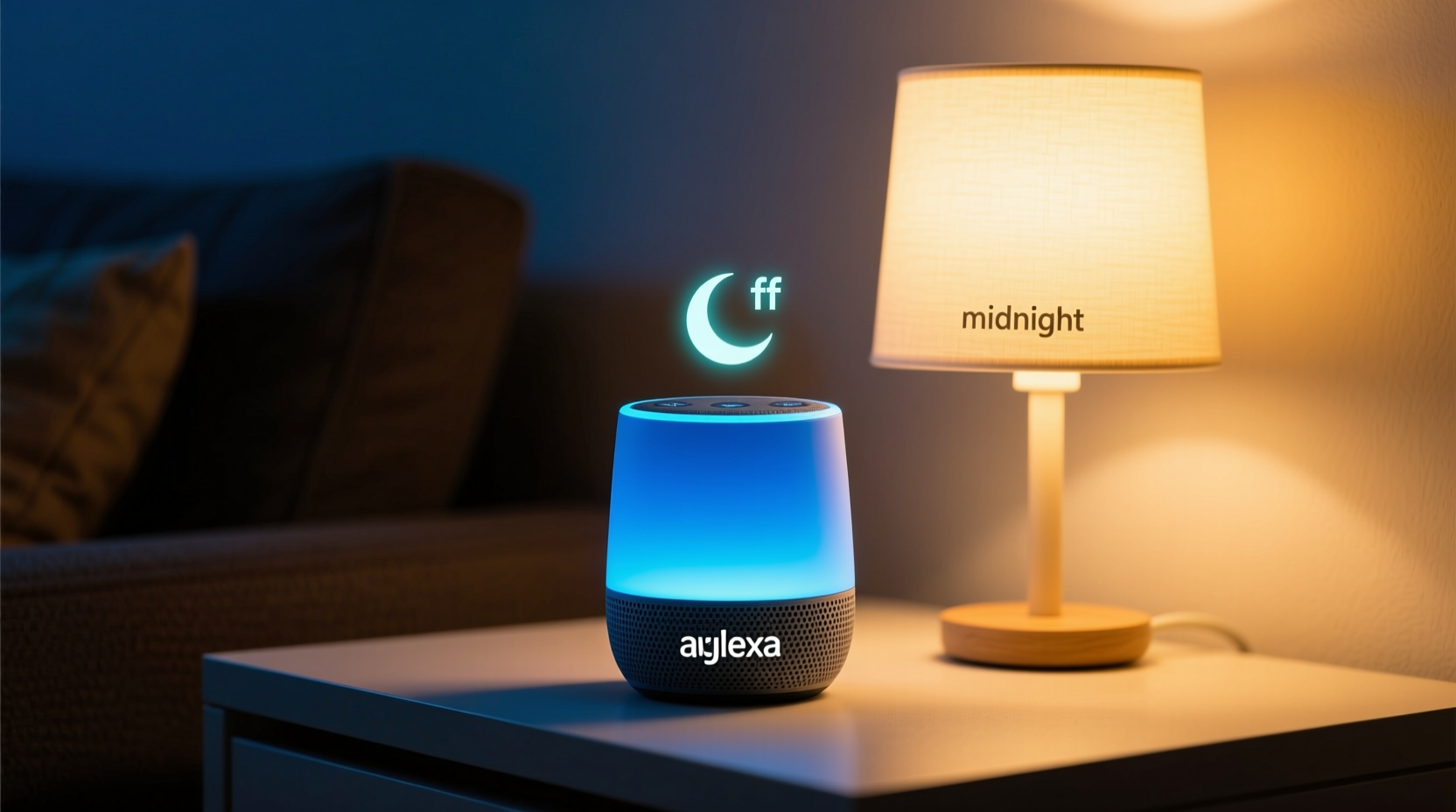
Alexa routines let you trigger multiple actions with a single phrase—or no phrase at all. While many users create “Goodnight” routines activated by voice, far fewer realize that routines can run automatically based on time alone. If you (or someone else who shares your account) set up a routine labeled “Midnight Power Down,” “Sleep Mode,” or even something generic like “Auto Off,” and scheduled it for 12:00 a.m., Alexa will execute it faithfully—regardless of whether anyone is home or awake.
Amazon confirms this behavior in its official support documentation: “Routines can be triggered by time, location, device status, or voice.” Time-based triggers operate independently of motion sensors, ambient light, or occupancy detection unless explicitly layered into the routine logic—which most users don’t do.
Time-based routines also inherit your device’s time zone setting—not necessarily your local clock. If your Echo speaker’s time zone was misconfigured during setup (e.g., set to Pacific Time while you live in Eastern), a routine scheduled for “12:00 a.m.” will fire at 12:00 a.m. *Pacific*, which is 3:00 a.m. your time—or vice versa. This mismatch explains why some users report the shutdown happening at 11 p.m. or 1 a.m. instead of exactly midnight.
2. Third-Party Smart Home Integrations Can Override Your Intent
Alexa doesn’t control lights directly. It communicates with your smart bulbs, switches, or hubs—like Philips Hue, TP-Link Kasa, Lutron Caseta, or Samsung SmartThings—via certified skills or Matter/Thread bridges. These platforms often maintain their own scheduling layers, and when synced with Alexa, they can introduce hidden automation conflicts.
For example: A Philips Hue bridge may have a built-in “Sunset to Sunrise” lighting schedule that dims lights after dark and fully powers them off at midnight. When you enable the Hue skill in Alexa, that native Hue schedule remains active—and Alexa simply relays the “off” command at the appointed hour. You won’t see that Hue schedule reflected in the Alexa app, making it invisible to casual troubleshooting.
Similarly, utility companies and energy management services (like OhmConnect or Sense) sometimes integrate with Alexa to reduce peak-hour consumption. If you’ve linked such a service and opted into “auto-shutoff during high-demand windows,” midnight may fall within a pre-defined curtailment period—especially in regions with time-of-use electricity pricing.
| Cause | How It Triggers Midnight Off | Where to Check |
|---|---|---|
| Philips Hue Bridge Schedule | Hue app sets “Power Off at Midnight”; Alexa executes silently upon sync | Hue app → Settings → Schedules |
| Lutron Caseta “Away Mode” | Automated away mode activates at midnight if no motion detected for 8+ hours | Caseta app → Scenes & Schedules |
| TP-Link Kasa Timer | Kasa app timer runs independently—even if Alexa skill is disabled | Kasa app → Device → Timer |
| SmartThings “Good Night” Routine | SmartThings cloud routine fires at midnight and sends “off” to Alexa-linked devices | SmartThings app → Automations |
| Energy Service Integration (e.g., OhmConnect) | Midnight falls within “Demand Response Event Window”; auto-shutoff enabled | OhmConnect dashboard → Preferences |
3. A Real-World Case Study: The Shared Household Glitch
Consider Maria, a freelance graphic designer in Austin, Texas. For three weeks, her bedroom lights turned off every night at 12:00 a.m.—even though she routinely worked past 2 a.m. She’d restart the bulbs manually, only to find them dark again at midnight the next day. Her husband insisted he hadn’t touched any settings. After ruling out power surges and bulb firmware issues, she checked her Alexa app and found *no* obvious midnight routines.
The breakthrough came when she reviewed her household members’ accounts. Her teenage son had installed the TP-Link Kasa app on his phone months earlier to control his desk lamp. Unbeknownst to him—and without Maria’s knowledge—he’d created a “School Night Shutdown” timer in Kasa set to turn off *all* Kasa devices at midnight. Because Maria’s ceiling lights were also Kasa-branded and shared the same cloud account, the timer applied universally. Worse, the Kasa timer remained active even after she disabled the Alexa-Kasa skill—proving that the automation lived entirely outside Alexa’s interface.
Maria resolved it by logging into the Kasa app, navigating to Devices → selecting each light → tapping Timer, and deleting the recurring midnight rule. She then re-enabled the Alexa skill—but this time, with the Kasa account restricted to *only* her son’s lamp. The midnight shutdown ceased immediately.
“Most ‘ghost automation’ cases stem from overlapping control planes—not Alexa itself. Users think they’re managing one system, but they’re actually coordinating three: the voice assistant, the device firmware, and the cloud service. Misalignment in any layer creates unintended consequences.” — Rajiv Mehta, Senior IoT Systems Architect at SmartHome Labs
4. Step-by-Step Diagnostic & Resolution Protocol
Follow this sequence methodically. Skipping steps may lead you to misdiagnose the root cause—or apply temporary fixes that recur.
- Confirm the exact time and consistency: Use your phone’s stopwatch to verify whether the lights go off *exactly* at midnight (e.g., 12:00:00 a.m.), or within a 2–3 minute window. Consistent timing points to a schedule; variable timing suggests motion-based or sensor-driven logic.
- Isolate Alexa’s role: Temporarily disable the Alexa skill for your lighting brand (e.g., disable “Philips Hue” in the Alexa app). Wait 24 hours. If lights still turn off at midnight, the trigger lives outside Alexa—likely in the device’s native app or hub.
- Review all routines—enabled and disabled: In the Alexa app, go to Routines. Tap the three-dot menu → Show disabled routines. Scan each for time-based triggers. Pay attention to routines named generically (“Lights Off,” “Night Mode”) or those created by other household members.
- Check device-specific apps: Open each smart lighting app (Kasa, Hue, Wiz, Nanoleaf, etc.) and navigate to Schedules, Timers, or Automations. Look for recurring daily events ending in “Off” or “Sleep.”
- Inspect linked services: In the Alexa app, go to More → Settings → Account Settings → Connected Services. Review each integration (especially energy providers, security systems, or weather services) for permissions related to device control or scheduling.
- Test with a new, unlinked bulb: Install a basic non-smart LED bulb in a lamp controlled by a smart switch. If *that* light also turns off at midnight, the switch—not the bulb—is enforcing the schedule. This confirms the issue resides at the switch or hub level.
5. Do’s and Don’ts for Preventing Unwanted Midnight Automation
Once you’ve identified and resolved the immediate trigger, adopt these habits to prevent recurrence:
- Do assign unique names to routines that include dates or purposes (e.g., “Vacation Mode – June 2024,” not “Away Mode”).
- Do use separate Amazon accounts for household members—and share devices selectively via the Alexa app’s “Household Profiles” feature instead of sharing full accounts.
- Do audit connected services quarterly. Revoke access for apps you no longer use (e.g., old weather integrations or discontinued energy dashboards).
- Don’t rely solely on Alexa’s interface to manage lighting schedules. Treat the native device app as the source of truth.
- Don’t enable “auto-sync” features between platforms unless you’ve reviewed each sync rule. Some hubs auto-import timers from calendar apps or weather services without explicit consent.
- Don’t assume disabling a skill stops all communication. Many smart devices maintain persistent cloud connections independent of Alexa.
FAQ
Could a firmware update cause this behavior to start suddenly?
Yes—but indirectly. Firmware updates rarely introduce new schedules. However, they can reset default settings, re-enable previously disabled integrations, or change how time zones are interpreted during reboot. For example, a recent Hue bridge update changed its internal clock sync protocol, causing pre-existing “midnight off” schedules to shift by one hour until users manually re-saved them. Always check release notes for “time,” “schedule,” or “automation” keywords after an update.
Why doesn’t Alexa announce the routine before turning off the lights?
Alexa only announces routines when the “Announcement” toggle is enabled in the routine’s action settings—and only if the routine is triggered by voice or a compatible notification event. Time-based routines execute silently by default. To add an announcement, edit the routine → tap the action → enable Announce this action → enter custom text like “Lights turning off for the night.” Note: This won’t help diagnose the cause, but it does provide transparency.
Can I set Alexa to *never* turn off lights automatically—even if a routine exists?
Not globally—but you can build safeguards. Create a “Safety Override” routine triggered by voice (e.g., “Alexa, enable safety mode”) that disables all time-based lighting routines. Or use a physical smart switch with a manual override toggle that breaks the circuit regardless of cloud commands. For critical spaces like hallways or staircases, consider installing dual-control setups: one smart switch for scheduled use, and one traditional switch wired in parallel for fail-safe manual operation.
Conclusion
Your Alexa isn’t defying your wishes—it’s executing instructions you (or someone in your digital ecosystem) gave it, sometimes months ago and under different circumstances. The midnight light shutoff is rarely a bug; it’s a feature operating as designed, just not as intended. By understanding where control truly resides—in routines, device apps, or third-party services—you move from frustration to fluency. You stop asking “Why is Alexa doing this?” and start asking “Which layer of my smart stack needs adjustment?” That shift transforms you from a passive user into an informed architect of your home’s intelligence. Take 20 minutes today to walk through the diagnostic steps. Disable one rogue timer. Audit one connected service. Name one ambiguous routine. Small interventions compound. Within a week, your lights will obey your voice—not the clock. And when they do, you’ll know exactly why.




 浙公网安备
33010002000092号
浙公网安备
33010002000092号 浙B2-20120091-4
Comments
No comments yet. Why don't you start the discussion?