
Alexa devices are designed for convenience, responding instantly to voice commands with minimal effort. But when your Echo speaker activates unexpectedly—lighting up, responding to background noise, or playing music without input—it can be more than just annoying. It raises questions about privacy, device reliability, and whether something is wrong with the hardware or settings. The truth is, most cases of Alexa turning on by itself aren’t due to malfunctions but rather unintended voice triggers. Understanding the root causes and applying targeted solutions can restore confidence in your smart home assistant.
Why Alexa Activates Without Clear Commands
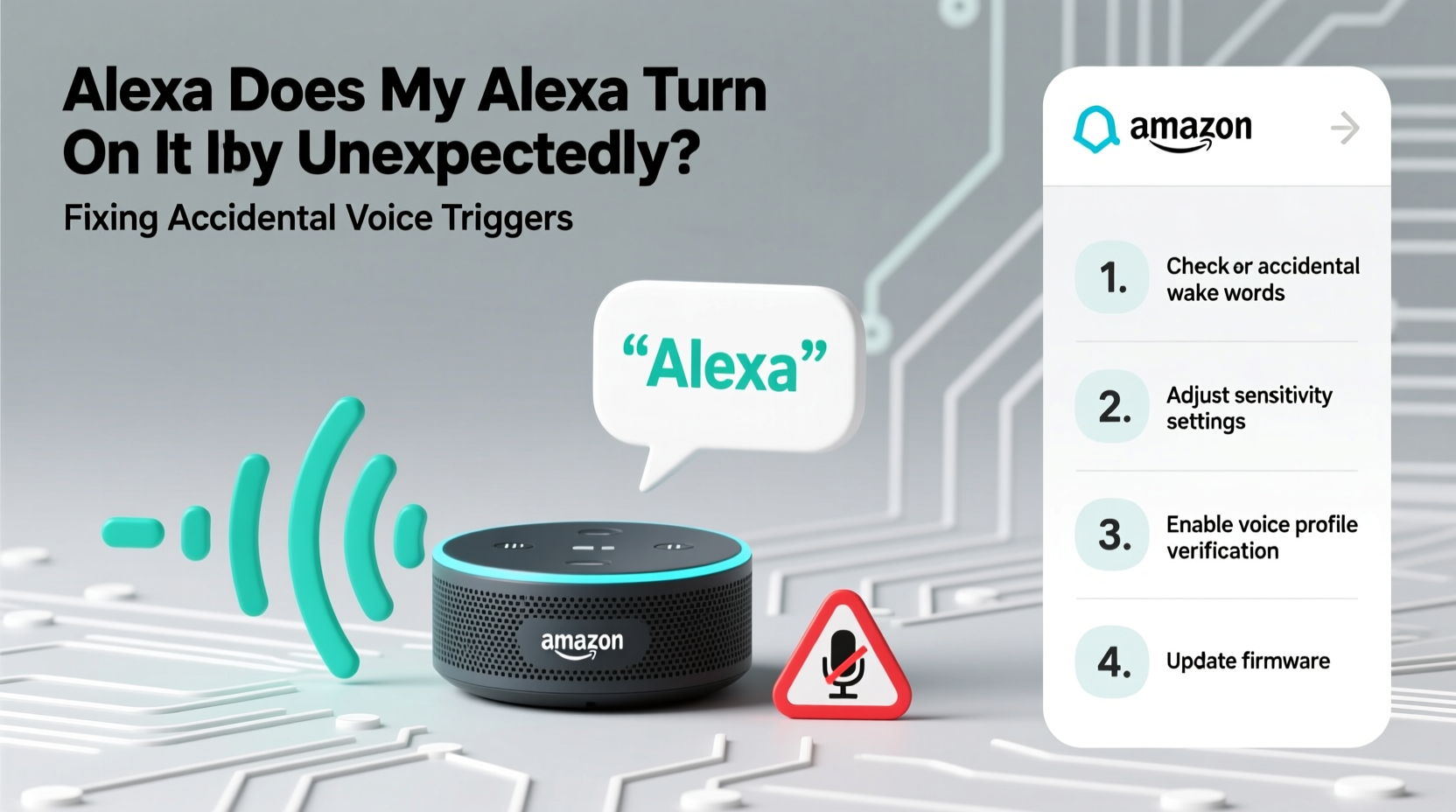
Alexa’s wake word detection system is built to recognize specific phrases like “Alexa,” “Echo,” or “Computer.” When it hears one of these words—even partially—it powers on and begins listening for a command. However, this feature isn’t perfect. Background conversations, TV dialogue, radio ads, or even sounds that resemble the wake word can trick the device into activating.
Amazon uses advanced machine learning models to distinguish between actual commands and false positives, but environmental factors often interfere. For example, a character on a TV show saying “Alex” in a dramatic scene might be enough to trigger the device. Similarly, certain accents, overlapping speech, or audio feedback loops from other electronics can confuse the microphone array.
Additionally, some users report that their Alexa activates during quiet moments with no apparent sound source. In these instances, internal glitches, firmware bugs, or hardware sensitivity issues may contribute. While rare, outdated software or corrupted settings can cause erratic behavior that mimics accidental voice triggering.
Common Sources of Accidental Activation
False triggers don’t happen randomly—they follow patterns tied to environment, usage habits, and device placement. Identifying the most frequent culprits helps narrow down solutions.
- Television and Streaming Content: Shows, commercials, or movies that use names similar to the wake word (e.g., “Alex,” “Alexis”) are leading causes of unintended activation.
- Noisy Households: Loud environments with overlapping voices, children playing, or pets vocalizing increase the likelihood of misinterpretation.
- Poor Device Placement: Placing an Echo near reflective surfaces, corners, or behind furniture can distort sound pickup and amplify echo effects.
- Audio Feedback Loops: If Alexa plays audio through external speakers that feed back into its microphones, it may interpret its own output as a new command.
- Low-Quality Third-Party Skills: Some skills poorly handle responses, causing repeated prompts or unexpected behaviors that mimic autonomous activation.
“Voice assistants operate in dynamic acoustic environments. Even small changes in room acoustics or ambient noise can significantly impact recognition accuracy.” — Dr. Lena Patel, Audio AI Researcher at MIT Media Lab
Step-by-Step Guide to Reduce Unwanted Triggers
Fixing accidental activations involves both adjusting settings and modifying your physical environment. Follow this sequence to systematically eliminate false triggers:
- Change the Wake Word: Open the Alexa app, go to Devices > Echo & Alexa > [Your Device] > Wake Word, and select a less commonly used option like “Computer” or “Ziggy.” This simple change resolves many issues.
- Adjust Microphone Sensitivity (if available): While Amazon doesn’t offer direct sensitivity controls, newer models like the Echo Dot (5th Gen) include adaptive algorithms that learn over time. Ensure automatic updates are enabled.
- Reposition Your Device: Place the Echo in an open area, away from walls, cabinets, or TVs. Avoid placing it near speakers or sound systems that could create feedback.
- Use Do Not Disturb Mode Strategically: Enable DND during sleep hours or high-noise periods. Go to Settings > Do Not Disturb and schedule quiet times when you don’t need Alexa active.
- Disable Unused Skills: Review installed skills and remove those you no longer use. Poorly coded third-party integrations can cause erratic behavior.
- Test with Mute Button: Press the physical mute button to confirm whether activations continue. If lights still flash while muted, the issue may be software-related.
- Factory Reset and Reconfigure: As a last resort, reset the device via the app or hold the Action button for 25 seconds. Set it up again to clear corrupted configurations.
Do’s and Don’ts: Managing Alexa Behavior
| Do | Don't |
|---|---|
| Choose a unique wake word like “Ziggy” | Keep default “Alexa” if you watch shows with similar names |
| Place device centrally in the room | Hide Echo inside a cabinet or drawer |
| Enable software updates automatically | Ignore firmware update notifications |
| Use routines to limit nighttime responses | Leave Alexa fully active 24/7 without boundaries |
| Review voice history regularly | Assume all recordings are accurate without checking |
Real-World Example: Solving a Persistent Trigger Issue
Sarah, a teacher from Portland, noticed her kitchen Echo would turn on every evening around 7 PM. It would announce weather updates or start playing music despite no one speaking to it. Initially concerned about hacking or malfunction, she tested muting the device and confirmed activations stopped—ruling out hardware failure.
After reviewing her voice history in the Alexa app, she found entries triggered by phrases like “Next news story” and “Play jazz playlist”—commands she never gave. Cross-referencing timing, she realized these coincided with her nightly habit of watching a local news broadcast. One segment featured a reporter named Alex, whose name was frequently mentioned during transitions.
She changed the wake word to “Echo” and repositioned the device further from the TV. Within two days, the false activations ceased entirely. Sarah also scheduled Do Not Disturb mode from 7–9 PM as a preventive measure during prime TV hours.
Advanced Fixes for Stubborn Cases
If basic troubleshooting doesn’t resolve the issue, consider deeper technical adjustments:
- Update Router Firmware: Network instability can cause Alexa to restart mid-listening cycle, making it appear as though it turned on autonomously. Ensure your router runs the latest firmware.
- Limit Bandwidth-Hogging Devices: Congested Wi-Fi networks delay command processing, increasing the chance of misinterpreted inputs. Prioritize your Echo using Quality of Service (QoS) settings.
- Check for Rogue Smart Home Automations: A routine or smart plug programmed to trigger Alexa might activate under certain conditions (e.g., motion detected, time-based). Audit all automations in the app.
- Use Voice Profiles with Caution: While convenient, voice profiles can sometimes misattribute commands. Disable them temporarily to test if they’re contributing to phantom responses.
- Contact Amazon Support: If the device activates while muted or shows signs of hardware defect (e.g., constant blue ring), request a replacement under warranty.
When to Suspect Hardware Problems
While most issues stem from software or environment, hardware faults do occur. Signs of potential hardware failure include:
- Microphone remains active despite being muted (red light not showing)
- Frequent random reboots or unexplained disconnections
- Physical damage or water exposure history
- Device responds to non-existent commands even after factory reset
In such cases, contact Amazon customer service for diagnostics or a replacement unit.
FAQ: Common Questions About Alexa Turning On Unexpectedly
Can someone remotely activate my Alexa without permission?
No. Alexa cannot be remotely accessed or activated by others unless they have your Amazon account credentials and physical access to your network. All voice interactions require the wake word to be spoken aloud or manually triggered via the app.
Does Alexa record everything I say?
No. Alexa only begins recording after detecting the wake word. Before that point, audio is processed locally and discarded. You can delete stored recordings anytime through the Alexa app or Amazon website.
Will changing the wake word affect Alexa’s responsiveness?
Not significantly. Modern Echo devices use adaptive voice models that adjust quickly to new wake words. Performance remains consistent across all options, though uncommon words like “Ziggy” may take a few days to optimize.
Final Checklist: Prevent Alexa From Turning On Accidentally
- ✅ Change the wake word to a less common alternative
- ✅ Reposition Echo away from TVs, speakers, and noisy appliances
- ✅ Schedule Do Not Disturb periods during high-risk times
- ✅ Review voice history weekly for false triggers
- ✅ Remove unused or unreliable third-party skills
- ✅ Keep device software updated automatically
- ✅ Test with mute button to isolate hardware vs. software issues
- ✅ Factory reset if problems persist after all other steps
Conclusion
Your Alexa should enhance daily life—not disrupt it with mysterious activations. By understanding how voice recognition works and taking control of your device settings, you can eliminate most false triggers. Simple changes like switching the wake word or relocating the speaker often make a dramatic difference. Combine those with regular maintenance and awareness of your environment, and your smart assistant will function reliably and respectfully.




 浙公网安备
33010002000092号
浙公网安备
33010002000092号 浙B2-20120091-4
Comments
No comments yet. Why don't you start the discussion?