
You're sitting in silence when suddenly—“Hello. I'm here.” Alexa's blue ring lights up without warning. No one spoke. No command was given. It feels like something out of a horror movie. But before you unplug it and retreat into an analog life, take a breath: this isn’t supernatural. It’s technology behaving in ways that seem mysterious but are usually explainable. Thousands of users report their Amazon Echo devices activating unexpectedly. Some chalk it up to ghosts; others suspect eavesdropping. The truth lies somewhere in engineering, acoustics, and software behavior.
Alexa turning on by itself is rarely a sign of malfunction or surveillance. More often, it's the result of environmental factors, misheard words, or system quirks. Understanding why these activations happen—and how to control them—can restore peace of mind and help you use your smart speaker with confidence.
How Alexa Listens (And When It Thinks You’re Talking)
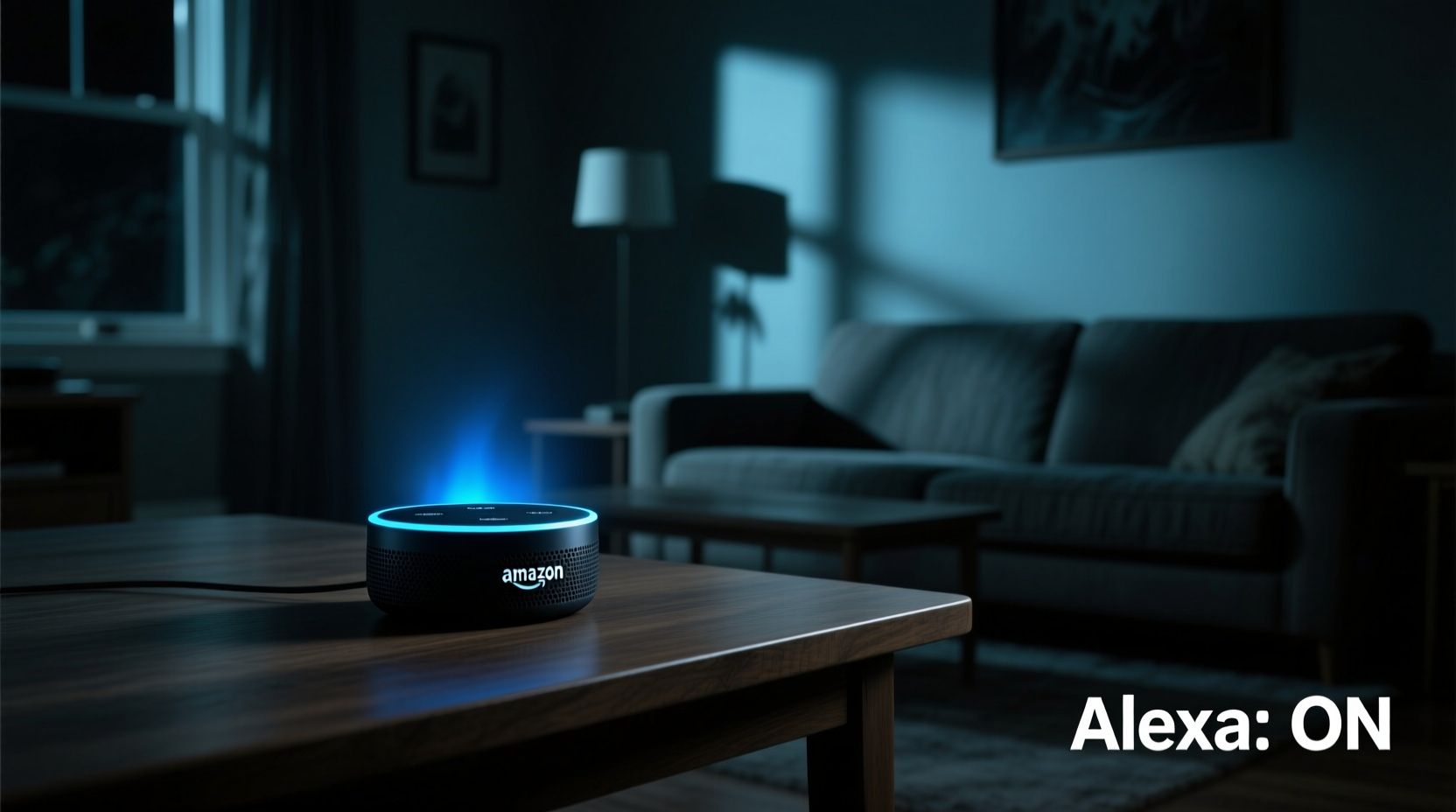
Alexa operates using a “wake word” system. By default, that word is “Alexa,” though you can change it to “Echo,” “Computer,” or “Amazon.” The device constantly listens for audio patterns matching this wake word—but only locally. It doesn’t send audio to the cloud unless it detects the trigger phrase. Once activated, the microphone sends data to Amazon’s servers for processing.
The detection happens through a combination of machine learning models and acoustic fingerprinting. These models are trained on thousands of voice samples to recognize the wake word amid background noise. However, they aren't perfect. False positives occur when similar-sounding phrases or ambient sounds mimic the wake word.
For example:
- Hearing “Alex” in conversation
- A TV character saying “exactly” or “what’s next?”
- High-pitched laughter resembling vocal inflections in “Alexa”
- Noise from appliances like microwaves or refrigerators creating resonance
In lab conditions, false activation rates are low. But real-world environments introduce variables engineers can't fully predict. One study by privacy researchers found that certain phonetic combinations in normal speech triggered Alexa about once every two days in active households.
“Wake-word systems are designed for accessibility, not perfection. Occasional false triggers are a trade-off for responsiveness.” — Dr. Lena Patel, AI Interaction Researcher at MIT Media Lab
Common Causes of Unexpected Alexa Activations
Not every spontaneous activation is a glitch. Many have logical explanations. Here are the most frequent culprits:
1. Voice Mimicry and Background Audio
Your Echo may respond to sounds that resemble “Alexa.” Words like “Alex,” “allegedly,” “access,” or even “I’ll check again” can trick the algorithm. This is especially common if someone has a high-pitched or fast-speaking voice.
TV shows, movies, commercials, and music also contribute. A 2020 report documented cases where a commercial mentioning “Alexa, order me a pizza” caused widespread unintended purchases—until Amazon added safeguards.
2. Acoustic Resonance and Echo Effects
Hard surfaces like tile floors, glass windows, and bare walls reflect sound. In such rooms, voices bounce and distort, sometimes creating echoes that the device interprets as a second command—or a wake word. Devices placed near reflective corners are more prone to this.
3. Firmware Bugs and Software Glitches
Like any software, Alexa’s firmware occasionally contains bugs. Updates may introduce new behaviors or regressions. For instance, version 2.54.19-10 included a bug causing random LED illumination due to incorrect sleep-state management—a patch fixed it weeks later.
4. Hardware Sensitivity Issues
Dust, moisture, or physical damage to the microphone array can cause erratic behavior. A faulty sensor might register phantom inputs. Older units, especially those exposed to kitchen steam or bathroom humidity, show higher failure rates.
5. Connected Routines and Smart Home Triggers
You might not have spoken to Alexa, but a scheduled routine could activate it. For example, a morning alarm labeled “Good morning, Alexa” will light up the device even if no one says anything aloud. Similarly, motion sensors or smart plugs can initiate voice responses via automation.
Is It Spooky or Just a Glitch? How to Diagnose the Cause
To determine whether your Alexa’s behavior stems from technical issues or environmental causes, follow this diagnostic process.
Step-by-Step Troubleshooting Timeline
- Review Recent Activations: Open the Alexa app > Activity > Review past interactions. Look for timestamps and what prompted each activation.
- Check Routines: Go to Devices > Routines. Disable any automations that include voice output or wake-up commands.
- Relocate the Device: Move the Echo away from TVs, speakers, or reflective surfaces. Place it at ear level in a central location.
- Adjust Microphone Sensitivity: While not directly adjustable, covering one microphone (temporarily) can reduce over-sensitivity.
- Update Firmware: Ensure your device runs the latest software. Updates occur automatically, but restarts can prompt checks.
- Factory Reset: If problems persist, reset via Settings > Device Options > Factory Reset.
- Contact Support: If hardware defects are suspected, contact Amazon for repair or replacement.
Mini Case Study: The Midnight “Alexa” That Wasn’t
Sarah from Portland reported her Echo Dot turning on nightly around 2:17 AM. No one was awake. She reviewed recordings and found silence before activation. After moving the device from her bedroom nightstand to the living room, the issue stopped. Investigation revealed her HVAC system cycled at that time, producing a low hum that resonated with the plastic casing. The vibration mimicked vocal frequencies, tricking the wake-word engine. Replacing the unit with a newer model (which uses improved noise filtering) resolved it permanently.
Do’s and Don’ts: Managing Alexa Behavior
| Action | Do | Don’t |
|---|---|---|
| Placement | Position centrally, away from speakers and reflective walls | Don’t place inside cabinets or near vibrating appliances |
| Privacy | Use mute button when sensitive conversations occur | Don’t assume it’s always listening—only audio after wake-up is stored |
| Customization | Change wake word to “Computer” or “Echo” if “Alexa” causes false triggers | Don’t use uncommon wake words that increase error rates |
| Maintenance | Clean microphone ports gently with a dry brush monthly | Don’t use liquids or compressed air, which can damage sensors |
Can Alexa Be Hacked or Remotely Activated?
A legitimate concern arises: could someone remotely access your device and activate it? While theoretically possible under extreme circumstances, real-world risks are minimal.
Amazon employs end-to-end encryption for voice data and requires authentication for remote access. Unauthorized activation would require either:
- Physical access to your Wi-Fi network and device credentials
- Exploitation of a zero-day vulnerability (extremely rare and quickly patched)
- Phishing attacks tricking users into granting permissions
In 2021, a security researcher demonstrated a laser-based method to simulate voice commands from outside a building—but this required specialized equipment and line-of-sight. For average users, the risk is negligible compared to everyday threats like weak passwords.
If you're concerned about privacy:
- Enable two-factor authentication on your Amazon account
- Regularly review connected apps in Your Content & Devices
- Use the Alexa Privacy Hub to auto-delete voice recordings every 3 or 18 months
Frequently Asked Questions
Can Alexa turn on without saying the wake word?
Technically, no. The device must detect a wake word to begin recording and transmitting. However, it may misinterpret similar sounds as the wake word, making it appear spontaneous. Additionally, routines or timers can trigger verbal responses without user input.
Why does Alexa glow blue randomly?
A blue ring indicates Alexa is processing a request. Random glowing usually means it heard something it interpreted as a command. This could be a partial wake word, a routine starting, or a response to a smart home alert (like a doorbell press). Check the Alexa app activity log to verify what triggered it.
Is Alexa spying on me?
No credible evidence supports mass surveillance by Alexa. Recordings are linked to accounts and used to improve responses. You can view, manage, and delete all voice history manually. Amazon states it does not sell voice data to advertisers. Employees who review anonymized clips undergo strict training and confidentiality agreements.
Practical Checklist: Stop Alexa From Turning On Unexpectedly
- ✅ Change the wake word to something less commonly spoken (e.g., “Echo”)
- ✅ Relocate the device away from TVs, kitchens, and bathrooms
- ✅ Disable unnecessary routines that trigger voice feedback
- ✅ Mute the microphone overnight or during private moments
- ✅ Clean the top panel gently to prevent dust buildup on microphones
- ✅ Review voice history weekly to spot false activations
- ✅ Keep software updated to benefit from bug fixes and better accuracy
Conclusion: Peace of Mind Through Control
The eerie sensation of Alexa turning on in silence is unsettling—but understanding its triggers transforms fear into control. Most incidents stem from predictable technical and environmental factors, not malice or mystery. With thoughtful placement, regular maintenance, and a few smart settings adjustments, you can enjoy the convenience of voice assistants without the creep factor.
Technology should serve you, not unsettle you. Take charge of your smart home experience. Audit your Alexa settings today, apply the tips above, and reclaim confidence in your connected devices.




 浙公网安备
33010002000092号
浙公网安备
33010002000092号 浙B2-20120091-4
Comments
No comments yet. Why don't you start the discussion?