
It’s unsettling when your Amazon Echo lights up without warning, especially in the middle of the night. You’re not alone if you’ve ever wondered: Why does my Alexa turn on randomly—and is someone listening? These concerns are common among smart speaker users, particularly as voice assistants become more integrated into our homes. The short answer is that random activations are usually due to technical triggers, not eavesdropping. But understanding the full picture—how Alexa works, what activates it, and how data is handled—is essential for peace of mind and digital safety.
What Triggers Alexa to Turn On?
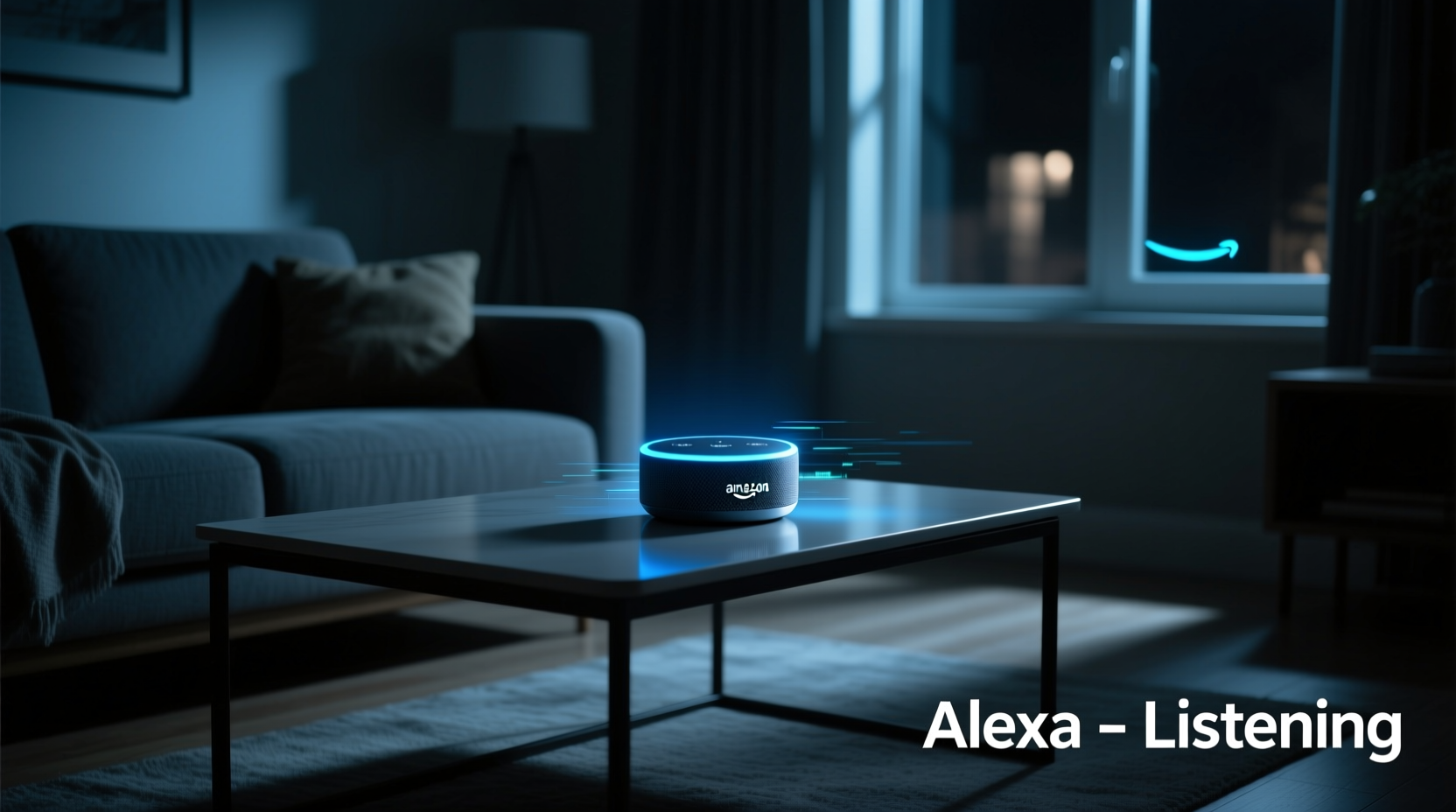
Alexa is designed to respond when it hears its wake word—typically “Alexa,” though alternatives like “Echo” or “Computer” are available. However, false triggers happen. The microphone is always listening for the wake word, but it doesn’t record or transmit audio until that specific phrase is detected. When Alexa powers on unexpectedly, it’s almost always because the system misinterpreted ambient sound as the wake word.
Common causes include:
- Background noise: Sounds like clinking dishes, running water, or TV dialogue with phonetic similarities to “Alexa” can trigger a response.
- Similar-sounding names: If someone in your household has a name like Alexa, Alexandra, or Aléx, conversations may inadvertently activate the device.
- Poor audio processing: In rare cases, firmware bugs or outdated software can increase sensitivity.
- Crosstalk from other devices: Another Echo device responding to a command can cause nearby units to light up in response.
Amazon engineers design these systems to balance responsiveness with accuracy, but no system is perfect. False positives are an accepted trade-off for quick activation.
Can Someone Be Listening Through My Alexa?
This is the most pressing concern—and the answer requires nuance. Under normal operation, no one is listening to your private conversations. Audio is processed locally on the device until the wake word is detected. Only then does a snippet of audio get sent to Amazon’s servers for interpretation. Even then, human review is limited and anonymized unless you explicitly opt in.
However, there are exceptions:
- Voice recordings stored in your account: Amazon retains voice interactions linked to your account unless you delete them. These can be reviewed by automated systems and, in rare cases, by trained reviewers to improve speech recognition.
- Data breaches or unauthorized access: If your Amazon account is compromised, someone could potentially access your voice history or device settings.
- Legal requests: Law enforcement agencies can request voice data with a warrant, as seen in a few high-profile criminal investigations.
In 2019, Bloomberg reported that thousands of Amazon employees and contractors around the world listened to anonymized Alexa recordings to improve accuracy. While Amazon states this is done under strict confidentiality, the revelation sparked privacy debates. Users have control over whether their recordings are used for quality assurance—a setting easily adjusted in the Alexa app.
“Voice assistants operate on a trust model: convenience versus privacy. The risk isn’t constant surveillance—it’s data retention and potential misuse.” — Dr. Lena Patel, Cybersecurity Researcher at MIT
How to Secure Your Alexa and Reduce Random Activations
You can’t eliminate all risks in a connected home, but you can significantly reduce vulnerabilities. Follow these steps to enhance both functionality and privacy.
Step-by-Step Guide to Securing Alexa
- Review Voice History Settings
Open the Alexa app → go to Settings → Alexa Privacy → Manage Your Alexa Data. Here, you can view, listen to, or delete past recordings. - Disable Human Review
In the same menu, disable the option labeled “Help Improve Alexa.” This stops your voice snippets from being reviewed by humans. - Enable Auto-Delete
Set your voice recordings to auto-delete every 3 or 18 months. This limits long-term data storage. - Use a Physical Mute Button
When privacy is critical (e.g., during sensitive conversations), press the microphone off button on top of your device. A red light indicates the mic is disabled. - Update Firmware Regularly
Ensure your Echo runs the latest software. Updates often include security patches and improved voice detection algorithms. - Secure Your Wi-Fi Network
Use WPA3 encryption, change default router passwords, and avoid public or guest networks for smart devices. - Change the Wake Word
Go to Device Settings → Wake Word and select a less commonly spoken alternative.
Real-World Example: The Case of the Midnight Activation
Sarah, a teacher from Portland, began noticing her Alexa turning on around 2:17 a.m. nightly. At first, she assumed it was a glitch. Then she started wondering: Was someone accessing her device? She checked her voice history and found dozens of entries labeled “I don’t know that one.” None contained actual commands—just fragments of her sleep-talking or her cat knocking over a water bowl.
She followed the security checklist above: changed the wake word to “Echo,” enabled auto-delete, and muted the device overnight. The random activations stopped within two days. Later, she realized her bedroom fan made a rhythmic hum that occasionally mimicked the cadence of “Alexa.” After repositioning the Echo away from the airflow, the device remained quiet.
Sarah’s experience illustrates a common pattern: perceived intrusion is often the result of environmental factors combined with understandable anxiety about always-listening tech.
Do’s and Don’ts of Alexa Privacy
| Do | Don't |
|---|---|
| Regularly review and delete voice recordings | Assume your conversations are completely private when the mic is on |
| Use strong, unique passwords for your Amazon account | Leave your device unmuted in shared or sensitive environments |
| Place Echo devices in common areas, not bedrooms or bathrooms | Ignore software updates or security alerts |
| Teach household members how to mute the mic | Share your Amazon login across multiple users |
| Enable two-factor authentication (2FA) | Assume changing the wake word eliminates all risks |
Frequently Asked Questions
Does Alexa record everything I say?
No. Alexa only begins recording after detecting the wake word. Prior audio is not saved or transmitted. However, the device captures a fraction of a second before the wake word to ensure full context—this is stored only if the wake word is confirmed.
Can hackers listen to me through Alexa?
While extremely rare, it’s theoretically possible if your Amazon account is compromised. Use two-factor authentication, monitor login activity, and avoid using simple passwords. There are no known cases of direct hardware hacking via the Echo’s microphone without physical access and advanced tools.
Why does Alexa sometimes laugh or respond without being called?
In 2018, some users reported Alexa emitting an unprompted laugh. Amazon traced it to a misrecognition of phrases like “Alexa, laugh” from background speech. The company later changed the response to “Sure, I can laugh” to reduce false positives. If this still occurs, update your device and consider adjusting microphone sensitivity.
Expert Recommendations for Long-Term Safety
Beyond basic settings, experts suggest proactive habits to maintain control over your smart home ecosystem.
- Conduct quarterly privacy audits: Review which devices are linked to your account, check recent voice history, and revoke access from unused skills.
- Leverage Guest Connect: Allow visitors to use your Echo without linking to their Amazon accounts, reducing exposure of personal routines.
- Limit third-party skill permissions: Many Alexa skills request access to your data. Only enable those from trusted developers and disable unused ones.
- Use a separate network for IoT devices: Set up a guest Wi-Fi network dedicated to smart home gadgets to isolate them from your primary devices.
“Smart speakers aren’t inherently unsafe—but they expand your digital footprint. Treat them like any connected device: configure them wisely, monitor them regularly.” — Marcus Tran, Senior Analyst at Digital Defense Initiative
Final Checklist: Is Your Alexa Secure?
- ✅ Changed wake word to reduce false triggers?
- Yes / No
- ✅ Disabled “Help Improve Alexa” feature?
- Yes / No
- ✅ Enabled auto-delete for voice recordings?
- Yes / No
- ✅ Muted device during private moments?
- Yes / No
- ✅ Updated device firmware?
- Yes / No
- ✅ Enabled two-factor authentication on Amazon account?
- Yes / No
- ✅ Reviewed and deleted old voice history?
- Yes / No
Conclusion: Stay Informed, Stay in Control
Your Alexa turning on randomly is typically a quirk of voice recognition, not a breach. But dismissing concerns outright undermines legitimate privacy considerations in an era of pervasive technology. By understanding how Alexa works, adjusting key settings, and adopting smart habits, you can enjoy the benefits of a voice assistant without sacrificing peace of mind.
Technology should serve you—not unsettle you. Take ten minutes today to review your Alexa settings. Delete old recordings, change the wake word, and enable auto-delete. These small actions build a foundation of digital hygiene that protects not just your privacy, but your confidence in the tools you welcome into your home.




 浙公网安备
33010002000092号
浙公网安备
33010002000092号 浙B2-20120091-4
Comments
No comments yet. Why don't you start the discussion?