
Waking up in the middle of the night to a sudden voice from your Alexa can be unsettling—sometimes even eerie. You’re not alone if you’ve experienced your Amazon Echo device turning on without warning, speaking unprompted, or making strange noises during quiet hours. This issue affects thousands of users and often stems from a mix of technical glitches, environmental triggers, and overlooked settings. The good news is that most causes are fixable with a few targeted adjustments. Understanding why this happens—and how to prevent it—is essential for regaining peace of mind and uninterrupted sleep.
Common Causes of Random Alexa Activations at Night
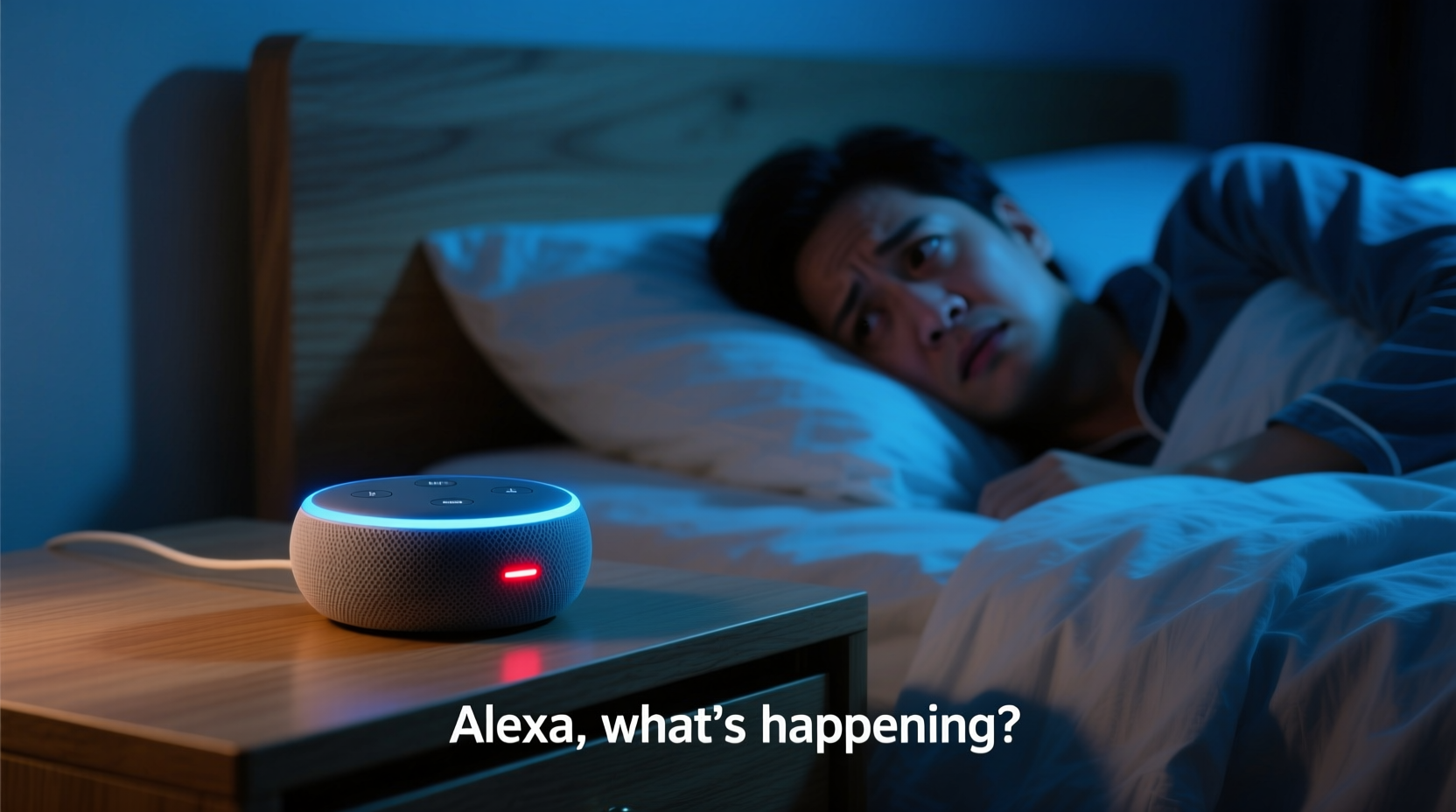
Alexa devices rely on voice detection technology to activate when they hear their wake word—typically “Alexa,” but sometimes “Echo,” “Computer,” or “Amazon.” While designed to respond only to deliberate commands, several factors can trick the system into thinking it’s been summoned when it hasn’t.
The most frequent culprits include:
- Background noise misinterpreted as the wake word: Sounds like snoring, creaking floors, pets moving, or even TV audio leaking from another room can resemble the wake word.
- Poor microphone sensitivity settings: Overly sensitive microphones may pick up faint or distant sounds that mimic human speech patterns.
- Firmware bugs or software glitches: Outdated or buggy firmware can cause erratic behavior, including phantom activations.
- Interference from other smart devices: Some wireless signals or Bluetooth devices may interfere with Alexa’s internal components.
- Scheduled routines running unexpectedly: A forgotten routine might trigger announcements, alarms, or music playback during nighttime hours.
- Drop-in calls or notifications: If enabled, incoming Drop-ins from family members or urgent alerts can activate the speaker suddenly.
Step-by-Step Guide to Diagnose and Fix the Issue
Resolving random Alexa activations requires methodical troubleshooting. Follow these steps in order to isolate and eliminate the root cause.
- Review recent activity in the Alexa app: Open the app, go to Activity, and check logs for the last 24–48 hours. Look for any recorded commands or responses that occurred during the night—even if you didn’t hear them.
- Check scheduled routines: Navigate to Routines in the app. Disable any routines set to run between midnight and 6 AM unless absolutely necessary. Rename or delete unused ones.
- Adjust microphone sensitivity: In the Alexa app, select your device under Devices, tap Microphone Sensitivity, and reduce it slightly (e.g., from high to medium). This reduces false positives without sacrificing usability.
- Test different wake words: Change your wake word temporarily to something less common, like “Computer” or “Amazon.” These are less likely to be triggered accidentally by background speech.
- Update device firmware: Ensure your Echo has the latest software. Go to Settings > Device Log > About > Check for Software Updates.
- Power cycle the device: Unplug your Echo for at least 30 seconds, then plug it back in. This clears temporary memory and resets network connections.
- Relocate the device: Move the Echo away from sources of vibration (like beds or HVAC vents) and out of bedrooms if possible. Place it on a hard surface rather than fabric, which can muffle sound and confuse the mic array.
Do’s and Don’ts When Managing Alexa Behavior
| Do | Don’t |
|---|---|
| Use a fabric cover or mute button at night | Leave Drop-in enabled without restrictions |
| Regularly review Alexa privacy settings | Ignore software update notifications |
| Set up bedtime reminders instead of alarms | Place Echo directly beside your pillow |
| Enable Brief Mode to reduce verbal feedback | Assume all activations are malicious or hacked |
| Test wake word accuracy weekly | Use overly sensitive accessories like echo chambers |
Real Example: Sarah’s Midnight Wake-Up Call
Sarah, a teacher from Portland, began noticing her Alexa Mini turning on around 2:17 AM every few nights. It would say, “I didn’t catch that,” or occasionally play soft jazz music. Initially alarmed, she thought someone had accessed her account. After reviewing her Activity log, she discovered a pattern: each activation followed a low-frequency thump—later traced to her old water heater cycling on.
Using her phone’s voice memo app, she recorded the noise and played it back near the Echo. Sure enough, Alexa activated. The solution? She wrapped the water heater pipes in foam insulation to dampen vibrations and changed her wake word to “Ziggy.” Since then, no more midnight disturbances.
This case illustrates how non-speech environmental sounds—especially rhythmic or resonant ones—can mimic vocal frequencies closely enough to fool AI-powered listeners.
“Voice assistants are trained to detect human-like phonemes, not just exact words. That means tonal similarities—even from mechanical sources—can trigger false positives.” — Dr. Lena Patel, Audio Recognition Engineer at MIT Media Lab
Expert Recommendations for Long-Term Prevention
While occasional glitches happen, consistent random activations signal deeper configuration or placement issues. Experts recommend adopting proactive habits to maintain control over smart speakers.
- Leverage Routine Audits: Every month, revisit your Routines list. Delete redundant entries and verify time-based triggers.
- Use Physical Mute Buttons: Press the microphone off button before bed. A red light ring confirms the mic is disabled.
- Limit Intercom Features: Restrict Drop-in access to specific trusted contacts and disable it entirely on bedroom devices.
- Invest in Signal Isolation: Devices placed near Wi-Fi routers or cordless phones may experience electromagnetic interference. Keep Echos at least 2 feet away from such electronics.
- Monitor via Notifications: Enable push alerts in the Alexa app for device activations. If you get one at 3 AM while asleep, investigate immediately.
Checklist: How to Prevent Alexa From Turning On at Night
- ✅ Review Alexa Activity log for unexplained events
- ✅ Disable or reschedule nighttime routines
- ✅ Lower microphone sensitivity in device settings
- ✅ Change wake word to a less common option
- ✅ Mute the device manually before sleeping
- ✅ Relocate Echo away from noisy appliances or vibrating surfaces
- ✅ Update firmware to the latest version
- ✅ Turn off Drop-in and Announcements on bedroom units
- ✅ Test environment with voice recordings to find false triggers
- ✅ Use Alexa Guard instead of standard listening mode at night
Frequently Asked Questions
Can someone hack my Alexa and make it speak at night?
While rare, unauthorized access is possible if your Amazon account lacks two-factor authentication or uses weak passwords. However, most random activations have benign explanations like software bugs or environmental noise. To protect yourself, enable 2FA, review login history regularly, and avoid sharing device access unnecessarily.
Why does Alexa laugh or giggle randomly at night?
In early 2018, some users reported Alexa emitting an unprompted laugh, prompting Amazon to adjust the response algorithm. Today, this behavior is extremely uncommon. If you still experience it, disable the “Laugh Response” feature under Skills & Games > Your Skills > Alexa Answers, or disable voice reactions entirely in Accessibility settings.
Is it safe to keep Alexa in the bedroom?
Yes—with precautions. Many people use Alexa as an alarm clock or sleep aid. For safety and privacy, use the mute button nightly, disable voice purchasing, and ensure automatic deletion of voice recordings after 3 or 18 months in Privacy Settings. Alternatively, consider a non-microphone smart display for bedside use.
Final Thoughts: Regain Control of Your Smart Home Experience
Your smart home should enhance comfort—not disrupt it. Random Alexa activations at night may seem mysterious, but they’re usually solvable with careful observation and simple adjustments. Start by auditing your device settings, then fine-tune placement and sensitivity based on your household’s unique acoustics. Remember, technology serves you—not the other way around.
By taking a few minutes to optimize your Alexa setup, you’ll not only silence those midnight surprises but also improve overall reliability and trust in your smart ecosystem. Peaceful nights are within reach.




 浙公网安备
33010002000092号
浙公网安备
33010002000092号 浙B2-20120091-4
Comments
No comments yet. Why don't you start the discussion?