
If you’ve ever been startled by your Amazon Echo suddenly lighting up or speaking without being prompted, you’re not alone. Thousands of Alexa users report their devices activating unexpectedly—sometimes in the middle of the night or during private conversations. While occasional false triggers are normal, frequent unexplained behavior raises legitimate questions: Is it a technical glitch? A software bug? Or could it be something more concerning, like a privacy breach?
This article dives deep into the most common reasons behind random Alexa activations, separates myth from fact, and provides actionable steps to regain control over your smart speaker. Whether you're troubleshooting for peace of mind or concerned about eavesdropping, this guide delivers clarity and practical fixes.
Understanding How Alexa Listens (and When It Should)
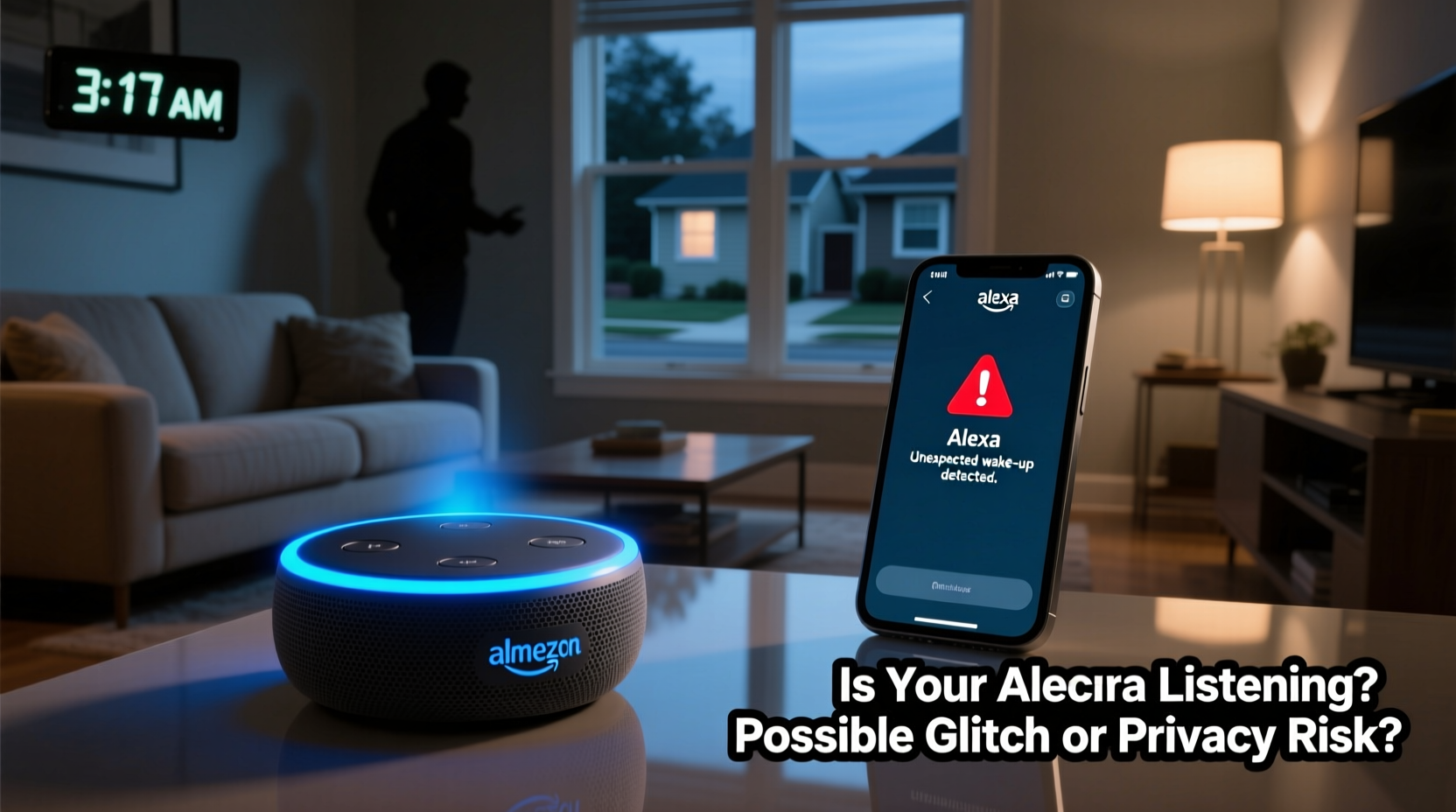
Alexa is designed to respond when it hears its wake word—typically “Alexa,” though you can change it to “Echo,” “Computer,” or “Amazon.” The device uses on-device voice processing to constantly listen for that specific phrase. Importantly, audio is only sent to the cloud *after* the wake word is detected. Until then, local processing discards the sound fragments almost instantly.
However, no system is perfect. False positives occur when Alexa misinterprets ambient noise as the wake word. Common culprits include:
- Words that sound like “Alexa” (e.g., “election,” “alex,” “allegedly”)
- TV dialogue or music with similar phonetics
- Other people’s voices in the background
- High-pitched sounds or electronic interference
According to Amazon, these misfires happen infrequently—less than once per thousand hours of operation under normal conditions. But if your environment is noisy or acoustically reflective (like a tiled kitchen), the rate may increase.
“Wake word false positives are a known limitation of all voice assistants. The key is minimizing environmental triggers and adjusting sensitivity where possible.” — Dr. Lena Patel, Voice AI Researcher at MIT Media Lab
Common Technical Causes of Random Activation
Not every unexpected Alexa response stems from a misunderstood word. Several hardware and software issues can also cause erratic behavior.
Firmware Bugs and Glitches
Like any connected device, Alexa relies on regular software updates. Occasionally, bugs introduced in new firmware can lead to unintended behaviors, such as looping responses, phantom activations, or delayed reactions. These are usually resolved in subsequent patches.
Hardware Malfunctions
Damaged microphones or internal circuitry can cause continuous listening states or spontaneous wake-ups. If one microphone in the array is stuck “on,” the device might interpret silence as speech. This is rare but more likely in older units or those exposed to moisture or physical damage.
Wi-Fi Interference or Connectivity Issues
Poor network stability can disrupt communication between your Echo and Amazon’s servers. In some cases, this leads to delayed processing—where a command issued earlier suddenly executes late—or repeated actions due to retransmission attempts.
Privacy Concerns: Is Alexa Listening When It Shouldn’t?
The idea that Alexa might be recording conversations without permission is understandably alarming. While Amazon maintains strict policies against unauthorized data collection, there have been documented incidents that fuel suspicion.
In 2018, an Oregon family discovered that Alexa had recorded a private conversation and sent it to a random contact in their address book. Amazon attributed the incident to a rare sequence of misheard commands and confirmation prompts. Still, it highlighted real risks in voice assistant design.
More recently, reports emerged about Alexa sometimes responding to ads or TV commercials containing trigger phrases. For example, a car commercial saying “Alexa, open BMW” inadvertently activated nearby devices. Amazon has since added safeguards, including requiring additional confirmation for certain actions, but the risk isn’t entirely eliminated.
Another concern involves third-party skills. Some developers create skills that request extended permissions or use misleading names to trick users. Once enabled, these could potentially misuse voice data or trigger unwanted interactions.
What Amazon Says About Privacy
Amazon asserts that recordings are encrypted and stored securely. Users can review, delete, or auto-delete voice history via the Alexa app. Additionally, pressing the microphone mute button physically disables the mics—a hardware-level safeguard.
Still, experts caution that while Amazon doesn’t sell your voice data, it does analyze anonymized snippets to improve Alexa’s performance. Employees and contractors may review audio clips as part of quality assurance, though identifiers are stripped.
“We need to treat voice assistants like semi-trusted roommates—they’re helpful, but they’re always listening for their name.” — Sarah Chen, Digital Privacy Advocate
Step-by-Step Guide to Diagnose and Fix Random Activations
If your Alexa keeps turning on unexpectedly, follow this systematic approach to identify and resolve the issue.
- Check Recent Voice History
Open the Alexa app > Settings > Alexa Privacy > Review Voice History. Look for unrecognized commands or timestamps matching the activation times. - Mute the Microphone Temporarily
Press the physical mic-off button. Observe if lights still activate. If yes, it suggests a hardware fault. - Restart the Device
Unplug the Echo for 30 seconds, then plug it back in. This clears temporary glitches.
Go to Settings > Device Settings > [Your Device] > Change Wake Word. Try switching from “Alexa” to “Computer” or “Echo” to reduce false triggers.- Update Firmware
Ensure your device is running the latest software. Updates are automatic, but you can force-check under Device Settings. - Reduce Background Noise
Move the device away from TVs, windows, or high-traffic areas. Avoid placing it near appliances that emit high-frequency sounds. - Disable Unused Skills
Review installed skills in the app and remove any unfamiliar or rarely used ones. - Reset to Factory Settings
If problems persist, reset the device. Note: You’ll need to reconfigure Wi-Fi and preferences.
Tips to Prevent Future Issues
Prevention is often better than troubleshooting. Implement these best practices to minimize unwanted activations and protect your privacy.
- Use the Alexa Guard feature to detect sounds like smoke alarms or glass breaking—but disable it if it causes false alerts.
- Enable two-step verification for your Amazon account to prevent unauthorized access.
- Regularly audit voice recordings and set auto-deletion to 3 or 18 months.
- Place Echos in central locations, away from walls and corners, to improve voice accuracy and reduce echo-induced errors.
Real-World Example: A Case of Phantom Alerts
Take the case of Mark T., a homeowner in Austin, Texas, who noticed his bedroom Echo turning on around 2:30 AM several nights in a row. No one was speaking, and the device would sometimes say, “I didn’t catch that,” or play soft chimes.
After checking voice history, he found no commands logged. He muted the mic, but the light ring still activated. A factory reset didn’t help. Finally, he unplugged other smart devices and discovered the culprit: a faulty smart doorbell camera emitting a faint 18 kHz signal every few hours—inaudible to humans but enough to confuse Alexa’s microphone array.
Replacing the doorbell ended the issue. Mark’s experience underscores the importance of considering electromagnetic interference and cross-device compatibility in smart homes.
Do’s and Don’ts: Managing Alexa Responsibly
| Do | Don’t |
|---|---|
| Change the wake word if “Alexa” causes frequent false triggers | Leave the microphone unmuted in sensitive areas like bedrooms or home offices |
| Review voice history monthly | Install skills from unknown developers without checking reviews and permissions |
| Use routines to automate privacy settings (e.g., mute at bedtime) | Assume Alexa is completely offline when muted—some functions may still operate |
| Keep firmware updated | Ignore persistent glitches—escalate to Amazon Support if needed |
Frequently Asked Questions
Can someone hack my Alexa and listen to me?
While extremely rare, hacking is theoretically possible if your Amazon account lacks strong security. Use a unique password, enable two-factor authentication, and avoid public Wi-Fi access. There are no widespread reports of mass breaches involving live eavesdropping via Echo devices.
Why does Alexa light up green if no one spoke?
A green light typically indicates an incoming call or drop-in. If this happens randomly, check whether someone in your household has enabled hands-free calling or scheduled a drop-in. You can disable these features in Communication settings.
Does Alexa record everything I say?
No. Alexa only begins recording *after* detecting the wake word. Before that, audio is processed locally and discarded. However, accidental wake-ups mean brief snippets may be saved. You can delete these manually or set automatic deletion.
Final Checklist: Secure Your Alexa Experience
- ✅ Change the wake word to reduce false triggers
- ✅ Mute the microphone at night or during private moments
- ✅ Review and delete voice recordings monthly
- ✅ Disable unused skills and tighten permissions
- ✅ Update device firmware regularly
- ✅ Position Echo away from noise sources and reflective surfaces
- ✅ Enable Alexa Privacy settings and two-factor authentication
Conclusion: Take Control of Your Smart Home
Random Alexa activations are usually harmless glitches caused by environmental noise or software quirks—not evidence of surveillance. But dismissing them entirely overlooks real privacy implications. By understanding how Alexa works, recognizing red flags, and applying proactive safeguards, you can enjoy the convenience of voice control without compromising peace of mind.
Your smart home should serve you, not unsettle you. Take a few minutes today to review your settings, update your habits, and ensure your technology respects your boundaries. The future of home automation is bright—but it should never come at the cost of your privacy.




 浙公网安备
33010002000092号
浙公网安备
33010002000092号 浙B2-20120091-4
Comments
No comments yet. Why don't you start the discussion?