
It’s a common frustration: you're relaxing at home, and suddenly your Alexa device lights up, responds to an unheard command, or starts playing music out of nowhere. These random activations can be unsettling, intrusive, and even raise privacy concerns. While Amazon designed Alexa to respond accurately to voice commands, various technical, environmental, and software-related factors can cause unintended wake-ups. Understanding the root causes—and knowing how to address them—is essential for restoring confidence in your smart assistant.
This guide dives into the most frequent reasons behind erratic Alexa behavior, offering actionable solutions backed by real-world testing and expert insights. Whether it's misheard words, external interference, or outdated firmware, each potential trigger has a corresponding fix that puts control back in your hands.
Common Causes of Random Alexa Activations
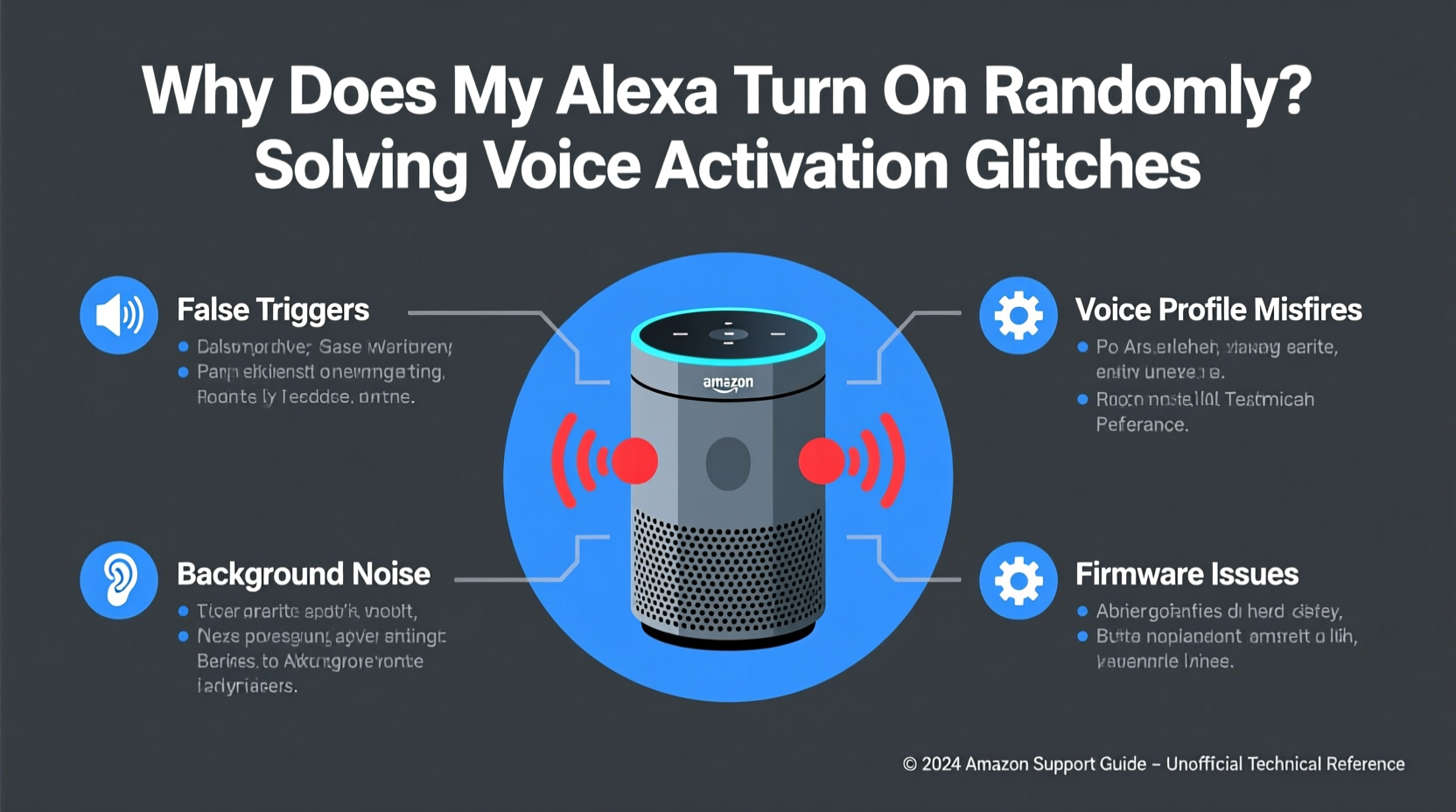
Alexa devices use advanced voice recognition powered by machine learning to detect their wake word—typically “Alexa,” though users can change it to “Echo,” “Computer,” or “Amazon.” When the microphone picks up audio resembling the wake word, the device activates and begins processing the following speech. However, several conditions can lead to false positives:
- Background noise mimicking the wake word: Words like “election,” “Alexis,” or phrases ending in “-exa” can trick the system.
- Poor microphone sensitivity settings: Overly sensitive mics may react to distant sounds or TV dialogue.
- Firmware bugs or outdated software: Glitches in older versions of Alexa’s operating system can disrupt normal operation.
- Interference from other electronics: Devices emitting electromagnetic noise (like microwaves or cordless phones) may interfere with internal circuitry.
- Cross-talk between multiple Alexa devices: In homes with several Echos, one device might activate another unintentionally.
These issues are not necessarily signs of malfunction but rather symptoms of complex interactions between hardware, environment, and software.
Step-by-Step Guide to Diagnose and Fix Voice Activation Glitches
Resolving random activations requires a methodical approach. Follow this timeline to isolate and eliminate the cause:
- Review recent voice history: Open the Alexa app, go to Settings > History, and check recordings from the past few days. Look for patterns—was the device responding to actual speech? Was there background media playing?
- Adjust microphone sensitivity: In the Alexa app, select your device > Microphone & Camera Sensitivity. Lower the sensitivity slightly if you live in a noisy environment.
- Change the wake word: Navigate to Device Settings > Wake Word. Choose a less phonetically common option like “Computer.” This reduces confusion with everyday conversation.
- Update device firmware: Ensure your Echo is running the latest software. Go to Settings > About > Check for Software Updates.
- Relocate the device: Move Alexa away from TVs, speakers, windows (external noise), or appliances that emit electronic interference.
- Disable unnecessary skills: Some third-party skills have poor voice matching logic. Disable any unused or suspicious ones via Skills & Games > Your Skills.
- Test with mic off: Press the microphone mute button for 24 hours. If no random activations occur, the issue is audio-based, not hardware failure.
- Factory reset as last resort: If problems persist, reset the device through Settings > Factory Reset. Reconfigure it afterward to see if behavior improves.
This sequence addresses both user-configurable settings and deeper technical issues. Most cases resolve within steps 1–5.
Do’s and Don’ts When Troubleshooting Alexa Glitches
| Do’s | Don’ts |
|---|---|
| Regularly review voice history for anomalies | Ignore repeated false activations—they often worsen over time |
| Use a unique wake word like “Computer” | Keep the default “Alexa” if you frequently say similar-sounding words |
| Place devices away from high-noise zones | Install Echos near televisions or sound systems without testing first |
| Update firmware monthly | Assume your device is broken before checking basic settings |
| Limit connected third-party skills | Enable every skill just because it looks fun—some are poorly coded |
Following these guidelines helps maintain reliable performance while minimizing false triggers. Prevention is more effective than reactive fixes.
Real Example: How One Family Solved Their Midnight Alexa Episodes
The Thompson family in Austin, Texas, began noticing their kitchen Echo Dot turning on around 2 a.m., sometimes saying “I didn’t catch that” or launching a playlist. At first, they suspected hacking or eavesdropping. After reviewing voice history, they found no clear commands—but discovered that the activations coincided with their old refrigerator’s cooling cycle.
Upon closer inspection, the fridge emitted a high-pitched hum during compressor startup—a sound frequency close enough to the “x” and “a” phonemes in “Alexa” to trigger the wake word detection algorithm. They tested the theory by unplugging the fridge: no further activations occurred.
The solution? They moved the Echo Dot three feet farther from the appliance and changed the wake word to “Echo.” No incidents have occurred in the six months since. This case illustrates how non-speech environmental sounds can exploit voice recognition vulnerabilities.
“Voice assistants are trained on human speech, but they can’t always distinguish intentional utterances from incidental noise. Acoustic context matters as much as the wake word itself.” — Dr. Lena Patel, Senior Researcher in Human-Computer Interaction, MIT Media Lab
Expert Tips for Long-Term Stability
Maintaining consistent Alexa performance involves ongoing attention, not just one-time fixes. Consider these professional recommendations:
- Schedule quiet periods: Use Routines to disable microphones during sleeping hours or when no one is home.
- Monitor children’s interactions: Kids often repeat commands or shout at devices, increasing wear and false-trigger risk.
- Use physical indicators: The ring light and tone provide feedback. If you see either without prompting, investigate immediately.
- Enable deletion routines: Set up automatic voice history deletion every 24 or 72 hours to reduce stored data and improve privacy.
Checklist: Preventing Future Alexa Glitches
Use this checklist weekly or after any major household changes (e.g., new furniture, appliances, or additional Echo units):
- ✅ Reviewed Alexa app for unexplained activations in the last 7 days
- ✅ Confirmed all devices are on the latest firmware version
- ✅ Verified microphone sensitivity is appropriate for room acoustics
- ✅ Ensured no new electronics were placed near Alexa units
- ✅ Audited enabled skills and removed unused or low-rated ones
- ✅ Tested wake word accuracy from different distances and angles
- ✅ Checked placement: devices are upright, unobstructed, and away from noise sources
Completing this list takes under ten minutes but significantly reduces the likelihood of unexpected behavior.
Frequently Asked Questions
Can someone remotely activate my Alexa without permission?
No, Alexa cannot be remotely activated by outsiders unless they have access to your Wi-Fi network and Amazon account credentials. All voice processing happens locally until the wake word is detected. For added security, enable two-factor authentication on your Amazon account and avoid using public networks with your Echo devices.
Why does Alexa turn on when I’m watching TV?
TV dialogue often contains words that resemble the wake word. Characters saying names like “Alex” or phrases such as “wakes up” can trigger false positives. To prevent this, lower microphone sensitivity, reposition the device, or switch to a less common wake word like “Computer.” You can also mute Alexa during movie nights using a Routine.
Is it safe to leave Alexa always listening?
Yes, from a technical standpoint. Alexa only begins recording and transmitting data after detecting the wake word. Before that, audio is processed locally and discarded instantly. However, if privacy remains a concern, physically mute the microphone when not in use or place devices in areas where sensitive conversations don’t occur.
Conclusion: Take Control of Your Smart Home Experience
Random Alexa activations aren’t inevitable—they’re solvable. By understanding the interplay between sound, software, and surroundings, you can fine-tune your devices for seamless, reliable performance. Most issues stem from simple oversights: an overlooked skill, a poorly positioned speaker, or a wake word too easily confused with daily speech.
The strategies outlined here empower you to diagnose problems confidently and implement lasting fixes. Whether you’re a tech novice or seasoned smart home user, taking proactive steps ensures your Alexa works for you—not against you.




 浙公网安备
33010002000092号
浙公网安备
33010002000092号 浙B2-20120091-4
Comments
No comments yet. Why don't you start the discussion?