
It’s unsettling when your Amazon Echo device suddenly activates without anyone speaking near it. The blue light ring spins, the tone chimes, and Alexa responds to nothing—no command, no voice, just silence. This phenomenon, commonly known as “ghost triggers,” affects thousands of Alexa users. While it might seem like a minor annoyance at first, repeated random activations can disrupt sleep, raise privacy concerns, and even interfere with smart home routines. Understanding why this happens—and how to stop it—is essential for maintaining both functionality and peace of mind.
Ghost triggers occur when Alexa misinterprets ambient sounds as its wake word (usually “Alexa”). These false positives are more common than many realize, especially in homes with background noise, certain appliances, or overlapping voice assistants. The issue isn’t typically due to hardware failure but rather a combination of environmental factors, software behavior, and device sensitivity. With the right approach, most cases can be resolved through targeted adjustments and proactive maintenance.
Understanding How Alexa Listens
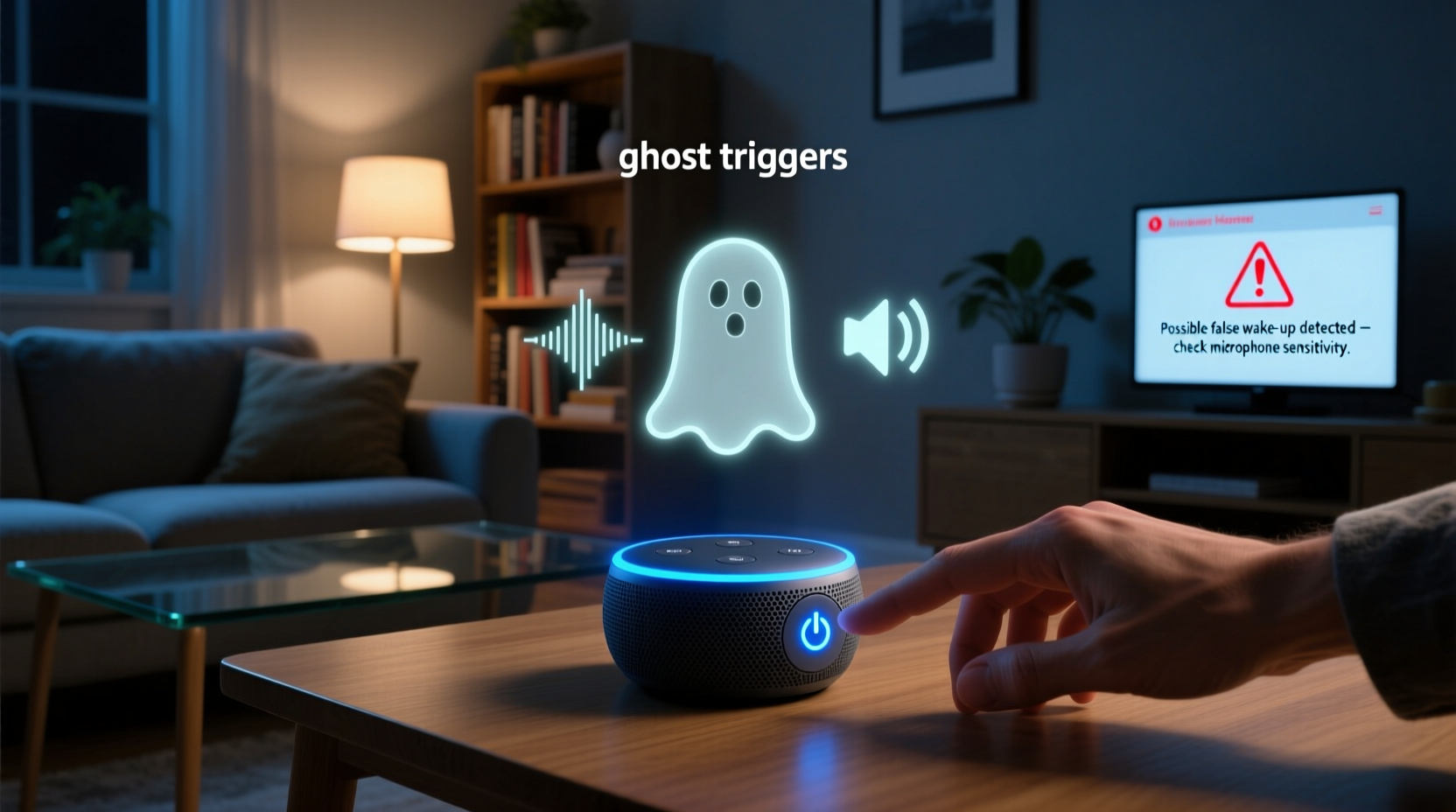
Alexa is always listening—but not always recording. The device uses local processing to detect its wake word. When you say “Alexa,” the Echo recognizes that specific sound pattern and begins streaming audio to the cloud for interpretation. However, the microphone is constantly analyzing nearby sounds in real time to catch that trigger phrase. This means any noise resembling “Alexa” has the potential to activate the device.
The wake word detection system relies on machine learning models trained on millions of voice samples. Despite their sophistication, these models aren’t perfect. They can mistake similar-sounding phrases such as “I’ll check later,” “Al-exa,” or even the clink of glassware for the actual command. Environmental acoustics also play a role: echoes, reverberations, and overlapping frequencies from TVs, microwaves, or pets can confuse the algorithm.
“Wake word engines are designed for high recall, meaning they prioritize catching every possible ‘Alexa’—even if it means occasional false positives.” — Dr. Lena Patel, Senior Audio Engineer at VoiceTech Labs
This design choice ensures responsiveness but sacrifices precision in noisy environments. As a result, users in busy households or those with hard surfaces (which amplify sound) may experience more frequent ghost triggers.
Common Causes of Random Alexa Activation
Several factors contribute to unintended Alexa activations. Identifying the root cause is the first step toward resolution. Below are the most prevalent sources of ghost triggers:
- Background noise patterns: Sounds like clinking dishes, running water, or TV dialogue containing phonetically similar words can mimic the wake word.
- Poor room acoustics: Rooms with tile floors, large windows, or minimal soft furnishings reflect sound, increasing echo and false detection risk.
- Nearby electronic interference: Some devices emit high-frequency tones inaudible to humans but detectable by sensitive microphones.
- Overlapping smart speakers: Multiple voice assistants in close proximity can cross-trigger each other, especially during responses.
- Firmware glitches: Outdated or corrupted software may impair audio processing accuracy.
- Voice similarity: Children or family members whose voices resemble the primary user’s may unintentionally activate the device.
Step-by-Step Guide to Troubleshoot Ghost Triggers
Resolving random Alexa activations requires a methodical approach. Follow this timeline to isolate and eliminate the issue:
- Review recent activity: Open the Alexa app, go to Settings > History, and examine timestamps of unexpected activations. Note whether a command was processed or only the wake light turned on.
- Check for audio matches: If available, listen to the recorded snippet before activation. Look for words like “election,” “chemical,” or “what’s next?” which often fool the system.
- Relocate the device: Move the Echo away from kitchens, HVAC vents, televisions, and reflective surfaces. Place it at ear level in a central location with some fabric nearby (e.g., curtains or furniture) to absorb sound.
- Adjust microphone sensitivity: In the Alexa app, navigate to Device Settings > Microphone & Camera Controls > Microphone Sensitivity. Lowering the setting reduces over-detection in quiet rooms.
- Change the wake word: Switch from “Alexa” to “Echo,” “Computer,” or “Amazon.” Less common names reduce the chance of accidental triggering. Go to Device Settings > Wake Word to change it.
- Update firmware: Ensure your device runs the latest software. Updates often include improved voice recognition algorithms and bug fixes.
- Disable unnecessary skills: Some third-party skills enable continuous listening modes. Review active skills under Skills & Games > Your Skills and disable any that aren’t essential.
- Perform a restart: Unplug the Echo for 30 seconds, then plug it back in. This clears temporary memory glitches that could affect performance.
- Factory reset (if needed): For persistent issues, reset the device via the app or physical button. Reconfigure it afterward to rule out corrupted settings.
Tips and Best Practices to Prevent Future Issues
Once you’ve addressed current problems, implement preventive measures to maintain reliability:
- Enable Do Not Disturb during sleeping hours. This silences notifications and prevents visual feedback from wake events.
- Install acoustic panels or thick rugs in echo-prone areas to minimize sound reflection.
- Use speaker groups wisely—avoid placing multiple Echos in the same room unless necessary.
- Regularly review voice recordings in the Alexa app to monitor for anomalies.
- Keep firmware updated automatically; ensure your Wi-Fi connection supports seamless downloads.
Do’s and Don’ts: Managing Alexa Sensitivity
| Do’s | Don’ts |
|---|---|
| Place Echo on a soft surface or use a microphone cover | Put the device directly next to a TV or speaker |
| Use less common wake words like “Computer” | Keep “Alexa” as the wake word in noisy environments |
| Test new placements after moving the device | Assume one setup works for all rooms |
| Monitor activation logs weekly | Ignore recurring false triggers—they rarely resolve themselves |
| Update firmware promptly | Leave outdated software running indefinitely |
Mini Case Study: Fixing Chronic Ghost Triggers in a Busy Household
The Thompson family in Denver reported nightly disruptions from their kitchen Echo Dot. It would activate between 11 PM and 1 AM, sometimes responding to nonexistent commands. After reviewing the Alexa app history, they noticed activations coincided with the refrigerator compressor kicking in. Upon closer inspection, the low hum followed by a metallic “ping” created a frequency spike that mimicked part of the “Alexa” phoneme.
They relocated the device three feet away from the fridge, placed a small fabric-covered bookshelf behind it to dampen reflections, and changed the wake word to “Echo.” Within two days, the random activations ceased entirely. Additionally, they enabled Do Not Disturb from 10 PM to 7 AM as a safeguard. This case highlights how non-human sounds—especially mechanical ones—can be significant contributors to ghost triggers.
Expert-Recommended Checklist for Stable Alexa Performance
Follow this checklist monthly to ensure optimal operation and reduce false wake-ups:
- ✅ Review Alexa voice history for unexplained activations
- ✅ Clean microphone ports gently with a dry brush or compressed air
- ✅ Confirm firmware is up to date
- ✅ Verify Do Not Disturb schedule aligns with household routines
- ✅ Test alternate wake words if using “Alexa” in a noisy space
- ✅ Assess room layout changes that may affect acoustics
- ✅ Disable unused skills with open microphone access
- ✅ Restart all Echo devices once per month
Frequently Asked Questions
Can other people hear my Alexa recordings?
No. Your voice interactions are encrypted and stored privately under your Amazon account. Only authorized personnel at Amazon may access anonymized snippets for quality improvement, and you can delete them anytime via the Alexa app or privacy dashboard.
Does unplugging Alexa stop ghost triggers permanently?
Unplugging stops immediate activity, but the underlying cause remains. Once reconnected, the same conditions may trigger false wakes again. A reboot helps clear temporary errors, but long-term fixes require configuration adjustments.
Is it safe to leave Alexa on all the time?
Yes, Echo devices are designed for continuous operation. However, enabling features like auto-shutoff on displays (for Show models) or scheduling downtime improves security and reduces wear. Regular monitoring ensures no unauthorized access or anomalous behavior occurs.
Conclusion: Take Control of Your Smart Home Experience
Random Alexa activations are frustrating, but they’re rarely a sign of serious malfunction. Most cases stem from environmental cues that mimic the wake word, exacerbated by overly sensitive settings or poor placement. By understanding how Alexa listens, systematically testing variables, and applying targeted solutions, you can restore reliable performance and regain confidence in your smart assistant.
Don’t tolerate constant interruptions or privacy worries. Start today by checking your device’s location, adjusting its sensitivity, and reviewing recent activity. Small changes often yield dramatic improvements. A well-tuned Alexa should respond when called—not when it imagines it hears its name.




 浙公网安备
33010002000092号
浙公网安备
33010002000092号 浙B2-20120091-4
Comments
No comments yet. Why don't you start the discussion?