
It’s unsettling—your lights dim, your music cuts out, and suddenly, Alexa speaks from the corner of the room. No one said “Alexa.” No command was given. Yet there she is, glowing blue, responding to… what exactly? You’re not alone. Thousands of users report their Amazon Echo devices activating without prompting, leading to eerie moments that feel more like a tech thriller than smart home convenience. While it may seem supernatural, random Alexa activations have logical explanations—and most are fixable.
Understanding why this happens requires peeling back layers of audio processing, device settings, environmental noise, and even software quirks. The good news: with careful diagnosis and targeted adjustments, you can silence those ghostly triggers and regain control over your smart speaker.
How Alexa Listens (And Why It Sometimes Hears Wrong)
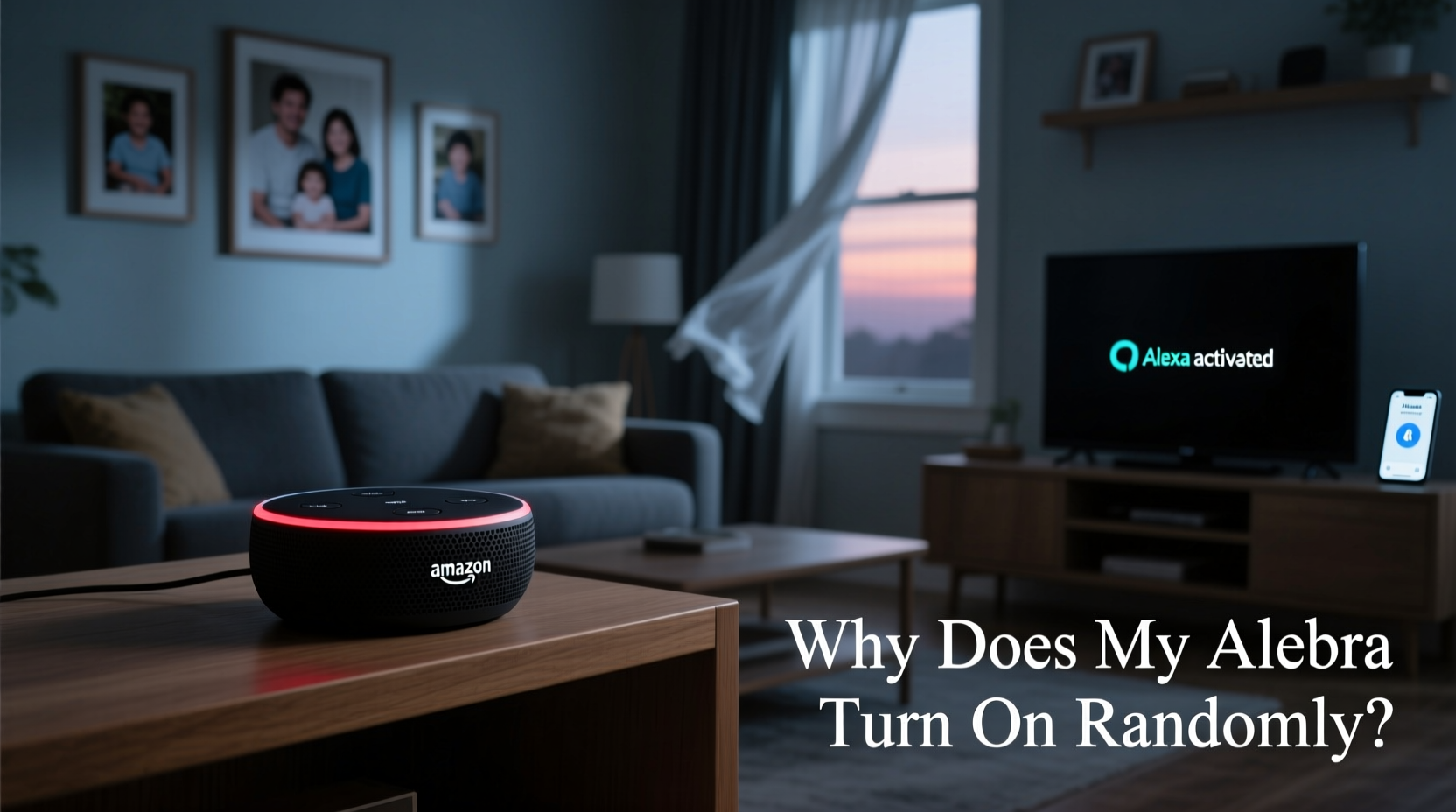
Amazon’s Alexa relies on a wake word detection system—typically “Alexa,” though you can change it to “Echo,” “Computer,” or “Amazon.” This system runs locally on the device using machine learning models trained to recognize your chosen trigger phrase amidst background noise. When the microphone array detects sound matching the wake word pattern, it activates and begins streaming audio to the cloud for processing.
But false positives happen. The algorithm isn’t perfect. It can misinterpret similar-sounding words, tonal patterns, or ambient sounds as the wake word. For example:
- A child saying “I’ll check that later” might sound like “Alexa.”
- TV dialogue with actors named Alex or Alexandra could trigger activation.
- High-pitched noises from appliances or pets may mimic voice frequencies used in wake detection.
According to Dr. Sarah Lin, an AI researcher at MIT Media Lab, “Wake word systems balance sensitivity and accuracy. Too sensitive, and you get false triggers. Too strict, and legitimate commands go unheard. Manufacturers err slightly on the side of sensitivity to ensure usability—but that trade-off leads to occasional phantom responses.”
“False wake-ups are often the cost of making voice assistants responsive in noisy homes.” — Dr. Sarah Lin, AI Researcher, MIT Media Lab
Common Causes of Random Alexa Activations
Before jumping into fixes, identify what’s really behind the mysterious behavior. Below are the top culprits:
1. Background Noise and Sound Reflections
Noise sources such as TVs, radios, kitchen appliances, or even loud conversations can contain phonetic fragments resembling “Alexa.” Hard surfaces like tile floors or glass windows amplify and reflect sound, increasing the chance of accidental recognition.
2. Device Placement Near Electronics
Some electronics emit high-frequency electromagnetic interference (EMI) or ultrasonic noise. Devices like older CRT monitors, fluorescent light ballasts, or switching power supplies can generate signals picked up by sensitive microphones—even if humans can’t hear them.
3. Accidental Voice Match Triggers
If Voice Profiles are enabled, Alexa learns your voice patterns. But sometimes, someone else’s voice—or even a recording—can match closely enough to initiate actions. Worse, if another household member has a similar tone, they might unknowingly unlock personalized features.
4. Software Glitches or Outdated Firmware
Like any connected device, Echos receive regular updates. Bugs in outdated firmware can cause erratic behavior, including spontaneous wake-ups or looping responses. Similarly, corrupted cache data or syncing errors between devices may lead to phantom activity.
5. Third-Party Skills Misbehaving
Skills developed by external companies aren’t always rigorously tested. A poorly coded skill might send unintended commands or react to non-existent prompts. Some have even been found to activate due to ad jingles or background audio cues.
Troubleshooting Steps to Stop Unwanted Activations
Solving random Alexa triggers involves both immediate fixes and long-term prevention. Follow this step-by-step guide to diagnose and eliminate the issue.
- Verify Physical Button Presses: Check if someone is accidentally pressing the microphone or action button. Even a slight bump can activate the device.
- Review Recent Recordings in the App: Open the Alexa app, go to Settings > History, and review past interactions. Look for actual voice inputs versus blank entries. If no audio exists, the trigger wasn’t vocal.
- Change the Wake Word: Switch from “Alexa” to “Computer” or “Echo.” These are less commonly spoken in daily conversation, reducing false positives.
- Adjust Microphone Sensitivity (if available): Some newer Echo models allow sensitivity tuning via experimental features. Lowering sensitivity reduces responsiveness to distant or unclear speech.
- Relocate the Device: Move the Echo away from TVs, kitchens, windows, and reflective surfaces. Place it at ear level in a central location with minimal echo.
- Disable Unused Skills: Go to Skills & Games > Your Skills and disable any third-party apps you don’t actively use, especially those related to games, ads, or automation.
- Reboot the Device: Unplug the Echo for 30 seconds, then plug it back in. This clears temporary glitches and resets network connections.
- Update Firmware: Ensure your device is running the latest software. Updates often include bug fixes for false wake-ups.
- Factory Reset (Last Resort): If problems persist, reset the device through the app or manually (press and hold the Action button until the light ring turns orange). Reconfigure it afterward.
Do’s and Don’ts: Best Practices for Preventing Spooky Wake-Ups
| Do | Don't |
|---|---|
| Use a less common wake word like “Computer” | Keep the default “Alexa” if you live in a busy household |
| Place Echo in a quiet, central area | Put it near a TV or kitchen appliance |
| Regularly review voice history in the app | Ignore unexplained activations |
| Enable only trusted, well-reviewed skills | Install random skills just because they're free |
| Turn off microphones when privacy is critical | Assume Alexa isn’t listening during private conversations |
Real-World Example: The Case of the Midnight Messages
Take the experience of Mark T., a homeowner in Portland, Oregon. He began noticing his bedroom Echo Dot lighting up around 2:17 a.m., uttering things like “OK, playing jazz playlist” or “Turning off the living room lamp.” No one was awake. His wife confirmed she didn’t speak. At first, he suspected hacking. Then, after reviewing voice history, he discovered the trigger seemed to occur only on nights when his HVAC system cycled on.
He recorded the startup sound and played it back—hearing a faint, high-pitched whine followed by a burst of white noise. To test, he played the recording near the Echo. Sure enough, it activated. The combination of mechanical resonance and air pressure shifts created a frequency spike that mimicked part of the wake word. After relocating the device to a shelf farther from the vent and changing the wake word to “Echo,” the problem stopped entirely.
This case highlights how non-human sounds—especially periodic ones tied to home systems—can trick voice assistants. Environmental awareness is key.
Expert Tips for Long-Term Stability
Preventing future issues means going beyond reactive fixes. Implement these strategies to maintain reliable performance:
- Schedule Quiet Hours: Use Routines to mute microphones during sleep times. Create a routine that disables the mic at 10 p.m. and re-enables it at 7 a.m.
- Use Physical Mute Buttons Strategically: Get into the habit of pressing the red microphone button when hosting private meetings or watching movies.
- Monitor Smart Home Automations: Review routines and smart rules that involve Alexa. A poorly timed automation could simulate a voice command.
- Limit Child Access: Kids love yelling at smart speakers. Set parental controls or restrict access to prevent endless loops of jokes and songs.
Frequently Asked Questions
Can someone remotely activate my Alexa without permission?
Direct remote activation by outsiders is extremely unlikely. Alexa only responds to local voice input or authorized app commands. However, if your Amazon account is compromised, attackers could potentially control your device through the app. Always use strong passwords and two-factor authentication.
Why does Alexa say “ok” but do nothing?
This usually indicates a partial wake-up. The device heard something close to the wake word but didn’t detect a valid follow-up command. It acknowledges briefly, then times out. This is common with overlapping sounds or incomplete phrases.
Is Alexa recording me all the time?
No. Alexa only begins recording *after* detecting the wake word. Prior audio is processed locally and discarded unless the trigger phrase is recognized. That said, you can review, delete, or auto-delete voice recordings in the Alexa app under Settings > Alexa Privacy.
Final Checklist: Eliminate Ghostly Activations for Good
Follow this concise checklist to fully secure your Alexa experience:
- ✅ Change wake word to “Computer” or “Echo”
- ✅ Relocate device away from TVs, vents, and reflective walls
- ✅ Disable unused third-party skills
- ✅ Reboot the Echo weekly or after major updates
- ✅ Review voice history monthly for anomalies
- ✅ Enable auto-delete of voice recordings (every 3 or 18 months)
- ✅ Use scheduled mute routines during sleeping hours
- ✅ Confirm firmware is up to date via the Alexa app
Conclusion: Regain Control of Your Smart Home
Random Alexa activations aren’t ghosts—they’re glitches, coincidences, or environmental mismatches amplified by hyper-sensitive technology. With deliberate setup, ongoing monitoring, and a few strategic tweaks, you can enjoy the benefits of voice control without the unease of unexplained behavior. Don’t tolerate spooky responses as inevitable. Diagnose the root cause, apply proven solutions, and make your smart assistant work *for* you—not against your peace of mind.




 浙公网安备
33010002000092号
浙公网安备
33010002000092号 浙B2-20120091-4
Comments
No comments yet. Why don't you start the discussion?