
It’s 2:37 a.m. You’re jolted awake by the sound of Alexa’s blue ring lighting up and a voice—your own or an automated response—echoing through the dark. There was no wake word. No command. Just sudden activation. This unsettling experience is more common than you might think. While it may feel like something out of a sci-fi thriller, random Alexa activations usually have logical explanations rooted in hardware sensitivity, software quirks, or environmental interference. Understanding the causes and knowing how to respond can restore peace of mind—and quiet nights.
Understanding How Alexa Listens (and When It Shouldn’t)
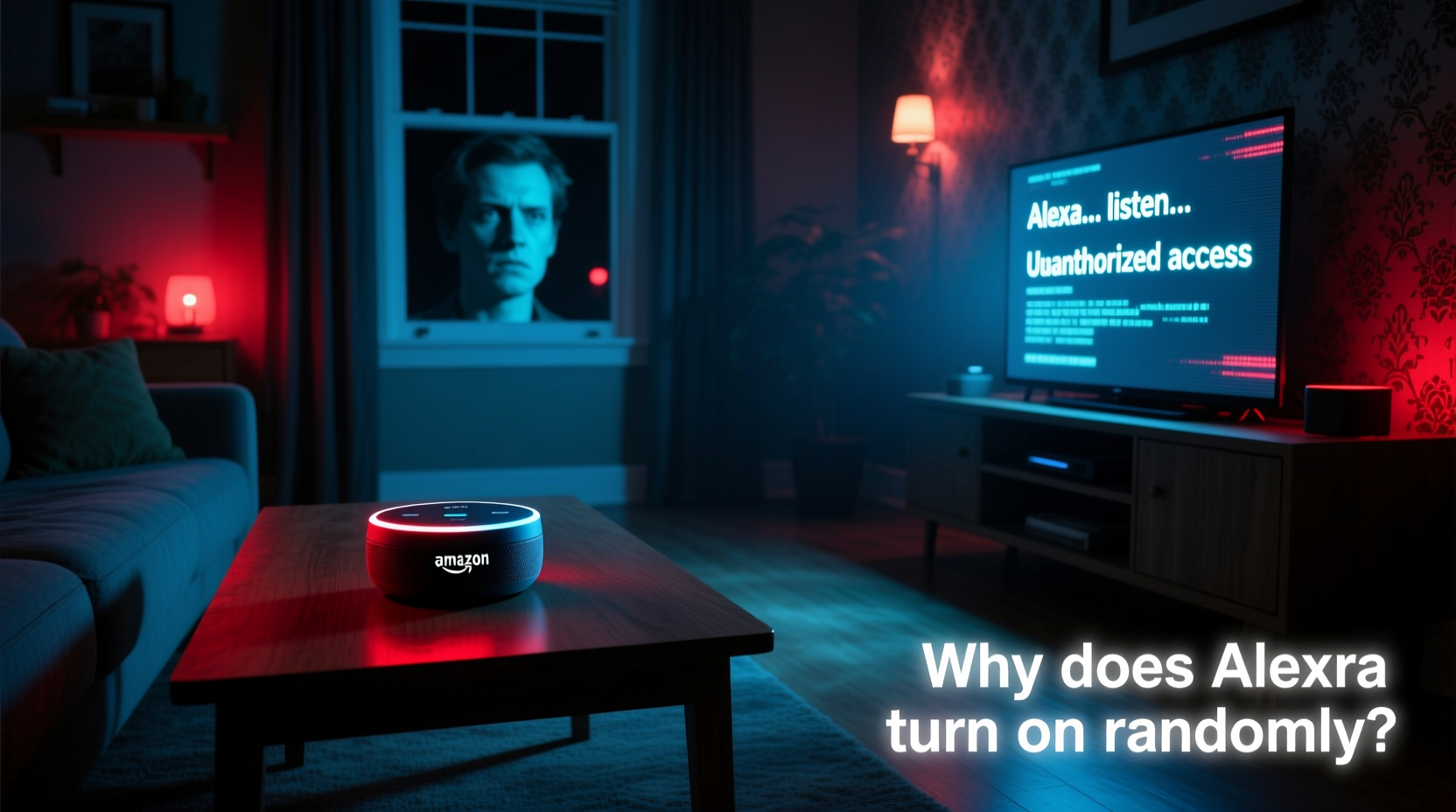
Alexa devices are designed to be always listening—but only for the wake word. Whether that’s “Alexa,” “Echo,” “Computer,” or another custom option, the device uses local processing to detect these triggers without sending audio to the cloud unless activated. The microphone constantly analyzes ambient sound, but it’s engineered to ignore everything except the precise phonetic pattern of the wake word.
However, false positives occur. A phrase that sounds similar—like “Alexa, can you pass the salt?” during dinner—or even background noise such as a TV commercial, pet vocalization, or static discharge can trick the algorithm into thinking it heard the wake word. Once triggered, Alexa lights up, processes the following audio, and may respond unexpectedly.
This isn’t a sign of malfunction in most cases—it’s a consequence of balancing responsiveness with accuracy. As Dr. Lena Patel, a senior AI systems engineer at a leading smart home research lab, explains:
“Voice assistants operate on probabilistic models. They're trained to minimize missed detections, which means they sometimes err on the side of caution—activating when they shouldn’t. It's a trade-off between usability and precision.” — Dr. Lena Patel, AI Systems Engineer
Common Causes of Random Alexa Activation
Several factors contribute to unexpected Alexa behavior. Identifying the root cause is essential before applying fixes.
- Wake Word Misinterpretation: Similar-sounding phrases from media, conversation, or even pets can trigger activation.
- Firmware Bugs: Outdated or buggy software may lead to erratic behavior, including phantom responses.
- Electrical Interference: Power surges, low-quality chargers, or nearby electronics emitting electromagnetic noise can affect internal circuitry.
- Damaged or Sensitive Microphones: Physical damage or over-sensitivity may cause unintended wake-ups.
- Third-Party Skills Gone Rogue: Poorly coded skills can initiate unsolicited interactions or play audio without clear prompts.
- Nearby Echo Devices: Multiple devices in close proximity may cross-react, especially if one picks up another’s response as a command.
Step-by-Step Troubleshooting Guide
Follow this systematic approach to diagnose and resolve random Alexa activations. Start with the simplest solutions and progress to more involved ones.
- Verify the Trigger Source
Check the Alexa app history. Go to Activity > History and review recent voice inputs. Did Alexa hear a full command? Was there a partial phrase? This helps determine whether the activation was truly random or just misinterpreted. - Adjust Wake Word Sensitivity
In the Alexa app, navigate to Device Settings > select your device > Wake Word Sensitivity. Choose a higher threshold (e.g., “Less Sensitive”) to reduce false positives, especially in noisy environments. - Update Firmware
Ensure your device is running the latest software. In the Alexa app, go to Settings > Device Software. Updates often include stability improvements and bug fixes related to voice detection. - Power Cycle the Device
Unplug your Echo for 30 seconds, then plug it back in. This clears temporary memory glitches and resets network connections that might be contributing to erratic behavior. - Test with Microphone Off
Press the microphone mute button (red light) and observe if activations continue. If they stop, the issue is likely audio-related. If they persist, it could point to deeper firmware or electrical problems. - Reposition the Device
Move the Echo away from TVs, speakers, appliances, or windows where outside noise enters. Avoid placing it near reflective surfaces that can distort sound waves. - Disable Unused Skills
Go to Skills & Games > Your Skills and disable any third-party integrations you don’t actively use. Some skills send push notifications or initiate conversations without explicit prompting. - Factory Reset
If all else fails, reset the device. Hold the Action button (usually a circular dot) for 25 seconds until the light ring cycles through colors. After resetting, reconfigure the device from scratch to rule out corrupted settings.
Do’s and Don’ts: Best Practices for Stable Alexa Performance
| Do | Don’t |
|---|---|
| Use the official power adapter provided with your device | Use cheap or off-brand chargers that may deliver unstable voltage |
| Regularly check for software updates in the Alexa app | Ignore update notifications—delayed patches can leave bugs unaddressed |
| Change the wake word if you frequently say similar-sounding phrases | Assume all activations are malicious or hacking attempts without evidence |
| Review voice history weekly to monitor for anomalies | Keep microphones unmuted in private conversations if concerned about privacy |
| Place devices centrally but away from noise sources | Install multiple Echos within three feet of each other without adjusting group settings |
Real Example: The Case of the Midnight Weather Report
Sarah M., a teacher from Portland, Oregon, began waking up several times a week to Alexa announcing the weather forecast at 3 a.m. She didn’t recall setting alarms or routines. Initially alarmed, she assumed someone had accessed her account. After reviewing her activity log, she discovered the command: “Alexa, what’s today’s forecast?” But she hadn’t said it.
Further investigation revealed that her dog, Luna, barked in a tonal pattern that closely resembled the wake word followed by a fragmented sentence. The combination—“Ah-lek… s’go… fuh-eh?”—was enough to trigger the device. Sarah changed her wake word to “Echo,” reduced microphone sensitivity, and disabled the “brief mode” that automatically responded to every query. The midnight alerts stopped immediately.
This case illustrates how non-human sounds can exploit voice recognition vulnerabilities. It also underscores the importance of reviewing logs before jumping to conclusions.
When Hardware Might Be the Culprit
If troubleshooting fails, consider physical defects. Some older Echo models have exhibited issues due to:
- Faulty capacitors causing spontaneous boot-ups
- Microphone arrays picking up electromagnetic interference from Wi-Fi routers or microwaves
- Power supply fluctuations triggering reboot loops
To test for hardware failure, try using a different outlet with a surge protector. Swap in the manufacturer’s original power cable. If the problem persists across multiple locations and configurations, contact Amazon Support. Devices under warranty can often be replaced free of charge.
Frequently Asked Questions
Can someone remotely activate my Alexa without permission?
Direct remote access is highly unlikely if your account is secure. Alexa requires authentication via voice ID, PINs for purchases, and encrypted connections. However, if someone knows your Wi-Fi password and has physical proximity, they could potentially connect a new device to your network. Always use strong passwords, enable two-factor authentication, and review connected devices monthly in the Alexa app.
Why does Alexa laugh or make noises without being asked?
In 2018, some users reported Alexa emitting unprompted laughter. Amazon traced the issue to misheard commands like “Alexa, laugh” being interpreted from phrases like “laugh out loud.” The company updated the wake word model and added confirmation prompts (e.g., “Sure, I can do that” instead of just laughing). If this still occurs, disable the “Drop In” feature and ensure no prank skills are installed.
Is Alexa recording me all the time?
No. Audio is processed locally until the wake word is detected. Only then is the subsequent audio encrypted and sent to Amazon’s servers. You can delete recordings manually or set auto-deletion for 3 or 18 months in the Alexa Privacy settings. For maximum privacy, disable voice history entirely—though this limits personalized responses.
Preventive Checklist for Long-Term Stability
- ✅ Change wake word if commonly mimicked in daily speech
- ✅ Set microphone sensitivity to “Less Sensitive” in noisy areas
- ✅ Enable automatic software updates
- ✅ Perform monthly review of voice history and connected devices
- ✅ Use official power adapters and avoid overloaded outlets
- ✅ Disable unused skills and turn off “Brief Mode” if not needed
- ✅ Position Echo units at least five feet from TVs, speakers, and appliances
- ✅ Factory reset annually or after major firmware updates
Conclusion: Regain Control Over Your Smart Home
Random Alexa activations are rarely supernatural—just the result of complex technology interacting with imperfect environments. With methodical troubleshooting, proper configuration, and regular maintenance, these eerie moments can be eliminated. Remember, your smart speaker is a tool designed to serve you, not unsettle you. By taking proactive steps today, you ensure that your home stays both intelligent and peaceful.




 浙公网安备
33010002000092号
浙公网安备
33010002000092号 浙B2-20120091-4
Comments
No comments yet. Why don't you start the discussion?