
If your animated Christmas display dazzles all evening only to revert to factory defaults by morning, you're not alone. Thousands of holiday lighting enthusiasts face this frustrating issue each season. What should be a joyful, automated spectacle becomes a nightly troubleshooting session—reloading sequences, reconfiguring channels, and resetting timers. The root causes are often technical but entirely solvable. Understanding the interplay between power supply, firmware, memory retention, and environmental conditions is key to maintaining a stable, reliable display from dusk to dawn—and beyond.
How Animated Displays Store and Retain Settings
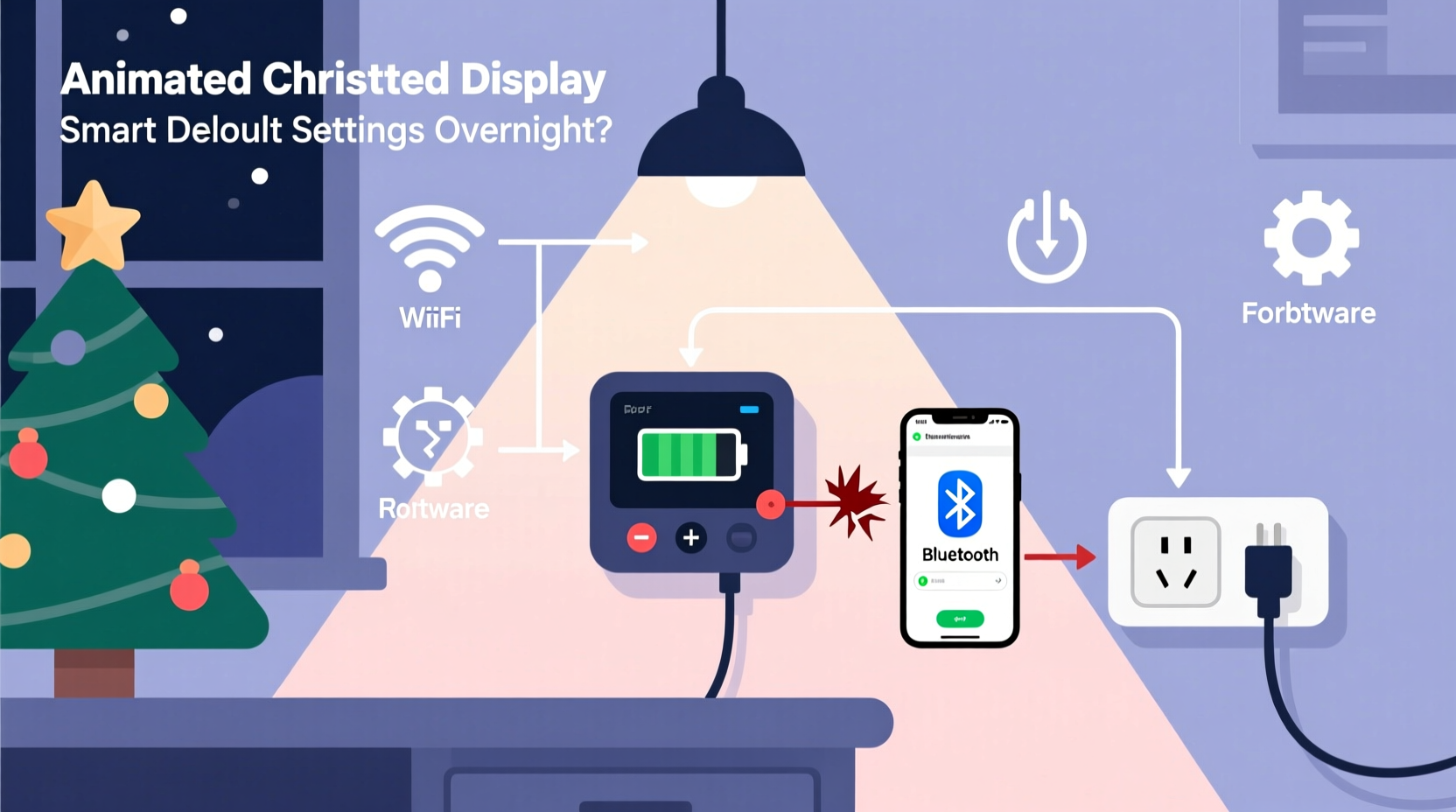
Modern animated Christmas displays rely on programmable controllers—often Wi-Fi or DMX-enabled—to manage lighting sequences, timing, and synchronization. These devices use non-volatile memory (like EEPROM or flash storage) to save user configurations such as light patterns, schedules, music sync, and channel assignments. In theory, these settings should persist through power cycles. However, if the device experiences an improper shutdown, voltage drop, or firmware fault, it may fail to retain data properly.
The reset-to-default behavior typically indicates that the controller either lost power completely or experienced a condition that triggered a soft reboot with no access to stored preferences. Unlike consumer electronics such as smartphones or smart speakers, many holiday lighting controllers have limited onboard memory protection and lack robust backup systems. This makes them more vulnerable to unexpected resets.
“Many budget-friendly controllers prioritize function over fault tolerance. A brief power dip can look like a full power cycle to the microcontroller.” — Daniel Reeves, Embedded Systems Engineer & Holiday Lighting Designer
Common Causes of Overnight Resets
Several factors can cause a controller to lose its settings overnight. Identifying the culprit requires checking both hardware and environmental variables.
1. Unstable Power Supply
Power fluctuations are the leading cause of unintended resets. Outdoor electrical circuits, especially those shared with other high-draw appliances, can experience voltage sags at night when demand increases. If your controller momentarily loses power—even for a fraction of a second—it may reboot and load default settings if the memory wasn’t properly saved or backed up.
2. Lack of Memory Backup or Capacitor Failure
Some controllers include small backup capacitors or coin-cell batteries to maintain memory during short power interruptions. Over time, these components degrade. A failing capacitor cannot hold enough charge to keep volatile memory alive during outages, causing settings to vanish.
3. Firmware Bugs or Auto-Update Features
Certain smart controllers automatically check for firmware updates at scheduled times. If an update fails or corrupts configuration files, the system may revert to defaults as a safety measure. Others may have known bugs where settings aren’t written to persistent storage correctly after changes.
4. Temperature and Moisture Exposure
Controllers placed outdoors without proper enclosures are exposed to cold temperatures, condensation, and moisture. Extreme cold can affect battery performance and capacitor efficiency, while moisture can create micro-shorts in circuitry, triggering erratic behavior or resets.
5. Improper Shutdown via Timer or Smart Plug
Using a simple mechanical timer or basic smart plug to turn off the display cuts power abruptly. Without a graceful shutdown process, unsaved changes may be lost, and some controllers interpret this as a fault, reloading factory settings on restart.
Troubleshooting Checklist: Restore Stability to Your Display
Follow this step-by-step checklist to diagnose and resolve the issue permanently.
- Verify power source stability: Test voltage output at the outlet during peak usage hours using a multimeter.
- Inspect power cords and connections: Look for frayed wires, loose plugs, or corroded contacts.
- Use a surge protector with battery backup (UPS): Protect against brownouts and surges.
- Check for firmware updates: Visit the manufacturer’s website or app to ensure your controller runs the latest version.
- Disable auto-update features: If available, turn off automatic updates until after the holiday season.
- Seal the controller enclosure: Use weatherproof boxes with desiccant packs to reduce moisture buildup.
- Avoid abrupt power cycling: If using a timer, opt for one that sends a software signal instead of cutting power.
- Manually save settings daily: After programming, confirm the “Save” or “Write to Memory” command was executed successfully.
- Test with a different outlet: Rule out circuit-specific issues by relocating the setup temporarily.
- Contact manufacturer support: Report recurring resets; you may have a defective unit eligible for replacement.
Step-by-Step Fix: Preventing Future Resets
Here’s a proven sequence of actions to stabilize your display and prevent overnight resets.
- Isolate the Controller
Disconnect all lights and run the controller on a single indoor outlet connected to a UPS. Let it run overnight. If settings remain intact, the issue is likely environmental or power-related. - Upgrade the Power Setup
Replace any extension cords with heavy-gauge outdoor-rated cables (e.g., 12 AWG). Install a dedicated GFCI outlet near your display if possible. - Add a Mini UPS System
Purchase a small uninterruptible power supply (50–150VA) designed for routers or security cameras. These provide 5–10 minutes of backup power, enough to ride out brief outages and allow graceful shutdowns. - Reprogram and Save Properly
Re-enter your preferred settings, then use the controller’s interface or app to explicitly save to non-volatile memory. Do not rely on temporary mode saves. - Monitor for 72 Hours
Observe the display across multiple nights. Use logging features (if available) to detect reboots or errors.
Comparison: Common Controller Types and Memory Retention
| Controller Type | Memory Retention | Backup Power? | Vulnerable to Power Loss? |
|---|---|---|---|
| Basic Timed Relay Box | Poor – settings lost on power loss | No | Yes – very sensitive |
| Wi-Fi Smart Controller (e.g., Falcon F16V3) | Good – uses flash memory | Limited (capacitor only) | Moderate – resets if outage >3 sec |
| DMX Controller with SD Card | Excellent – stores sequences externally | Sometimes (battery option) | Low – retains even after days offline |
| DIY Arduino/Raspberry Pi | High – depends on storage method | Configurable (RTC + battery) | Adjustable via design |
This comparison shows that higher-end systems generally offer better resilience. Investing in a controller with external storage (like SD cards) or real-time clock (RTC) with battery backup significantly reduces the risk of data loss.
Real Example: A Home Display That Wouldn’t Stay Set
Mark T., a homeowner in Wisconsin, spent weeks designing a synchronized snowman animation set to holiday classics. Each night, his display ran perfectly—until sunrise. Every morning, the lights defaulted to a slow rainbow fade, ruining the effect. He initially suspected app glitches, but testing revealed a deeper issue.
His garage outlet, powering the entire setup, shared a circuit with a heat pump that cycled on around 2 a.m. Voltage dropped sharply during startup, briefly cutting power to the controller. Though the outage lasted less than half a second, it was enough to trigger a reboot. Because the controller used only a small capacitor for memory retention, settings were lost.
Mark solved the problem by installing a $60 mini UPS between the outlet and his control box. He also upgraded to a heavier power cable and sealed the controller in a NEMA-rated enclosure. Since then, his display has run flawlessly for three seasons.
Frequently Asked Questions
Can cold weather really cause my lights to reset?
Yes. Cold reduces battery efficiency and capacitor charge-holding capacity. Many controllers rely on tiny internal capacitors to bridge short power gaps. Below freezing, these may discharge too quickly, failing to protect memory during outages.
Why do my settings return after I reprogram but vanish again the next night?
This suggests the controller accepts input but cannot write to persistent memory due to power instability or a hardware fault. It’s not a user error—it’s a sign of inadequate power delivery or a failing component.
Is there a way to automate backups of my display settings?
Some advanced controllers (like those from Light-O-Rama or Vixen Lights) allow configuration exports via USB or network. Schedule weekly backups to a computer or cloud drive. For simpler systems, manually note down channel mappings and effects in a notebook or spreadsheet.
Expert Insight: Designing for Reliability
“The most impressive displays aren’t just flashy—they’re dependable. Build redundancy into your power chain like you would in stage lighting. Assume power will fail, and design around it.” — Lena Cho, Professional Display Designer & Theme Park Technician
Reliability isn’t an accident. Top-tier holiday installations use layered safeguards: dual power feeds, backup controllers, and remote monitoring. While most homeowners don’t need that level of complexity, adopting even one or two professional practices—like using a UPS or sealing electronics—can dramatically improve performance.
Final Steps to Ensure a Stable, Stunning Display
Your animated Christmas display is more than a decoration—it’s a labor of love, often built over months and shared with neighbors, passersby, and online communities. Letting it reset every night undermines that effort. The solution lies not in constant reprogramming, but in addressing the root causes: power integrity, hardware limitations, and environmental exposure.
Start by stabilizing the power supply. Then, evaluate your controller’s capabilities. If it lacks memory backup or firmware reliability, consider upgrading. Even modest improvements—a better cord, a weatherproof case, or a small UPS—can make the difference between frustration and flawless operation.
Finally, treat your setup like a seasonal installation, not a temporary plug-and-play. Perform a pre-season check every November: inspect wiring, test backups, update firmware, and verify settings retention. A few hours of preparation can save weeks of nightly fixes.




 浙公网安备
33010002000092号
浙公网安备
33010002000092号 浙B2-20120091-4
Comments
No comments yet. Why don't you start the discussion?