
Animated nutcrackers—those cheerful, often oversized holiday figures with synchronized arm swings, head nods, or jaw movements—are beloved for their charm and nostalgia. But when the motion stutters, lurches, or halts mid-gesture, the magic evaporates. That jerk isn’t just annoying; it’s a symptom of a specific technical or mechanical failure. Unlike digital animations, which stutter due to software or rendering bottlenecks, physical nutcrackers rely on electromechanical systems where timing, torque, friction, and electrical integrity must align precisely. This article dissects the root causes of jerky motion—not as abstract theory, but as actionable diagnostics you can perform at home with basic tools and observation. Whether you’re maintaining a vintage 1980s display piece or troubleshooting a modern LED-lit model, understanding *why* the jerk occurs lets you restore smooth, lifelike movement without replacing the entire unit.
Mechanical Wear and Binding in the Drive Train
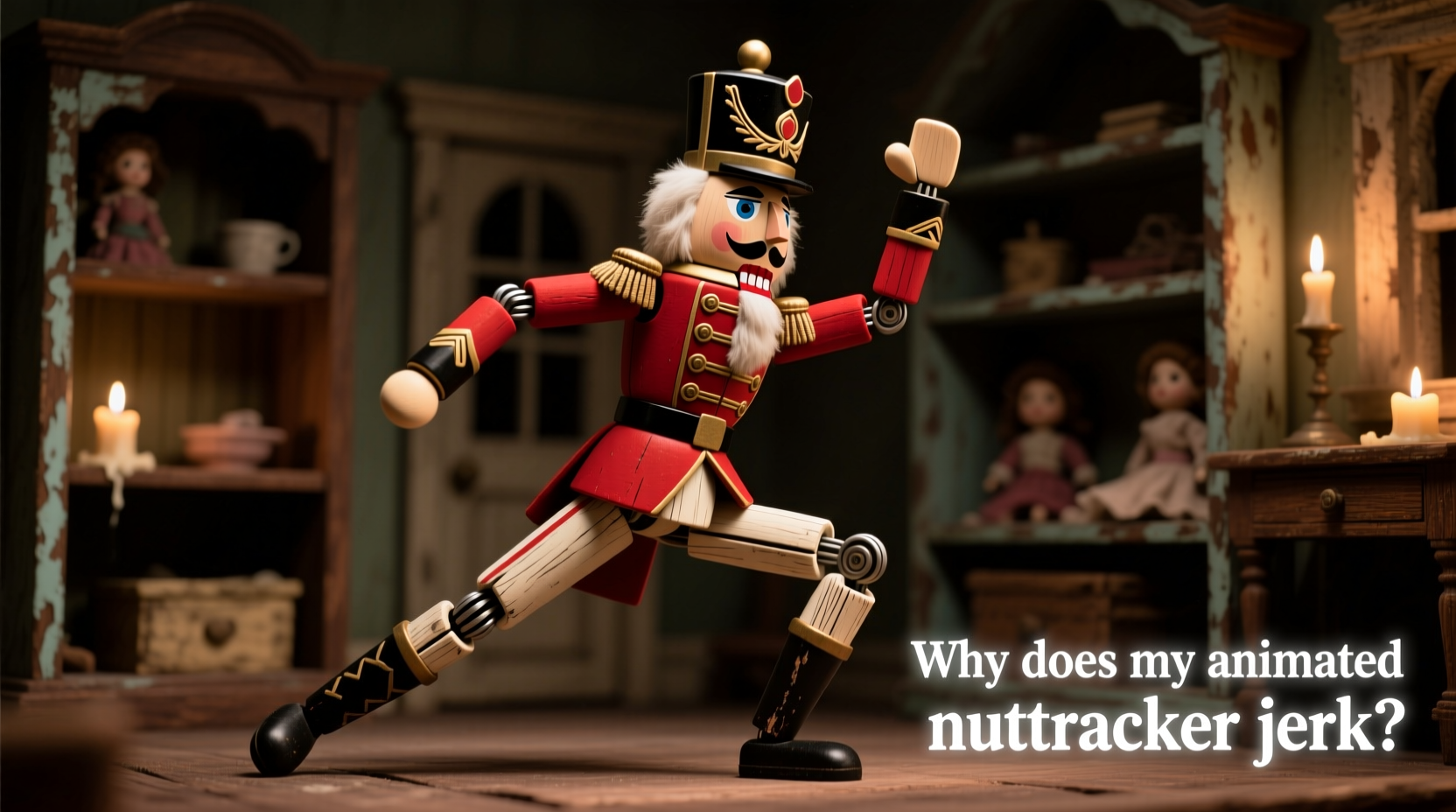
The most common cause of jerking lies deep inside the mechanism: worn gears, misaligned linkages, or dried lubricant. Nutcrackers use cam-driven or crank-slider systems to convert rotary motor motion into rhythmic linear or angular movement (e.g., arm swing). Over time, plastic gears wear down at the tooth tips, causing intermittent slippage. Metal-on-metal pivots—especially in older units—accumulate dust and oxidize, increasing static friction. When the motor applies torque, the joint “sticks” until force overcomes resistance, then suddenly releases—a classic stick-slip phenomenon that manifests as a visible jerk.
Gear backlash—the intentional gap between meshing teeth—also contributes. As gears age, this gap widens. The motor spins freely for a fraction of a rotation before engaging the load, creating hesitation before motion resumes. You’ll hear a faint “clunk” just before each jerk. Bearings in the motor shaft or linkage pivot points may also degrade, introducing wobble or binding under load.
Power Supply Instability and Voltage Droop
Even high-quality motors require clean, stable voltage. Many nutcrackers plug directly into wall outlets via low-cost AC adapters or internal transformer circuits. These power supplies often lack robust regulation. Under load—especially during peak torque demand (e.g., when the arm begins its upward swing against gravity)—voltage can dip 15–25%. That drop reduces motor torque instantly. The motor slows, stalls momentarily, then surges forward as voltage recovers—producing rhythmic jerking timed to the motion cycle.
This is especially prevalent in multi-unit displays sharing one outlet strip or extension cord. A nearby appliance cycling on (like a refrigerator compressor) can induce transient sags detectable only with a multimeter—but clearly visible in the nutcracker’s motion. Older units using unregulated “wall wart” adapters are particularly vulnerable. Modern switching power supplies handle load changes better, but cheap clones often omit essential filtering capacitors.
| Issue | Symptom Clue | Diagnostic Method |
|---|---|---|
| Voltage droop under load | Jerk coincides with start of upward/downward motion phase | Measure DC output with multimeter while manually rotating arm through full cycle |
| Shared circuit interference | Jerking worsens when other appliances activate | Plug nutcracker into a dedicated outlet; observe for 10 minutes |
| Failing filter capacitor | Motor hums unevenly; unit runs warm | Inspect adapter for bulging/leaking capacitor; test capacitance if skilled |
Motor Control and Timing Circuit Failures
Most animated nutcrackers don’t run motors at full speed continuously. Instead, they use timing circuits—often built around a 555 timer IC or microcontroller—to pulse the motor in precise intervals or modulate speed for naturalistic motion. A failing timing capacitor, corroded PCB trace, or degraded transistor can distort the control signal. Instead of a clean square wave or PWM ramp, the motor receives erratic pulses: too short to sustain motion, too long causing overspeed, or randomly spaced. The result? Motion that starts, stops, surges, and pauses unpredictably.
In microcontroller-based units (common in post-2010 models), firmware bugs or corrupted memory can cause timing loops to skip cycles or reset unexpectedly. You might notice the jerk repeats every 7–12 seconds—matching an internal watchdog timer interval. Unlike analog timing faults, these often produce identical jerk patterns across multiple units of the same model, pointing to a design-level flaw rather than individual wear.
“Smooth animatronic motion isn’t about raw motor power—it’s about *predictable torque delivery*. A 3-watt motor with perfect timing outperforms a 10-watt motor with 5% timing jitter every time.” — Dr. Lena Torres, Robotics Engineer, formerly with Holiday Innovations Inc.
Synchronization Errors Between Multiple Axes
High-end nutcrackers feature coordinated movement: jaw opens as arms swing, eyes blink in rhythm, or head tilts while torso rotates. These require either a single master motor with complex gear trains—or multiple independent motors controlled by a central sequencer. Jerking in such units often stems not from mechanical failure, but from desynchronization. For example, if the jaw motor lags behind the arm motor by 80ms due to a weak driver transistor, the jaw may “snap” open late—creating the illusion of a jerk in the overall gesture. Similarly, if gear ratios drift slightly (e.g., due to thermal expansion in plastic gears), axes gradually fall out of phase, causing periodic “catch-up” jerks every few cycles.
A real-world case illustrates this: In December 2022, a collector in Portland restored a 2005 “Colonel Nutcracker” with dual-arm swing and talking function. After cleaning gears and replacing the power adapter, the arms moved smoothly—but the mouth jerked violently every 4.2 seconds. Using a smartphone slow-motion video, he discovered the audio playback chip was sending an intermittent “start jaw” signal 120ms after the arm command. Replacing the chip’s decoupling capacitor resolved it. The jerk wasn’t mechanical—it was a 120-millisecond sync delay masquerading as mechanical failure.
Step-by-Step Diagnostic and Repair Protocol
Follow this sequence methodically. Skipping steps risks misdiagnosis and unnecessary part replacement.
- Observe & Record: Film the nutcracker in slow motion (120fps minimum) for two full motion cycles. Note exactly when jerking occurs—e.g., “jerks at 75% of upward arm travel” or “jerk coincides with jaw opening.”
- Isolate Power: Unplug all other devices from the same circuit. Test with a known-stable power source (e.g., a lab bench supply set to rated voltage). If jerking stops, the issue is upstream power instability.
- Manual Rotation Test: With power off, gently rotate all moving parts through their full range. Feel for grit, sudden resistance, or uneven drag. Mark locations where binding occurs.
- Listen & Smell: Power on briefly. Listen for grinding, clicking, or high-pitched whine. Smell for ozone (sharp, electric) or burnt insulation (acrid)—signs of failing electronics or motor windings.
- Targeted Lubrication: Apply one drop of synthetic clock oil (not WD-40) to each pivot point and gear mesh observed in Step 3. Wait 10 minutes, then retest. Avoid over-lubricating—excess oil attracts dust and gums up fine mechanisms.
- Circuit Inspection: Open the housing. Look for cracked solder joints (especially near motor terminals), bulging capacitors, or corrosion on battery contacts. Use a multimeter to check continuity across switches and motor windings.
FAQ
Can I replace the motor with a higher-torque one to fix jerking?
No—this usually worsens the problem. Motors are matched to gear ratios and timing circuits. A stronger motor increases stress on aging gears, accelerates wear, and may overload the controller, causing thermal shutdown or erratic pulsing. Always match original specifications unless upgrading the entire drive system.
Why does my nutcracker jerk more when it’s cold?
Cold temperatures thicken lubricants and increase plastic gear stiffness, raising static friction. This amplifies stick-slip behavior. It’s especially noticeable below 15°C (60°F). Store and operate nutcrackers in climate-controlled environments whenever possible.
Is jerking ever normal for certain models?
Yes—some budget models intentionally use low-cost stepper motors with coarse step resolution (e.g., 15° per step) and no microstepping. This creates inherent “stepped” motion that appears jerky compared to smooth servo-driven units. Check the product manual: if it specifies “stepper motor” and lists “12-step rotation,” expect some inherent granularity.
Conclusion
Jerky motion in an animated nutcracker isn’t random—it’s diagnostic. Each jerk tells a story about voltage stability, gear wear, timing precision, or mechanical alignment. By approaching the issue systematically—observing before assuming, testing before replacing, and listening before disassembling—you transform frustration into insight. Most jerking problems are solvable with modest tools, careful observation, and a willingness to understand how electromechanical systems truly behave under load. Restoring smooth motion doesn’t just revive a decoration; it honors the craftsmanship embedded in these seasonal icons. Your nutcracker isn’t broken—it’s communicating. Learn its language, and you’ll keep the holiday magic running smoothly for years to come.




 浙公网安备
33010002000092号
浙公网安备
33010002000092号 浙B2-20120091-4
Comments
No comments yet. Why don't you start the discussion?