
Battery percentage fluctuations are one of the most common frustrations for smartphone, laptop, and tablet users. One moment your device shows 60%, and seconds later it drops to 45%—or worse, jumps back up after unplugging from a charger. While these shifts can be alarming, they don’t always mean your battery is failing. Modern lithium-ion batteries use complex algorithms to estimate charge levels, and several factors influence how accurately that percentage reflects real-world performance. Understanding why this happens—and when it signals a deeper issue—is essential for maintaining your device’s longevity and reliability.
How Battery Percentage is Calculated
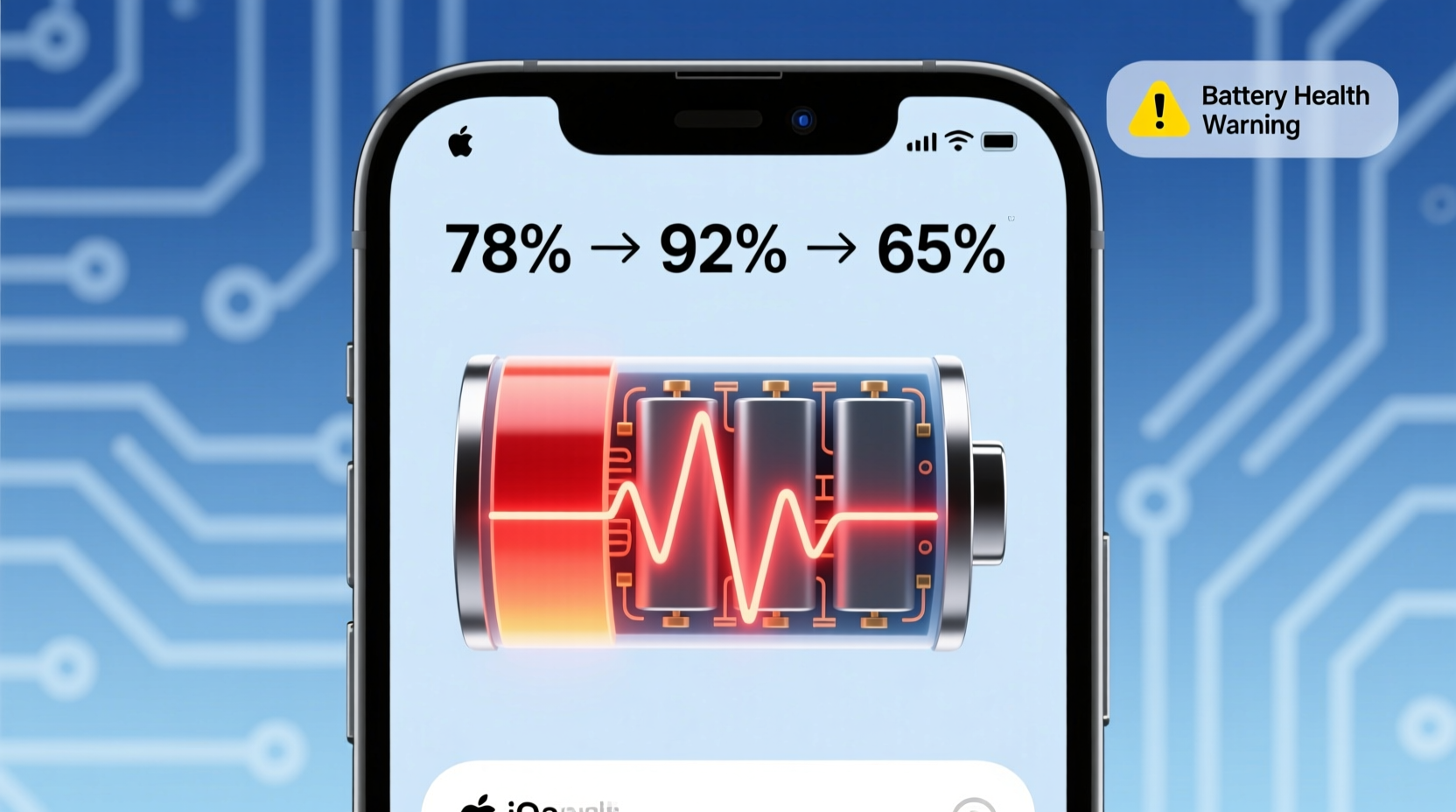
Unlike older battery technologies, modern devices do not measure charge with perfect precision. Instead, they rely on a combination of voltage readings, current flow, temperature data, and software modeling known as \"coulomb counting.\" This method tracks how much electricity enters and leaves the battery over time. However, because voltage fluctuates based on usage patterns and environmental conditions, the system must estimate the actual charge level rather than measuring it directly.
For example, when you're running multiple apps, using GPS, or streaming video, the battery discharges rapidly, causing voltage to dip. The operating system interprets this sudden drop and may display a lower percentage—even if the overall capacity hasn't changed dramatically. Once the load decreases, voltage stabilizes, and the percentage might rebound slightly.
“Battery estimation isn’t like reading a fuel gauge in a car. It’s more like predicting how far you can drive based on past behavior, terrain, and driving style.” — Dr. Lena Park, Power Systems Engineer at MIT Energy Initiative
Common Causes of Battery Percentage Jumps
Several everyday factors contribute to erratic battery percentage behavior. Most are normal and tied to how the device manages power under varying conditions.
- High-Power Usage Spikes: Activities like gaming, video calls, or augmented reality apps draw large amounts of power quickly. This sudden drain causes voltage to drop, prompting the system to revise its estimate downward.
- Temperature Changes: Cold environments reduce ion mobility in lithium-ion cells, leading to temporary drops in available voltage. A phone taken from a heated pocket into freezing air may show a sharp decline—even dropping to zero—then recover indoors.
- Background Processes: Apps syncing data, updating location, or downloading content in the background create inconsistent power demands, confusing the battery algorithm.
- Aging Calibration Models: Over time, the software model that predicts battery health becomes less accurate, especially if the device has experienced irregular charging habits.
- Firmware Bugs: Software updates sometimes introduce bugs that affect power management systems, resulting in inaccurate reporting until patched.
When Fluctuations Signal a Faulty Battery
Occasional jumps aren’t necessarily problematic. But consistent instability—especially accompanied by other symptoms—can indicate hardware degradation. Lithium-ion batteries degrade chemically over time, losing both maximum capacity and internal resistance consistency. As this happens, voltage becomes harder to interpret, and estimation errors grow larger.
Signs that your battery may be failing include:
- Sudden shutdowns at 30% or higher
- Percentage increasing while powered off (a clear calibration failure)
- Device heating up during normal use or idle
- Charging to 100% but lasting only an hour
- Visible swelling in smartphones or laptops
If your battery frequently jumps between percentages without logical cause—say, dropping 20 points while sitting idle—it’s likely that the cell’s internal resistance has increased unevenly across its lifespan, making voltage readings unreliable.
Real Example: The Case of the Dying Laptop Battery
Consider Mark, a freelance graphic designer who relies on his laptop for remote work. Over three months, he noticed his battery would show 70% at startup, then plummet to 35% within ten minutes of opening design software—even though earlier, the same workload lasted hours. He reset settings, closed unused apps, and still saw wild swings. After running a diagnostic tool, he discovered his battery had degraded to 58% of its original capacity. More telling was the “full charge” voltage inconsistency: some cycles registered abnormally high peaks, throwing off the OS’s prediction model. Replacing the battery stabilized the readings and restored predictable usage time.
This illustrates how physical degradation impacts digital estimation—not just reducing runtime, but distorting the very signal used to report charge level.
Calibration and Maintenance: Restoring Accuracy
Even healthy batteries benefit from periodic recalibration. This process helps the device relearn the true boundaries of “empty” and “full,” improving the accuracy of future estimates. While full recalibrations were critical for older nickel-based batteries, they remain useful today for resetting software drift in lithium-ion systems.
Step-by-Step Battery Recalibration Guide
- Drain the battery completely: Use your device normally until it shuts down automatically. Avoid forcing shutdowns manually.
- Let it rest overnight: Leave the device powered off for at least 8 hours. This allows residual charge to stabilize.
- Charge uninterrupted to 100%: Plug in and charge using the original charger. Do not use the device during charging.
- Keep charging for 2 additional hours: Even after reaching 100%, leave it plugged in to ensure top-off completion.
- Unplug and use normally: Resume regular usage without another full discharge unless needed again in 2–3 months.
Note: This procedure doesn’t increase capacity, but it resets the firmware’s reference points, often smoothing out erratic percentage behavior.
Do’s and Don’ts of Battery Health Management
| Do | Don’t |
|---|---|
| Keep charge between 20% and 80% for daily use | Leave device plugged in at 100% for days |
| Use adaptive charging features (if available) | Expose device to extreme heat or cold |
| Update OS regularly for battery optimization patches | Use fast charging constantly unless necessary |
| Enable battery-saving modes during low usage | Let battery drop to 0% frequently |
| Recalibrate every few months if seeing inconsistencies | Ignore persistent shutdowns above 20% |
Software vs. Hardware: Diagnosing the Root Cause
Before assuming hardware failure, rule out software-related issues. Operating systems occasionally misreport battery stats due to bugs or corrupted system caches. Here’s how to differentiate:
- Pattern Consistency: If jumps happen only after a recent update, it’s likely software-related. Check forums or support pages for similar reports.
- Diagnostic Tools: iPhones offer “Battery Health” in Settings > Battery. Look for “Maximum Capacity” below 80%. Android users can dial
*#*#4636#*#*to access testing menus (availability varies). Third-party apps like AccuBattery provide detailed discharge curves. - Behavior Across Reboots: If restarting fixes the issue temporarily, the problem lies in memory or sensor interpretation, not the battery itself.
In some cases, replacing the battery won’t fix erratic behavior if the power management IC (integrated circuit) is faulty. These components regulate charging and monitor current flow. A damaged PMIC sends incorrect signals to the OS, creating phantom drops or surges.
FAQ: Common Questions About Battery Percentage Instability
Is it normal for my phone’s battery to jump from 100% to 95% immediately after unplugging?
Yes, this is common. When charging stops, voltage relaxes from its peak state. The system adjusts the estimate accordingly. A drop of 2–5% right after unplug is typically harmless. Larger drops suggest aging or poor calibration.
Can a bad charger cause battery percentage jumps?
Indirectly, yes. Inconsistent or substandard chargers deliver unstable current, which stresses the battery and confuses the coulomb counter. Over time, this leads to miscalibration and erratic reporting. Always use certified chargers.
Will replacing my battery stop the jumping?
In most cases, yes—if the old battery was degraded. A new, properly calibrated cell provides stable voltage output, allowing the OS to make more accurate predictions. However, if software issues persist post-replacement, further diagnostics are needed.
Conclusion: Take Control of Your Device’s Battery Performance
Battery percentage jumps are rarely random—they’re symptoms of underlying interactions between hardware, software, and usage patterns. While minor fluctuations are normal, persistent instability warrants attention. By understanding how battery estimation works, recognizing warning signs of failure, and applying smart maintenance practices, you can extend your device’s usability and avoid premature replacements.
Start by observing when and how the jumps occur. Try recalibrating your battery and checking health metrics through built-in tools. Address environmental stressors like heat exposure and aggressive charging habits. And if problems continue despite troubleshooting, consult a professional technician—don’t ignore potential safety risks like swelling or overheating.




 浙公网安备
33010002000092号
浙公网安备
33010002000092号 浙B2-20120091-4
Comments
No comments yet. Why don't you start the discussion?