
Bluetooth connectivity in modern vehicles offers seamless hands-free calling, music streaming, and navigation. But when your connection drops unexpectedly—especially mid-call or during a crucial turn—it’s more than frustrating. It disrupts focus, reduces safety, and undermines trust in technology that’s meant to simplify driving.
The root causes of random disconnections vary widely: from outdated firmware and signal interference to hardware limitations or software conflicts. The good news is that most issues can be diagnosed quickly with a systematic approach. This guide walks you through real-world troubleshooting techniques used by automotive tech specialists and mobile engineers to restore stable Bluetooth performance.
Understanding Common Causes of Bluetooth Disconnection
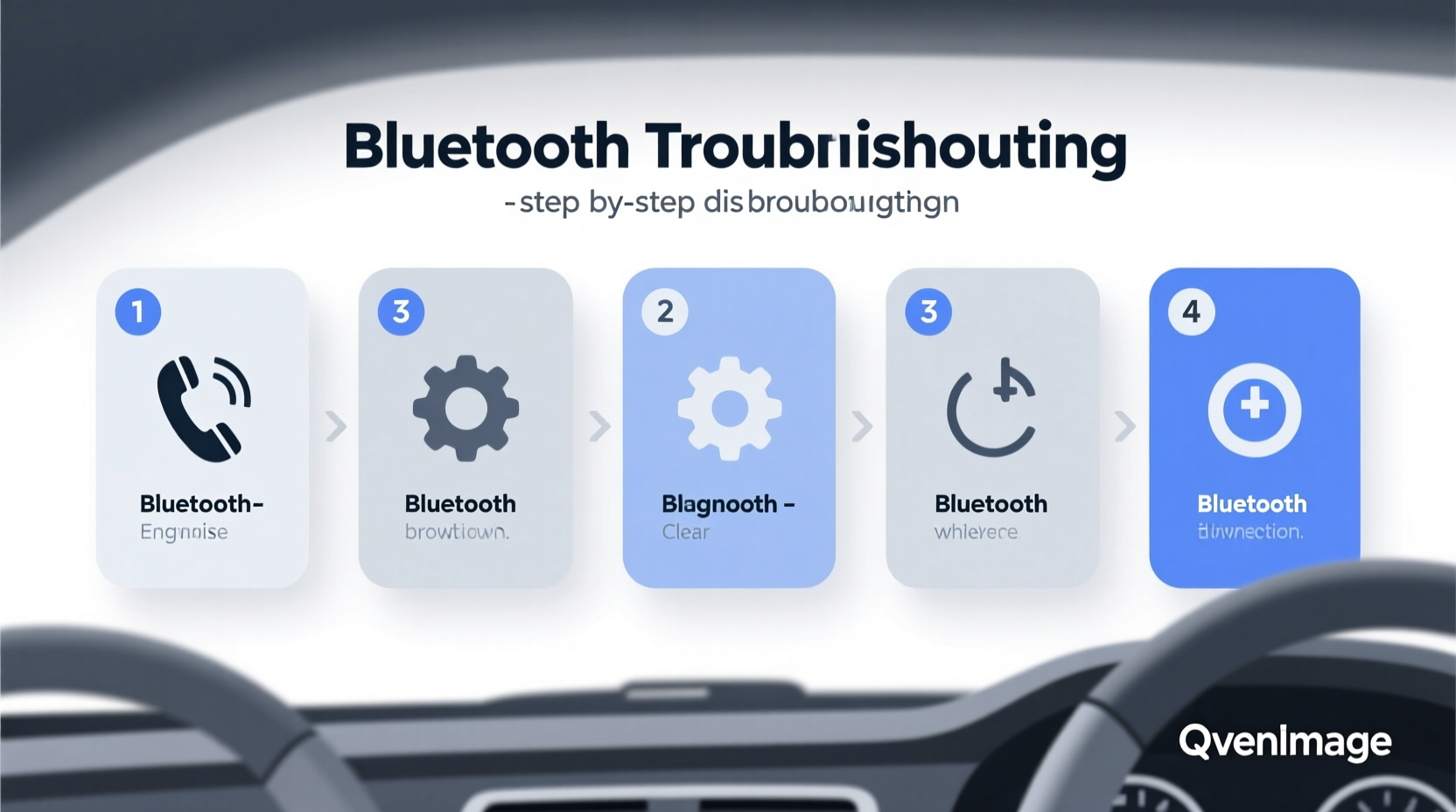
Before jumping into fixes, it helps to understand why Bluetooth fails in automotive environments. Unlike home or office setups, cars present unique challenges:
- Motion-induced signal loss: As you move, especially between cell towers or through tunnels, paired devices may struggle to maintain consistent communication.
- Electromagnetic interference (EMI): Alternators, spark plugs, and onboard electronics can generate noise that disrupts 2.4 GHz wireless signals.
- Outdated firmware: Both your phone and car infotainment system rely on firmware updates for compatibility improvements.
- Battery-saving features: Modern smartphones aggressively manage power, sometimes disabling background services like Bluetooth to conserve energy.
- Multiple device pairing: Some car systems allow only one active audio source; switching between phones can cause unintended dropouts.
“Over 60% of reported Bluetooth issues in vehicles are resolved by addressing software mismatches or battery optimization settings.” — Raj Mehta, Senior Automotive Connectivity Engineer at Bosch Mobility Solutions
Step-by-Step Diagnostic Process
Follow this structured sequence to isolate and resolve the issue efficiently. Start simple and progress to advanced checks only if needed.
- Reproduce the Issue Consistently
Note when disconnections happen: during acceleration, braking, radio tuning, or GPS rerouting. Pattern recognition helps pinpoint triggers. - Test with Another Device
Pair a different smartphone or tablet. If the problem persists, the fault likely lies with the car system. If not, the original device is suspect. - Check Signal Interference Sources
Remove USB chargers, dash cams, or aftermarket gadgets temporarily. Cheap power adapters often emit RF noise. - Inspect Phone Battery Settings
Ensure Bluetooth isn’t restricted under battery optimization. On Android, go to Settings > Apps > [Your Phone Model] > Battery > Unrestricted. On iPhone, disable Low Power Mode. - Forget and Re-Pair the Device
Clear the pairing history on both ends. In-car: navigate to Bluetooth settings and delete the device. On phone: remove the car from Bluetooth list. Then re-pair as new.
Common Fixes by Device Type
Different platforms behave differently. Below is a comparison of known behaviors and recommended actions based on device ecosystem.
| Device Type | Known Issues | Solution |
|---|---|---|
| Android (Samsung, Pixel) | Aggressive Doze mode kills background Bluetooth processes | Add car app to battery whitelist; disable adaptive battery for Bluetooth services |
| iOS (iPhone) | Auto-disconnects when Wi-Fi switches networks | Disable Wi-Fi Assist; keep Bluetooth always on in Settings > Privacy > Location Services > System Services |
| Car Infotainment (Legacy Systems) | Limited memory for multiple profiles | Delete old/unused devices; reset network settings via vehicle menu |
| Aftermarket Head Units | Poor antenna placement or low-power modules | Upgrade to units with external Bluetooth antennas; ensure proper grounding |
Mini Case Study: Persistent Dropouts in a 2019 Honda Civic
A user reported frequent disconnections every time they accelerated above 35 mph. Initial attempts—re-pairing, restarting both devices—failed. Upon inspection, a third-party USB charger plugged into the front port was found to be emitting electromagnetic interference. Removing the charger eliminated all dropouts. A follow-up test with a certified charger confirmed no recurrence. This case highlights how non-audio accessories can indirectly impact wireless performance.
Advanced Troubleshooting Techniques
If basic diagnostics don’t resolve the issue, consider deeper interventions.
Update Firmware on Both Ends
Manufacturers release patches that improve protocol handling and fix bugs. Check:
- Vehicle: Visit the manufacturer’s website or dealer service center for infotainment updates. Some brands (e.g., Toyota, Ford) offer downloadable firmware via USB.
- Phone: Install the latest OS version. iOS 16+ and Android 13+ include enhanced Bluetooth LE (Low Energy) support for better coexistence with other signals.
Reset Network Settings in the Vehicle
Many cars store corrupted network caches over time. To reset:
- Access the car’s main settings menu.
- Navigate to “System” or “Network.”
- Select “Reset Network Settings” (may also appear as “Restore Connectivity Defaults”).
- Confirm action and wait for reboot (can take up to 3 minutes).
- Re-pair all devices afterward.
Check Antenna and Module Health (For Mechanics or Technicians)
In older vehicles or those exposed to moisture, the internal Bluetooth/Wi-Fi combo module may degrade. Symptoms include:
- No detection of any devices
- Pairing succeeds but no audio transmission
- Intermittent operation regardless of phone model
Diagnosis requires OBD-II scanning tools capable of reading infotainment module status. Replacement costs range from $120–$400 depending on make and labor rates.
Bluetooth Best Practices Checklist
Use this checklist monthly to maintain reliable connectivity:
- ✅ Clear unused paired devices from car memory
- ✅ Disable battery optimization for Bluetooth apps (Android)
- ✅ Keep phone software updated
- ✅ Avoid placing phone deep inside pockets or metal-lined cases
- ✅ Position phone within 3 feet of dashboard, ideally near center console
- ✅ Remove aftermarket electronics causing EMI
- ✅ Perform full system reset every 3–6 months
- ✅ Use high-quality charging cables to prevent voltage fluctuations
Frequently Asked Questions
Why does my Bluetooth disconnect when I start navigation?
This often occurs because GPS-intensive apps consume significant processing power, leading the phone to deprioritize background tasks like maintaining Bluetooth audio. It’s common on older phones with limited RAM. Solution: Close unnecessary apps before driving, or use offline maps to reduce load.
Can a weak car battery affect Bluetooth performance?
Indirectly, yes. A failing alternator or low-voltage condition can cause voltage drops across the CAN bus network, affecting sensitive electronics including infotainment. If Bluetooth cuts out along with dimming lights or sluggish window motors, have your charging system tested.
Is there a limit to how many devices I can pair?
Most car systems support 5–8 paired devices, but only one can be active for audio at a time. Exceeding stored device limits can cause instability. Always remove old or rarely used phones to free up cache space.
Prevention Over Repair: Building Long-Term Stability
Sustained Bluetooth reliability comes from proactive maintenance, not just reactive fixes. Treat your car’s connectivity system like any other critical component—regular attention prevents bigger issues down the road.
One overlooked factor is heat exposure. Electronics degrade faster in hot environments. Parking in direct sunlight for extended periods stresses the head unit, potentially weakening wireless components. Consider using a windshield sunshade in summer months.
Also, avoid stacking multiple wireless technologies in close proximity. For example, having a 5G hotspot, smartwatch, and wireless earbuds all active simultaneously increases channel congestion around the 2.4 GHz band, raising collision risks.
“Think of Bluetooth in cars as a dynamic link—not a plug-and-forget feature. Regular hygiene keeps it working smoothly.” — Dr. Lena Torres, Wireless Systems Researcher at MIT Media Lab
Conclusion
Random Bluetooth disconnections in the car are rarely due to a single cause. They stem from interactions between device settings, environmental factors, and system limitations. By methodically testing each potential contributor—from battery optimization rules to electromagnetic interference—you can restore dependable wireless performance.
The key is consistency: apply the diagnostic steps in order, document what changes work, and maintain clean pairing habits. Most users see improvement within a single session of troubleshooting. Don’t accept poor connectivity as inevitable—modern technology should serve you reliably, especially while driving.




 浙公网安备
33010002000092号
浙公网安备
33010002000092号 浙B2-20120091-4
Comments
No comments yet. Why don't you start the discussion?