
Glitches are an inevitable part of modern gaming. No matter how polished a game appears at launch, technical flaws can still slip through—especially when complex physics engines, network synchronization, and dynamic environments interact in unpredictable ways. One of the most common and frustrating issues players encounter is their character passing through solid walls or falling through the floor. This not only breaks immersion but can also disrupt gameplay, cause progression loss, or even make certain objectives impossible to complete.
Understanding why these glitches occur—and knowing how to properly report them—empowers players to contribute meaningfully to game improvements. Developers rely on detailed player feedback to identify, reproduce, and resolve bugs efficiently. This article explores the technical causes behind wall-glitching, offers actionable steps for troubleshooting, and provides a clear guide on submitting effective bug reports that actually get noticed.
What Causes Characters to Pass Through Walls?
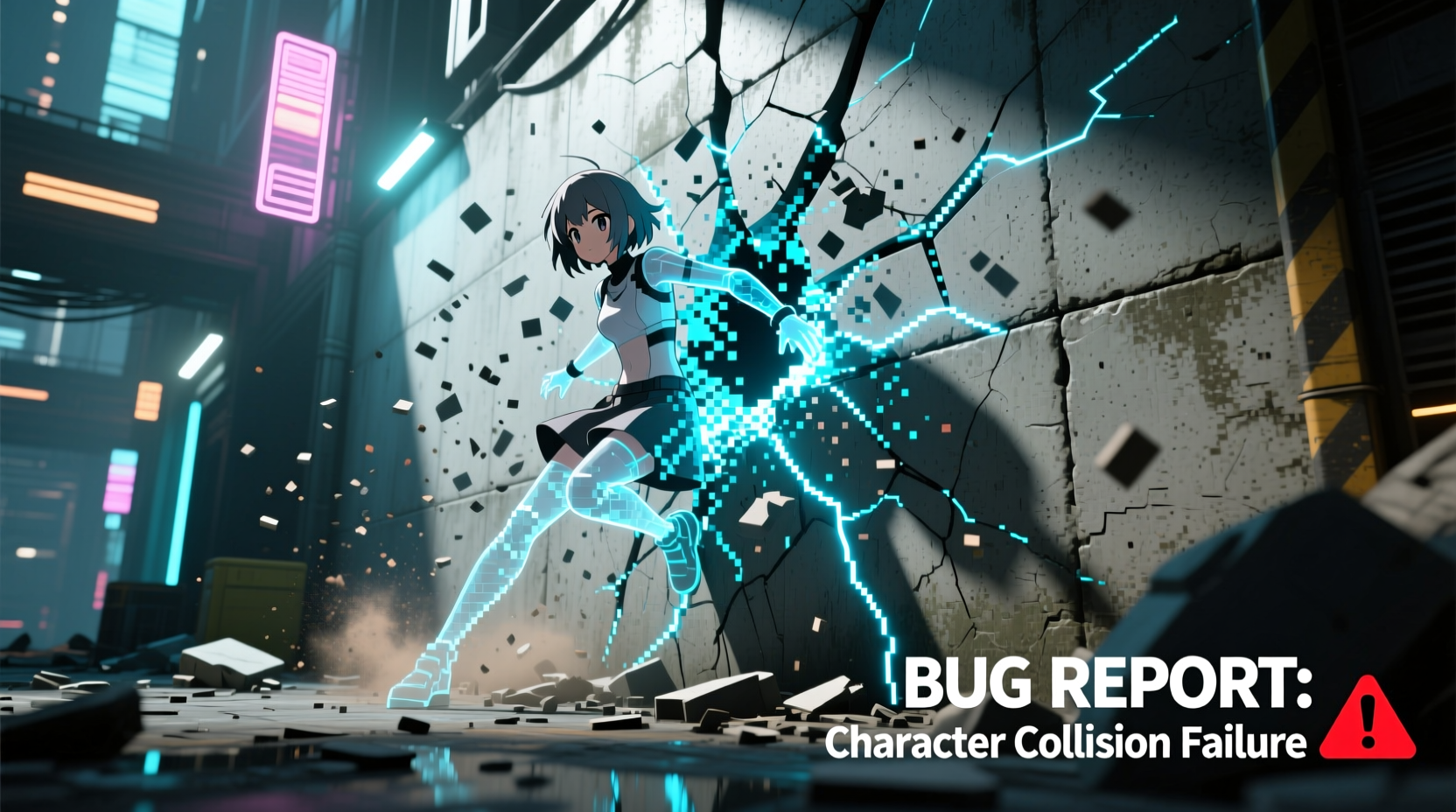
At first glance, it may seem like a simple oversight: a wall that should block movement doesn’t. But the underlying causes are often rooted in deep technical systems involving collision detection, animation states, network latency, or physics calculations. Here’s a breakdown of the most frequent culprits:
- Collision Mesh Issues: Every object in a 3D game has an invisible “collision mesh” that defines where the player can and cannot go. If this mesh is missing, improperly scaled, or misaligned with the visual model, characters can walk or fall through seemingly solid surfaces.
- Animation State Desynchronization: During fast movements like rolls, jumps, or melee attacks, animations may temporarily override positional constraints. If the animation system doesn’t properly sync with the physics engine, the character can end up inside or beyond a wall.
- Network Latency (in Online Games): In multiplayer titles, client-server desynchronization can cause your local game to register movement differently than the server. This can result in your character appearing to phase through obstacles due to prediction errors.
- Physics Engine Bugs: Physics engines govern motion, gravity, and object interactions. A miscalculation in velocity, position interpolation, or rigid body behavior can lead to clipping or tunneling through geometry.
- Level Design Errors: Poorly placed objects, overlapping meshes, or unsealed environments can create unintended pathways. These are often discovered by players using precise movement techniques or speed exploits.
How to Troubleshoot Before Reporting
Before assuming a bug is developer-level, rule out user-side factors. Many wall-passing incidents stem from hardware, settings, or temporary glitches that don’t require external reporting.
- Restart the Game: Temporary memory leaks or corrupted state data can cause erratic behavior. A full restart often resolves one-off glitches.
- Verify Game Files: On platforms like Steam, Epic, or Xbox, use the built-in file integrity checker to repair missing or corrupted assets that might affect collision.
- Update Graphics Drivers: Outdated GPU drivers can interfere with rendering and physics calculations, especially in newer titles using advanced engines like Unreal 5 or Unity DOTS.
- Disable Mods (if applicable): Custom modifications frequently alter game mechanics and can introduce clipping issues not present in the base version.
- Test on Another Device: If possible, try the same level or action on a different console or PC to determine if the issue is isolated to your setup.
If the problem persists across restarts and devices, it’s likely a genuine software bug worth reporting.
Step-by-Step Guide to Reporting Game Bugs Effectively
Most developers receive thousands of bug reports. The ones that get fixed fastest are those that are specific, reproducible, and well-documented. Follow this process to ensure your report stands out:
- Reproduce the Bug Consistently: Can you trigger the glitch every time under the same conditions? Note down the exact steps: character actions, location, equipment, and timing.
- Record a Video (if possible): Even a short screen recording showing the character entering the wall adds immense value. Include UI elements like health bars or coordinates if available.
- Note Technical Details: Record your platform (PC, PS5, etc.), game version, graphics settings, and any relevant mods or peripherals.
- Identify the Exact Location: Use in-game landmarks, map coordinates, or save files to pinpoint where the bug occurs. For example: “Near the waterfall in Act 2, just after the cave entrance.”
- Submit via Official Channels: Avoid social media complaints. Use the developer’s designated bug tracker, support portal, or community forums (e.g., Bethesda Support, Steam Discussions, or Discord moderation channels).
- Write a Clear Summary: Start with a concise title: “Character falls through floor at [Location] during [Action].” Then describe the expected vs. actual behavior.
- Attach Evidence: Upload videos, screenshots, log files, or save states as allowed by the reporting platform.
“We fix hundreds of bugs per patch, but only the ones we can reproduce. Clear reports with video evidence cut our investigation time by 80%.” — Lena Torres, Senior QA Lead at Horizon Interactive
Do’s and Don’ts of Bug Reporting
| Do’s | Don’ts |
|---|---|
| Be specific about the steps to reproduce | Say “the game is broken” without details |
| Include your platform and game version | Assume all users experience the same issue |
| Attach a video or screenshot | Submit blurry or irrelevant images |
| Check if the bug is already reported | Duplicate reports without adding new info |
| Stay polite and constructive | Use aggressive or sarcastic language |
Real Example: How a Player Helped Fix a Major Glitch
In early 2023, players of *Nexus Revenant*, an open-world RPG, began reporting that their characters would randomly fall through the world during fast travel. At first, the studio dismissed it as isolated crashes. But one player, Alex Rivera, took a different approach.
Alex recorded multiple instances of the glitch, noting that it only occurred when fast-traveling from mountainous regions during rainstorms. He extracted his game logs, identified a recurring error code related to terrain LOD (Level of Detail) transitions, and posted a 90-second video on the official forum with a step-by-step recreation.
The development team picked up the report within 48 hours. Using Alex’s data, they traced the issue to a race condition between weather effects and mesh loading. A patch was released two weeks later, crediting Alex in the release notes for providing “critical diagnostic evidence.”
This case underscores the impact of thorough, evidence-based reporting. One well-documented submission led to a fix that improved stability for millions of players.
Frequently Asked Questions
Can glitches like this damage my save file?
In most cases, no—but if your character becomes trapped in geometry or the game crashes during a critical event, save corruption is possible. Always keep recent backups if your platform allows manual save exports. Some games automatically create checkpoints before major quests.
Why do some bugs take so long to fix?
Not all bugs are equal in complexity. A wall-clipping issue might require changes to core physics systems, which must be tested across dozens of scenarios to avoid introducing new problems. Prioritization also plays a role: mission-breaking bugs are fixed before cosmetic ones.
Should I report minor glitches?
Yes, especially if they’re consistent. Minor issues can be symptoms of larger systemic flaws. For example, repeated clipping might indicate a broader problem with collision handling that could worsen in future updates.
Final Checklist for Effective Bug Submission
Before hitting “submit,” run through this checklist to maximize the chances your report gets actioned:
- ✅ I can reproduce the glitch reliably
- ✅ I’ve included exact steps (inputs, location, timing)
- ✅ I’ve recorded a video or taken clear screenshots
- ✅ I’ve noted my platform, game version, and settings
- ✅ I’ve searched existing reports to avoid duplicates
- ✅ I’ve used respectful, professional language
- ✅ I’ve submitted through the correct channel (support site, forum, etc.)
Conclusion: Turn Frustration Into Contribution
Experiencing a character glitch through a wall can be annoying, even game-breaking. But instead of simply accepting it as “just how games are,” you have the power to drive real change. By understanding the root causes and learning how to communicate them effectively, you shift from passive player to active contributor in the game’s evolution.
Developers need informed, detail-oriented players to help refine their creations. Every well-crafted bug report brings a game closer to its ideal state. Whether you're playing a triple-A title or an indie gem, your voice matters. Take the time to document what went wrong—the fix might start with you.




 浙公网安备
33010002000092号
浙公网安备
33010002000092号 浙B2-20120091-4
Comments
No comments yet. Why don't you start the discussion?