
There’s nothing more frustrating during the holiday season than festive lights that refuse to stay steady—especially when they start blinking unpredictably. One moment your display is glowing warmly, the next it's flickering like a strobe light. While some blinking is intentional in certain light sets, random or erratic blinking is usually a sign of an underlying issue. Whether you're dealing with indoor string lights or outdoor displays, understanding the root causes and knowing how to fix them can save time, money, and holiday cheer.
Random blinking typically stems from electrical inconsistencies, faulty bulbs, incompatible controllers, or environmental factors. The good news: most of these problems are diagnosable and repairable without needing to replace the entire strand. With a few troubleshooting techniques and preventive habits, you can restore reliable performance to your lights and enjoy a smooth, consistent glow all season long.
Understanding How Christmas Lights Work
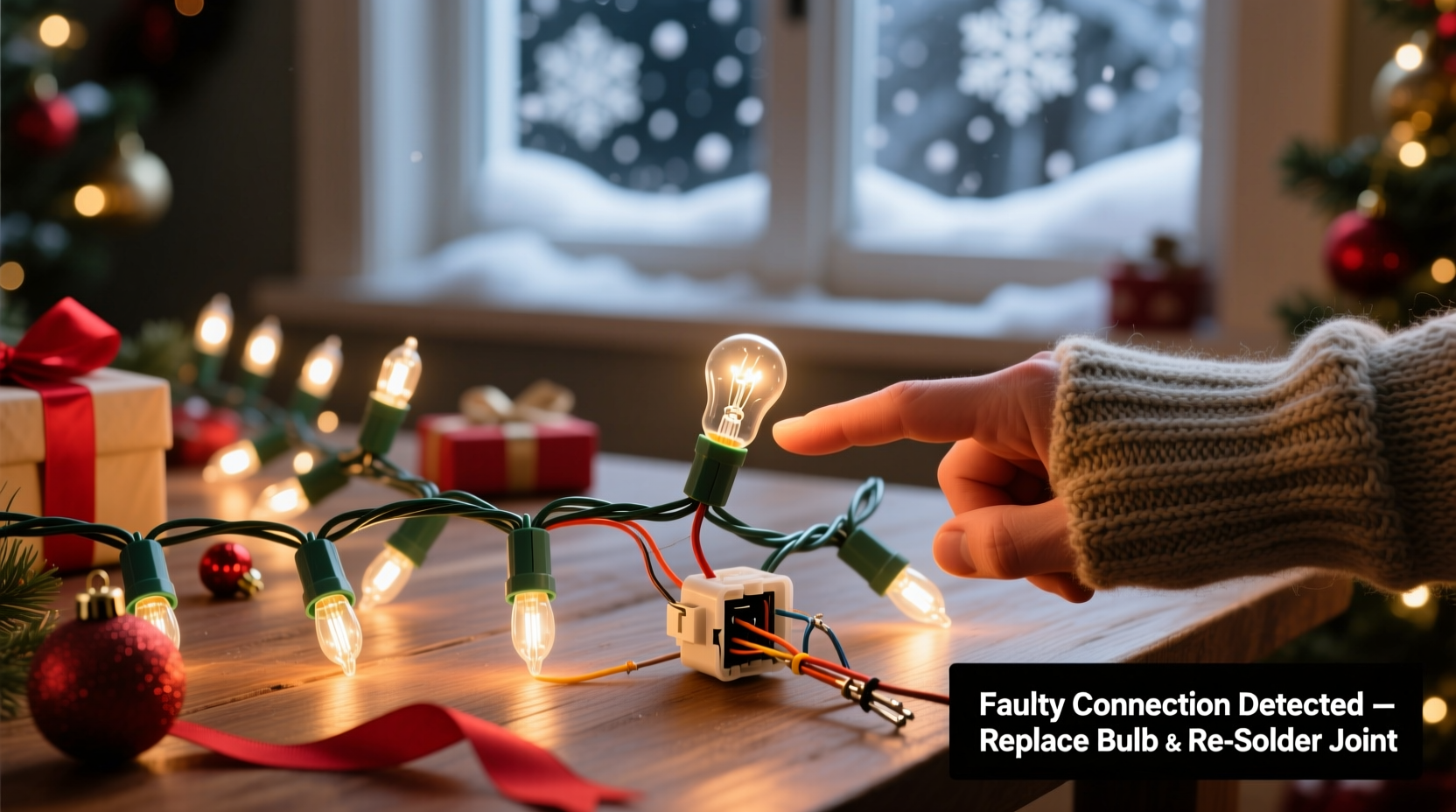
Before diving into fixes, it helps to understand the basic design of modern Christmas light strands. Most traditional incandescent and LED strings operate on a series circuit, meaning electricity flows through each bulb in sequence. If one bulb fails or becomes loose, it can interrupt the current and affect the entire section—or even the whole strand.
Many newer strands include shunt wires inside each bulb. These allow current to bypass a burnt-out bulb, keeping the rest lit. However, if the shunt fails or the bulb doesn’t seat properly, intermittent contact can cause flickering or blinking. Additionally, light sets with built-in controllers—such as those with twinkling, fading, or chasing effects—rely on small microchips to regulate timing. When these chips malfunction or receive unstable power, erratic behavior follows.
LED strands are particularly sensitive to voltage fluctuations. Even minor drops in power—caused by overloaded circuits or long extension cords—can trigger blinking or dimming. Unlike older incandescent bulbs, LEDs draw less power but require stable current delivery. Any inconsistency can confuse their internal drivers, leading to unpredictable operation.
Common Causes of Random Blinking
Random blinking rarely happens without reason. Identifying the specific cause is key to applying the right fix. Below are the most frequent culprits behind erratic light behavior:
- Faulty or loose bulbs: A single bulb not fully screwed in or with a damaged filament can break the circuit intermittently.
- Damaged wiring or connectors: Frayed wires, cracked insulation, or corroded plug contacts can cause fluctuating current flow.
- Overloaded circuits: Plugging too many strands into one outlet or using undersized extension cords leads to voltage drops.
- Incompatible light controllers: Mixing different types of programmable lights (e.g., chasing and steady) on the same circuit may confuse timing signals.
- Moisture exposure: Outdoor lights exposed to rain, snow, or condensation can short-circuit temporarily, causing flicker.
- Aging or defective light sets: Older strands, especially those stored improperly, degrade over time—solder joints crack, capacitors fail, and plastic housings warp.
- Power surges or unstable supply: Fluctuations from the grid or shared household appliances (like refrigerators or heaters) can disrupt sensitive electronics in LED drivers.
Step-by-Step Guide to Stop the Blinking
Follow this systematic approach to diagnose and resolve random blinking in your Christmas light strands. This process works for both incandescent and LED sets, indoors and outdoors.
- Unplug the strand immediately. Safety first. Never work on live electrical components.
- Inspect the plug and socket connections. Check for bent prongs, discoloration, or signs of melting. Replace the strand if damage is visible.
- Examine each bulb visually. Look for darkened glass (a sign of burnout), broken filaments, or looseness. Gently press each bulb to ensure it’s seated firmly.
- Test suspect bulbs. Remove questionable bulbs and test them in a known-working socket. Alternatively, use a multimeter to check continuity.
- Check the fuse compartment. Many light strands have small fuses inside the plug. Use a spare fuse (usually included in the cap) to replace any blown ones.
- Inspect wiring for damage. Run your fingers along the length of the wire, feeling for cuts, kinks, or softened insulation. Pay close attention to areas near bends or where lights were wrapped tightly during storage.
- Verify power source stability. Plug the strand into a different outlet on a separate circuit. Avoid using power strips overloaded with other devices.
- Separate mixed light types. If you’re combining multiple strands, ensure they’re all the same model and function setting. Don’t mix constant-on with blinking sets unless designed to sync.
- Use proper extension cords. For outdoor use, choose heavy-duty, weather-resistant cords rated for the total wattage of your display.
- Test after each fix. Reconnect the strand after every adjustment to see if the blinking stops. This helps isolate the exact cause.
If the problem persists despite these steps, the issue may lie within the internal controller chip—common in pre-lit trees or advanced LED strings. In such cases, replacement might be more cost-effective than repair.
Tips and Best Practices for Reliable Lighting
Prevention is often easier than repair. Implementing a few smart habits can drastically reduce the chances of future blinking issues.
Consider these best practices:
- Label light strands by type, color, and function before storing to avoid mixing incompatible sets next year.
- Keep lights in climate-controlled storage. Extreme heat or cold accelerates material degradation.
- Use a surge protector for outdoor displays to guard against voltage spikes during storms.
- Invest in commercial-grade LED strings—they’re built with better insulation, stronger connectors, and more durable drivers.
- Replace older incandescent strands with modern LEDs. They consume less power, generate less heat, and last significantly longer.
Mini Case Study: The Unpredictable Porch Display
Mark from Ohio installed a new set of 200-count LED icicle lights across his porch eaves. Within days, sections began blinking erratically, especially at night when temperatures dropped. He tried replacing bulbs and checking fuses, but the issue returned.
After consulting an electrician, he discovered the problem wasn’t the lights—it was the extension cord. He’d used a lightweight indoor cord rated for 10 amps, but the combined load of multiple strands approached its limit. As temperatures fell, resistance in the cord increased, causing voltage drops. The LED drivers interpreted this as a signal fault and entered blinking mode.
The fix? Mark replaced the cord with a 14-gauge outdoor-rated version and split the load across two circuits. The blinking stopped immediately and didn’t return all season.
Do’s and Don’ts: Quick Reference Table
| Do | Don’t |
|---|---|
| Use outdoor-rated extension cords for exterior lighting | Use indoor cords outside, even temporarily |
| Check and replace fuses before assuming the strand is dead | Ignore discolored or warm plugs—they indicate fire hazards |
| Store lights on reels or in organizers to prevent tangles | Wrap lights tightly around sharp edges like broom handles |
| Test strands individually before installing large displays | Daisy-chain more than three standard light sets together |
| Use a dedicated circuit for major light installations | Plug heavy loads into the same outlet as space heaters or refrigerators |
Expert Insight: What Professionals Recommend
“Most random blinking issues stem from poor connections or mismatched components. Always verify compatibility between controllers and avoid mixing brands unless specified as interoperable.” — James Reed, Residential Lighting Technician with 18 years of experience
“LEDs are efficient, but their drivers are sensitive. A stable power supply isn’t optional—it’s essential for consistent performance.” — Lila Nguyen, Electrical Engineer specializing in low-voltage systems
FAQ
Why do only half my lights blink?
This usually indicates a partial circuit failure. Many strands are divided into two or more independent circuits. A loose bulb, bad connection, or failed shunt in one section can cause only part of the strand to blink or go dark. Inspect each bulb in the affected section and check for breaks in the wire.
Can I fix a blinking LED strand myself?
Yes, for simple issues like loose bulbs or blown fuses. However, if the internal driver or controller chip is damaged, DIY repair is difficult without soldering tools and technical knowledge. In most cases, replacing the strand is safer and more economical.
Is it safe to leave blinking lights on overnight?
If the blinking is due to a fault—not a programmed effect—it’s not recommended. Intermittent connections can generate heat, increasing fire risk. Always resolve the cause before leaving lights unattended. Use UL-listed products and follow manufacturer guidelines for runtime.
Final Checklist Before Next Holiday Season
Stay ahead of blinking issues by preparing now. Use this checklist before storing or redeploying your lights:
- ✅ Test every strand before packing away
- ✅ Label each set by color, function, and length
- ✅ Replace frayed cords or cracked connectors
- ✅ Store in dry, temperature-stable environment
- ✅ Keep spare fuses and a few extra bulbs on hand
- ✅ Use protective cases or original packaging when possible
Conclusion
Random blinking in Christmas light strands is more than just a nuisance—it’s a signal that something in the system needs attention. From loose bulbs to incompatible controllers, the causes are varied but almost always solvable with careful inspection and proper technique. By understanding how your lights operate and following a methodical troubleshooting process, you can eliminate flickering and enjoy a steady, beautiful display.
Don’t let faulty wiring or overlooked details ruin your holiday ambiance. Take the time now to inspect, repair, and organize your lights. With the right care, a single strand can provide years of reliable service. Share your own fixes, ask questions, or post photos of your display setup—your experience could help another homeowner keep their lights shining bright.




 浙公网安备
33010002000092号
浙公网安备
33010002000092号 浙B2-20120091-4
Comments
No comments yet. Why don't you start the discussion?