
Every holiday season, thousands of homeowners face the same quiet frustration: they set their outdoor lights to turn on at dusk and off at midnight—only to find them blazing at 3 a.m. or stubbornly dark at 6 p.m. The culprit? A timer that’s silently reverted to factory defaults, lost its time setting, or jumped time zones without permission. Unlike a burnt-out bulb or tangled cord, this issue is invisible—and deeply confusing. It’s not magic. It’s physics, electronics, and environmental stress converging in one small plastic housing. This article cuts through the myths and marketing jargon to explain exactly why your timer resets, how to diagnose it with confidence, and—most importantly—how to fix it permanently.
1. Power Interruptions: The Silent Reset Trigger
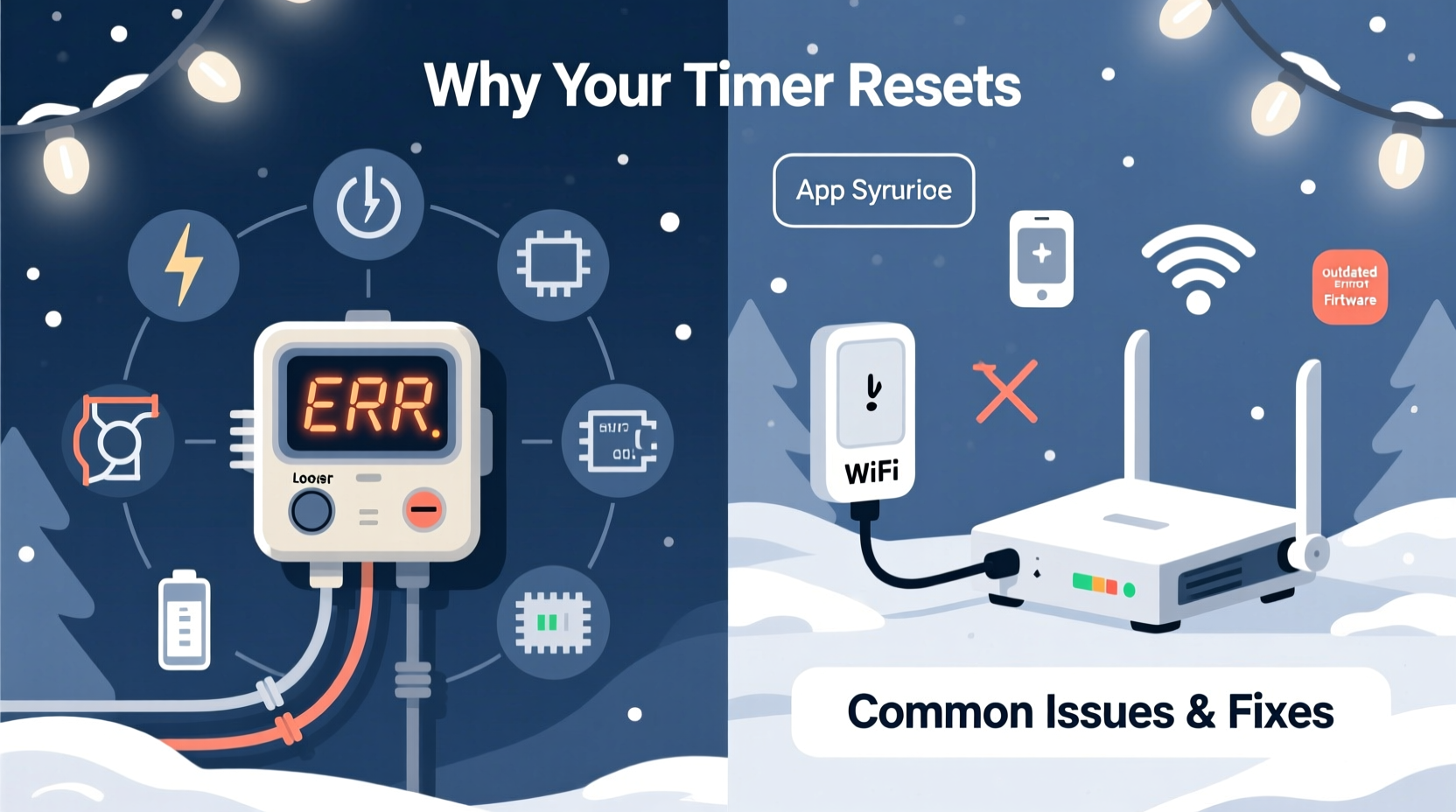
Most Christmas light timers—especially mechanical (dial-style) and basic digital models—rely on continuous AC power to maintain internal timekeeping. When voltage drops below a critical threshold—even for a fraction of a second—the device’s volatile memory clears. That’s not a flaw; it’s standard engineering. Power blips happen more often than most realize: during utility switching, when large appliances cycle on (like air conditioners or refrigerators), or even from nearby lightning-induced surges.
A single 0.2-second brownout can erase settings in timers without battery backup or non-volatile memory. According to the U.S. Department of Energy, residential power interruptions average 1.3 outages per year—but micro-interruptions occur dozens of times daily in older neighborhoods or homes with aging wiring.
2. Battery Failure in Digital and Smart Timers
Digital timers use an internal rechargeable or replaceable battery (often CR2032 or AA) to preserve time and program data when main power is disconnected. Over time, these batteries degrade—especially in unheated garages, covered porches, or damp sheds where temperatures swing from freezing to humid summer highs. Lithium coin cells lose up to 20% capacity after two years, and alkaline AAs self-discharge at ~2% per month at room temperature.
When the backup battery voltage falls below ~2.7V (for most CMOS real-time clock chips), the timer may appear to “work” on AC power—but any momentary interruption triggers a full reset. Worse, some units give no low-battery warning: they simply revert to “12:00 AM” and default ON/OFF windows.
| Battery Type | Average Lifespan in Timer Use | Reset Risk Signs | Recommended Action |
|---|---|---|---|
| CR2032 (lithium) | 2–3 years | Time drifts >2 minutes/day; resets after unplugging | Replace annually before Thanksgiving |
| AA Alkaline | 6–12 months | Timer dims or flickers; settings vanish overnight | Use lithium AA batteries—they resist cold and self-discharge slower |
| No battery (capacitor-only) | 1–3 months | Resets within hours of power loss | Upgrade to model with dedicated backup battery |
3. Environmental Stress: Cold, Moisture, and UV Exposure
Christmas timers are rarely rated for outdoor use—not because manufacturers assume you’ll keep them indoors, but because most aren’t built for it. UL listing doesn’t guarantee resistance to condensation, freeze-thaw cycles, or prolonged UV exposure. When moisture seeps into housing seams (even microscopic gaps), it forms conductive paths across circuit boards. This can short the RTC (real-time clock) crystal oscillator or corrupt memory registers—causing erratic behavior or hard resets.
Cold exacerbates the problem: below 32°F (0°C), electrolytic capacitors inside the timer lose capacitance, reducing voltage stability. At -10°F (-23°C), many consumer-grade timers experience timing errors exceeding 5 minutes per day. Combine cold with humidity, and corrosion begins on solder joints within weeks.
“Timers installed outdoors without weather-rated enclosures fail three times faster—even if they’re ‘indoor/outdoor’ labeled. True IP65+ rating means sealed gaskets, conformal-coated PCBs, and wide-temp crystals. Most $15–$25 timers have none of those.” — Mark Delaney, Senior Product Engineer, Lutron Electronics
4. Firmware Glitches and Smart Timer Pitfalls
Smart timers—Wi-Fi or Bluetooth-enabled devices synced via apps—introduce new failure modes. These aren’t just clocks; they’re miniature computers running embedded Linux or RTOS firmware. Resets here stem from software conflicts, failed over-the-air (OTA) updates, or time-sync misfires with NTP servers.
A common scenario: Your smart timer pulls time from an NTP server at 2 a.m. If the server returns incorrect data (e.g., due to daylight saving transition bugs or timezone misconfiguration), the device may roll back 1 hour—or jump forward 24. Some models auto-reset to “January 1, 2000” when NTP fails repeatedly, treating it as a fallback epoch.
Firmware bugs also cause silent corruption. In 2023, a widely used OEM firmware (v2.1.7) had a race condition where rapid toggling of the “vacation mode” setting erased all scheduled programs. No error message appeared—just blank schedules and a blinking “SET” icon.
Mini Case Study: The Lakefront Lodge Reset Cycle
The Thompson family manages a seasonal rental on Lake Michigan. Every November, they install 300 ft of LED icicle lights controlled by a popular $29 Wi-Fi timer. For three years, the lights reset every 4–6 days—always around 1:47 a.m. They tried new outlets, different breakers, and even a dedicated circuit. The breakthrough came when they checked the timer’s app logs: each reset coincided precisely with the device attempting to sync time with pool.ntp.org. Further investigation revealed their ISP’s DNS server was intermittently returning a cached, outdated NTP server address—one located in Kyiv, operating on EET (UTC+2), while their thermostat and phone used EST (UTC−5). The timer, lacking manual timezone override, applied the wrong offset. Solution? They disabled automatic NTP sync and manually set time + timezone—a setting buried under “Advanced > Clock Settings > Sync Mode.” No more resets.
5. Mechanical Wear and Internal Component Fatigue
Mechanical timers—those with rotating dials and metal contact pins—fail differently. Their resets aren’t digital erasures but physical slippage. Inside, a synchronous AC motor drives a gear train that rotates a cam wheel once every 24 hours. Over time, lubricant dries, gears wear, and the motor’s torque weakens. When torque drops below what’s needed to overcome static friction in the cam stack, the wheel stalls—or slips backward under vibration (e.g., from wind shaking the outlet box).
This causes the timer to “lose time,” appearing to reset when in fact it’s just falling behind. A worn timer might gain or lose 15–30 minutes per day. After five days, it’s effectively on a different schedule—turning lights on at noon instead of dusk. You don’t notice until the pattern breaks.
Step-by-Step Diagnostic Timeline
- Day 0: Set timer precisely using a known-accurate source (e.g., atomic clock website or smartphone). Note exact time and programmed ON/OFF windows.
- Day 1, 6 a.m.: Check if time matches. If off by >1 minute, suspect battery or mechanical drift.
- Day 1, 6 p.m.: Verify lights activate within 2 minutes of scheduled dusk time. If delayed or absent, check for power continuity at the outlet (use a plug-in tester).
- Day 3: Unplug timer for 10 seconds, then replug. Does it retain settings? If not, battery or memory failure is likely.
- Day 5: Review local utility outage map or smart meter app. Did any brief interruptions occur within 2 hours before last reset?
- Day 7: If using a smart timer, open app logs and filter for “NTP,” “sync,” or “reboot.” Look for timestamps matching reset events.
FAQ
Why does my timer reset only during thunderstorms—even when the lights stay on?
Lightning induces high-voltage transients in household wiring, even without a direct strike. These spikes overwhelm basic surge protection in cheap timers, causing micro-resets or memory corruption. The lights remain powered because the transient lasts microseconds—too brief to trip a breaker—but long enough to scramble digital logic. Install a UL 1449-listed surge protector with clamping voltage ≤400V and energy rating ≥600 joules.
Can I fix a reset-prone timer myself—or should I replace it?
For mechanical timers: replacement is almost always more reliable. Gears and motors aren’t user-serviceable, and lubricants attract dust that accelerates wear. For digital timers: replacing the backup battery *can* help—if you confirm it’s the root cause (use a multimeter to test voltage under load). But if the unit is >3 years old, upgrade to a model with IP65 rating, lithium backup, and manual timezone lock. Modern timers cost $18–$35 and pay for themselves in reduced troubleshooting time alone.
Do “digital” and “mechanical” timers differ in reset behavior—or is it all the same?
Fundamentally different. Mechanical timers drift (lose/gain time gradually); digital timers reset (snap back to default instantly). Drift suggests wear; reset points to power, battery, or software failure. Confusing the two leads to misdiagnosis—e.g., replacing a perfectly functional mechanical timer thinking it “reset,” when it merely fell 3 hours behind.
Conclusion
Your Christmas light timer isn’t broken—it’s communicating. Every reset is data: a clue about your home’s electrical environment, the timer’s age and design limits, or subtle mismatches in how time itself is defined across devices. Understanding the why transforms frustration into control. You now know that a $12 timer resetting isn’t “bad luck”—it’s expected behavior for a device lacking battery backup in a neighborhood with aging infrastructure. You know that cold garage storage quietly degrades lithium cells. You know that smart timers need timezone discipline, not just Wi-Fi strength. Armed with this, you can choose solutions that last—not just through this season, but for years. Don’t settle for reprogramming every week. Audit your setup: check battery dates, verify outlet stability, inspect for moisture ingress, and prioritize weather-rated hardware. Then enjoy the lights—not the troubleshooting.




 浙公网安备
33010002000092号
浙公网安备
33010002000092号 浙B2-20120091-4
Comments
No comments yet. Why don't you start the discussion?