
There’s nothing more frustrating than gathering loved ones around the tree, ready to soak in the warmth of classic carols, only for your Bluetooth speaker to stutter through “All I Want for Christmas Is You.” The music stutters, pauses, or skips entirely—ruining the mood. This issue isn’t just bad luck; it’s usually rooted in technical limitations or environmental interference. Understanding the causes and applying targeted solutions can restore smooth playback and keep your holiday spirit intact.
Bluetooth audio skipping during long playlists—especially dense, high-bitrate tracks like orchestral Christmas songs—is a common but solvable problem. It often stems from signal interference, device compatibility issues, or battery performance. With a few adjustments and preventive steps, you can ensure your festive tunes play without interruption.
Common Causes of Bluetooth Audio Skipping
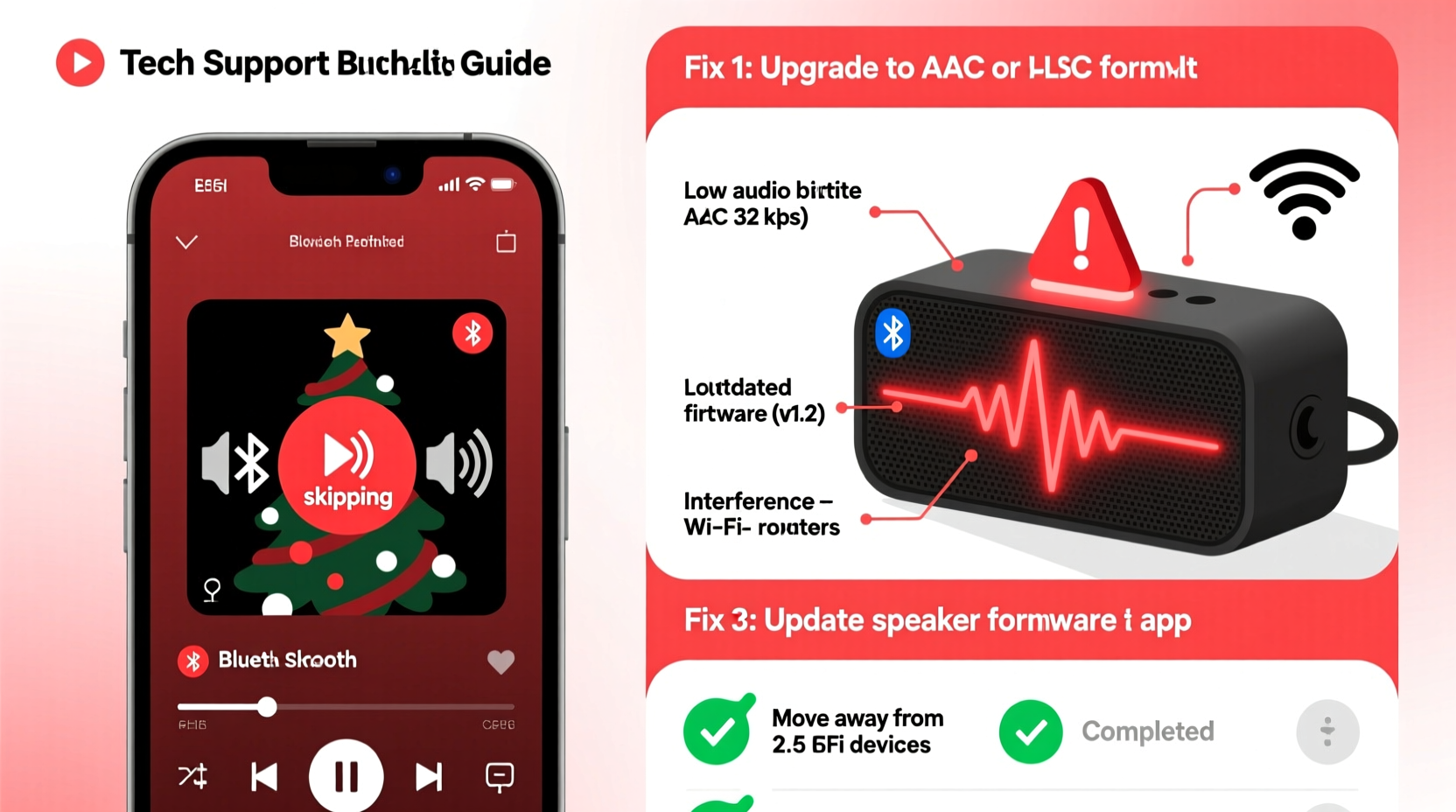
Before troubleshooting, it's essential to understand what’s causing the skips. Unlike wired connections, Bluetooth relies on wireless transmission, making it vulnerable to various disruptions. Here are the most frequent culprits:
- Signal Interference: Walls, appliances, and even other wireless devices (like Wi-Fi routers) emit signals in the 2.4 GHz band—the same range used by Bluetooth. When multiple devices compete for bandwidth, audio packets may be lost, leading to skips.
- Distance and Obstacles: Bluetooth has a limited effective range (typically 30 feet or less). Physical barriers like furniture or walls weaken the signal. Moving too far from your speaker increases the chance of dropouts.
- Battery Levels: Low power on either the source device (phone, tablet) or the speaker itself can reduce transmission strength. Some devices throttle Bluetooth performance when battery is below 20%.
- Audio Codec Mismatch: Not all Bluetooth devices support the same audio codecs (e.g., SBC, AAC, aptX). If your phone encodes audio in a format the speaker doesn't handle efficiently, buffering issues arise.
- Memory or Buffer Overload: Long playlists with high-quality audio files require consistent data streaming. If the speaker’s internal buffer can’t keep up due to processing lag, gaps occur.
- Software Glitches: Outdated firmware on your speaker or operating system bugs on your phone can disrupt stable pairing and playback.
How to Fix Bluetooth Speaker Skips During Playlists
Fixing audio skips isn’t about guesswork—it’s about systematically eliminating variables. Follow these practical steps to stabilize your connection and enjoy uninterrupted music.
1. Reduce Wireless Interference
Wi-Fi networks, microwaves, cordless phones, and even USB 3.0 ports emit electromagnetic noise that interferes with Bluetooth signals. To minimize this:
- Turn off unused wireless devices nearby.
- Move your speaker away from the router or microwave.
- If possible, switch your Wi-Fi to the 5 GHz band to free up space in the 2.4 GHz spectrum.
“Bluetooth and Wi-Fi coexistence issues are real—especially in modern homes packed with smart devices.” — Dr. Lena Park, Wireless Communications Engineer at MIT Media Lab
2. Optimize Device Placement
Keep your phone or tablet within 10–15 feet of the speaker, with minimal obstructions. Avoid placing either device inside cabinets, behind TVs, or near large metal objects. Elevating the speaker slightly (on a shelf rather than the floor) can improve line-of-sight transmission.
3. Check Battery Health
A weak battery affects signal modulation. Charge both devices fully before extended playback. For older speakers, degraded batteries may not hold charge properly—even if they show 100%, voltage drops under load can cause instability.
4. Update Firmware and Software
Manufacturers release firmware updates to improve stability, enhance codec support, and patch connectivity bugs. Check your speaker’s companion app (if available) or the manufacturer’s website for updates. Similarly, ensure your phone’s OS is current—iOS and Android regularly refine Bluetooth stack performance.
5. Clear Bluetooth Cache (Android)
On Android devices, corrupted Bluetooth cache can cause erratic behavior. Go to Settings > Apps > Show System Apps > Bluetooth > Storage > Clear Cache. Then re-pair your speaker.
6. Re-Pair the Devices
Old pairing data can become stale. Delete the speaker from your phone’s Bluetooth list, power-cycle the speaker, then pair again as if new. This forces a clean connection handshake.
Advanced Fixes: Audio Quality and Playlist Management
Sometimes, the problem isn’t the hardware—but the content being played. Christmas playlists often include high-fidelity recordings with rich instrumentation, which demand more bandwidth.
Adjust Audio Quality Settings
High-bitrate streams (like those from Apple Music Lossless or Tidal HiFi) may overwhelm basic Bluetooth chips. Consider lowering the audio quality temporarily:
- iOS: Go to Settings > Music > Audio Quality and disable Lossless or switch to Standard Streaming.
- Android/Spotify: In Settings > Music Quality, choose Normal or High instead of Extreme.
This reduces data load and minimizes buffering, especially on older or budget-friendly speakers.
Break Up Long Playlists
Streaming a 5-hour Christmas mix continuously stresses the speaker’s memory buffer. Instead, split the playlist into smaller segments (e.g., 60-minute blocks) and queue them manually. This gives the system brief recovery windows between sets.
| Issue | Solution | Effectiveness |
|---|---|---|
| Wi-Fi interference | Switch router to 5 GHz or turn off nearby devices | High |
| Low battery | Charge both devices fully | High |
| Outdated firmware | Update speaker and phone software | Moderate to High |
| Long playlist strain | Split into shorter segments | Moderate |
| Poor codec match | Lower streaming quality or use compatible device | Variable |
Step-by-Step Troubleshooting Timeline
Follow this sequence to diagnose and resolve skipping issues efficiently. Most problems are resolved within 15 minutes using this method.
- Minute 0–2: Restart both the source device and the Bluetooth speaker.
- Minute 2–5: Move closer to the speaker (within 10 feet), removing physical barriers.
- Minute 5–7: Ensure both devices are above 50% battery. Plug in if necessary.
- Minute 7–10: Turn off Wi-Fi, airplane mode, or other wireless functions temporarily to test interference.
- Minute 10–12: Delete the speaker from Bluetooth settings and re-pair it.
- Minute 12–15: Lower audio streaming quality in your music app settings.
If skipping persists after these steps, the issue may lie in hardware limitations—particularly with entry-level speakers lacking advanced signal processing.
Real Example: A Holiday Party Saved
Sarah hosted her annual cookie-decorating party with a curated 4-hour Christmas playlist. Midway through “Jingle Bell Rock,” her outdoor Bluetooth speaker began skipping every 30 seconds. Guests noticed, and the vibe faltered.
She first tried restarting the speaker—no change. Then she realized her neighbor was using a powerful Wi-Fi extender nearby. She turned off her own home Wi-Fi briefly and switched her phone to LTE. The skips stopped immediately.
To prevent future issues, Sarah now uses a dual-band router and reserves the 5 GHz network for internet, keeping 2.4 GHz less congested for Bluetooth. She also pre-downloads playlists to avoid data streaming hiccups.
Checklist: Prevent Future Bluetooth Skips
Use this checklist before hosting events or playing long playlists:
- ✅ Charge both speaker and source device fully
- ✅ Update firmware and OS on all devices
- ✅ Minimize distance and remove obstacles
- ✅ Disable unnecessary wireless devices nearby
- ✅ Pre-download playlist to avoid streaming
- ✅ Test playback 30 minutes before guests arrive
- ✅ Use a secondary speaker as backup
Frequently Asked Questions
Can Bluetooth 5.0 prevent skipping?
Yes, Bluetooth 5.0 and later versions offer improved range, speed, and signal efficiency. They’re better at handling interference and maintaining stable connections, reducing skips—especially with high-quality audio. However, both the source device and speaker must support the newer standard.
Why does my playlist skip only on certain songs?
This often happens with tracks that have higher bitrates or dynamic range (e.g., live orchestra recordings). These demand more data throughput. If your speaker struggles with processing peaks in volume or complexity, it may buffer or skip. Converting such files to a lower bitrate (192–256 kbps MP3) can help maintain consistency.
Is it better to use aux cable instead of Bluetooth?
For guaranteed skip-free playback, yes. A wired connection eliminates wireless interference entirely and provides consistent audio transfer. If your speaker has an auxiliary input, consider using a 3.5mm cable during critical moments—like holiday dinners or gift exchanges—when reliability matters most.
Conclusion: Enjoy Seamless Holiday Music
Skips in your Christmas playlist aren’t inevitable—they’re fixable. By understanding the interplay between wireless signals, device health, and audio demands, you can take control of your listening experience. Simple actions like managing interference, updating software, and optimizing placement make a dramatic difference.
The holidays are about connection—to family, tradition, and music. Don’t let technology disrupt that. Apply these strategies ahead of your next gathering, and you’ll spend less time troubleshooting and more time making memories. Your favorite songs deserve to play through to the final note.




 浙公网安备
33010002000092号
浙公网安备
33010002000092号 浙B2-20120091-4
Comments
No comments yet. Why don't you start the discussion?