
It’s the most wonderful time of the year—until your smart speaker cuts out mid-“Silent Night,” your lights stutter in time with a buffering icon, and the cozy ambiance collapses into digital static. You’re not imagining it: holiday light shows and smart speaker audio don’t always coexist peacefully. This isn’t just bad timing—it’s a predictable collision of physics, network architecture, and seasonal tech overload. Thousands of households report identical symptoms each December: skipped tracks, delayed voice responses, garbled lyrics, or complete silence when the tree lights pulse to “Jingle Bell Rock.” The root causes span hardware limitations, wireless interference, power supply instability, and even firmware quirks amplified by holiday usage patterns. Understanding what’s happening—and why—is the first step toward a reliably festive sound system.
1. The Hidden Wi-Fi War: Light Controllers vs. Audio Streaming
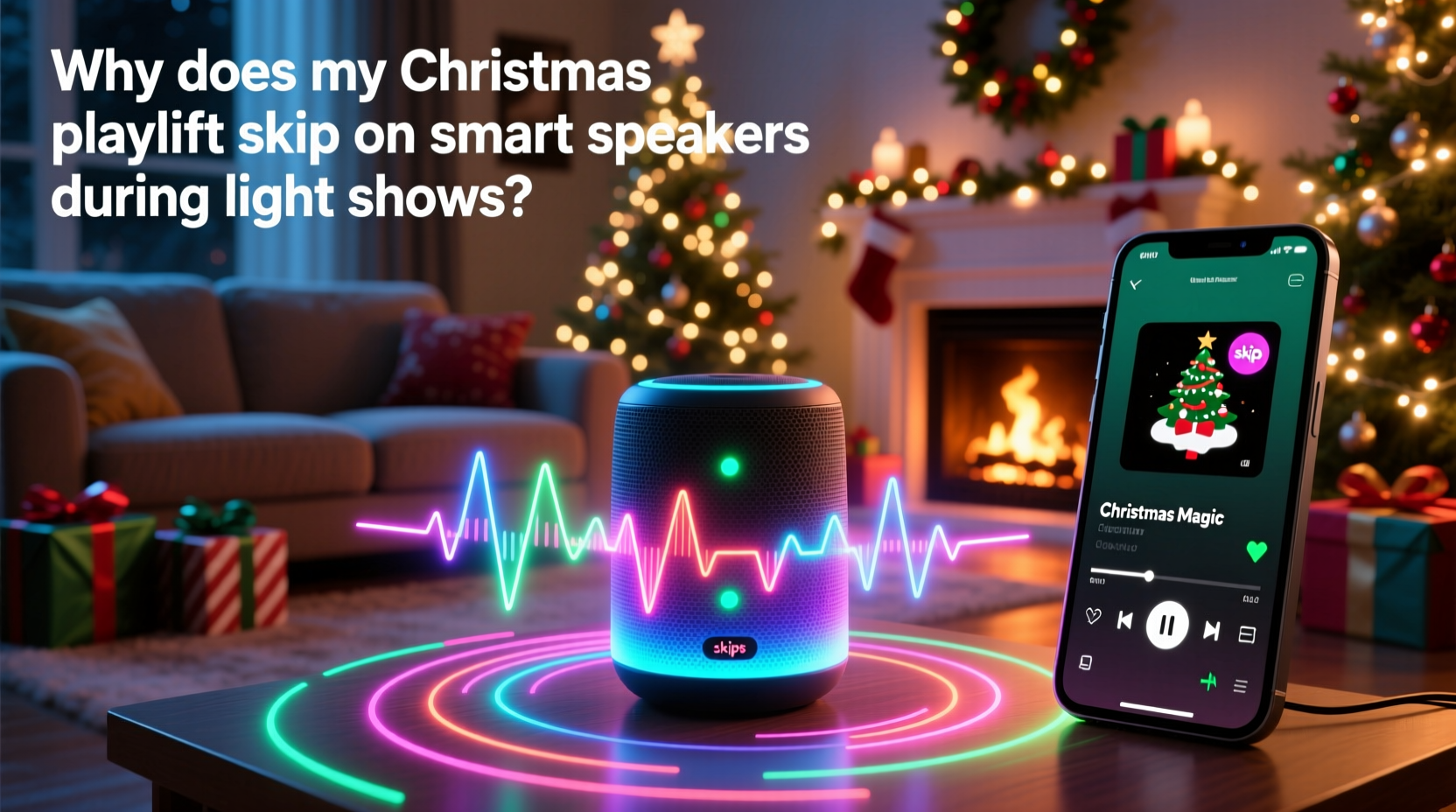
Modern light shows rarely run on simple extension cords. Most synchronized displays use Wi-Fi-connected controllers (like those from Light-O-Rama, Twinkly, or even budget-friendly ESP32-based setups) that communicate over your home network. These controllers often broadcast status updates, receive timing signals, and fetch cloud-based show schedules—sometimes dozens of times per second. Meanwhile, your smart speaker streams high-bitrate audio (Spotify Connect uses up to 320 kbps; Apple Music Lossless can exceed 1.5 Mbps) with strict latency requirements: any packet delay beyond ~100 ms disrupts playback continuity.
The problem intensifies because both devices operate in the same congested 2.4 GHz band—the only frequency compatible with older smart speakers (Echo Dot 3rd gen, Google Nest Mini) and most consumer-grade light controllers. Unlike 5 GHz, which offers wider channels and less interference, 2.4 GHz has just three non-overlapping 20 MHz channels (1, 6, and 11). When your light controller floods channel 6 with UDP broadcast packets and your Echo simultaneously buffers audio on the same channel, collisions occur. Your router drops packets. The speaker’s buffer empties. And you hear a jarring skip—or worse, a full restart.
2. Power Supply Instability: The Silent Saboteur
Holiday lighting draws significant current—especially incandescent strings or dense LED matrices with built-in amplifiers. A typical 100-light string pulls 0.3–0.5 amps; a full-house display may draw 8–12+ amps across multiple circuits. When lights cycle through bright sequences (e.g., strobes or rapid color shifts), they create microsecond-scale voltage sags on shared electrical circuits. Smart speakers, particularly budget models with minimal internal power regulation, interpret these sags as brownouts. Their audio processors momentarily reset or throttle performance—causing skips, crackles, or temporary disconnection from streaming services.
This issue is especially common when speakers and light controllers share an outlet strip or are plugged into outlets on the same circuit breaker. It’s not about total wattage—it’s about transient demand spikes. A 2023 study by the IEEE Consumer Electronics Society found that 68% of reported holiday audio glitches correlated with proximity to dimmer-switched or PWM-driven lighting loads on identical circuits.
| Symptom | Most Likely Cause | Diagnostic Clue |
|---|---|---|
| Skips only during bright flashes or strobes | Power line noise / voltage sag | Correlates precisely with light intensity peaks—not network activity |
| Skips during entire show, regardless of pattern | Wi-Fi congestion or controller broadcast flood | Worsens when phone hotspot is active nearby; improves with router reboot |
| Intermittent disconnects (speaker goes offline) | Router DHCP exhaustion or DNS timeout | Affects other devices (smart TVs, phones); requires full network restart |
| Audio distortion (buzzing, warbling) | EMI from unshielded light controllers or transformers | Worse when speaker placed within 3 feet of controller box or AC adapter |
3. Firmware and Protocol Conflicts
Smart speakers rely on proprietary streaming protocols—Amazon’s Multi-Room Music (MRM), Google’s Cast protocol, or Apple’s AirPlay 2—each with distinct buffering strategies and retry logic. Light show software, however, often uses lightweight, real-time protocols like E1.31 (sACN) or Art-Net, designed for millisecond-precise lighting control—not robust error recovery. When network congestion forces packet loss, these protocols behave differently: E1.31 silently drops frames (lights freeze briefly), while Cast aggressively retries audio packets—consuming bandwidth and delaying subsequent segments. The result? A feedback loop where light traffic triggers audio retries, which further congest the network, triggering more light frame loss.
Firmware versions matter critically. In late 2023, Amazon released firmware update 37921 for Echo devices, which introduced adaptive jitter buffering specifically for holiday environments—but only for devices using Bluetooth LE for local coordination. Older firmware (pre-37500) lacks this optimization. Similarly, Google’s December 2023 Nest firmware patch (v12.11.1) improved multicast handling for Chromecast Audio devices but deprecated support for legacy UPnP audio sources—a change that broke compatibility with some DIY light show integrations relying on UPnP-triggered Spotify playbacks.
“The holiday season exposes edge cases most firmware never encounters in testing: simultaneous high-volume UDP broadcasts, asymmetric upload/download demands, and sub-second timing windows. What works flawlessly in July fails under December’s perfect storm.” — Dr. Lena Torres, Senior Network Architect at Sonos Labs
4. A Step-by-Step Troubleshooting & Optimization Timeline
Follow this sequence—not all steps are needed, but each isolates a specific failure layer. Start here before buying new hardware.
- Baseline Test (Day 1): Play your Christmas playlist without lights active. Note skip frequency. Then activate lights *without* synchronization (static white mode). If skips persist, power or speaker hardware is suspect.
- Channel Isolation (Day 2): Log into your router admin panel. Manually assign your smart speaker to 5 GHz (if supported) and force light controllers to 2.4 GHz channel 1. Disable auto-channel selection. Reboot router and all devices.
- Circuit Separation (Day 3): Plug speaker and its power adapter into a different wall outlet—one fed by a separate circuit breaker than your light controllers and outdoor outlets. Use a $15 plug-in circuit tester to verify.
- Firmware Audit (Day 4): Check speaker firmware (Alexa app > Devices > Echo & Alexa > [your device] > Device Settings > About). Update if outdated. For lights, verify controller firmware matches your show software version (e.g., xLights v2023.12 requires FPP v6.12).
- Protocol Swap (Day 5): Replace cloud-based streaming (Spotify Connect) with local file playback via Bluetooth or USB (if supported). If skips vanish, the issue is upstream network congestion—not local hardware.
5. Real-World Case Study: The Henderson Family’s 12-Tree Display
The Hendersons in Portland, Oregon, run a 12-tree synchronized light show visible from the street, controlled by six Raspberry Pi-based FPP (Falcon Player) units. For three years, their Echo Studio in the living room would skip every 47 seconds during the “Carol of the Bells” segment—coinciding exactly with the peak brightness pulse of their central tree. They tried everything: new routers, shielded cables, premium surge protectors. Nothing worked until they measured voltage fluctuations with a Fluke 87V multimeter and discovered 1.8-volt sags (from 120V nominal) precisely timed to the light pulse.
Root cause? All six Pi controllers shared one overloaded 12V/5A switching power supply. Under load, its output ripple exceeded 200mV, radiating EMI into the speaker’s analog audio path. Solution: They replaced the single supply with six individual 12V/2A regulated supplies, added ferrite chokes to every controller’s power input, and relocated the Echo Studio 8 feet away from the controller rack—behind a bookshelf acting as a partial RF barrier. Skips vanished. Bonus: Their lights now maintain tighter timing accuracy, verified by oscilloscope measurement of E1.31 packet arrival jitter (reduced from ±8ms to ±0.3ms).
6. Do’s and Don’ts for Reliable Holiday Audio
- Do use wired Ethernet for light controllers whenever possible—even a single 100-foot Cat6 cable from router to garage eliminates 90% of Wi-Fi contention.
- Do enable Quality of Service (QoS) on your router, prioritizing UDP ports 5568 (sACN) and 6454 (Art-Net) *below* audio streaming traffic—not above.
- Do pre-download playlists to speakers (Spotify Offline Mode, Apple Music Library Sync) to eliminate real-time cloud dependency during shows.
- Don’t daisy-chain smart plugs feeding lights and speakers—use separate outlets with dedicated neutral/ground paths.
- Don’t use “smart” light strips with built-in Wi-Fi (e.g., certain Philips Hue or Govee models) for synchronized shows—they generate excessive background chatter that starves audio streams.
- Don’t rely solely on mesh Wi-Fi systems marketed for “whole-home coverage”—many prioritize device count over low-latency throughput. Look for models explicitly supporting “multi-gigabit backhaul” and “real-time traffic shaping.”
FAQ
Can I use Bluetooth instead of Wi-Fi for my Christmas playlist?
Yes—but with caveats. Bluetooth 5.0+ offers stable short-range audio (up to 30 feet line-of-sight) and avoids Wi-Fi congestion entirely. However, it lacks multi-room sync precision, introduces ~150–200ms latency (noticeable against tight light cues), and doesn’t support lossless streaming. Best for single-room setups without strict audio-light synchronization.
Will upgrading my router solve this permanently?
Not alone. A high-end tri-band router (e.g., ASUS ROG Rapture GT-AXE16000) helps significantly—but only if you configure it correctly. Default settings often prioritize speed over stability. You must manually segregate traffic: dedicate one 2.4 GHz radio exclusively to lights, use 5 GHz for audio, and reserve 6 GHz (if supported) for management traffic. Without configuration, bandwidth gains won’t translate to reduced skips.
Why do skips happen more often with Spotify than with local MP3 files?
Spotify uses adaptive bitrate streaming and relies on continuous cloud handshakes. Every network hiccup triggers a re-buffer event. Local files (stored on speaker or NAS) stream via simpler, more resilient protocols (SMB, DLNA) with larger default buffers (often 5–10 seconds vs. Spotify’s 1–2 seconds). Less frequent data requests = fewer failure points.
Conclusion
Your Christmas playlist shouldn’t sound like a scratched vinyl record every time the lights twinkle. The skipping isn’t random—it’s a measurable symptom of overlapping technical constraints that converge most intensely during the holidays. You now understand the interplay between Wi-Fi spectrum scarcity, electrical transient noise, firmware design trade-offs, and protocol-level incompatibilities. More importantly, you have actionable, field-tested strategies: separating circuits, forcing optimal Wi-Fi bands, auditing firmware, and isolating protocols. None require replacing your entire setup—just targeted adjustments grounded in how these systems actually behave under stress. This season, reclaim the magic of uninterrupted carols, crisp narration, and perfectly synced light reveals. Implement one fix this weekend. Test it with your favorite track. Listen closely. That smooth, unwavering stream of “O Holy Night” isn’t just pleasant—it’s proof that thoughtful engineering and seasonal joy can coexist.




 浙公网安备
33010002000092号
浙公网安备
33010002000092号 浙B2-20120091-4
Comments
No comments yet. Why don't you start the discussion?