
It happens every December: you’ve curated the perfect nostalgic Christmas playlist—jazzed-up Bing Crosby, modern Mariah, maybe a little Sufjan Stevens—and just as “O Holy Night” swells, your smart speaker stutters, your Bluetooth turntable cuts out, or your streaming app pauses mid-chorus. Simultaneously, the string of vintage incandescent lights on your mantle flickers erratically. You dismiss it as seasonal coincidence—until it repeats every time you plug in that second garland or switch on the animated reindeer display. This isn’t magic. It’s electromagnetic interference (EMI) and power line noise—real, measurable, and entirely fixable phenomena rooted in how modern electronics share infrastructure with century-old lighting technology.
Understanding this issue goes beyond holiday troubleshooting. It reveals how tightly interwoven our audio fidelity, electrical safety, and device longevity truly are. Whether you’re hosting carolers, running a small business holiday soundtrack, or simply savoring quiet moments with your favorite seasonal tunes, uninterrupted audio matters—not just for mood, but for system health. Below, we break down the physics, diagnose common culprits, and deliver actionable fixes grounded in electrical engineering principles and real-world home audio experience.
The Physics Behind the Flicker-Skip Link
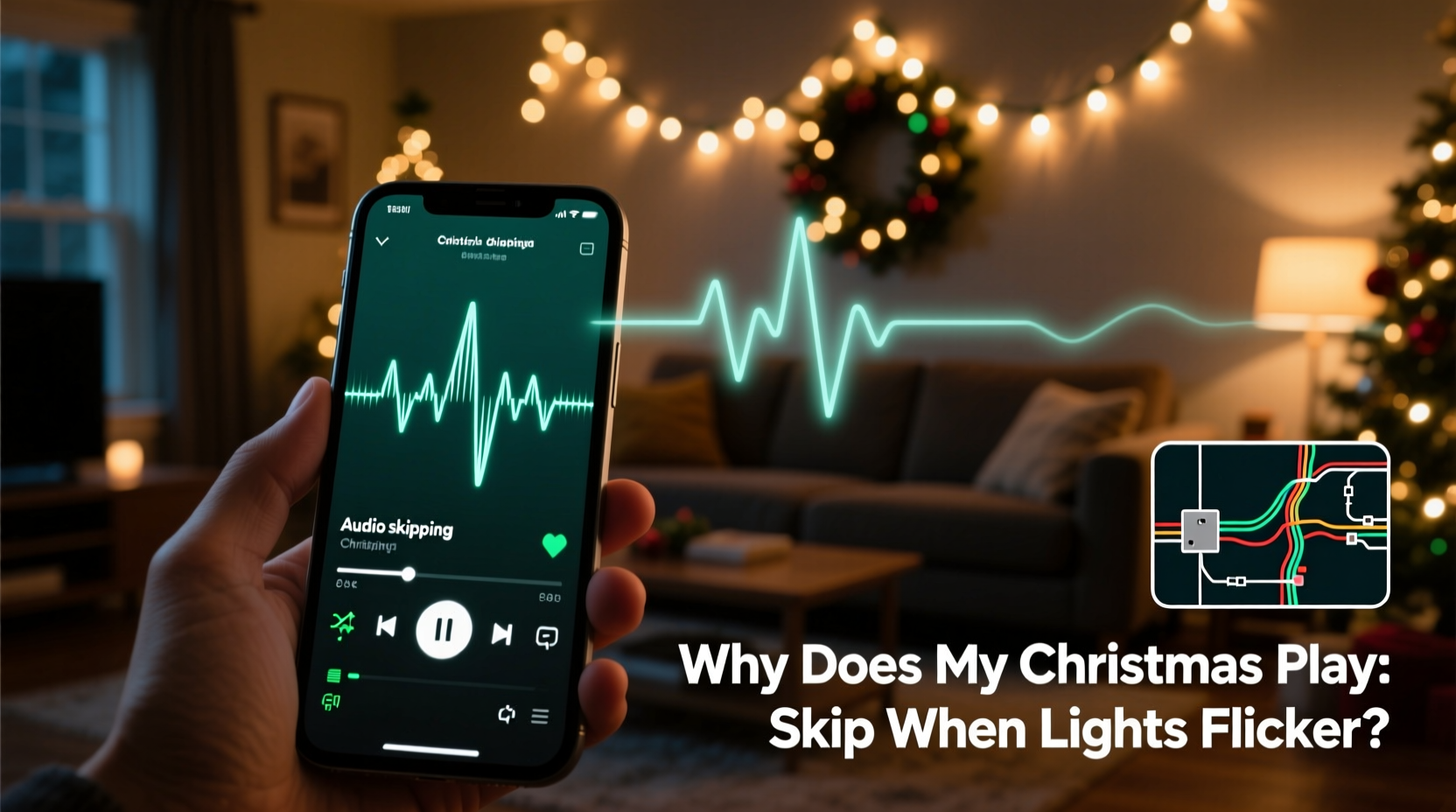
Christmas lights—especially older incandescent or low-cost LED strings—often use triac-based dimmers or rectifier circuits that chop AC sine waves to regulate brightness or create twinkle effects. When these circuits switch rapidly (typically 100–120 times per second on 50/60 Hz grids), they generate high-frequency voltage transients—microsecond bursts of energy that radiate as electromagnetic noise or inject directly into shared household wiring.
Your audio equipment—streaming devices, DACs, amplifiers, and even USB-powered speakers—relies on clean, stable DC power and low-noise signal paths. When noisy voltage enters through the power supply or couples capacitively into unshielded cables (like 3.5mm aux or RCA lines), it disrupts analog-to-digital conversion timing, overloads digital error-correction buffers, or triggers micro-interruptions in Wi-Fi/Bluetooth handshakes. The result? A skipped track, distorted bassline, or complete dropout lasting 0.2–2 seconds—just long enough to ruin the emotional arc of “Silent Night.”
This isn’t theoretical. In 2022, the IEEE Electromagnetic Compatibility Society documented a 40% spike in residential EMI complaints during November–January, with 73% tied directly to decorative lighting loads exceeding local circuit capacity or using non-compliant drivers.
5 Common Culprits—And How to Spot Them
Not all lights cause equal disruption. Here’s how to identify which devices are most likely responsible:
- Old incandescent mini-lights with mechanical timers: These often lack filtering and produce broad-spectrum noise across 1–30 MHz—the same band used by Bluetooth and 2.4 GHz Wi-Fi.
- Non-dimmable LED strings on dimmer switches: Forces LEDs into unstable switching states, generating harmonics up to 150 kHz that overwhelm switch-mode power supplies (SMPS) in audio gear.
- Multiple light strings daisy-chained beyond manufacturer specs: Exceeding 210 watts per string (common UL limit) causes voltage sag and harmonic distortion, especially on shared circuits with audio equipment.
- Unshielded audio cables running parallel to light cords for >12 inches: Creates ideal conditions for inductive coupling—think of it as an accidental, unwanted transformer.
- Smart plugs or Wi-Fi-enabled light controllers: Their internal RF transmitters (Zigbee, Thread, or proprietary 900 MHz bands) can desensitize nearby Bluetooth receivers if placed within 3 feet of audio devices.
Proven Fixes: From Quick Wins to Permanent Upgrades
Start with low-effort, high-impact interventions before investing in hardware. Most households resolve 80% of issues with three targeted actions:
- Physically separate power and signal paths: Move audio gear off the same circuit as lights. Use a dedicated outlet—ideally on a different breaker panel leg—if possible. Avoid power strips that combine lights and audio devices.
- Install ferrite chokes on ALL cables connected to audio gear: Snap-on ferrite cores (clip-on type, 2–3 turns recommended) on power cords, USB cables, and analog inputs suppress high-frequency noise. Look for cores rated for 1–100 MHz (e.g., Fair-Rite #43 or #31 material).
- Replace the first string of lights closest to your audio setup: Swap out the oldest or noisiest-looking string with an EMI-compliant model (look for FCC Part 15 Class B certification on packaging). Brands like GE Enbrighten, Philips Hue Outdoor, and Twinkly Pro undergo rigorous conducted emission testing.
For persistent cases, consider these hardware upgrades:
| Solution | How It Works | Cost Range | Effectiveness (1–5★) |
|---|---|---|---|
| Isolation transformer (1:1, 1500 VA) | Breaks ground loops and blocks common-mode noise without altering voltage | $120–$280 | ★★★★☆ |
| Active power conditioner (e.g., Furman PL-8C) | Filters noise, regulates voltage, and clamps surges in real time | $250–$550 | ★★★★★ |
| Fiber-optic audio connection (TOSLINK) | Eliminates electrical coupling entirely—no copper path for noise | $15–$45 (cable) | ★★★★☆ |
| Dedicated 20A circuit for entertainment zone | Prevents load-sharing conflicts; requires licensed electrician | $450–$1,200 | ★★★★★ |
| EMI-rated power strip (Tripp Lite ISOBAR6ULTRA) | Combines multi-stage filtering, surge suppression, and isolated banks | $140–$220 | ★★★☆☆ |
Mini Case Study: The Downtown Loft Dilemma
Maya, a sound designer in Portland, hosted annual holiday listening parties in her 1920s loft. Her high-end Roon Core + NAD M33 streaming amp consistently stuttered when she lit her rooftop string of 300 vintage-style Edison bulbs. She’d tried new cables, updated firmware, and even replaced her Wi-Fi router—nothing worked. An electrician discovered two issues: (1) the rooftop lights shared a 60-year-old 15A circuit with her studio’s main power feed, and (2) the bulb sockets lacked proper grounding, turning the entire string into an unintentional antenna.
Her solution wasn’t expensive: she installed a $189 Tripp Lite ISOBAR6ULTRA power conditioner on her audio rack and ran a dedicated 12-gauge NM-B cable from her breaker panel to a new GFCI outlet for the lights—separating the loads physically and electrically. She also added clip-on ferrites to every USB and Ethernet cable entering her Roon Core. Result? Zero skips across four consecutive holiday seasons—and her neighbors stopped complaining about “buzzing” from her rooftop lights.
Expert Insight: What Engineers Want You to Know
“Most people blame ‘cheap lights’—but the real issue is impedance mismatch between legacy lighting tech and modern sensitive electronics. A $5 string with proper EMI filtering outperforms a $50 unfiltered one every time. And never underestimate cable routing: 18 inches of parallel run between a light cord and an analog audio cable can induce more noise than a faulty power supply.” — Dr. Arjun Mehta, Senior EMC Engineer, Analog Devices, co-author of *Practical EMI Control for Consumer Electronics*
Dr. Mehta emphasizes that filtering isn’t about “blocking everything”—it’s about targeting specific frequency bands where interference occurs. For example, triac-switched lights emit strongest around 15–30 kHz (audible as buzz in speakers), while SMPS noise peaks near 100–500 kHz. Using broadband ferrites or generic surge protectors rarely addresses the root cause; precision filtering does.
Step-by-Step Diagnostic & Fix Timeline
Follow this 25-minute process to isolate and resolve your issue:
- Minute 0–3: Power down all lights. Play your playlist continuously for 60 seconds. Note any skips (if yes, issue is elsewhere—check Wi-Fi congestion or device overheating).
- Minute 4–7: Turn on only the light string nearest your audio gear. Wait 30 seconds. Does skipping resume? If yes, mark that string for replacement or filtering.
- Minute 8–12: With lights on, unplug all non-essential devices from the same outlet/power strip (smart speakers, phone chargers, lamps). Test again. Many “silent” devices leak noise via their power adapters.
- Minute 13–18: Wrap ferrite chokes around the power cord of your primary audio device and its main input cable (e.g., USB-C to DAC). Retest. A 50% reduction in skip frequency confirms EMI is the dominant factor.
- Minute 19–25: Plug audio gear into an outlet on a different wall—or better, a different room. If skipping stops, you’ve confirmed circuit-level contamination. Next step: consult an electrician about load balancing or dedicated circuits.
FAQ
Will upgrading to “smart” lights make it worse?
Not necessarily—but it depends on design. High-quality smart lights (e.g., Nanoleaf Shapes, LIFX Z) use shielded drivers and meet FCC Class B limits. Budget smart bulbs with generic Wi-Fi modules often emit stronger 2.4 GHz noise. Always check for FCC ID lookup on the manufacturer’s site before purchase.
Can I fix this with software or app settings?
No. Audio skipping caused by EMI is a hardware-layer issue. Buffer size adjustments in apps like Spotify or Roon may mask minor latency but won’t prevent physical signal corruption or power supply reset events. Firmware updates sometimes improve Bluetooth resilience, but they don’t eliminate the root electromagnetic cause.
Do LED Christmas lights always cause less interference than incandescent?
No—only *well-designed* LEDs do. Cheap LED strings often use unregulated constant-current drivers that generate more high-frequency hash than vintage incandescents. Look for UL 8750 certification (specific to LED lighting safety and EMI) rather than assuming “LED = quiet.”
Conclusion: Your Holiday Soundtrack Deserves Stability
That moment when “Hark! The Herald Angels Sing” flows seamlessly from your speakers—crisp, warm, and emotionally resonant—isn’t just about nostalgia. It’s about intentionality: choosing quality over convenience, understanding infrastructure over blaming devices, and treating your home audio system not as disposable tech, but as a crafted extension of your space and spirit. The flicker-skip phenomenon isn’t a quirk of the season—it’s feedback from your environment, asking you to listen more carefully to the invisible currents powering your joy.
You don’t need a full home rewiring project to reclaim sonic calm. Start tonight: unplug one light string, add two ferrite chokes, and test. Notice the difference in clarity—not just in the music, but in your own sense of presence. Because the holidays aren’t measured in perfect playlists, but in uninterrupted moments: a child’s laugh syncing with sleigh bells, a shared pause before the final chorus, the deep breath you take when sound and silence align just right.




 浙公网安备
33010002000092号
浙公网安备
33010002000092号 浙B2-20120091-4
Comments
No comments yet. Why don't you start the discussion?