
It’s the holiday season, the tree is lit, festive music fills the air — and then, just as Bing Crosby hits the chorus, your Christmas playlist stutters. The lights flicker. Coincidence? Not quite. If your holiday soundtrack skips every time your decorative lights dim or blink, you're likely experiencing a real-world case of electrical interference affecting your audio playback system. This phenomenon isn't magic — it's physics meeting modern electronics in an often-overlooked way.
The issue arises from the interaction between low-quality lighting circuits and sensitive audio equipment, especially when both are plugged into the same circuit or exposed to unstable power delivery. While it might seem minor, repeated interference can degrade audio quality, disrupt smart devices, and even shorten the lifespan of connected electronics. Understanding the root causes and learning how to mitigate them ensures your holidays stay harmonious — both visually and sonically.
How Electrical Noise Affects Audio Devices
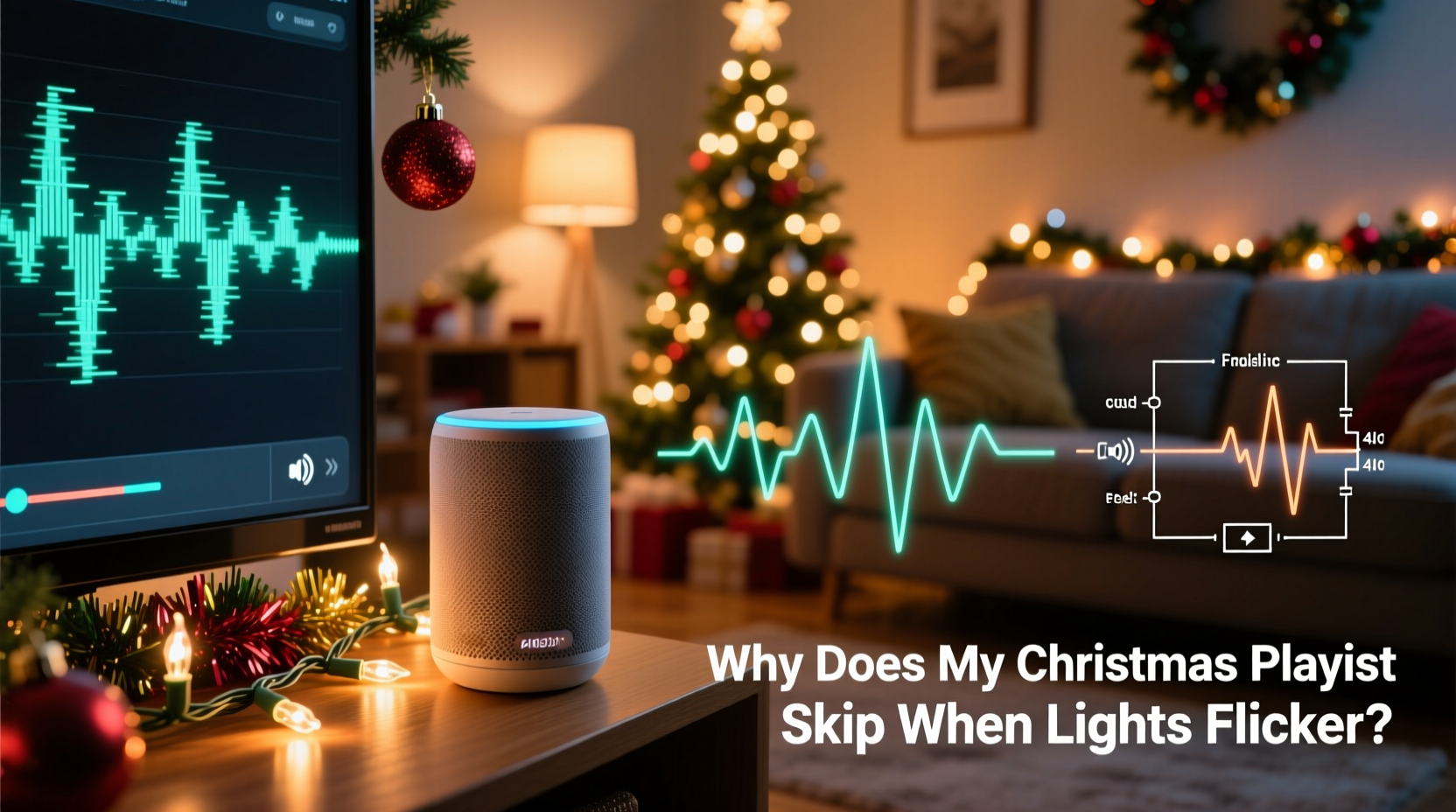
Audio systems, particularly digital ones like smartphones, Bluetooth speakers, and streaming devices, rely on clean, stable power to function properly. When voltage fluctuates — such as during light flickering — electrical noise (also known as electromagnetic interference or EMI) can be introduced into the circuit. This noise doesn’t just vanish; it travels through shared wiring and can be picked up by nearby electronic components.
Digital audio players process data in precise sequences. Even a microsecond disruption in power supply can cause buffering errors, temporary disconnections, or skipped tracks. Analog systems aren’t immune either: amplifiers may pick up buzzing sounds, while turntables can produce pops or distortion during power instability.
Festive string lights, especially older incandescent models or cheaper LED sets with poor internal regulation, often cycle on and off rapidly. This creates small surges and sags in current draw, which ripple through the circuit. If your speaker or playback device shares that circuit, it experiences those fluctuations too — sometimes enough to interrupt its operation.
Common Sources of Power Instability During the Holidays
Holiday lighting setups are often improvised and overloaded, increasing the risk of electrical issues. Here are the most frequent culprits behind flickering lights and resulting audio disruptions:
- Overloaded circuits: Plugging multiple strands of lights, inflatables, and other decorations into one outlet exceeds safe load limits, causing voltage drops.
- Poor-quality LED drivers: Cheap LED strings use basic rectifiers instead of regulated power supplies, leading to inconsistent current draw and harmonic noise.
- Daisy-chained extension cords: Connecting multiple low-gauge cords increases resistance and reduces voltage stability downstream.
- Aging home wiring: Older homes may have degraded insulation or loose connections that exacerbate flickering under load.
- Dimmer switches incompatible with LEDs: Using non-dimmable LEDs on dimmer circuits causes erratic behavior and electrical noise.
Each of these factors contributes to what engineers call “dirty power” — electricity that contains spikes, surges, or frequency distortions. Sensitive electronics interpret this as signal corruption, triggering error responses like track skipping, Bluetooth dropouts, or app crashes.
“Electrical noise from poorly regulated lighting can easily couple into audio circuits, especially in consumer-grade equipment without proper shielding.” — Dr. Alan Reeves, Electrical Systems Engineer, MIT Lincoln Laboratory
Step-by-Step Guide to Diagnose and Fix the Issue
If your Christmas playlist consistently skips when lights flicker, follow this systematic approach to identify and resolve the root cause.
- Isolate the problem: Turn off all holiday lights and play your playlist uninterrupted for several minutes. Then, turn the lights back on. If the skipping resumes, the correlation is confirmed.
- Check the circuit: Determine whether your audio device and lights are on the same electrical circuit. Most homes have multiple circuits; check your breaker panel labeling or use a circuit tester.
- Relocate the audio system: Plug your speaker or phone charger into an outlet on a different wall or room. Test playback again with the lights on. If the issue stops, shared circuitry was the culprit.
- Use a surge protector with EMI filtering: Invest in a high-quality surge protector that includes electromagnetic interference (EMI) and radio-frequency interference (RFI) filtering. These suppress noise before it reaches your devices.
- Upgrade your lights: Replace old or flickering light strands with UL-certified, regulated LED sets designed for stable performance. Look for labels like “low EMI” or “for indoor/outdoor use with controllers.”
- Power audio via battery: Run your speaker on internal battery power rather than being plugged in. This physically decouples it from noisy household circuits.
- Install a dedicated line: For permanent setups (e.g., outdoor displays), consider having an electrician install a separate circuit for holiday lighting, isolating it from entertainment electronics.
Do’s and Don’ts: Managing Holiday Electronics Safely
| Do | Don’t |
|---|---|
| Use surge protectors with EMI/RFI filtering for audio gear | Plug high-draw decorations into the same strip as your sound system |
| Choose high-efficiency, regulated LED light strings | Daisy-chain more than three light strands unless rated for it |
| Test lights before full installation for flickering or buzzing | Use indoor lights outdoors or vice versa |
| Unplug decorations when not in use or overnight | Ignore warm outlets, frayed wires, or burning smells |
| Label circuits clearly at the breaker box | Assume all “smart” devices are immune to power noise |
Real-World Example: A Brooklyn Apartment’s Holiday Glitch
In a fourth-floor Brooklyn brownstone, Sarah M. noticed her Spotify playlist kept pausing whenever she turned on her vintage-style Edison bulb garland. She initially blamed the app, then her Wi-Fi, resetting both multiple times. Frustrated, she recorded a video showing the exact moment the lights came on — and her Bluetooth speaker disconnected.
After consulting an electrician friend, she discovered both the lights and her speaker were plugged into outlets fed by the same 1940s-era circuit. The unregulated current draw from the bulbs created enough EMI to interfere with the speaker’s wireless receiver and internal power management. The solution? She moved her speaker to a kitchen outlet on a newer circuit and installed a filtered power strip for future setups. The skipping stopped immediately.
This case illustrates how subtle electrical interactions can manifest as digital glitches — and why diagnosing beyond software is essential.
Advanced Solutions for Persistent Interference
If basic fixes don’t resolve the issue, consider these advanced options:
- Line conditioners: These devices actively regulate voltage and filter out noise, providing “clean” power to connected equipment. Ideal for audiophiles or home theater setups.
- Isolation transformers: They break the direct electrical connection between input and output, preventing ground loops and EMI transfer.
- Smart power strips: Some models detect abnormal current patterns and shut off non-essential outlets automatically, reducing load imbalances.
- Whole-house surge protection: Installed at the breaker panel, these units filter incoming power before it spreads through your home’s circuits.
For renters or those unable to modify wiring, portable solutions like battery-powered audio systems or USB-C power banks offer reliable alternatives. Modern Bluetooth speakers with long battery life (20+ hours) eliminate dependency on wall power entirely during peak decoration times.
Checklist: Prevent Audio Skipping This Holiday Season
- ✅ Confirm your audio device and lights are on separate circuits
- ✅ Replace flickering or buzzing light strands with high-quality LEDs
- ✅ Use a surge protector with EMI/RFI filtering for all entertainment devices
- ✅ Avoid daisy-chaining extension cords or power strips
- ✅ Test your setup during daylight hours before evening use
- ✅ Keep cords away from water, foot traffic, and heat sources
- ✅ Unplug decorations when leaving home or sleeping
- ✅ Consider battery-powered audio for critical listening moments
Frequently Asked Questions
Can Wi-Fi interference also cause my playlist to skip?
Yes — but it usually presents differently. Wi-Fi issues cause gradual buffering or complete disconnection, whereas power-related skipping tends to coincide precisely with electrical events like lights turning on/off. If your music skips only when lights flicker, power interference is more likely than network problems.
Will using a power bank prevent skipping?
Yes, absolutely. Running your phone or speaker from battery power removes it from the unstable circuit. As long as the device isn’t charging during playback, it won’t be affected by dirty power. This is one of the simplest and most effective fixes.
Are smart speakers more vulnerable to electrical noise?
Ironically, yes. Smart speakers combine sensitive microphones, wireless radios, and digital processors — all packed into compact enclosures with minimal internal shielding. Their constant connectivity makes them more prone to disruption from EMI compared to simpler audio systems.
Final Thoughts: Harmony Between Lights and Sound
The joy of the holiday season lies in atmosphere — the warmth of glowing lights, the comfort of familiar carols, the sense of tradition. When technology interferes with that experience, it’s not just inconvenient; it breaks the mood. But with a little awareness and proactive planning, you can enjoy both dazzling displays and seamless music playback.
Start by observing patterns: Does the skip happen only with certain lights? At specific times? On particular outlets? Use those clues to isolate and correct the issue. Upgrade outdated gear, respect circuit limits, and prioritize clean power for your audio devices.
Remember, modern electronics are powerful but delicate. They thrive on stability — something holiday setups often overlook in favor of spectacle. By balancing visual impact with electrical responsibility, you ensure your celebrations remain smooth, safe, and truly festive.




 浙公网安备
33010002000092号
浙公网安备
33010002000092号 浙B2-20120091-4
Comments
No comments yet. Why don't you start the discussion?