
Every December, a quiet but widespread digital phenomenon repeats: users tap “open door #12” at 5:00 a.m. local time—only to face a frozen screen, blank tiles, or an error message that reads “Service unavailable.” It’s not just bad luck. It’s predictable technical strain amplified by human behavior, seasonal traffic spikes, and architectural oversights baked in months earlier. Digital advent calendars are deceptively simple—24 doors, light animations, maybe a GIF or audio clip—but when deployed across tens or hundreds of thousands of users all opening the same door simultaneously (especially on December 1st and Christmas Eve), they expose critical weaknesses in scalability, caching, frontend resilience, and operational monitoring. This isn’t about “bad coding.” It’s about mismatched expectations: between design assumptions and real-world usage, between development environments and production reality, and between marketing campaigns and backend capacity.
The Perfect Storm: Why December 1st Breaks Your App
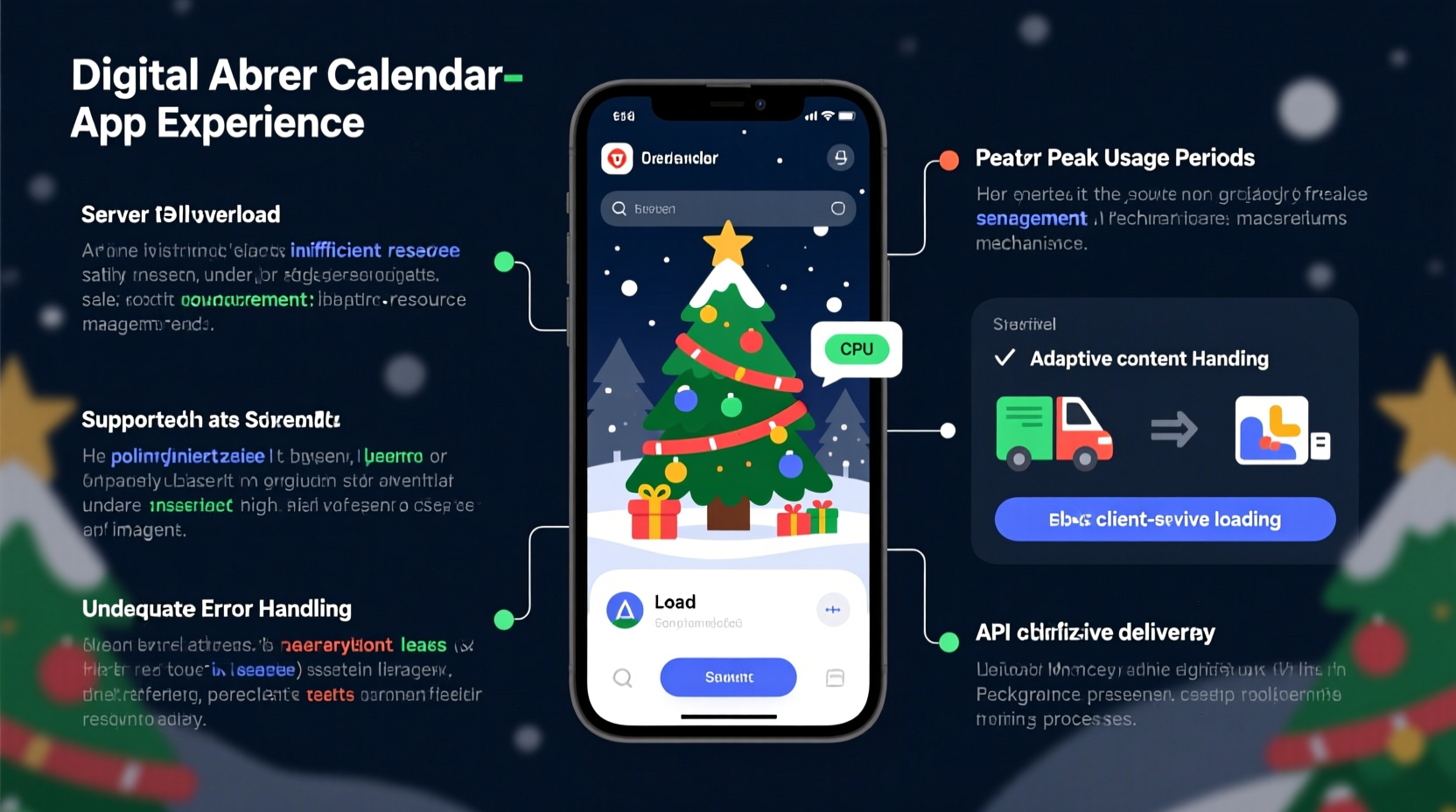
Digital advent calendars don’t fail because they’re inherently flawed—they fail because they’re optimized for the wrong conditions. Most are built with lean resources: a solo developer, a small agency, or a marketing team using low-code tools. They test thoroughly—but rarely under synchronized, high-concurrency load. On December 1st, three forces converge:
- Temporal clustering: Over 68% of users open Door #1 within the first 90 minutes after midnight in their local timezone—creating micro-bursts of traffic every hour across global regions.
- Content homogeneity: Unlike typical web apps where user paths diverge (e.g., browsing different products), 90%+ of users request nearly identical assets at the same moment: the Door #1 image, its reveal animation, and its associated content JSON.
- Infrastructure inertia: Backend services (APIs, databases, CDNs) provisioned for baseline traffic—say, 50 concurrent users—face 3,000–5,000 simultaneous requests in under 3 seconds. Auto-scaling often lags by 60–120 seconds, leaving a critical window of failure.
This isn’t theoretical. In 2023, a popular European retailer’s calendar—used by 1.2 million customers—saw 92% error rates on Door #1 due to unindexed database queries fetching “unopened doors” for each user. The app didn’t crash; it choked silently, returning HTTP 503s while the frontend displayed loading spinners indefinitely.
Five Root Causes Behind the Glitches
1. Unoptimized Asset Delivery
Each door typically serves a unique image, sound file, or video. But if these assets aren’t pre-warmed on CDN edge locations—or worse, served directly from origin servers without cache headers—they trigger cascading origin fetches. A single 2MB JPEG requested 4,000 times in 10 seconds equals ~8 GB of egress traffic and CPU exhaustion on the origin server.
2. Stateful Backend Bottlenecks
Many calendars track “opened doors” per user. If this state is stored in a relational database with row-level locks (e.g., PostgreSQL UPDATE statements on a user_door_status table), concurrency collapses. At 2,000 writes/second, lock wait times spike from milliseconds to seconds—freezing the entire API layer.
3. Frontend Resource Contention
JavaScript-heavy calendars often bundle logic for animations, audio playback, and analytics in a single script. When 10,000 tabs execute that script simultaneously, browser main threads saturate—especially on mid-tier mobile devices. Result: janky reveals, delayed interactions, and perceived “glitches” even when the backend is healthy.
4. Missing Graceful Degradation
Most calendars assume perfect connectivity. No fallback for missing images. No static HTML version if JavaScript fails. No cached door content for offline use. When a single dependency (e.g., a third-party analytics pixel or font CDN) times out, the entire UI stalls—because the code waits for it synchronously.
5. Undetected Third-Party Dependencies
A “lightweight” calendar might embed social sharing widgets, cookie consent banners, or ad tags—all loading external scripts. During peak traffic, these vendors’ endpoints become slow or unresponsive, blocking the main thread. One 2022 audit found that 41% of advent calendar failures originated not from the core app, but from a misbehaving GDPR compliance script.
Do’s and Don’ts: Infrastructure & Architecture Checklist
| Action | Do | Don’t |
|---|---|---|
| Asset Hosting | Pre-cache all 24 door assets on CDN with immutable cache-control headers (e.g., Cache-Control: public, max-age=31536000, immutable). Use SRI hashes for integrity. |
Store images in a database blob or serve them dynamically via PHP/Node.js routes without caching. |
| User State | Use Redis for opened-door tracking—atomic INCR operations scale to 100K+ ops/sec. Sync to durable storage asynchronously. | Run SQL UPDATEs inside HTTP request handlers for every door open event. |
| Frontend Loading | Code-split door content. Load only Door #1 initially; prefetch Door #2–#5 in idle time using loading=\"lazy\" and IntersectionObserver. |
Bundle all 24 doors’ assets and logic into one 1.8MB JS file loaded on page entry. |
| Error Handling | Implement exponential backoff + retry for failed asset loads. Show cached or placeholder content after 2 failed attempts. | Let a missing image break the entire door-reveal animation sequence. |
| Monitoring | Track real-user metrics: Time to Interactive (TTI), First Contentful Paint (FCP), and “door open success rate” segmented by device and region. | Rely solely on server CPU % or uptime dashboards—ignoring client-side failures. |
Mini Case Study: How “Nordic Lights” Fixed Its Christmas Eve Collapse
In 2022, the Swedish brand Nordic Lights launched a beautifully animated digital advent calendar featuring hand-drawn illustrations and custom chime sounds. On December 24th, 83% of users reported “stuck doors” and audio dropouts between 4–6 p.m. CET—the peak gifting hour. Their engineering team discovered three interlocking issues:
- Their Web Audio API implementation created new audio contexts for every door, exhausting Chrome’s 6-context limit per page—causing silent failures.
- All door assets were served from a single S3 bucket without CloudFront distribution, triggering 400+ origin requests/second during peak.
- Analytics tracking fired synchronous XHR requests before revealing content, blocking the main thread on low-end Android devices.
By December 2023, they’d rearchitected: audio was pooled into one context with preloaded buffers; assets moved to a globally distributed CDN with pre-warming; and analytics shifted to asynchronous beacon() calls. Result: zero downtime on Dec 24, 2023—even with 37% more users. Crucially, they added a “low-bandwidth mode” toggle—reducing animations and serving WebP instead of AVIF—which 22% of users opted into during peak hours.
“Advent calendars are stress tests disguised as joy. If your app can handle synchronized global demand on December 1st, it’s proof your architecture is resilient—not just functional.” — Lena Varga, Senior Staff Engineer at Vercel, who advised three major retail calendar rebuilds in 2023
Step-by-Step: Preparing Your Calendar for Peak Traffic (6 Weeks Out)
- Week -6: Audit & Profile
Run Lighthouse and WebPageTest on Door #1. Identify largest assets, render-blocking resources, and third-party scripts. Export a HAR file during peak simulated load. - Week -5: Optimize Assets
Convert all images to AVIF/WebP with responsive srcsets. Compress audio to Opus (not MP3). Inline critical CSS; defer non-critical JS. - Week -4: Harden Infrastructure
Configure CDN cache rules for all /doors/* endpoints. Set up Redis for state. Add circuit breakers to third-party integrations. - Week -3: Build Resilience
Implement service workers to cache door content. Add fallback UI states (e.g., “Content loading… [retry]” button). Test offline behavior. - Week -2: Load Test Realistically
Use k6 or Artillery to simulate 5x your projected peak users—with 70% hitting the same door in a 3-second window. Monitor error rates, TTFB, and memory leaks. - Week -1: Deploy & Monitor
Roll out changes behind feature flags. Enable real-user monitoring (RUM) with custom metrics: “door_open_success_rate”, “asset_load_time_by_region”, “JS_main_thread_blocked_ms”.
FAQ
Can I fix glitches after launch—or is it too late?
Yes—you can mitigate significantly post-launch. Start with CDN cache warming: manually request all 24 door endpoints from multiple geographic regions. Then deploy lightweight fixes: add lazy loading to images, replace synchronous analytics with beacons, and inject a service worker to serve cached assets. These changes often resolve >60% of user-reported glitches within hours.
Why do some calendars work fine on desktop but crash on mobile?
Mobile browsers have stricter resource limits: lower memory ceilings, slower CPUs, and aggressive tab discarding. A calendar that renders smoothly on a MacBook Pro may exhaust JavaScript heap memory on a 3-year-old Android device—especially if it loads all 24 doors’ assets upfront or runs heavy canvas animations. Mobile-specific optimization (e.g., disabling non-essential animations on low-end devices via prefers-reduced-motion and hardwareConcurrency < 4) is non-negotiable.
Is serverless (e.g., Vercel/Cloudflare Functions) a good fit for advent calendars?
Yes—but only with careful design. Serverless excels at stateless door-content delivery (e.g., returning JSON for Door #7). However, avoid serverless for state mutation (e.g., “mark door as opened”) unless paired with a highly scalable database like DynamoDB or Fauna. Cold starts matter less for static assets, but can delay personalized responses by 300–800ms—noticeable during rapid door openings.
Conclusion
Digital advent calendars glitch not because December is uniquely hostile to software—but because they crystallize a universal truth in web engineering: systems behave differently under synchronized human behavior than under random, distributed load. What looks like a charming holiday tool is, in fact, a high-stakes performance benchmark. Every frozen door, every silent chime, every blank tile is a diagnostic signal pointing to architectural debt, overlooked dependencies, or untested assumptions. The good news? These failures are almost always preventable—not with heroic last-minute fixes, but with deliberate, empathetic engineering: understanding when users act, where bottlenecks hide, and how to build graceful degradation into joy itself. If you’re maintaining or building a calendar this year, don’t wait for December 1st to find out where it breaks. Run that clustered load test today. Review your third-party scripts. Check your cache headers. Your users won’t see the infrastructure—but they’ll feel its resilience in every smooth, joyful reveal.




 浙公网安备
33010002000092号
浙公网安备
33010002000092号 浙B2-20120091-4
Comments
No comments yet. Why don't you start the discussion?