
If your Dyson vacuum cleaner suddenly starts turning on and off in rapid succession—commonly referred to as \"pulsing\"—it can be both confusing and frustrating. This behavior isn't normal during regular operation and typically signals an underlying issue that needs attention. While it may seem like a complex electronics problem, most causes are actually related to airflow, blockages, overheating, or battery performance. Understanding the root cause not only helps restore functionality but also extends the life of your device.
Dyson vacuums—especially cordless models like the V8, V10, V11, and newer generations—are engineered for high suction power and intelligent motor control. When something disrupts this balance, the machine responds by cycling power to protect internal components. Ignoring the pulsing could lead to permanent damage or reduced cleaning efficiency. The good news is that many triggers are simple to identify and resolve at home without professional service.
Understanding Dyson's Safety Mechanisms
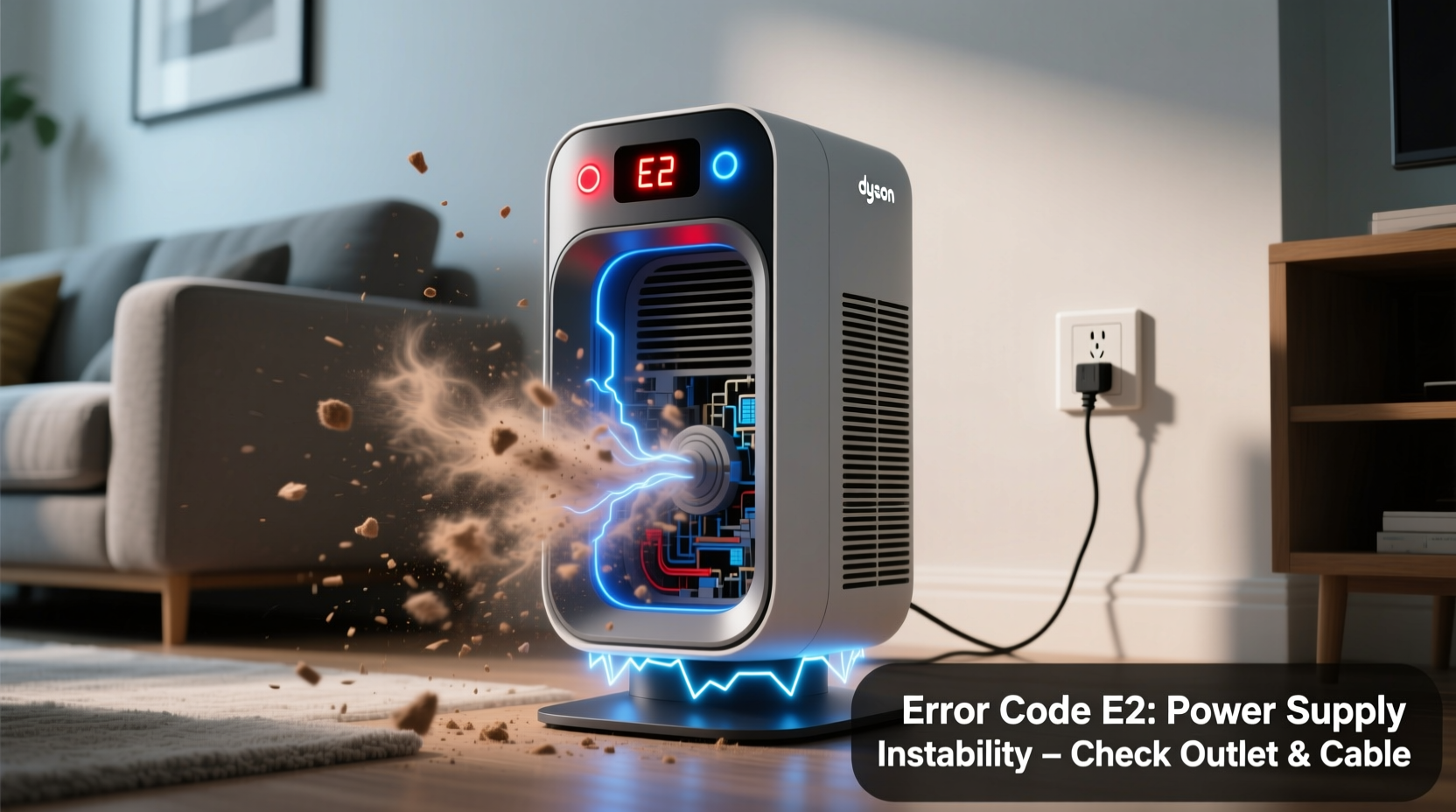
Dyson machines are equipped with advanced thermal and load sensors designed to prevent motor burnout and battery strain. When the vacuum detects excessive heat, restricted airflow, or abnormal power draw, it automatically cycles the motor on and off to cool down or reduce stress. This pulsing is essentially a protective shutdown sequence—not a random glitch.
The digital motor in Dyson vacuums spins at speeds up to 125,000 RPM, generating significant heat. To manage this, Dyson uses software algorithms that monitor temperature and current flow in real time. If the system senses danger, it initiates pulsed operation rather than running continuously under unsafe conditions.
“Dyson’s pulsing behavior is a built-in safeguard. It’s the machine telling you something’s wrong before irreversible damage occurs.” — Dr. Alan Prescott, Appliance Systems Engineer
This means pulsing is less about malfunction and more about communication. Your vacuum is alerting you to inspect key systems before continuing use.
Common Causes of Pulsing and How to Diagnose Them
Several factors can trigger pulsing, ranging from easily fixable issues to deeper mechanical concerns. Below are the most frequent culprits, ranked by likelihood and ease of resolution.
1. Airflow Blockages
Restricted airflow is the number one reason for pulsing in Dyson vacuums. When dust, hair, or debris clog the pathway from the brush bar to the bin and filter, the motor works harder, heats up faster, and triggers thermal protection.
Check these areas thoroughly:
- Brush bar: Remove tangled hair, threads, or fibers wrapped around the roller.
- Hoses and wand: Detach all sections and inspect for obstructions using a flashlight.
- Bin inlet: Clear any compacted dust blocking the entry into the cyclone assembly.
- Filter: A dirty HEPA filter severely restricts airflow.
2. Overheating Due to Extended Use
Cordless Dysons have limited cooling capacity. Running the vacuum on max power for more than 5–7 minutes without breaks can cause the motor to overheat, especially on high-pile carpets or when the filter is dirty.
Solution: Allow the machine to rest for at least 20–30 minutes after prolonged use. Avoid continuous max suction unless necessary.
3. Battery Issues (Cordless Models)
A failing or degraded lithium-ion battery may not deliver consistent voltage, causing the motor to stutter or pulse. This often happens in older models (over 2–3 years) or units frequently left on charge.
Symptoms include:
- Shorter runtime than usual
- Battery gauge dropping rapidly
- Pulsing only during high-power mode
4. Faulty Filter Maintenance
The HEPA filter must be cleaned every 1–3 months depending on usage. A clogged filter increases resistance, forcing the motor to work harder and overheat.
Always rinse the filter under cold water (never hot), let it dry for at least 24 hours, and reinstall it completely dry. Using a damp filter mimics blockage and can restart the pulsing cycle.
5. Loose or Damaged Components
Even a slightly misaligned bin, poorly seated filter, or cracked hose can break the airtight seal Dyson requires for optimal performance. These gaps confuse the pressure sensors, leading to erratic motor behavior.
Ensure all parts click securely into place. Listen for hissing sounds during operation—these indicate air leaks.
Troubleshooting Checklist: Step-by-Step Guide
Follow this systematic process to identify and resolve the cause of pulsing. Most users find success within 30 minutes.
- Turn off and unplug the vacuum. For cordless models, remove the battery if possible (on older models).
- Empty the bin completely. Tap it firmly to dislodge fine dust clinging to walls.
- Inspect the brush bar: Remove debris with scissors or tweezers. Spin manually to ensure free movement.
- Check all hoses and attachments: Disconnect each section and run a thin rod or wire through them.
- Clean the filter: Rinse under cold water, shake off excess, and air-dry for 24 hours away from direct heat.
- Examine seals and connections: Confirm the bin is locked, the filter housing is tight, and no cracks exist in plastic tubing.
- Power on and test: Run the vacuum without attachments first. If it pulses, the issue is internal. If it runs smoothly, reconnect parts one by one to isolate the problem.
Do’s and Don’ts: Maintaining Optimal Performance
| Action | Do | Don’t |
|---|---|---|
| Filter Cleaning | Rinse monthly, dry fully for 24+ hours | Use detergent or install while damp |
| Storage | Store upright in dry area, battery at 50% charge | Leave on charger permanently or store in humid basement |
| Usage | Alternate power modes, take breaks during long sessions | Run continuously on max suction for >10 minutes |
| Blockage Checks | Inspect monthly or after heavy use | Ignore minor suction loss—it gets worse |
Real-World Example: Resolving Pulsing in a Dyson V10
Sarah, a homeowner in Manchester, noticed her Dyson V10 began pulsing after six months of daily use. Initially, she assumed the battery was failing. She tried resetting the machine and charging it overnight, but the problem persisted.
Following online advice, she went through the full cleaning checklist. She discovered a thick clump of pet hair wrapped tightly around the brush bar and a nearly clogged filter that hadn’t been rinsed in five months. After removing the obstruction and properly cleaning the filter, she let it dry for two full days. Upon reassembly, the vacuum ran smoothly without pulsing.
Further inspection revealed she had been storing the unit in a utility closet where humidity levels were high, contributing to faster dust buildup. By relocating it to a drier area and scheduling monthly maintenance, Sarah restored peak performance and avoided unnecessary repair costs.
This case highlights how routine neglect—not hardware failure—is often behind pulsing issues.
When to Consider Battery Replacement
If your Dyson is over two years old and pulsing occurs primarily during high-power mode, the battery may be nearing end-of-life. Lithium-ion batteries degrade with each charge cycle, losing capacity over time. A weak battery cannot sustain the high current demand of the digital motor, resulting in voltage drops and motor stuttering.
To test battery health:
- Observe runtime: Has it dropped below 50% of original?
- Check for swelling: Is the battery casing distorted?
- Note charging behavior: Does it heat up excessively or fail to hold charge?
Dyson offers official replacement batteries, though third-party options exist. Be cautious: low-quality replacements can pose fire risks or trigger error codes. Always purchase from authorized retailers.
“Battery degradation is natural, but premature failure often stems from poor charging habits—like leaving the unit plugged in for days after full charge.” — Tech Review Lab, Consumer Electronics Journal (2023)
Frequently Asked Questions
Can a dirty filter cause my Dyson to pulse?
Yes. A clogged HEPA filter restricts airflow, forcing the motor to work harder and overheat. This triggers the thermal protection system, resulting in pulsing. Regular filter cleaning every 1–3 months prevents this issue.
Is pulsing the same as flashing lights?
Not exactly. Pulsing refers to the motor turning on and off repeatedly during use. Flashing lights (e.g., red or amber battery indicators) usually signal battery or charging problems. However, both can occur together if a weak battery causes unstable power delivery.
Will resetting my Dyson fix the pulsing?
Resetting (holding the trigger for 10+ seconds) may clear temporary sensor errors, but it won’t solve physical blockages or hardware issues. Use resetting only after completing a full inspection and cleaning.
Preventative Maintenance Tips for Long-Term Reliability
Preventing pulsing is easier than fixing it. Incorporate these habits into your routine:
- Monthly deep clean: Disassemble and inspect all components, even if performance seems fine.
- Dry storage: Keep the vacuum in a climate-controlled area away from moisture.
- Battery care: Avoid full discharges and never leave on charge for more than 24 hours after reaching 100%.
- Use appropriate power modes: Save max suction for deep cleans; use eco mode for daily upkeep.
- Replace filters annually: Even with cleaning, HEPA filters lose efficiency over time.
Conclusion: Take Action Before Small Issues Become Big Problems
Your Dyson pulsing on and off is not a death sentence—it’s a warning sign meant to protect your investment. In most cases, the solution lies in basic maintenance: clearing blockages, cleaning the filter, and ensuring proper assembly. More persistent issues may point to battery wear, which is manageable with timely replacement.
By treating your vacuum with consistent care, you preserve its powerful suction, extend its lifespan, and avoid costly repairs. Don’t wait for complete failure. Address pulsing early, follow the diagnostic steps, and keep your Dyson running like new for years to come.




 浙公网安备
33010002000092号
浙公网安备
33010002000092号 浙B2-20120091-4
Comments
No comments yet. Why don't you start the discussion?