
Fitness trackers like Fitbit have revolutionized how we monitor our health, offering real-time data on heart rate, sleep patterns, activity levels, and more. However, one of the most common frustrations users report is inconsistent or seemingly inaccurate heart rate readings. You might notice sudden spikes during rest, flatlines during exercise, or fluctuating numbers that don’t align with how you feel. While these discrepancies can be concerning, they’re often explainable—and fixable. Understanding the science behind optical heart rate monitoring, environmental influences, device fit, and usage habits can help you determine whether your Fitbit is malfunctioning or simply reacting to external factors.
How Fitbit Measures Heart Rate: The Science Behind the Sensor
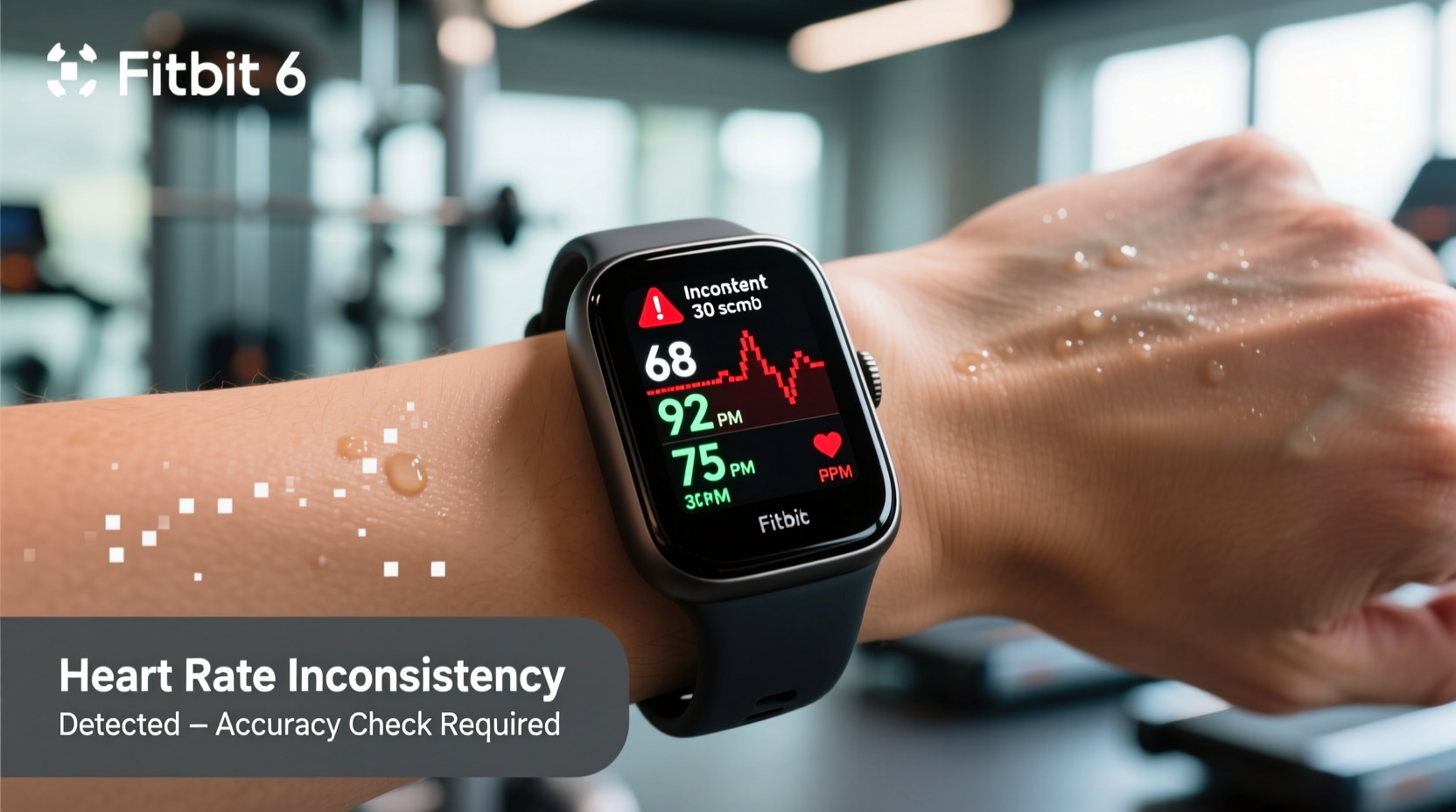
Fitbit devices use a technology called photoplethysmography (PPG) to estimate your heart rate. This method involves shining green LED lights into your skin and measuring how much light is absorbed or reflected by blood flow. With each heartbeat, blood volume in your capillaries increases slightly, absorbing more light. By detecting these tiny changes in light reflection, the sensor calculates your beats per minute (BPM).
While PPG is effective for continuous monitoring, it’s not as precise as medical-grade electrocardiograms (ECGs). It's sensitive to motion, skin tone, tattoos, and even ambient temperature. As such, slight variations are normal—especially during high-intensity workouts or when the device shifts on your wrist.
“Optical sensors provide excellent trend data over time but may lag in moment-to-moment accuracy during rapid heart rate changes.” — Dr. Lena Torres, Biomedical Engineer and Wearable Technology Researcher
Common Causes of Inconsistent Heart Rate Readings
Inconsistencies aren't always due to faulty hardware. Several factors influence how well your Fitbit captures accurate data:
- Motion artifacts: Arm movements during activities like weightlifting or running can interfere with the sensor’s ability to detect consistent blood flow.
- Improper fit: If the band is too loose, the sensor won’t maintain steady contact with your skin. Too tight, and it may restrict circulation, skewing results.
- Skin characteristics: Darker skin tones, tattoos, or scars near the sensor can absorb or block light differently, reducing accuracy.
- Cold temperatures: Cold weather constricts blood vessels, reducing peripheral circulation and making it harder for the sensor to pick up signals.
- Device placement: Wearing the tracker too high on the forearm or rotating it frequently disrupts consistent readings.
- Battery-saving modes: Some Fitbits reduce heart rate sampling frequency to conserve power, leading to gaps or delayed updates.
Step-by-Step Guide to Check Your Fitbit’s Heart Rate Accuracy
If you're questioning your device’s reliability, follow this systematic approach to evaluate its performance:
- Calibrate with Manual Pulse Check: Sit quietly for two minutes. Use your index and middle fingers to find your radial pulse on your opposite wrist. Count the number of beats in 15 seconds and multiply by four. Compare this to your Fitbit’s reading taken at the same time.
- Test During Rest: After sitting still for five minutes, check your resting heart rate on the Fitbit app. Normal adult resting rates range from 60–100 BPM (athletes may be lower). If your device shows erratic jumps (e.g., 70 → 120 → 65), inconsistency is likely.
- Compare During Exercise: Perform a controlled workout—like brisk walking or cycling—for 10 minutes. Use a chest strap monitor (if available) or manually check your pulse mid-exercise. Note any major deviations (±10+ BPM).
- Monitor Trends Over Time: Open your Fitbit app and review your heart rate history over the past week. Look for logical patterns: elevated rates during workouts, dips during sleep, and stable baselines during calm activities. Consistent trends suggest reliable tracking despite occasional blips.
- Update Firmware: Go to your Fitbit app settings and ensure your device has the latest software update. Manufacturers regularly improve algorithms to enhance sensor accuracy.
- Restart the Device: Power off your Fitbit completely, wait 30 seconds, then turn it back on. This clears temporary glitches affecting sensor function.
Do’s and Don’ts for Accurate Heart Rate Monitoring
| Do | Don’t |
|---|---|
| Wear the band snugly, 1–2 cm above the wrist bone | Wear it loosely or over clothing |
| Clean the sensor weekly with a soft, damp cloth | Allow sweat, dirt, or lotions to build up on the lens |
| Use a chest strap (like Fitbit Inspire CX) for intense interval training | Rely solely on wrist-based HR during HIIT or strength training |
| Warm up before checking exercise heart rate | Assume instant accuracy right after starting activity |
| Check firmware updates monthly | Ignore error messages or persistent inaccuracies |
Real-World Example: Sarah’s Running Routine Revisited
Sarah, a 34-year-old runner, noticed her Fitbit Charge 6 frequently showed heart rates over 180 BPM during moderate jogs—even though she felt fine and her breathing was steady. Concerned about potential health risks, she decided to investigate.
She began by comparing her Fitbit readings with a manual pulse check post-run. Her actual heart rate was around 155 BPM, significantly lower than what the device recorded. She then tried wearing the tracker higher on her forearm and observed similar inaccuracies. Finally, she moved it back to the recommended position just below the wrist bone and tightened the band securely.
The next run showed a much closer match: 158 BPM on Fitbit versus 156 manually counted. Sarah realized that earlier inconsistencies were due to improper fit and minor arm swing interference. She also started using a Bluetooth chest strap for long-distance runs, which provided smoother data curves and eliminated motion noise.
This case illustrates how user behavior—not device failure—is often the root cause of unreliable readings.
When to Trust Your Fitbit—and When to Doubt It
Your Fitbit excels at showing long-term trends: average resting heart rate, recovery speed after exertion, and sleep-related fluctuations. These metrics are valuable for gauging overall fitness and wellness. However, it's less reliable for capturing instantaneous changes, especially under challenging conditions.
For example, during a spinning class with fast-paced movements, your Fitbit might miss brief peaks or display delayed responses. That doesn’t mean it’s broken—it means the technology has limitations in dynamic environments.
If your goal is clinical precision (e.g., monitoring arrhythmias or medication effects), consider pairing your Fitbit with an FDA-cleared ECG device or consult your physician for professional diagnostics. As a daily wellness tool, however, Fitbit remains highly effective when used correctly.
Expert Tips to Improve Fitbit Heart Rate Accuracy
- Keep the sensor clean: Sweat, oils, and dead skin cells can block the LED lights. Wipe the back of your device daily with a dry or slightly damp cloth.
- Avoid wearing over tattoos: Ink can interfere with light transmission. If your dominant wrist has a tattoo, try switching the device to your other wrist.
- Use airplane mode during calibration: Disabling wireless signals reduces internal interference and allows the sensor to focus on heart rate detection.
- Try a different band: Silicone bands tend to hold the device more securely than woven or metal options, minimizing movement.
- Enable high-frequency tracking: In workout mode, select “Cardio” or “Run” to increase sampling rate and capture more detailed data.
FAQ: Common Questions About Fitbit Heart Rate Accuracy
Can cold weather affect my Fitbit’s heart rate readings?
Yes. Cold temperatures reduce blood flow to extremities, making it harder for the optical sensor to detect pulses. Wear gloves or warm layers, and allow your body to warm up before relying on initial readings.
Why does my heart rate spike when I’m not moving?
Occasional spikes can result from poor signal detection—such as when the device briefly loses contact with your skin. They may also reflect genuine physiological events like stress responses or caffeine intake. Review context: Were you anxious? Did you just drink coffee? Persistent unexplained spikes warrant medical consultation.
Is a chest strap really more accurate than wrist-based monitoring?
Absolutely. Chest straps measure electrical signals directly from the heart (like ECGs), offering superior accuracy during intense or irregular activity. Many serious athletes use them alongside wrist devices for cross-validation.
Final Checklist: Ensuring Reliable Heart Rate Data
- ✅ Wear the Fitbit snugly, 1–2 cm above the wrist bone
- ✅ Clean the sensor and your skin regularly
- ✅ Avoid wearing over tattoos or scar tissue
- ✅ Update firmware and restart the device weekly
- ✅ Compare readings manually once a week
- ✅ Use a chest strap for high-intensity training
- ✅ Monitor trends—not isolated numbers—for meaningful insights
Conclusion: Take Control of Your Health Data
Inconsistent heart rate readings on your Fitbit don’t necessarily indicate a defective device—they often point to correctable usage issues. By understanding the technology, adjusting your habits, and validating data when needed, you can trust your tracker as a reliable companion in your wellness journey. Remember, the goal isn’t perfection in every beat count, but consistency in long-term health trends. Apply these strategies today to get the most accurate, actionable insights from your wearable.




 浙公网安备
33010002000092号
浙公网安备
33010002000092号 浙B2-20120091-4
Comments
No comments yet. Why don't you start the discussion?