
Many gamers experience a frustrating pattern: smooth gameplay during the day, but persistent lag when logging in after dark. If your connection seems stable in the morning but deteriorates by 8 PM, you're not imagining things. This issue is more common than most realize, and it often stems from network congestion, ISP throttling, or household bandwidth competition. Understanding the root causes and applying targeted fixes can restore your evening gaming experience—without costly upgrades.
Why Nighttime Gaming Feels Slower
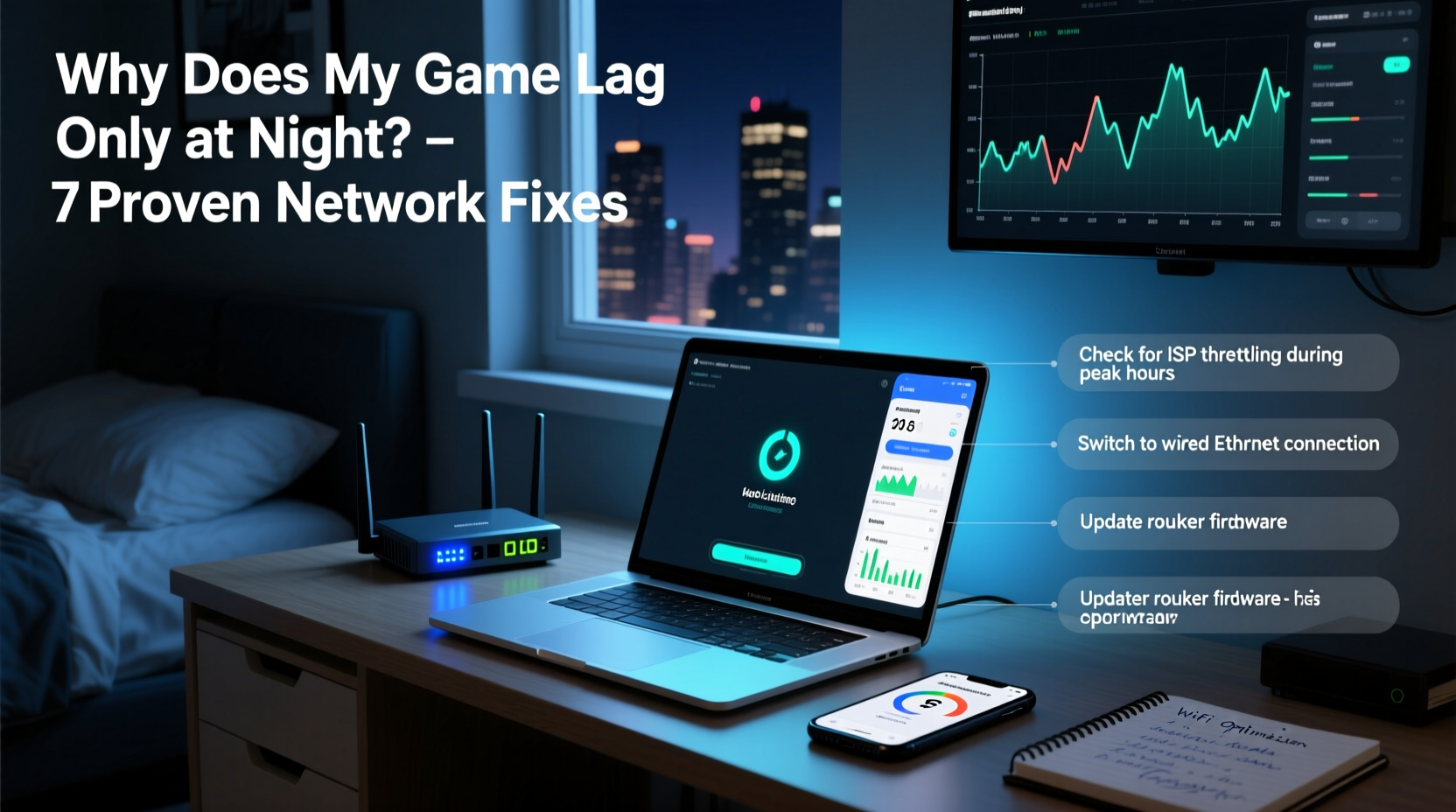
The primary reason games lag only at night is increased network demand. During daytime hours, many people are at work or school, leaving home networks underused. But once evening arrives, households converge online: family members stream movies, kids join multiplayer servers, smart devices sync, and video calls begin. This surge strains your local Wi-Fi and broader internet infrastructure.
Your Internet Service Provider (ISP) manages traffic across thousands of users. At peak times—typically between 7 PM and 11 PM—they may throttle bandwidth or experience backbone congestion. Even if your plan promises “high-speed” service, shared neighborhood nodes can become bottlenecks. Gamers often notice higher ping, packet loss, and jitter specifically during these hours, even with no changes to their setup.
“Peak usage hours disproportionately affect real-time applications like gaming and VoIP. Latency spikes aren’t random—they’re systemic.” — Dr. Lena Torres, Network Performance Analyst at Broadband Insights Group
Common Causes of Evening Lag
- Network Congestion: More devices and users on your local network or ISP’s network increase latency.
- ISP Throttling: Some providers reduce speeds for high-bandwidth activities during peak times.
- Wi-Fi Interference: Neighboring networks using the same channel create signal conflicts.
- Background Updates: Smart TVs, consoles, and phones often schedule downloads overnight.
- Router Overheating: Prolonged use throughout the day can degrade router performance by evening.
Step-by-Step Fixes to Reduce Nighttime Lag
Solving evening lag requires both immediate troubleshooting and long-term optimization. Follow this sequence to identify and eliminate the source of slowdowns.
- Test Your Connection Consistently
Use tools like Speedtest.net or Ookla to measure download, upload, and ping at different times. Record data over three nights to spot trends. If ping jumps from 40ms to over 150ms after 7 PM, congestion is likely the culprit. - Switch to a Wired Connection
Ethernet eliminates Wi-Fi interference and provides a stable path to your router. Even high-end Wi-Fi 6 connections can fluctuate due to distance, walls, or device load. Plug directly into your router whenever possible. - Change Your Wi-Fi Channel
Most routers default to channels 6 or 11 in the 2.4 GHz band, which are often overcrowded. Use a tool like WiFi Analyzer (Android) or NetSpot (PC/Mac) to find the least congested channel. For 5 GHz, select non-overlapping channels like 36, 40, or 149. - Enable Quality of Service (QoS)
QoS prioritizes gaming traffic over less time-sensitive tasks like downloads or streaming. Access your router settings (usually via 192.168.1.1), navigate to QoS settings, and assign highest priority to your gaming device or port (e.g., UDP 3074 for Xbox). - Update Router Firmware
Outdated firmware can cause instability and poor traffic management. Check your router manufacturer’s website or admin panel for updates. Reboot the router monthly to clear memory leaks. - Limit Background Devices
Schedule software updates for daytime. Disable auto-updates on smart TVs, tablets, and secondary phones. Consider setting up a separate guest network for non-gaming devices.
Checklist: Optimize Your Network for Evening Play
- ✅ Run speed tests at peak and off-peak times
- ✅ Connect via Ethernet instead of Wi-Fi
- ✅ Log into router and enable QoS
- ✅ Change Wi-Fi channel to a less crowded one
- ✅ Schedule automatic router reboot at 6 AM
- ✅ Disable auto-updates on non-essential devices
- ✅ Contact ISP if consistent throttling is suspected
Do’s and Don’ts: Managing Home Network Load
| Do | Don't |
|---|---|
| Use wired connections for gaming consoles and PCs | Rely solely on distant Wi-Fi signals |
| Set up QoS to prioritize gaming traffic | Allow large downloads to run during gameplay |
| Reboot your router weekly | Ignore firmware update notifications |
| Use 5 GHz band for low-latency gaming | Mix gaming and 4K streaming on the same network |
| Contact ISP about inconsistent speeds | Assume the problem is always your hardware |
Real-World Example: Fixing Persistent Night Lag
Jason, a competitive Call of Duty player in Austin, Texas, noticed his kill-death ratio dropping significantly after 8 PM. His daytime ping averaged 35ms, but evenings saw it spike to 200ms with frequent rubberbanding. He tested his connection and confirmed no issues with his PC or console.
After analyzing his network, he discovered his ISP used a shared cable node serving 250 homes. Peak usage in his neighborhood coincided with his gameplay. He switched to a wired Ethernet connection, enabled QoS on his ASUS router, and changed his 5 GHz channel from 157 to 36—avoiding overlap with nearby networks. He also scheduled Windows updates for noon instead of overnight.
Within two days, his evening ping stabilized at 45–55ms. The change wasn’t due to faster internet, but smarter traffic management. Jason now plays consistently without lag, proving that configuration often matters more than raw speed.
When to Suspect ISP Throttling
Some ISPs intentionally slow down gaming or peer-to-peer traffic during high-demand periods. While they rarely admit to this, signs include:
- Consistent slowdowns every evening across multiple devices
- Ping spikes only during specific hours, despite unchanged home usage
- Streaming remains smooth while gaming stutters (suggesting selective throttling)
To test for throttling, use a reputable VPN at night. If your ping drops significantly when connected, your ISP may be shaping traffic. Note: This doesn’t violate most terms of service and is a legitimate diagnostic tool.
Advanced Solutions for Persistent Issues
If basic fixes don’t resolve the lag, consider upgrading your infrastructure:
- Mesh Wi-Fi Systems: Replace outdated routers with systems like Eero or Netgear Orbi. They manage band steering and device load more efficiently.
- Gaming Routers: Models from ASUS ROG, TP-Link Archer, or Netduma offer built-in lag reduction, traffic analytics, and dynamic QoS.
- Fiber Internet: If available, switch from cable to fiber. Fiber is less prone to congestion because it doesn’t rely on shared coaxial lines.
- Static IP + Port Forwarding: Assign a static IP to your gaming device and forward relevant ports (e.g., 3074 for Xbox, 27015 for Steam). This reduces NAT traversal delays.
FAQ: Common Questions About Nighttime Game Lag
Can other people in my house really affect my gaming performance?
Yes. Streaming 4K video uses 15–25 Mbps per device. If two family members are watching Netflix while someone downloads a game update, your available bandwidth shrinks. Even if total speed seems sufficient, latency-sensitive gaming suffers first.
Does playing on Wi-Fi 6 solve nighttime lag?
Wi-Fi 6 improves efficiency and device handling, but it won’t fix ISP-level congestion. It helps within your home by reducing interference and supporting more simultaneous devices, but a wired connection still outperforms any wireless standard for gaming.
Is it worth switching ISPs just for better evening performance?
If you live in an area with multiple providers and consistently experience throttling or high latency during peak hours, yes. Look for ISPs advertising “low contention ratios” or “gamer-friendly” policies. Smaller local providers sometimes offer better service than national brands due to less network sharing.
Conclusion: Take Control of Your Gaming Experience
Nighttime game lag isn’t inevitable. While peak-hour congestion is a reality of modern broadband, you have tools and strategies to mitigate its impact. From simple QoS settings to strategic device management, the solution lies in optimizing how your network handles traffic—not just how fast it moves.
Start with the basics: go wired, adjust your router settings, and monitor your usage patterns. Small changes often yield dramatic improvements. Don’t accept lag as normal—your skill deserves a responsive, reliable connection every hour of the day.




 浙公网安备
33010002000092号
浙公网安备
33010002000092号 浙B2-20120091-4
Comments
No comments yet. Why don't you start the discussion?