
If your internet runs smoothly during the day but suddenly slows to a crawl every evening—buffering on Netflix, lagging video calls, or stalled downloads—you’re not alone. Millions of users experience degraded performance precisely when they need it most: after work, during family time, or while streaming. The culprit? Often, it's not faulty equipment or weak signals. It’s likely intentional bandwidth management by your Internet Service Provider (ISP)—commonly known as throttling.
This article breaks down why your internet buffers only at night, how ISPs implement throttling, how to identify if it’s happening to you, and what practical steps you can take to mitigate or bypass it.
What Is ISP Throttling?
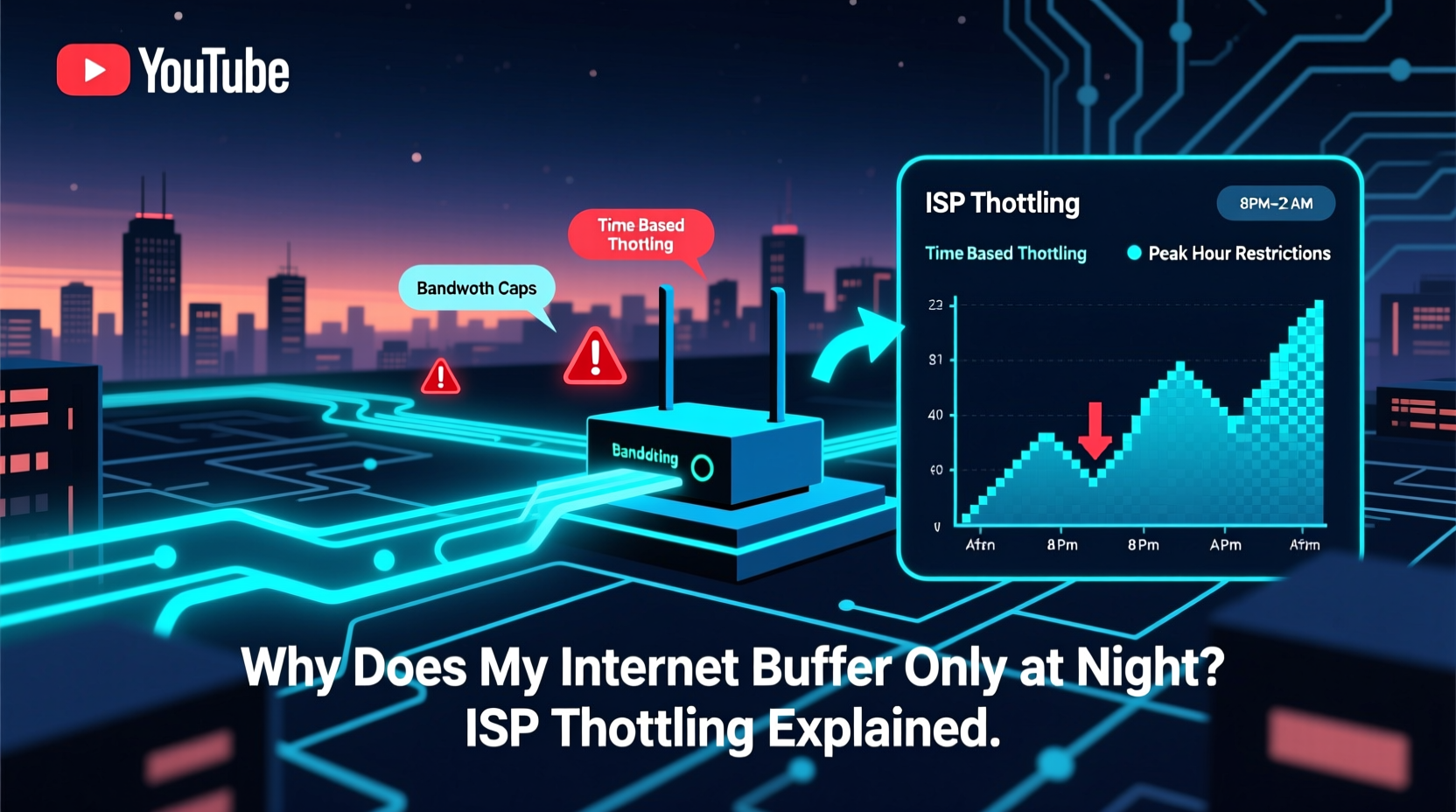
ISP throttling refers to the deliberate slowing down of your internet speed by your service provider. This can happen for several reasons: network congestion, data cap enforcement, or even targeted slowdowns for specific services like video streaming or peer-to-peer file sharing.
While ISPs often claim throttling is necessary to maintain network stability during peak usage hours, many users perceive it as a way to push them toward more expensive plans or discourage heavy usage without transparent disclosure.
“ISPs have the technical capability to manage traffic fairly, but without transparency, throttling becomes a tool for profit rather than performance.” — Dr. Linda Chen, Network Policy Researcher, Stanford University
Why Does Buffering Happen Only at Night?
Nighttime internet issues are rarely random. They follow predictable patterns tied to human behavior and network load. Here’s what happens:
- Peak Usage Hours: Between 7 PM and 11 PM, most people return home and begin using Wi-Fi for streaming, gaming, video calls, and browsing. This surge in demand strains local network infrastructure.
- Shared Bandwidth: Most residential internet plans operate on shared connections. Your neighborhood likely uses a single node or fiber line that distributes bandwidth among dozens—or hundreds—of homes. When everyone streams simultaneously, available bandwidth per household drops.
- ISP Traffic Shaping: To prevent total network collapse, ISPs may throttle high-bandwidth applications like YouTube, Netflix, or Zoom during these hours—even if you haven’t exceeded your data limit.
How to Tell If Your ISP Is Throttling You
Not all slow internet is due to throttling. Before jumping to conclusions, rule out common issues like router problems, outdated firmware, or device limitations. But if your speed consistently degrades only at certain times—and improves otherwise—here’s how to investigate further:
Step-by-Step: Detecting Throttling
- Run Speed Tests at Different Times: Use tools like Ookla Speedtest, Fast.com (by Netflix), or Google’s built-in speed test. Perform tests at noon, 5 PM, and 9 PM. Compare results.
- Test With and Without a VPN: Connect to a reputable VPN and re-run the test. If speeds improve significantly with the VPN, your ISP may be throttling specific types of traffic (like video).
- Use Ongoing Monitoring Tools: Applications like Glasnost or the FCC’s M-Lab tools can run background tests to detect signs of throttling over time.
- Check for Data Caps: Log into your ISP account and review your monthly usage. Many ISPs start throttling once you hit a soft cap (e.g., 1 TB), even if they advertise “unlimited” data.
- Compare Across Devices: Test multiple devices (phone, laptop, tablet). If all show similar slowdowns, it’s network-related, not device-specific.
Red Flags That Suggest Throttling
- Speed drops only during evenings, despite no changes in your setup.
- Streaming quality drops from 4K to 480p automatically.
- Specific platforms (Netflix, Twitch, Zoom) perform poorly while others (email, web browsing) remain fast.
- Your speed recovers after rebooting the router temporarily—because your IP may have been flagged for high usage.
ISP Throttling vs. Network Congestion: What’s the Difference?
It’s important to distinguish between natural network congestion and active throttling. Both cause slowdowns, but their causes and solutions differ.
| Factor | Network Congestion | ISP Throttling |
|---|---|---|
| Cause | Too many users on the same network segment at once. | ISP actively slows specific users or services. |
| Timing | Peaks during high-usage hours (evenings). | Can occur anytime, but often aligns with peak hours. |
| Detection | General slowdown across all services. | Selective slowdown (e.g., only video, not browsing). |
| Solution | Upgrade plan, use off-peak hours, optimize home network. | Use a VPN, switch ISPs, file complaints with regulators. |
| Legality | Normal network behavior; not regulated. | Legal in U.S. if disclosed in contract; illegal in some countries. |
In short: congestion is like traffic jams—everyone moves slowly. Throttling is like a toll booth operator letting only certain cars pass quickly.
Real Example: The Case of John in Suburbia
John, a remote worker in Austin, Texas, noticed his Zoom calls froze every evening around 8 PM. His kids’ YouTube videos buffered constantly, and his wife couldn’t stream movies in HD. During the day, everything worked perfectly.
He tested his speed at 3 PM: 180 Mbps download. At 8:30 PM: 18 Mbps. He tried restarting the router—no change. Then he connected to a NordVPN server and retested: 142 Mbps. A dramatic improvement.
After checking his ISP’s terms of service, he found a clause stating: “Users exceeding 1TB monthly may experience reduced speeds during peak hours.” John was at 980GB for the month—close enough for the system to flag him preemptively.
He contacted customer support, who confirmed “network optimization” was in effect. After upgrading to a higher-tier plan, his evening speeds stabilized. His case highlights how throttling can be both subtle and contractual—yet avoidable with awareness.
How to Reduce or Prevent Throttling
You may not be able to eliminate throttling entirely, especially if your ISP practices it openly. But you can reduce its impact with smart strategies.
Checklist: How to Combat ISP Throttling
- ✅ Run speed tests daily at different times for one week.
- ✅ Use a trusted VPN to encrypt traffic and mask usage patterns.
- ✅ Check your ISP’s acceptable use policy for data caps or throttling disclosures.
- ✅ Upgrade your internet plan if you regularly exceed 70–80% of your data allowance.
- ✅ Consider switching to an ISP with transparent, non-throttling policies (e.g., Google Fiber, some municipal providers).
- ✅ Optimize your home network: use wired connections, update routers, enable QoS settings.
Using a VPN to Bypass Throttling
A Virtual Private Network (VPN) encrypts all your internet traffic, making it invisible to your ISP. Since they can’t see what you’re doing online, they can’t selectively throttle YouTube or Netflix streams.
However, note:
- Some ISPs throttle based on volume, not content. If you’re hitting a data cap, a VPN won’t help.
- Poor-quality VPNs can add latency and slow your connection further.
- Always choose a no-logs, high-speed provider (e.g., Mullvad, ProtonVPN, IVPN).
Frequently Asked Questions
Can my ISP legally throttle my internet?
Yes, in the United States, ISPs can throttle connections as long as they disclose it in their service agreement. The repeal of net neutrality rules in 2018 removed federal restrictions on blocking, throttling, or paid prioritization. However, some states (e.g., California, Washington) have passed laws limiting such practices.
Does throttling affect all websites equally?
No. Many ISPs target high-bandwidth services like video streaming (Netflix, Hulu), live gaming, or peer-to-peer (P2P) file sharing. General browsing, email, and social media may remain unaffected, creating the illusion of a working connection while key apps suffer.
Will upgrading my internet plan stop throttling?
Often, yes. Higher-tier plans frequently come with higher data caps or no caps at all. Some premium tiers explicitly state “no throttling,” making them ideal for heavy users. Always confirm this in writing before upgrading.
Conclusion: Take Control of Your Connection
Experiencing buffering only at night doesn’t mean your internet is broken—it might just be managed. ISP throttling is a widespread practice designed to balance network loads and, sometimes, to encourage upgrades. But that doesn’t mean you have to accept poor performance.
By understanding the signs, testing your connection rigorously, and using tools like VPNs or QoS settings, you can regain control over your online experience. If throttling persists and impacts your daily life, consider switching providers or advocating for stronger consumer protections.




 浙公网安备
33010002000092号
浙公网安备
33010002000092号 浙B2-20120091-4
Comments
No comments yet. Why don't you start the discussion?