
iPhone users often find themselves surprised by how quickly their device's battery health declines—sometimes dropping below 90% within a year. While some degradation is inevitable, rapid loss can signal avoidable habits or environmental stressors. Lithium-ion batteries, which power all modern iPhones, are engineered for longevity but respond poorly to extreme conditions and misuse. Understanding the science behind battery wear and adopting smart charging practices can significantly extend your iPhone’s lifespan and maintain peak performance.
How iPhone Battery Health Works
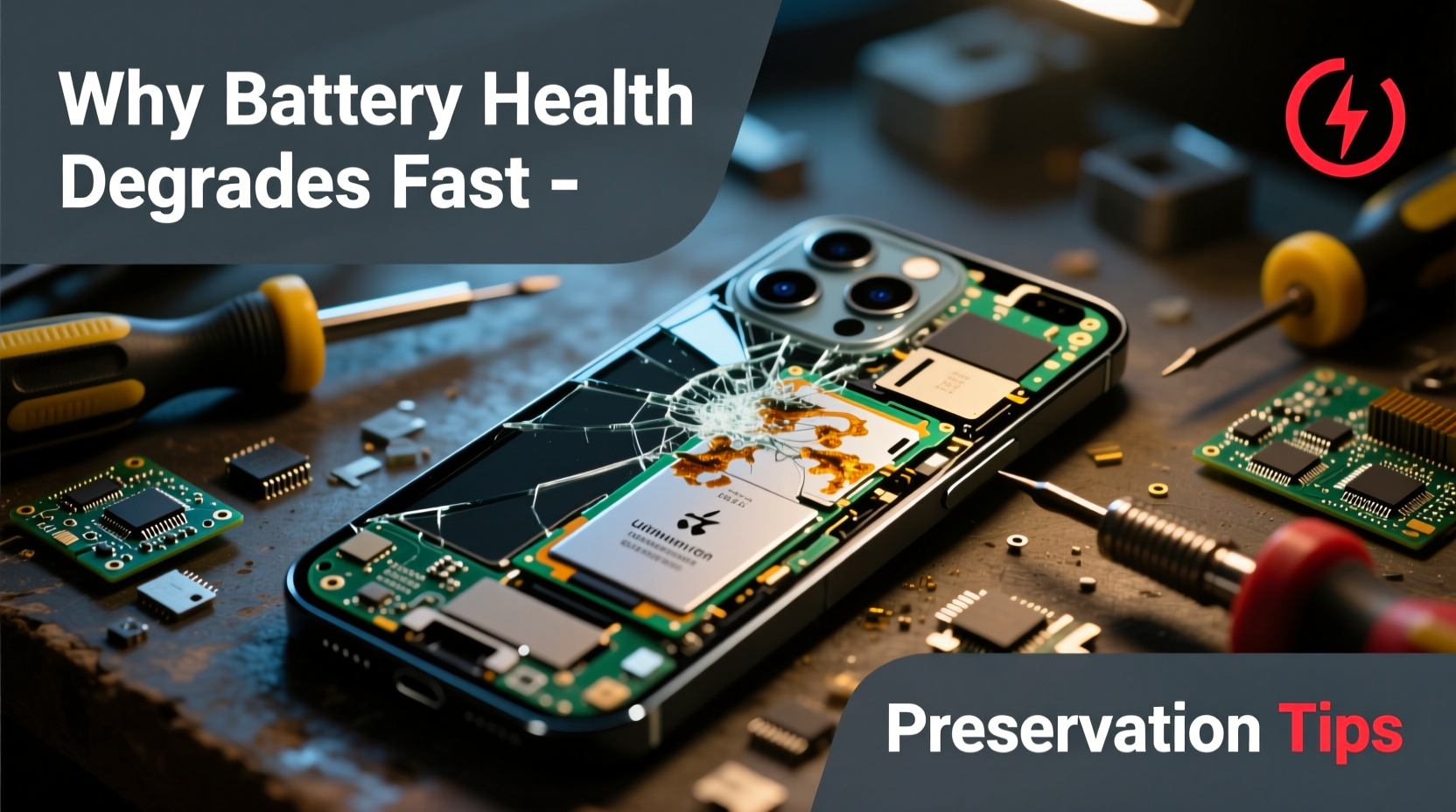
Apple introduced Battery Health metrics in iOS 11.3, allowing users to see the maximum capacity of their battery relative to when it was new. This percentage reflects how much charge the battery can hold compared to its original design capacity. A brand-new iPhone starts at 100%, and over time, this number decreases due to chemical aging.
Battery health isn’t just about runtime—it affects system performance too. When health drops below 80%, iPhones may trigger performance management features to prevent unexpected shutdowns, especially under high load. This means slower app launches, reduced graphics performance, and delayed responsiveness.
The rate of decline depends on multiple factors: usage patterns, temperature exposure, charging frequency, and software behavior. Unlike mechanical parts, batteries degrade silently, making proactive care essential.
“Battery longevity is less about time and more about usage intensity and environmental control.” — Dr. Linus Chen, Battery Technology Researcher at Stanford University
Top Causes of Rapid Battery Health Decline
While natural aging plays a role, several user-driven and environmental factors accelerate battery degradation faster than expected.
1. Frequent Full Charges and Deep Discharges
Lithium-ion batteries suffer most when kept at 0% or 100% charge for extended periods. Regularly draining your iPhone to zero or charging it to 100% daily increases electrochemical stress. The ideal range for long-term storage is between 40% and 80%.
2. Exposure to High Temperatures
Heat is one of the biggest enemies of lithium-ion batteries. Leaving your iPhone in direct sunlight, inside a hot car, or using it while fast-charging can push internal temperatures beyond safe thresholds. Sustained exposure above 35°C (95°F) can cause permanent capacity loss.
3. Using Non-Certified Chargers and Cables
Cheap or uncertified chargers may deliver inconsistent voltage or lack proper safety protocols. Over time, unstable power input stresses the battery management system and accelerates wear. Always use Apple-certified (MFi) accessories or reputable third-party options with Power Delivery (PD) support.
4. Overnight Charging Habits
Although modern iPhones include optimizations like Optimized Battery Charging, keeping the phone plugged in for hours after reaching 100% still creates micro-cycling—small discharges followed by recharges. This constant topping off contributes to long-term strain.
5. Background App Activity and Poor Settings Management
Apps running in the background, location services, push email, and bright display settings force the battery to work harder. Increased discharge cycles per day mean more wear over time. A phone that drains twice daily will age faster than one charged once every two days.
Effective Strategies to Preserve iPhone Battery Health
Prolonging your iPhone’s battery life doesn’t require drastic changes—just consistent, mindful habits. Implement these evidence-based strategies to slow down degradation.
Enable Optimized Battery Charging
This built-in iOS feature learns your daily routine and delays charging past 80% until you need to use the phone. It reduces time spent at full charge, minimizing stress on the battery.
To enable: Settings → Battery → Battery Health & Charging → Optimized Battery Charging
Maintain Ideal Charge Range (40–80%)
For best long-term results, try to keep your battery between 40% and 80%. Avoid letting it drop below 20% regularly, and unplug before it hits 100%. If you're at a desk all day, consider stopping at 85% instead of waiting for full charge.
Store Your iPhone Properly During Long Inactivity
If you plan to store your iPhone unused for weeks (e.g., a backup device), charge it to around 50% before turning it off. Store it in a cool, dry place away from direct sunlight. Do not store it fully charged or completely drained.
Limit Fast Charging When Possible
While convenient, USB-PD fast charging generates more heat than standard 5W or 12W charging. Use fast charging only when necessary, and switch to slower methods overnight or during light usage.
Keep iOS Updated
Apple frequently releases firmware updates that improve power efficiency and refine battery management algorithms. Running outdated software may mean missing critical optimizations that protect battery health.
Battery Preservation Checklist
- ✅ Enable Optimized Battery Charging
- ✅ Avoid charging to 100% unless needed immediately
- ✅ Keep battery level between 40% and 80% when possible
- ✅ Use MFi-certified chargers and cables
- ✅ Limit exposure to extreme heat (sun, cars, saunas)
- ✅ Turn off unnecessary background app refresh
- ✅ Reduce screen brightness and auto-lock time
- ✅ Update iOS regularly
- ✅ Avoid deep discharges (below 10%)
- ✅ Store long-unused devices at ~50% charge
Do’s and Don’ts: Battery Care Comparison
| Do’s | Don’ts |
|---|---|
| Charge between 40% and 80% for daily use | Leave your iPhone plugged in overnight regularly |
| Use optimized charging features | Use cheap, non-MFi certified chargers |
| Keep your iPhone in moderate temperatures | Play graphics-intensive games while fast-charging |
| Update to latest iOS versions | Let battery drain to 0% frequently |
| Turn off unused location services and push mail | Store device fully charged or empty for months |
Real-Life Example: Sarah’s Two-Year iPhone Experience
Sarah, a freelance photographer in Seattle, uses her iPhone 14 Pro daily for shooting, editing, and client communication. Within 18 months, she noticed sluggish performance and frequent low-battery warnings. At 16 months, her Battery Health showed only 76% capacity—well below average.
Upon review, several habits stood out: she charged overnight every night, used fast charging constantly, edited photos while plugged in (generating heat), and often left her phone in her car during summer shoots. After adjusting her routine—switching to optimized charging, avoiding fast charging unless urgent, and never leaving the phone in hot environments—her battery stabilized. By month 24, degradation slowed significantly, ending at 81%, far better than projected.
Her experience underscores that even heavy users can preserve battery health with awareness and small behavioral shifts.
Step-by-Step Guide to Daily Battery Care
- Check Battery Health Weekly: Go to Settings → Battery → Battery Health & Charging to monitor maximum capacity trends.
- Charge Smartly: Plug in when battery reaches 30–40%, unplug before 85%. Avoid going to 0% or staying at 100%.
- Manage Heat: Remove thick cases during charging, avoid direct sun, and pause intensive tasks if the phone feels warm.
- Optimize Settings: Disable Background App Refresh for non-essential apps, set Fetch to \"Hourly,\" lower screen brightness, and enable Auto-Brightness.
- Use Certified Accessories: Invest in Apple-certified or reputable third-party chargers with PD support.
- Update iOS Monthly: Install updates promptly to benefit from battery efficiency improvements.
- Take Breaks: If traveling or working remotely, carry a portable charger instead of draining the battery completely.
Frequently Asked Questions
Can I replace my iPhone battery if health drops below 80%?
Yes. Apple offers official battery replacement services for out-of-warranty iPhones. A new battery restores full capacity and disables performance throttling. Prices vary by model but typically range from $69 to $99 in the U.S. Third-party repair shops also provide replacements, though quality varies.
Does turning off my iPhone at night help battery health?
Occasionally powering down your iPhone can clear memory and recalibrate system processes, but it has minimal impact on long-term battery chemistry. However, shutting it down during long-term storage (weeks or months) is recommended, especially if stored at 50% charge.
Is it bad to use my iPhone while charging?
It’s not inherently harmful, but doing so with power-intensive apps (like games or video editors) causes heat buildup, which damages the battery over time. Light use (texting, browsing) is generally fine, especially with slow charging. Avoid heavy usage while fast-charging.
Conclusion: Take Control of Your iPhone’s Longevity
Your iPhone’s battery health doesn’t have to plummet within a year. With informed choices and consistent care, you can maintain over 90% capacity for two years or more—even with daily use. The key lies in respecting the limits of lithium-ion technology: avoid extremes of temperature and charge levels, use smart charging tools, and manage energy-draining settings.
Preserving battery health isn’t just about convenience—it protects your investment, sustains performance, and reduces electronic waste. Start applying these strategies today, and your future self will thank you when your iPhone still feels responsive and reliable years down the line.




 浙公网安备
33010002000092号
浙公网安备
33010002000092号 浙B2-20120091-4
Comments
No comments yet. Why don't you start the discussion?