
Laptop chargers are essential for keeping our devices powered, but many users have noticed their chargers becoming uncomfortably warm—or even hot—during use. While some warmth is normal, excessive heat can raise concerns about safety, efficiency, and long-term device health. Understanding the reasons behind this heat, recognizing when it’s a problem, and knowing how to respond can help you avoid hazards like electrical fires, battery degradation, or charger failure.
Heat generation in laptop chargers isn't inherently dangerous, but unchecked overheating can signal deeper issues. This article breaks down the science behind charger temperature, identifies risk factors, and provides actionable steps to ensure your charging setup remains both effective and safe.
Why Laptop Chargers Generate Heat
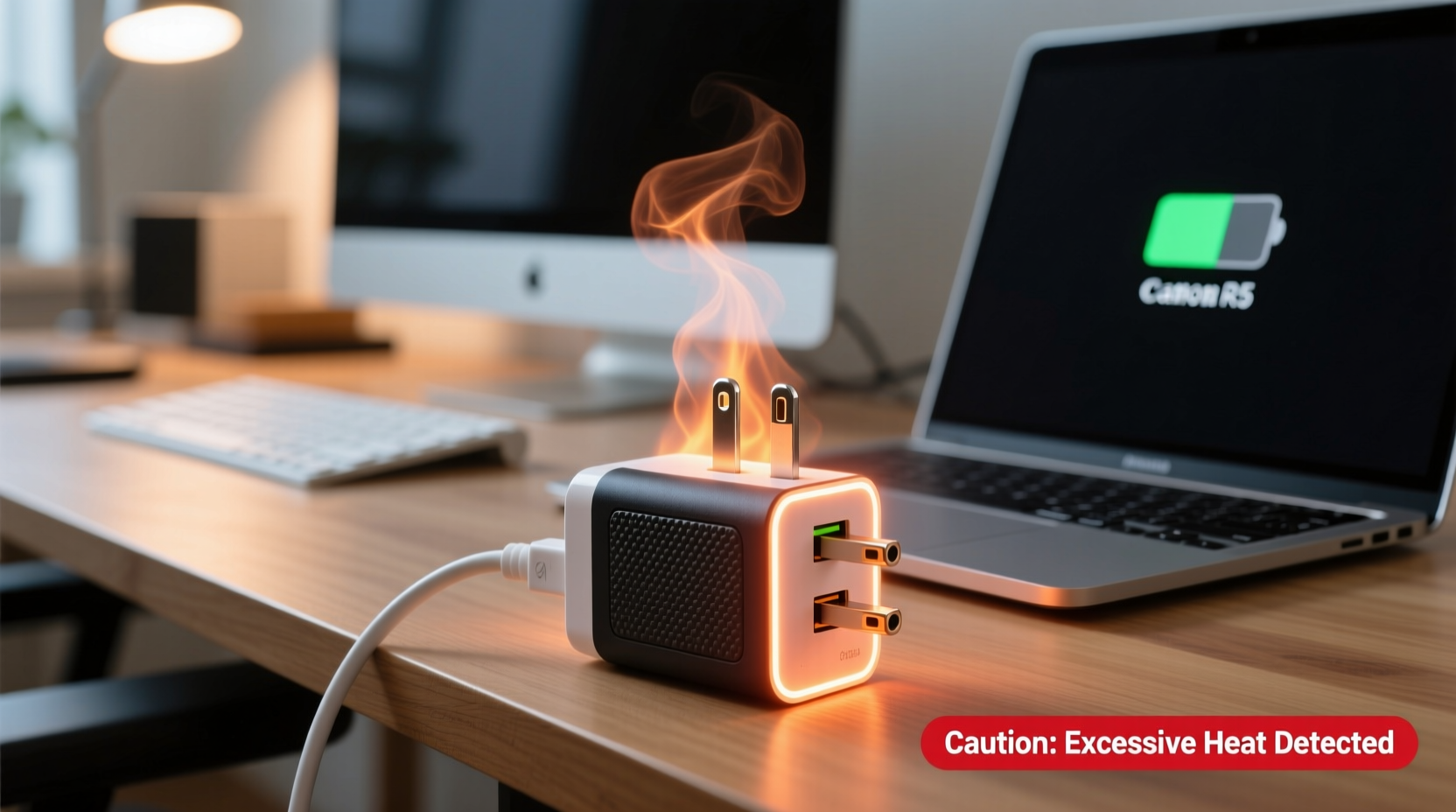
All electronic devices that convert energy produce some level of heat, and laptop chargers are no exception. Your charger’s job is to convert alternating current (AC) from the wall outlet into direct current (DC) at the correct voltage and amperage for your laptop. This process, known as power conversion, is never 100% efficient. The lost energy escapes primarily as heat.
The internal components—such as transformers, rectifiers, and voltage regulators—resist the flow of electricity, causing thermal buildup. Modern chargers use switching power supplies, which are more efficient than older models, but they still generate noticeable warmth, especially under heavy load.
Several factors influence how much heat your charger produces:
- Power demand: Charging a completely drained laptop or using it while plugged in increases power draw, raising internal temperature.
- Ambient temperature: A poorly ventilated room or placing the charger on a bed or couch can trap heat.
- Cable condition: Damaged or frayed cables increase resistance, generating excess heat.
- Charger quality: Off-brand or counterfeit adapters often lack proper insulation and thermal regulation.
When Heat Becomes a Safety Concern
It’s normal for a charger to feel warm to the touch after extended use. However, if the charger is too hot to hold comfortably, emits a burning smell, shows visible swelling, or causes your laptop to charge inconsistently, these are red flags.
Excessive heat can degrade internal components over time, reducing efficiency and lifespan. In extreme cases, overheating may lead to insulation breakdown, short circuits, or even fire. According to the U.S. Consumer Product Safety Commission (CPSC), faulty chargers and power adapters contribute to hundreds of home fires annually.
“Any charger that feels excessively hot or shows physical damage should be unplugged immediately. Continuing to use it poses real fire and electric shock risks.” — David Reynolds, Electrical Safety Engineer, National Fire Protection Association
Warning Signs of a Dangerous Charger
| Symptom | Potential Risk | Action Required |
|---|---|---|
| Too hot to touch | Component failure, fire hazard | Unplug and discontinue use |
| Burning or plastic odor | Melting insulation, chemical off-gassing | Stop use immediately; inspect for damage |
| Discoloration or bulging | Internal capacitor failure | Replace charger; do not attempt repair |
| Intermittent charging | Failing circuitry due to heat stress | Test with another charger; replace if confirmed |
| Sparks or buzzing sounds | Short circuit or loose connection | Unplug instantly; avoid reuse |
Common Causes of Overheating and How to Fix Them
Not all overheating stems from defective hardware. Often, user habits and environmental conditions play a major role. Identifying and correcting these issues can significantly reduce heat buildup.
1. Poor Ventilation Around the Charger
Placing your charger on soft surfaces like beds, sofas, or carpets blocks airflow and traps heat. Unlike laptops, chargers don’t have cooling fans, so they rely on passive dissipation.
2. Using the Laptop While Charging Under Heavy Load
Running resource-intensive applications—like video editing software, games, or virtual machines—while charging forces the charger to deliver maximum power continuously. This sustained output generates more heat than light usage.
Consider pausing demanding tasks until your laptop reaches a higher charge level, especially if the charger is already warm.
3. Damaged or Low-Quality Cables
Frayed wires, bent connectors, or kinked cords increase electrical resistance. Higher resistance means more energy is lost as heat along the cable and within the adapter.
Using non-OEM or uncertified cables exacerbates the issue. These may not meet safety standards for insulation, gauge thickness, or shielding.
4. Dust and Debris Buildup in Charging Port
Dust, lint, or pocket debris inside the laptop’s charging port can create poor contact, leading to arcing and localized heating. This not only affects charging efficiency but can also make the charger work harder.
Use a can of compressed air or a dry, soft brush to clean the port gently. Avoid metal tools that could cause shorts.
5. Faulty Wall Outlet or Power Source
Voltage fluctuations from unstable outlets—especially in older buildings—can cause the charger to compensate by drawing irregular current, increasing internal stress and heat.
Try plugging into a different outlet, preferably one on a separate circuit. Surge protectors can help stabilize input voltage.
Step-by-Step Guide to Diagnosing and Preventing Charger Overheating
If your charger consistently runs hot, follow this systematic approach to identify and resolve the issue:
- Inspect the charger and cable visually. Look for cracks, discoloration, swelling, or exposed wires. If any are present, stop using it.
- Feel the temperature during normal use. After 30 minutes of charging, touch the charger. Warm is acceptable; painful-to-touch is not.
- Check the environment. Ensure the charger is on a hard, cool surface with space around it for airflow.
- Test with minimal laptop usage. Shut down unnecessary apps and avoid gaming or video rendering while charging.
- Try a different power outlet. Rule out electrical supply issues by testing in another room or building.
- Clean the laptop’s charging port. Use compressed air to remove dust and improve connection quality.
- Swap with a known-good charger. Borrow an OEM charger from a friend or colleague to see if the heat issue persists.
- Monitor charging behavior. Note if charging stops unexpectedly, restarts, or triggers error messages.
- Contact the manufacturer. If the original charger fails these tests, request a replacement—especially if under warranty.
Mini Case Study: When a Hot Charger Led to a Near-Miss Incident
In 2022, Sarah M., a freelance graphic designer in Portland, noticed her third-party laptop charger getting hotter than usual. She initially dismissed it, assuming it was due to running design software. One evening, she smelled a faint burning odor and found the charger partially melted on her wool blanket.
She unplugged it immediately and contacted the seller, who refunded her but admitted the product wasn’t UL-certified. An electrician later explained that the lack of thermal cutoff protection in the knockoff unit nearly caused a fire. Sarah now uses only manufacturer-approved chargers and keeps a fire extinguisher nearby.
Her experience underscores the risks of cost-cutting on power accessories—and the importance of trusting your senses when something feels wrong.
Do’s and Don’ts of Laptop Charger Safety
| Do | Don’t |
|---|---|
| Use OEM or certified replacement chargers | Buy ultra-cheap chargers from unknown brands |
| Keep the charger on a hard, cool surface | Place it on beds, pillows, or rugs |
| Unplug when not in use | Leave it plugged in indefinitely |
| Clean the charging port regularly | Ignore lint buildup or connection issues |
| Replace damaged cables promptly | Wrap cords tightly or bend them sharply |
FAQ: Common Questions About Hot Laptop Chargers
Is it normal for a laptop charger to get warm?
Yes, mild warmth is normal due to energy conversion inefficiencies. However, if the charger is too hot to touch comfortably, it may indicate a problem with ventilation, load, or hardware integrity.
Can a hot charger damage my laptop?
Indirectly, yes. An overheating charger may deliver unstable voltage, which can stress the laptop’s battery and charging circuitry. Consistent exposure to irregular power can shorten battery life and, in rare cases, damage internal components.
How long should a laptop charger last before needing replacement?
With proper care, most OEM chargers last 3–5 years. Signs it’s time to replace include frequent overheating, slow charging, intermittent connections, or physical wear. If your charger is over five years old and showing issues, consider upgrading even if it still works.
Conclusion: Prioritize Safety Without Sacrificing Convenience
Your laptop charger plays a critical role in daily productivity, but its performance and safety shouldn’t be taken for granted. Heat is a natural byproduct of power conversion, but persistent or extreme temperatures are warning signs that demand attention. By understanding the causes of overheating, recognizing danger signals, and adopting safer charging habits, you protect not only your equipment but also your home and personal safety.
Never ignore a charger that smells burnt, feels dangerously hot, or looks damaged. Replace it promptly with a certified model. Small precautions today can prevent costly repairs—or worse—down the line.




 浙公网安备
33010002000092号
浙公网安备
33010002000092号 浙B2-20120091-4
Comments
No comments yet. Why don't you start the discussion?