
There’s nothing more frustrating than stringing up your holiday lights, stepping back for that festive moment—only to see them flicker unpredictably. While LED Christmas lights are energy-efficient and long-lasting, flickering remains a common issue that dampens the cheer. The good news: most causes of flickering are simple to diagnose and fix, often within minutes. Understanding the root causes—from incompatible dimmers to faulty wiring—can save you time, stress, and even prevent potential hazards.
Flickering isn’t just annoying; it can signal deeper electrical issues or component failures. Whether your lights are new or have been in use for years, this guide will walk you through every possible reason behind flickering LED lights and provide instant solutions backed by electricians and lighting experts.
Understanding LED Light Flickering: What It Means
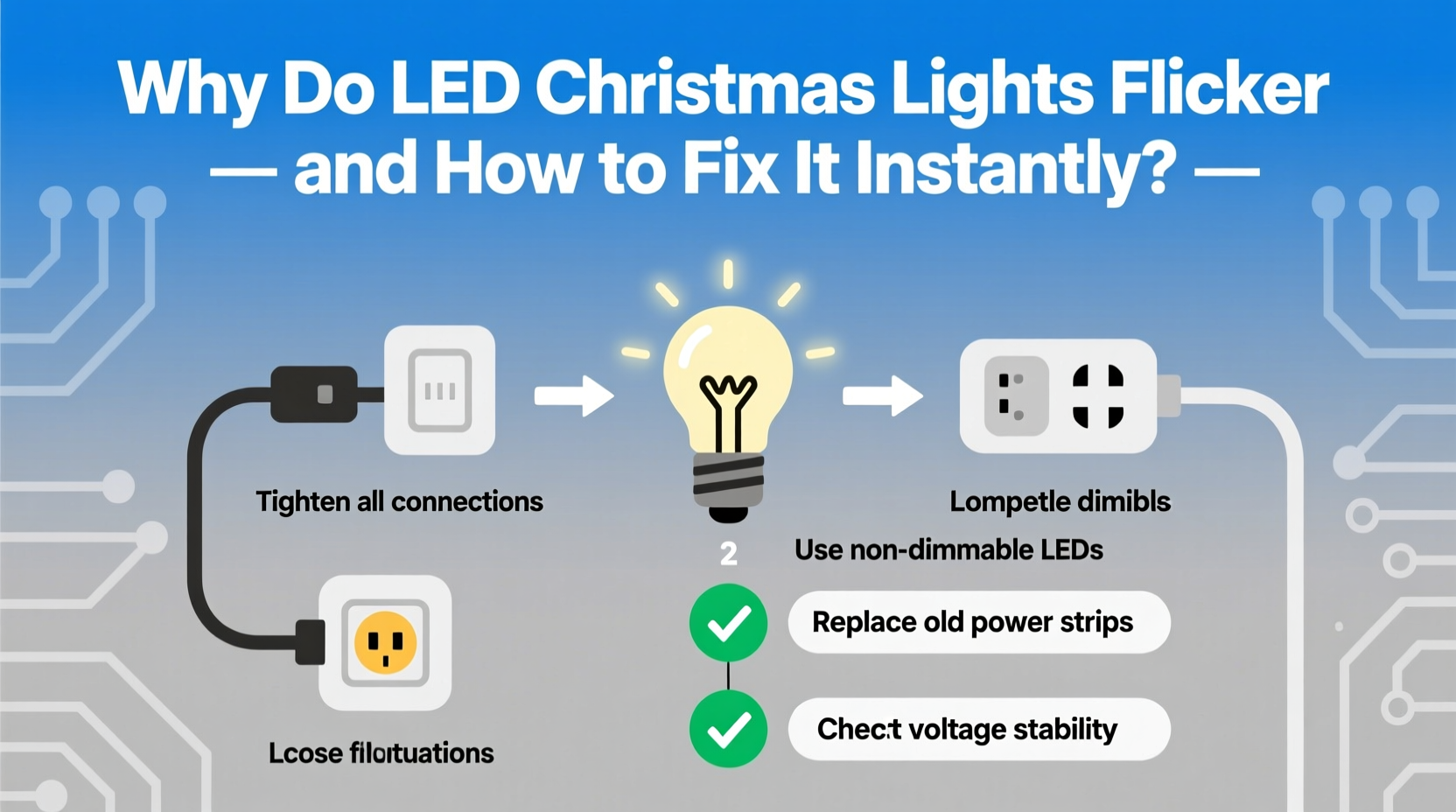
Unlike traditional incandescent bulbs, LEDs operate on low voltage and require precise current regulation. Flickering occurs when there's an interruption or inconsistency in the power supply. This can happen at any point in the circuit: from the outlet, extension cord, controller, or individual bulb.
LEDs respond instantly to changes in current. Even minor fluctuations—too small for older bulbs to register—can cause visible flickering. That sensitivity is both a strength and a vulnerability. Inconsistent voltage doesn't burn out LEDs quickly, but it does affect performance and lifespan over time.
“Flickering in LED Christmas lights is rarely random. It’s usually a symptom of mismatched components or unstable power delivery.” — Mark Reynolds, Electrical Systems Technician with 15+ years in residential lighting
The key to stopping flickering instantly lies in identifying whether the issue is isolated (a single strand) or systemic (affecting multiple sets). Start by unplugging everything and testing one strand at a time.
Common Causes of LED Christmas Light Flickering
1. Incompatible or Faulty Dimmer Switches
If your lights are connected to a wall dimmer, especially an older model designed for incandescent bulbs, flickering is almost guaranteed. Traditional dimmers reduce voltage by chopping the AC waveform, which confuses LED drivers. Modern “LED-compatible” dimmers use smoother phase-cutting methods, but many homes still use outdated models.
2. Voltage Fluctuations or Overloaded Circuits
Household circuits have limits—usually 15–20 amps. Plugging too many light strands into one outlet or daisy-chaining beyond manufacturer recommendations causes voltage drops. When demand exceeds supply, LEDs receive inconsistent power, leading to flickering or pulsing.
This is especially common in older homes with shared circuits where refrigerators, heaters, or other appliances cycle on and off, causing brief surges or dips.
3. Poor Connections in Plug or Socket
A loose connection anywhere along the line—especially at the male plug, female socket, or between linked strands—can interrupt current flow. Corrosion, bent pins, or worn-out sockets create intermittent contact, resulting in blinking or flickering patterns.
4. Defective or Failing LED Driver/Transformer
Many LED light sets include a built-in driver or transformer that converts household AC to low-voltage DC. If this component fails or overheats, output becomes unstable. You might notice flickering only after the lights have been on for a while—a sign of thermal shutdown and recovery cycles.
5. Temperature and Weather Conditions
Cold weather can affect electronic components. Some cheaper LED strings use capacitors or drivers that don’t perform well below freezing. As temperatures drop, internal resistance changes, leading to flickering outdoors—even if the same set works perfectly indoors.
6. Wireless Controllers or Timers Sending Erratic Signals
If you’re using a smart timer, remote control, or Wi-Fi-enabled light controller, signal interference or firmware glitches can cause erratic behavior. A misaligned signal may turn lights on/off rapidly, mimicking flicker.
Step-by-Step Guide to Stop Flickering Instantly
Follow this systematic approach to isolate and resolve the issue—often in under 10 minutes.
- Unplug all light strands. Begin with a clean slate to avoid cross-contamination of issues.
- Test one strand at a time. Plug in a single set directly into a known-good outlet (not via extension cord). Observe for flickering.
- Check the outlet voltage. Use a multimeter if available. Standard household outlets should read 110–120V. Low voltage indicates a circuit problem.
- Inspect connectors. Look for bent prongs, corrosion, or debris in the plug and socket. Clean gently with isopropyl alcohol and a cotton swab.
- Replace extension cords. Use heavy-duty, outdoor-rated cords no longer than 25 feet. Avoid daisy-chaining multiple cords.
- Disconnect from dimmers or timers. Bypass any smart switches or controllers temporarily. If flickering stops, the controller is the culprit.
- Limit daisy-chained sets. Follow the manufacturer’s max number of connectable strings (usually 3–6 for LEDs). Exceeding this overloads the first set’s fuse or wiring.
- Swap outlets or circuits. Try a different circuit, preferably one not shared with large appliances.
- Warm up cold lights. If used outdoors in freezing temps, bring them inside for a few hours. Re-test.
- Replace suspect components. If one strand consistently flickers across multiple tests, retire it. Internal wire breaks or failing drivers can’t be easily repaired.
Troubleshooting Table: Flicker Type vs. Likely Cause & Fix
| Flicker Pattern | Most Likely Cause | Instant Fix |
|---|---|---|
| All lights pulse together rhythmically | Voltage fluctuation or overloaded circuit | Reduce load; move to dedicated circuit |
| Random blinking in sections | Loose connection or damaged socket | Reseat plugs; inspect and replace faulty connectors |
| Lights flicker only when controlled remotely | Faulty wireless controller or signal interference | Bypass controller; reset or replace unit |
| Flickering starts after 10+ minutes | Overheating driver or poor ventilation | Allow cooling; ensure airflow around transformer |
| Only one bulb or section flickers | Single faulty LED or shunt failure | Replace bulb or cut out and bypass dead section |
Mini Case Study: Sarah’s Outdoor Display Dilemma
Sarah spent weeks installing a 500-bulb LED display on her home’s exterior. Every evening, the lights would start strong—but within 20 minutes, half the strands began flickering erratically. She replaced bulbs, checked connections, and even bought new extension cords, with no success.
After consulting an electrician, she discovered two issues: First, she was daisy-chaining 12 strands—double the manufacturer’s limit of 6. Second, the outlet was on the same circuit as her garage refrigerator. Every time the compressor kicked in, voltage dipped enough to destabilize the LED drivers.
The fix? She installed a dedicated outdoor circuit and split her display across two independent runs. She also upgraded to a commercial-grade power strip with surge protection. The flickering stopped immediately, and her display now runs smoothly all season.
Expert Tips to Prevent Flickering Long-Term
- Buy UL-listed lights only. Certified products undergo safety and performance testing, reducing the risk of defective drivers or poor insulation.
- Use LED-specific extension cords. These are rated for low-current devices and minimize voltage drop.
- Avoid mixing old and new strands. Slight differences in resistance or driver design can cause imbalances in daisy-chained sets.
- Store lights properly. Wrap them around a cardboard reel or use light keeper reels to prevent wire kinks and connector damage.
- Upgrade to smart plugs with stable output. Devices like the TP-Link Kasa or Eve Light Strip offer clean power and scheduling without flicker risks.
“Prevention starts at purchase. Invest in higher-quality LED strings—they cost more upfront but save headaches later.” — Lisa Tran, Home Automation Specialist
FAQ: Quick Answers to Common Concerns
Can a bad outlet cause LED lights to flicker?
Yes. A worn or loose outlet can create intermittent contact, leading to flickering. Test your lights in a different outlet to rule this out. If the problem follows the outlet, have it replaced by a licensed electrician.
Why do my new LED lights flicker even when they’re the only thing plugged in?
Even new lights can have manufacturing defects—especially in budget brands. Check for a failing driver, incorrect voltage rating (e.g., 12V lights plugged into 120V), or internal wiring faults. Return or replace if under warranty.
Is flickering dangerous?
Occasional flickering due to loose plugs is usually harmless. However, persistent flickering from overloaded circuits or damaged wiring can generate heat and pose a fire risk. If you notice warm cords, buzzing sounds, or burning smells, unplug immediately and inspect the system.
Final Checklist: Stop Flickering in 5 Minutes
- ✅ Unplug all lights and test one strand directly in a wall outlet
- ✅ Inspect plugs and sockets for damage or debris
- ✅ Ensure total connected strands don’t exceed manufacturer limits
- ✅ Remove from dimmers, timers, or smart controllers temporarily
- ✅ Replace extension cords with heavy-duty, short-length versions
- ✅ Verify outlet stability—test with another device
- ✅ Replace any visibly damaged or aging light sets
Conclusion: Enjoy a Steady, Sparkling Display
Flickering LED Christmas lights aren’t a mystery—they’re a message. Whether it’s a loose plug, overloaded circuit, or incompatible controller, each flicker points to a solvable issue. By following these steps, you can restore your holiday display to its full, steady brilliance in minutes.
Don’t settle for blinking lights or half-working strands. With the right knowledge, tools, and attention to detail, you can ensure your decorations shine safely and beautifully throughout the season. Take action tonight—test one strand, fix one connection, and reclaim the magic of the holidays.




 浙公网安备
33010002000092号
浙公网安备
33010002000092号 浙B2-20120091-4
Comments
No comments yet. Why don't you start the discussion?