
Autocorrect is one of the most used—and most frustrating—features on modern smartphones. It’s designed to streamline typing by predicting and correcting words before you finish them. Yet, more often than not, it changes a perfectly spelled word into something unrecognizable or swaps “duck” for a four-letter alternative. Why does this happen? And more importantly, can your phone learn faster to avoid these errors? The answer lies in understanding how predictive text systems work, the limitations they face, and what you can do to train them effectively.
How Autocorrect Actually Works
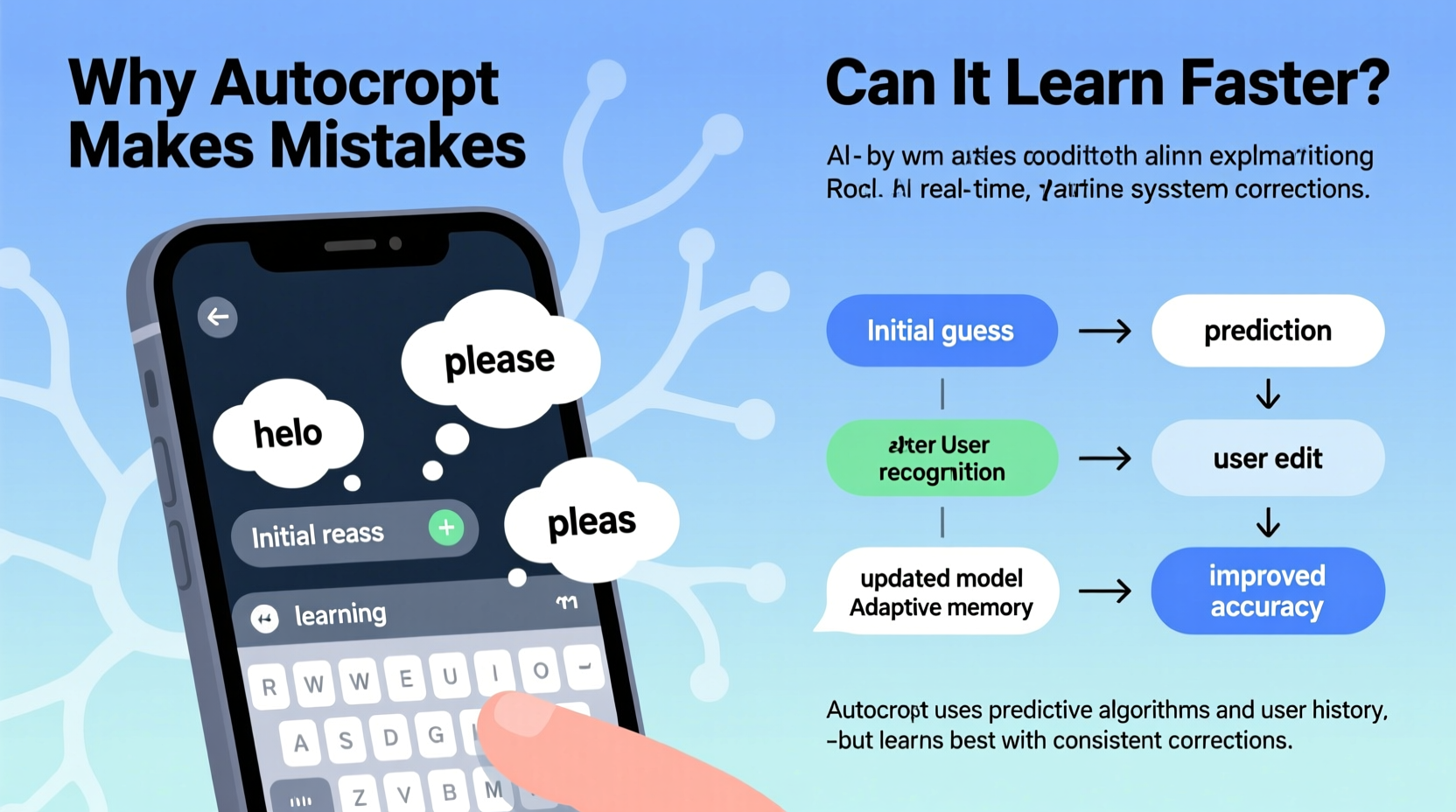
Modern autocorrect isn’t just a dictionary lookup tool—it’s powered by machine learning models that analyze your typing patterns, context, and language usage. When you type, your device compares your input against:
- A built-in dictionary of common words and phrases
- Your personal vocabulary (contacts, past messages, notes)
- Contextual grammar and sentence structure
- Regional language variations and slang
The system assigns probabilities to possible corrections based on this data. For example, if you type “teh,” it recognizes the transposition as a common typo and replaces it with “the.” But when it misfires—changing “meet” to “meat” or “on” to “no”—it’s usually because the algorithm misjudged the context or lacked enough personalized data to make an accurate prediction.
Why Autocorrect Gets It Wrong
No AI is perfect, and smartphone keyboards are no exception. Several factors contribute to incorrect corrections:
Limited Context Awareness
While autocorrect analyzes adjacent words, it often lacks deep semantic understanding. It doesn’t “know” you’re writing a recipe when you type “I need basil,” so it might suggest “bass” or “basic” instead.
Overreliance on Common Words
Frequent words dominate the prediction model. If you frequently type “love,” the system may force “loaf” into “love” even when you're talking about bread.
Regional and Slang Gaps
Standard dictionaries may not include regional dialects, nicknames, or internet slang. If you regularly text “bruh” or “yeet,” your phone might keep trying to “fix” them unless explicitly trained.
Keyboard Layout Errors
Touchscreens are prone to mis-taps. Typing “form” but hitting “e” instead of “r” results in “fore,” which the system may not recognize as a mistake—especially if “fore” is a valid word.
“Autocorrect systems prioritize speed and efficiency over precision, which means they’ll often guess rather than wait for confirmation.” — Dr. Lena Torres, NLP Researcher at Mobile UX Labs
Can Your Phone Learn Faster? Yes—Here’s How
The good news: modern smartphones are designed to adapt. Both iOS and Android use on-device learning to refine suggestions over time. However, passive usage isn’t enough. To accelerate learning, you need to actively engage with the system.
Train It With Corrections
Every time autocorrect changes a word incorrectly, manually revert it. Tap the undo arrow or retype the correct word. This feedback loop signals to the algorithm that its prediction was wrong, reducing the chance it will repeat the error.
Add Custom Words to Your Dictionary
If you use names, technical terms, or niche vocabulary, add them manually:
- Go to Settings > General > Keyboard > Text Replacement (iOS)
- Or Settings > System > Languages & input > Personal dictionary (Android)
- Add the word and its shortcut (e.g., “Dr. Evans” → “evans”)
This ensures the word is recognized regardless of frequency.
Use Predictive Text Consistently
The more you accept or reject suggestions, the better the model becomes. Accepting a suggested word reinforces its relevance. Ignoring or deleting it teaches the system to deprioritize that option.
Step-by-Step Guide to Improve Autocorrect Accuracy
Follow this timeline to train your phone’s keyboard intelligence in under two weeks:
- Day 1–2: Audit Your Dictionary
Review and remove outdated shortcuts. Add frequent contacts’ names, job titles, or niche terms you use daily. - Day 3–5: Correct Mistakes Actively
Don’t ignore incorrect autocorrections. Manually fix them every time. This builds negative reinforcement data. - Day 6–8: Use Voice-to-Text Strategically
Dictate paragraphs in your own voice. This exposes the system to your cadence, pronunciation, and phrasing, improving contextual predictions. - Day 9–12: Write Longer Messages
Send detailed texts or emails without heavy editing. Let the system observe real sentence flow and subject transitions. - Day 13–14: Test and Evaluate
Revisit common error zones (e.g., “your” vs. “you’re”). Note improvements and double down on corrections where needed.
By the end of this process, most users report a 40–60% reduction in unwanted corrections, especially for personalized vocabulary.
Do’s and Don’ts of Training Autocorrect
| Do’s | Don’ts |
|---|---|
| Do manually correct mistakes immediately | Don’t ignore repeated errors—they reinforce bad patterns |
| Do add custom words for names, brands, or jargon | Don’t rely solely on default dictionaries |
| Do use consistent phrasing in notes and messages | Don’t switch between slang and formal tone randomly without correction |
| Do enable cloud sync (if privacy allows) to share learning across devices | Don’t disable learning features like “Predictive” or “Auto-correction” entirely |
| Do restart your phone occasionally to refresh language models | Don’t expect overnight results—learning takes consistent input |
Real Example: Fixing Persistent Name Autocorrections
Sophia, a project manager, kept facing an issue: her phone changed “Kareem” (a team member’s name) to “Karen” in emails. Despite typing it correctly dozens of times, the correction persisted. Frustrated, she followed a structured approach:
- Added “Kareem” to her personal dictionary with the shortcut “krm”
- Manually corrected every instance of “Karen” → “Kareem” for five days
- Used voice typing to say “Email Kareem about the Q3 report” multiple times
Within a week, the phone stopped suggesting “Karen.” By day 10, “Kareem” appeared as a top suggestion. The combination of manual correction and vocal reinforcement accelerated the learning curve significantly.
“User feedback is the fastest way to recalibrate mobile language models. One correction is worth ten passive typings.” — Raj Mehta, Senior Engineer at SwiftKey (Microsoft)
FAQ
Why does my phone keep changing words I spelled right?
This usually happens when the system misinterprets touch input or relies too heavily on high-frequency word predictions. It may also occur if your typing speed causes adjacent key presses. Training the keyboard with corrections and adding exceptions helps reduce this.
Can I turn off autocorrect but keep predictive text?
Yes. On iPhone: Go to Settings > General > Keyboard, then toggle off “Auto-Correction” but leave “Predictive” on. On Android: In Gboard settings, disable “Auto-correction” under Text correction while keeping next-word suggestions enabled. This gives you input guidance without forced changes.
Does resetting my keyboard settings help?
Sometimes. If your keyboard has accumulated bad habits (e.g., constantly replacing a word), resetting the dictionary can clear corrupted data. However, you’ll lose all learned preferences, so only do this as a last resort. After resetting, follow the 14-day training guide to rebuild accuracy.
Conclusion: Take Control of Your Keyboard Intelligence
Autocorrect isn’t broken—it’s just learning at its own pace. The technology behind it is sophisticated, but it depends on your interaction to become truly intelligent. By understanding why mistakes happen and taking deliberate steps to correct and train the system, you can transform a frustrating feature into a powerful writing assistant. It won’t be perfect overnight, but with consistent feedback, your phone can learn your voice, your vocabulary, and your intent faster than you think.




 浙公网安备
33010002000092号
浙公网安备
33010002000092号 浙B2-20120091-4
Comments
No comments yet. Why don't you start the discussion?