
There’s nothing more frustrating than pulling out your phone to capture a stunning sunset, only to find the lens clouded with fog. Whether you're stepping into a humid jungle, exiting a heated car on a frosty morning, or diving into a steamy bathroom, your phone's camera can suddenly become unusable. This common issue isn’t a defect—it’s physics. Understanding why fog forms on your camera lens and knowing how to clear it quickly can save precious moments and protect your device over time.
The phenomenon occurs due to temperature and humidity shifts that cause moisture to condense on cold surfaces—like your phone’s glass lens. While it may seem trivial, persistent fogging can lead to long-term moisture buildup inside the camera module, risking internal damage. The good news is that most cases are temporary and solvable with simple, immediate actions. Let’s break down the causes, explore real-world scenarios, and equip you with reliable methods to restore clarity—fast.
The Science Behind Camera Fog: Condensation Explained
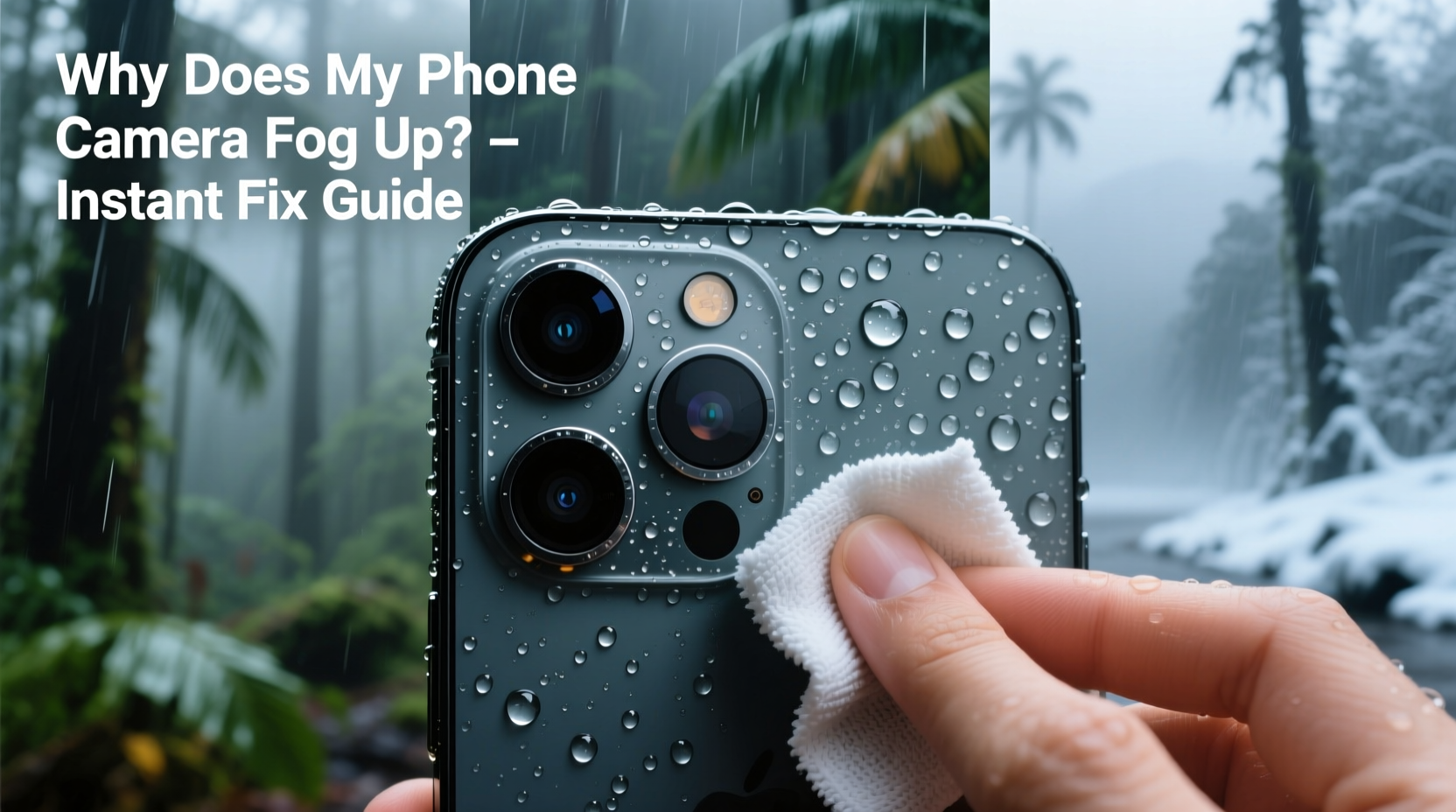
Fog on your phone camera is not dirt or residue—it’s condensation. When warm, moist air meets a cooler surface, the air cools rapidly, reducing its capacity to hold water vapor. This excess moisture then transitions from gas to liquid, forming tiny droplets on the lens. Your phone’s camera, often made of smooth glass, provides an ideal surface for this process.
This commonly happens during sudden environmental changes:
- Moving from a warm indoor space to cold outdoor air (e.g., leaving a heated building in winter)
- Bringing a cold phone into a humid environment (e.g., entering a tropical forest or a steamed-up bathroom)
- Going from air-conditioned interiors to hot, muggy exteriors in summer
The lens itself doesn’t generate moisture; rather, it acts as a thermal bridge. If the lens temperature drops below the dew point of the surrounding air, fog appears almost instantly. This same principle applies to eyeglasses, car windows, and bathroom mirrors—but with phones, the stakes are higher because the camera is essential for communication, navigation, and documentation.
“Condensation is inevitable when temperature gradients exceed the ambient dew point. Electronics like smartphones are particularly vulnerable due to their compact design and metal/glass construction.” — Dr. Lena Torres, Environmental Physicist at the Institute for Applied Thermodynamics
How to Clear a Fogged Camera Lens Instantly: Proven Methods
Waiting for the fog to dissipate naturally can take minutes—even longer if humidity remains high. In urgent situations, such as capturing emergency footage or scanning a QR code, every second counts. Here are five effective techniques to clear your lens immediately, ranked by speed and safety.
1. Equalize Temperature Gradually (Best for Prevention)
The most effective long-term strategy is avoiding rapid temperature shifts altogether. When transitioning between extreme environments, place your phone in a sealed plastic bag before moving. This creates a microclimate around the device, slowing heat exchange and preventing condensation.
2. Use Your Body Heat (Fast & No Tools Needed)
If your lens fogs up outdoors in cold weather, gently cup your hand over the back of the phone, covering the camera area. Your body heat will slowly warm the lens, evaporating the moisture within 15–30 seconds. Avoid breathing directly onto the lens—your breath contains moisture that may worsen fogging temporarily.
3. Wipe With a Microfiber Cloth (Immediate Physical Removal)
A clean, dry microfiber cloth—like the kind used for glasses or screens—is safe for camera lenses. Gently wipe the lens in a circular motion. Do not use paper towels, shirts, or tissues, which can scratch the oleophobic coating.
4. Blow Air Across the Lens (Non-Contact Option)
If you don’t have a cloth, blow a steady stream of air across (not directly at) the lens. This increases evaporation by disrupting the stagnant layer of humid air clinging to the surface. Be cautious not to spit, especially in public or sensitive environments.
5. Use Silica Gel or Desiccants (For Recurring Issues)
If your phone frequently fogs internally (between lens layers), moisture may have penetrated the housing. Place the phone in a sealed container with silica gel packets for 24–48 hours. This won’t fix hardware issues but can absorb residual moisture.
Internal vs. External Fog: How to Tell the Difference
Not all fog is the same. Distinguishing between external condensation and internal fog is crucial for proper response.
| Factor | External Fog | Internal Fog |
|---|---|---|
| Location | On the outer surface of the lens | Between lens elements or under the cover glass |
| Appearance | Even, cloudy film that clears with wiping | Splotchy, persistent haze unaffected by cleaning |
| Clearing Time | Seconds to minutes with wiping or warming | Hours or never without drying agents |
| Risk Level | Low (temporary) | High (possible water damage) |
| Solution | Wipe or warm the lens | Professional repair or desiccant drying |
If you suspect internal fogging—especially after water exposure or frequent fogging despite precautions—stop using the camera and consult a certified technician. Continued use could push moisture deeper into the sensor assembly.
Mini Case Study: Hiking in the Pacific Northwest
Sam, an avid hiker from Seattle, regularly records trail conditions for a nature blog. During a recent trek through the Hoh Rainforest, he moved from his warm car into 90% humidity and 50°F temperatures. Within seconds, both his front and rear cameras fogged up, missing a rare sighting of a Roosevelt elk.
He tried wiping the lens, but fog returned immediately. Remembering a tip about gradual acclimation, he placed his phone in a ziplock bag while continuing the hike. After 10 minutes, the phone warmed slightly, and when removed, the lens remained clear. He captured several high-quality videos and photos without further issues.
Sam now keeps a small resealable bag in his gear and checks weather conditions before filming. His experience highlights how understanding environmental dynamics prevents avoidable losses.
Prevention Checklist: Keep Your Camera Fog-Free
Prevention is far more effective than reaction. Follow this checklist to minimize fogging risks in any climate:
- Store your phone in an insulated pocket close to your body when moving between hot and cold zones
- Use a sealed plastic bag during abrupt temperature transitions (e.g., ski trips, desert hikes)
- Invest in a protective case with a lens cover or hydrophobic coating
- Avoid placing your phone on cold surfaces (e.g., car dashboards, metal benches)
- Keep silica gel packets in your phone case or storage pouch for moisture absorption
- Turn off camera apps when not in use to reduce heat generation that exacerbates condensation cycles
- Regularly clean the lens with a microfiber cloth to maintain optimal surface properties
FAQ: Common Questions About Phone Camera Fog
Can fog damage my phone’s camera permanently?
Occasional external fog poses no risk. However, repeated internal fogging suggests moisture has breached the seals, potentially corroding sensors or circuitry. If fog persists after drying, seek professional repair to prevent permanent damage.
Will using a hairdryer help clear the lens faster?
Not recommended. Most hairdryers emit too much heat and can warp plastic components or damage adhesives around the lens. If you must use one, set it to cool air only and keep it at least 12 inches away.
Do waterproof phones resist fogging?
Waterproof ratings (like IP68) protect against liquid submersion but not condensation. A sealed phone may actually trap internal moisture longer, making fogging worse once it occurs. Waterproofing helps with spills and rain, not thermal fog.
Final Tips for All Climates
Fogging affects users everywhere—from Alaskan photographers to Southeast Asian travelers. The key is adapting your approach to local conditions:
- Cold climates: Warm the phone gradually. Never charge a freezing-cold phone immediately.
- Tropical areas: Minimize transitions between AC and outdoors. Use breathable cases.
- Desert regions: Large day-night temperature swings increase fog risk at dawn and dusk.
- Coastal zones: Salt-laden air accelerates corrosion. Rinse your phone with fresh water after beach use (if rated for it).
Manufacturers are beginning to address this with nano-coatings and improved sealing, but no consumer phone today is fully immune to condensation. User behavior remains the strongest defense.
Conclusion: Stay Ready, No Matter the Weather
Your phone is more than a communication tool—it’s a window to the world. When that window fogs up, you lose connection, opportunity, and memory. By understanding the science of condensation and applying practical solutions, you regain control in any environment. From quick wipes to smart acclimation habits, these strategies ensure your camera stays clear when it matters most.




 浙公网安备
33010002000092号
浙公网安备
33010002000092号 浙B2-20120091-4
Comments
No comments yet. Why don't you start the discussion?