
There’s nothing more frustrating than reaching a breathtaking mountain vista, pulling out your phone for the perfect shot, only to find the camera lens clouded with fog. It doesn’t just ruin the moment—it can also lead to long-term damage if moisture seeps into internal components. This issue is surprisingly common among hikers and outdoor enthusiasts, especially when transitioning between vastly different climates. Understanding the science behind this phenomenon—and how to stop it—is essential for anyone who relies on their smartphone in the wild.
The root cause of a foggy camera lens isn’t a defect in your phone but rather a natural physical process: condensation. When warm, moist air meets a cold surface, water vapor turns into liquid droplets. During hikes, especially those involving elevation changes or movement from indoor to outdoor environments, your phone often becomes that cold surface. The camera lens, being made of glass and frequently exposed, is one of the first places where this condensation appears. But with the right knowledge and preparation, you can significantly reduce—or even eliminate—this problem.
The Science Behind Camera Fogging
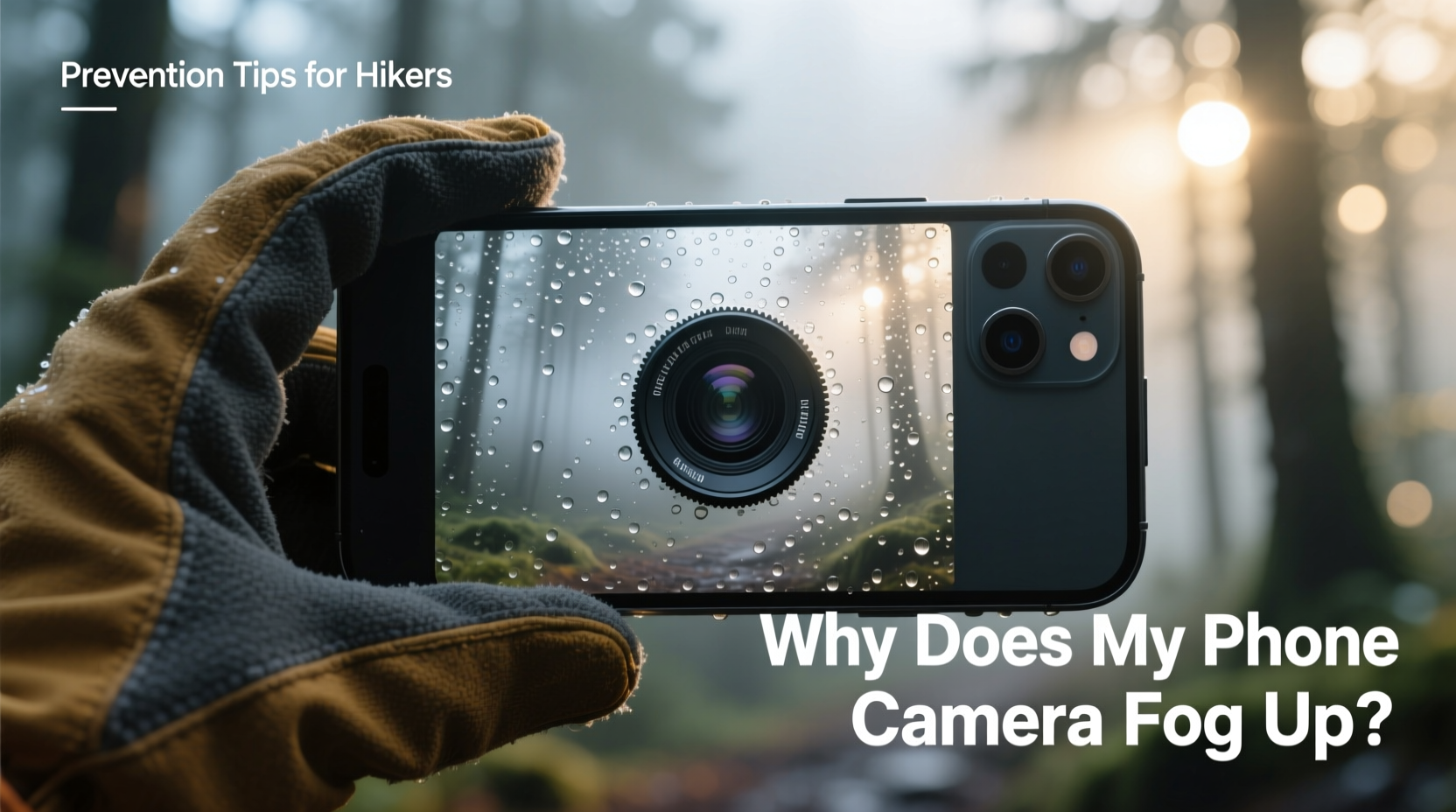
Condensation occurs due to temperature and humidity differentials. Imagine leaving an air-conditioned car in the desert and stepping into sweltering heat. Your sunglasses fog up instantly. The same principle applies to your phone. If your phone has been stored in a cool backpack or kept in a pocket during a descent from a chilly alpine zone, its surface temperature remains low. Once exposed to warmer, humid air—such as in a forest, near a waterfall, or after emerging from a cave—moisture in the air condenses on the cooler lens surface.
This isn’t limited to external lenses. Internal fogging can occur inside the camera module itself if there’s a sudden shift in climate, especially when moving from dry, cold environments into warm, damp ones. While external fog usually clears within minutes, internal condensation may linger and pose a risk to sensitive electronics over time.
“Temperature gradients are the primary driver of condensation on electronic devices in outdoor conditions. It’s not about how wet the environment is, but how quickly surfaces change temperature relative to the air.” — Dr. Lena Patel, Environmental Physicist at Mountain Tech Labs
Common Hiking Scenarios That Trigger Fogging
Fogging doesn’t happen randomly. It tends to occur in predictable situations, particularly during multi-stage hikes that involve dramatic environmental shifts. Recognizing these scenarios helps you anticipate and prepare.
- Morning hikes starting in cool valleys: Phones cooled overnight develop fog when ascending into warmer, sunlit zones.
- Entering and exiting shaded forests: Dense tree cover keeps temperatures lower; stepping into open sunlight creates rapid microclimate shifts.
- Descending from snow-covered peaks: Cold phones meet rising humidity at lower elevations, especially near rivers or lakes.
- Transitioning from vehicles or shelters: Cars, tents, or huts can act as temperature buffers, making sudden exposure worse.
- High-humidity environments like rainforests: Constant moisture in the air increases the likelihood of condensation on any cool surface.
How to Prevent Camera Fogging: A Step-by-Step Guide
Prevention is far more effective than trying to clear fog mid-hike. Follow this sequence before and during your trek to keep your lens crystal clear.
- Warm your phone before exposure: If your phone has been in a cold environment (e.g., a backpack in winter), place it in an inner jacket pocket 10–15 minutes before you plan to use it. Body heat gently raises its temperature, reducing the chance of condensation.
- Use a protective case with insulation: Silicone or neoprene cases provide a thermal buffer. Avoid metal cases, which conduct cold and worsen fogging.
- Seal it in a ziplock bag during transitions: When moving from cold to warm zones (e.g., exiting a high-altitude trail into a valley), store your phone in a resealable plastic bag. As the phone warms inside the sealed environment, condensation forms on the outside of the bag—not the lens.
- Avoid wiping the lens immediately: Wiping a fogged lens with fabric can scratch it or spread moisture. Wait for natural evaporation or use a silica gel packet nearby to absorb ambient humidity.
- Carry a microfiber cloth in a dry container: Keep the cloth sealed in a small pill bottle or waterproof pouch to ensure it stays dry and ready for use.
- Limit frequent exposure: Minimize taking your phone in and out of pockets or bags. Each transition increases fog risk.
Do’s and Don’ts: Best Practices for Hikers
| Do | Don’t |
|---|---|
| Store your phone in an inner layer close to your body before use | Pull your phone directly from a cold bag into humid air |
| Use a ziplock bag for gradual acclimation | Blow hot air from your mouth onto the lens to defog it |
| Keep a dry microfiber cloth accessible | Wipe fog with clothing, bandanas, or paper towels |
| Turn off the phone briefly in extreme transitions to reduce internal heat differences | Leave your phone exposed on a rock or ground while resting |
| Use lens-safe anti-fog wipes designed for optics | Apply household cleaners or alcohol directly to the lens |
Real-World Example: A Fogged Lens in the Rockies
During a summer hike in Colorado’s Maroon Bells, Sarah, an avid trail photographer, encountered persistent camera fogging despite clear skies. She began her trek at dawn from her car, where her phone had sat overnight in 45°F (7°C) temperatures. By mid-morning, she reached a sun-drenched meadow at 9,000 feet, excited to capture wildflowers against snow-capped peaks. But every time she pulled out her phone, the rear camera was obscured by a thin film of moisture.
Initially, she wiped it with her sleeve, only for the fog to return within seconds. After missing several shots, she paused and recalled reading about thermal shock in outdoor gear. She placed her phone in a sandwich bag, sealed it, and tucked it under her armpit for ten minutes. When she removed it, the lens was clear. The bag had allowed the phone to warm slowly without direct moisture contact. From then on, she kept her phone in a padded inner pocket and only exposed it when ready to shoot—dramatically reducing fog incidents.
Sarah’s experience highlights a key truth: fogging isn’t inevitable. It’s manageable with foresight and simple tools.
Long-Term Protection Strategies
Beyond immediate fixes, consider long-term habits that safeguard your phone across all seasons.
- Invest in a weather-resistant phone case: Look for IP67 or IP68 ratings, which indicate resistance to dust and temporary water submersion. While not fully waterproof, these phones handle condensation better.
- Use silica gel packs in your gear bag: Store them in your backpack’s main compartment or phone pouch. They absorb ambient moisture and help stabilize microenvironments.
- Enable airplane mode during transitions: Reducing internal processing heat minimizes temperature variance between the phone’s core and surface, lowering fog risk.
- Consider a dedicated outdoor phone: Rugged models like the Cat S75 or iPhone 15 Pro Max offer superior thermal management and sealing against moisture ingress.
FAQ: Common Questions About Phone Camera Fogging
Can internal camera fog damage my phone?
Yes. Persistent internal condensation can corrode circuitry, degrade adhesive seals, and lead to mold growth inside the lens housing. If fog appears inside the camera module and doesn’t clear after 24 hours in a dry environment, seek professional service.
Is it safe to use anti-fog sprays on my phone lens?
Only if specifically designed for optical coatings. Regular anti-fog solutions (like those for goggles) may contain chemicals that damage oleophobic (fingerprint-resistant) layers on smartphone lenses. Use products labeled “safe for coated optics” and apply sparingly with a clean applicator.
Will turning on the flashlight help clear the fog?
Not effectively. While the LED generates minor heat, it’s insufficient to evaporate condensation quickly and may drain your battery unnecessarily. Passive warming (body heat, sealed bags) remains more reliable.
Essential Prevention Checklist
Before every hike, run through this checklist to minimize fog risk:
- ✅ Place silica gel packets in your phone compartment
- ✅ Pack a sealed microfiber cloth in a dry container
- ✅ Use a thermally insulating phone case
- ✅ Pre-warm your phone in an inner pocket before use
- ✅ Carry a resealable plastic bag for controlled acclimation
- ✅ Avoid rapid transitions between extreme temperatures
- ✅ Check weather and humidity forecasts for your route
Conclusion: Clarity Starts with Preparation
A fogged camera lens doesn’t have to be an unavoidable hiking nuisance. With a basic understanding of condensation dynamics and a few smart habits, you can keep your phone ready to capture every summit, valley, and wildlife encounter in crisp clarity. The outdoors rewards those who prepare—not just with gear, but with knowledge. By treating your phone not just as a tool but as a sensitive instrument affected by environmental physics, you extend its reliability and performance in the field.




 浙公网安备
33010002000092号
浙公网安备
33010002000092号 浙B2-20120091-4
Comments
No comments yet. Why don't you start the discussion?