
It’s a common winter frustration: you step outside into the crisp cold, raise your phone to capture a snow-covered landscape or a frosty sunrise, only to find your camera lens clouded with fog. The shot is ruined before you even press the shutter. This isn’t a malfunction — it’s physics. Understanding why this happens and how to respond can save your photos, extend your phone’s lifespan, and keep your device functioning smoothly through seasonal changes.
The fogging occurs due to rapid temperature shifts and moisture interaction, particularly when moving between warm indoor environments and cold outdoor air. While harmless in most cases, repeated exposure without proper care can lead to long-term issues like internal condensation or lens degradation. The good news? With a few smart habits and preventive measures, you can avoid or quickly resolve camera fogging.
The Science Behind Camera Fogging
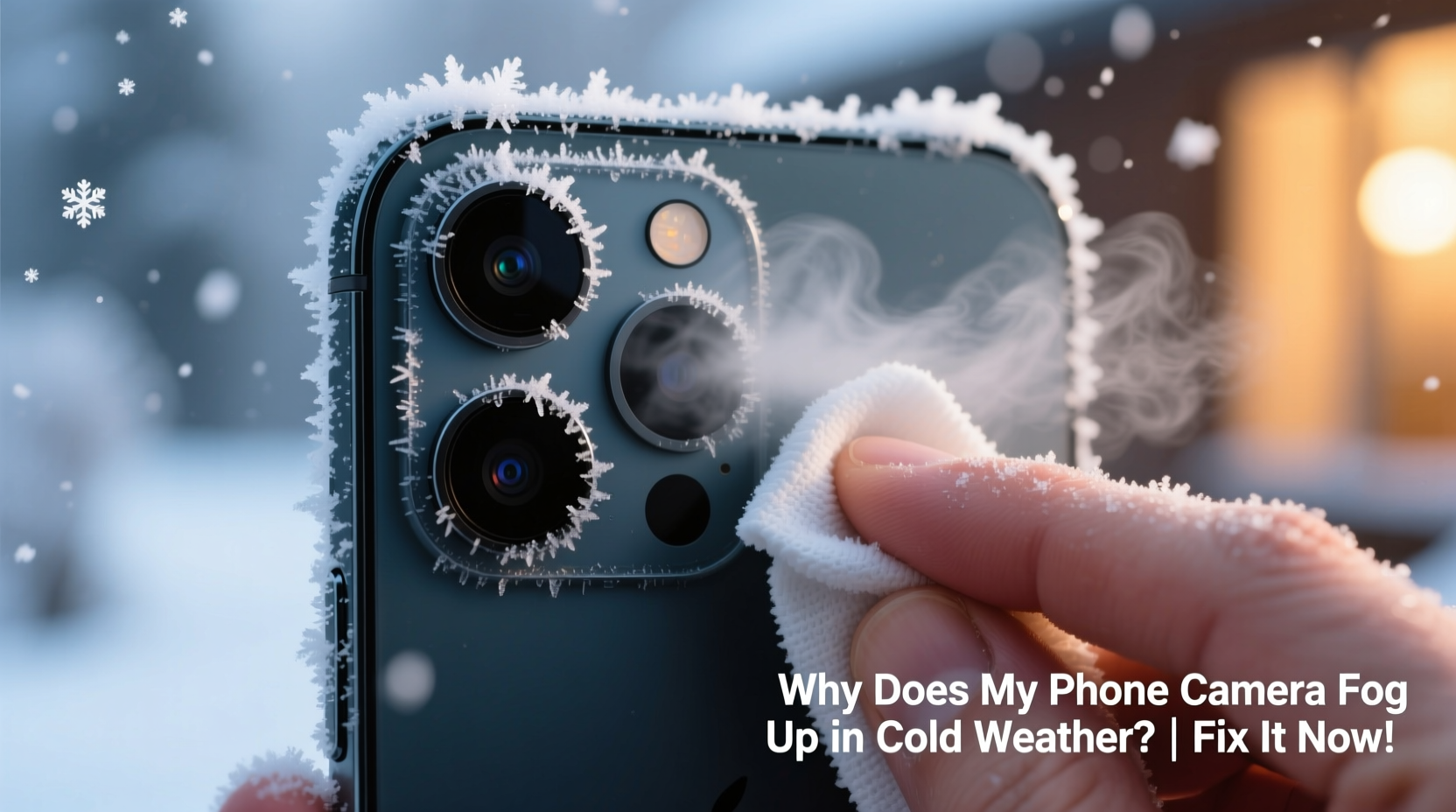
Fog on your phone’s camera lens is not fundamentally different from fog on eyeglasses or a bathroom mirror. It’s caused by condensation — the process where water vapor in the air cools and turns into liquid droplets. When your phone moves from a warm, humid environment (like your heated home or pocket) into colder air, the surface temperature of the lens drops rapidly. If that surface falls below the dew point — the temperature at which air becomes saturated with moisture — water vapor in the surrounding air condenses onto it.
Modern smartphones are packed with sensitive electronics and precision optics. The rear camera module, often made of glass or coated plastic, acts as an ideal surface for condensation because it cools faster than other parts of the phone. Front-facing cameras are equally vulnerable, especially when transitioning from cold outdoors to warm, moist breath indoors.
This phenomenon is most noticeable during winter months, but it can also occur in transitional seasons or high-humidity climates when temperature gradients are sharp. It's not exclusive to phones — action cameras, drones, and even car dashcams face similar challenges.
“Condensation on electronic devices is inevitable under certain environmental conditions. The key is managing exposure and allowing gradual acclimatization.” — Dr. Alan Reeves, Environmental Physicist, University of Colorado Boulder
How Condensation Differs From Internal Moisture Damage
It’s important to distinguish between temporary surface fogging and actual internal moisture buildup. Surface condensation appears as a thin, hazy film on the outer lens and usually clears within minutes as the lens warms or the ambient humidity decreases. You can often wipe it away gently with a microfiber cloth.
In contrast, internal condensation occurs when moisture penetrates inside the camera housing or behind the lens cover. Signs include persistent fogging that doesn’t clear after warming, visible droplets between lens layers, or distorted image quality even in dry conditions. This type of damage may require professional repair and is more likely in older phones or those with compromised seals.
Practical Fixes to Clear a Foggy Camera Lens
When your camera fogs up, patience and gentle handling are key. Aggressive wiping or heating can scratch the lens coating or damage surrounding components. Here’s what to do instead:
- Wait it out: In most cases, simply waiting 5–15 minutes allows the lens to adjust to the new temperature and for condensation to evaporate naturally.
- Keep the phone stable: Avoid rapid movements or placing the phone on cold surfaces, which can prolong cooling and increase condensation.
- Use a microfiber cloth: Once the bulk of the fog has cleared, gently wipe the lens with a clean, lint-free cloth. Never use paper towels, clothing, or abrasive materials.
- Avoid breath-warming: While it might seem intuitive to breathe on the lens like you would with glasses, your warm, moist breath can actually add more moisture and make fogging worse.
- Turn off the camera app: Sometimes, the software interprets fog as a dirty lens and struggles to focus. Closing and reopening the app after clearing the lens can restore normal function.
If the fog appears inside the lens assembly — visible as droplets trapped between glass layers — stop using the camera and power down the device. Place it in a dry, room-temperature environment for several hours. Do not attempt to disassemble the phone yourself.
Preventive Measures to Avoid Future Fogging
Prevention is far more effective than reacting after fog forms. By adjusting how you handle your phone during temperature transitions, you can significantly reduce or eliminate camera fogging.
- Gradual acclimatization: Before stepping outside, place your phone in an outer jacket pocket or near the door for 5–10 minutes to let it cool gradually.
- Use protective cases with flaps: Some rugged cases include lens covers or sliding shields that block direct exposure to cold air and wind.
- Store in insulated pockets: Keep your phone in a lined inner pocket rather than a gloved hand or exposed coat exterior, reducing thermal shock.
- Avoid extreme transitions: Don’t move directly from a hot car or heated building into sub-zero temperatures without pause.
- Limit indoor humidity: High indoor moisture levels increase the likelihood of condensation. Use dehumidifiers or ventilation systems during winter.
| Scenario | Risk Level | Recommended Action |
|---|---|---|
| Moving from heated home to -5°C outside | High | Allow 5–10 min cooldown; use lens cloth if needed |
| Using phone in snowy conditions with gloves | Medium | Wipe lens before use; avoid touching with wet gloves |
| Bringing phone back indoors after extended cold exposure | High | Leave powered off in sealed bag until fully warmed |
| Using phone in car with defroster on high | Medium | Place phone away from vents; monitor for fog |
Step-by-Step Guide: Safely Transitioning Your Phone Between Hot and Cold Environments
Follow this timeline to minimize condensation risks when moving your phone across temperature zones:
- 5–10 minutes before going outside: Move your phone from your pocket to an outer layer or cooler area indoors. This begins the gradual cooling process.
- Before stepping out: Power down the camera app and ensure the lens is clean and dry.
- Upon exiting: Keep the phone in a closed pocket for the first few minutes outdoors. Only remove it when ready to use.
- After taking photos: Return the phone to your pocket immediately to maintain warmth and reduce repeated fog cycles.
- Returning indoors: Place the phone in a zip-top plastic bag before bringing it inside. Seal it while still outdoors. This traps the cold air around the device and prevents warm, moist air from contacting it prematurely.
- Let it rest: Leave the sealed phone in the bag for 20–30 minutes until it reaches room temperature. Then remove and inspect the lens.
- Resume normal use: Once fully acclimated, wipe the lens if necessary and restart the camera app.
This method is especially useful for photographers, outdoor workers, or anyone frequently moving between climate extremes. The sealed bag technique is widely used by professionals working in arctic or alpine environments.
Real-World Example: A Photographer’s Winter Dilemma
Sarah Kim, a nature photographer based in Vermont, regularly shoots in sub-zero temperatures. During one early morning shoot at -12°C, she stepped out of her heated vehicle to photograph a frozen lake at sunrise. Within seconds, her iPhone’s rear camera fogged completely. She tried wiping it with her sleeve, but the fog returned instantly.
Remembering advice from a workshop, she placed the phone back in her coat pocket for 10 minutes. When she removed it, the lens was still cool but no longer fogged. She captured the sunrise without further issues. Later, she began using a resealable plastic bag when returning indoors, preventing recurring fog and protecting her device over multiple winter seasons.
“I used to think fogging was just part of winter photography,” Sarah said. “But once I understood the science, I realized it was something I could control — and now I rarely lose a shot.”
Common Myths About Phone Camera Fogging
Misinformation can lead to ineffective or harmful responses. Let’s clarify some widespread misconceptions:
- Myth: Fog means my phone isn’t waterproof.
Reality: Even IP68-rated phones fog externally. Water resistance prevents liquid ingress, not condensation. - Myth: Using a hairdryer speeds up drying safely.
Reality: Direct heat can warp plastics, damage adhesives, and push moisture deeper into seams. - Myth: Silica gel packets in pockets help prevent fog.
Reality: They’re too small to affect ambient humidity around the phone. Useful only in enclosed storage. - Myth: Only cheap phones fog up.
Reality: High-end models with sapphire lenses still experience condensation. Material affects durability, not susceptibility.
FAQ: Frequently Asked Questions
Can fogged camera lenses damage my phone permanently?
Surface fog alone won’t cause permanent damage. However, repeated exposure to moisture without proper drying can degrade seals over time, increasing the risk of internal water damage. Always allow full acclimatization and avoid wiping aggressively.
Why does my front camera fog more than the rear?
The front camera is often closer to your breath when holding the phone, especially during video calls or selfies in cold weather. Warm, moist air from your mouth condenses quickly on the cooler lens surface. Try breathing away from the screen or using voice commands to delay camera activation.
Is there a way to make my phone resistant to fog?
While no consumer phone is entirely fog-proof, you can improve resilience. Use hydrophobic lens coatings (available as aftermarket films), store the phone in temperature-buffered cases, and practice gradual transitions. Some industrial-grade accessories offer built-in anti-fog technology, though they may affect image quality.
Checklist: Prevent & Fix Camera Fogging
Use this checklist to protect your phone and maintain clear camera performance in cold weather:
- ✅ Allow 5–10 minutes for phone to cool before going outside
- ✅ Store phone in an inner pocket, not bare hands or glove pockets
- ✅ Carry a microfiber cloth dedicated to lens cleaning
- ✅ Use a sealed plastic bag when transitioning indoors
- ✅ Wait 20–30 minutes before removing phone from bag after coming inside
- ✅ Avoid pointing the camera toward your breath in cold air
- ✅ Never use heat sources like radiators or hairdryers to defog
- ✅ Monitor for signs of internal moisture (persistent fog between lens layers)
Conclusion: Stay Sharp in the Cold
Your phone’s camera fogging in cold weather isn’t a flaw — it’s a predictable interaction between temperature, humidity, and modern materials. With awareness and simple precautions, you can prevent most issues and keep your device ready for every shot, no matter the season.
Don’t let winter rob you of precious moments. Apply these strategies the next time you head outdoors, and share your own tips with others who battle the cold. Have a go-to trick for keeping your lens clear? We’d love to hear how you stay sharp in freezing conditions.




 浙公网安备
33010002000092号
浙公网安备
33010002000092号 浙B2-20120091-4
Comments
No comments yet. Why don't you start the discussion?