
It’s a common winter frustration: you step outside into the crisp cold, raise your phone to capture a snowy landscape or a frosty sunrise, only to find the lens completely fogged over. The image is blurry, unusable. You wipe it—only for the haze to return seconds later. This isn’t a defect in your phone; it’s physics at work. Understanding why this happens—and knowing how to respond quickly—is essential for anyone who relies on their smartphone camera in colder climates.
The fogging occurs due to condensation forming on or inside the camera lens when there’s a sudden temperature change. While inconvenient, it's usually harmless if handled correctly. However, improper attempts to clear the fog can lead to moisture buildup inside the device, risking long-term damage. This guide breaks down the science, dispels myths, and delivers practical, tested solutions to restore clarity fast—safely.
The Science Behind Camera Fog in Cold Weather
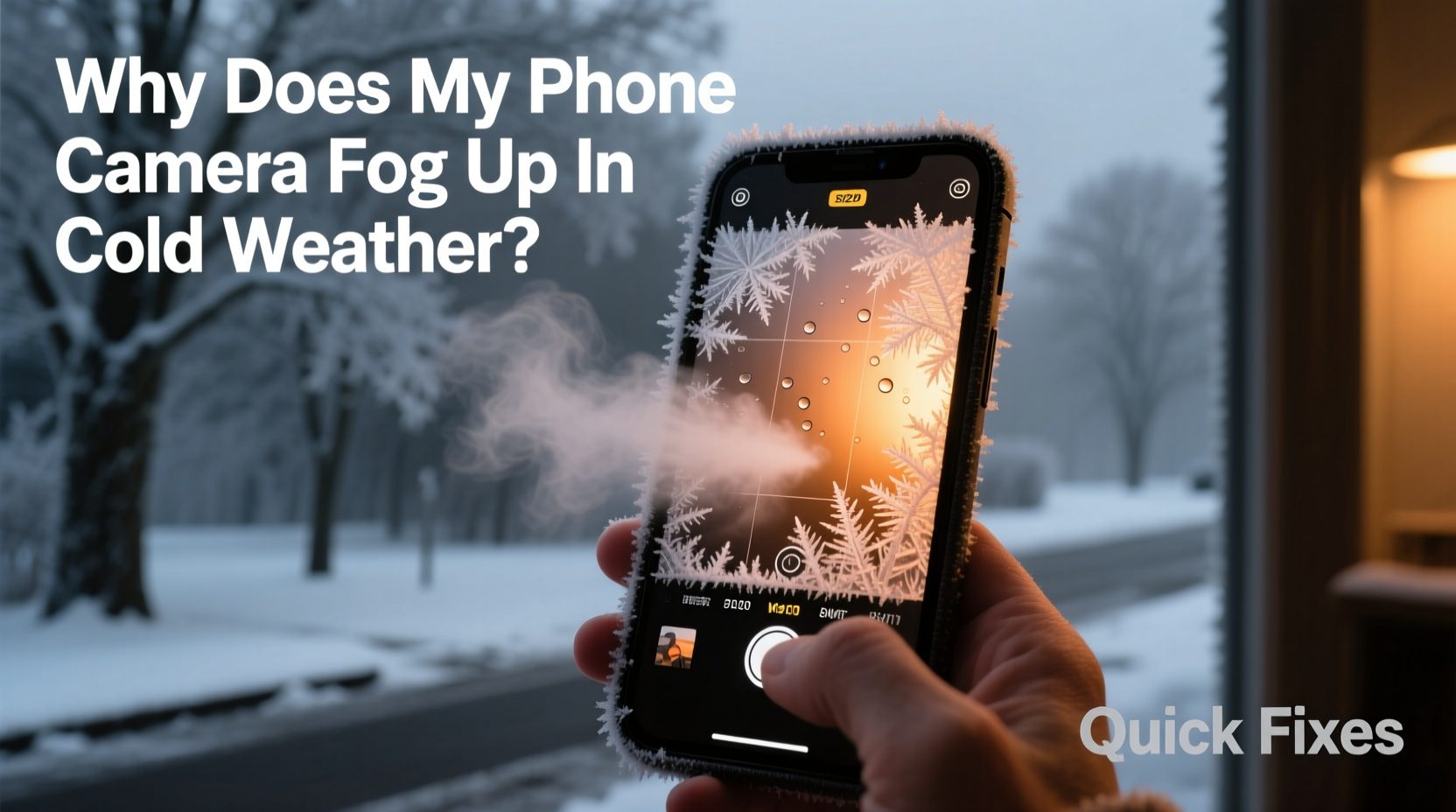
Fogging on your phone’s camera lens isn’t random—it follows the same principles that cause bathroom mirrors to steam up after a hot shower. The culprit is condensation: water vapor in the air cooling rapidly and turning into liquid droplets on a surface.
When you move from a warm indoor environment (like a heated home or car) into cold outdoor air, your phone—especially its glass surfaces—cools down quickly. But the air trapped around the phone, particularly near the lens housing, still carries moisture from the warmer interior. As this moist air contacts the colder lens surface, it reaches its dew point—the temperature at which air can no longer hold all its water vapor. Excess moisture then condenses into tiny water droplets, creating a foggy film.
In some cases, especially with older or slightly compromised seals, moisture may seep into the internal camera module. This leads to internal fogging, which appears as a hazy layer between lens elements and doesn’t wipe away easily. Internal condensation is more serious and requires careful handling.
“Condensation on electronics is inevitable in high-humidity, low-temperature transitions. The key is managing exposure and allowing gradual acclimation.” — Dr. Lena Peterson, Environmental Physicist, University of Alaska Fairbanks
How to Fix a Fogged Phone Camera Fast (Without Causing Damage)
While it’s tempting to blow on the lens or rub it vigorously with your sleeve, these actions can do more harm than good. Blowing introduces warm, moist breath directly onto the glass, potentially worsening the fog. Abrasive fabrics can scratch coatings. Instead, use these safe, rapid-response techniques:
Step-by-Step Guide to Clearing External Fog
- Pause Before Shooting: Resist the urge to take photos immediately upon stepping outside. Allow 30–60 seconds for initial stabilization.
- Use a Microfiber Cloth: Gently wipe the lens in a circular motion. Ensure the cloth is clean and dry—no solvents or liquids.
- Shield the Lens: Cup your hand around the camera area to block wind and reduce airflow while warming the surface slightly.
- Avoid Breath-Warming: Your breath contains moisture and will likely make fog worse.
- Wait It Out: Often, within a minute or two, the lens temperature equalizes with the environment, and fog dissipates naturally.
Dealing With Internal Fogging
If wiping doesn’t help and the haze seems embedded within the lens assembly, moisture may have penetrated the camera module. Do not use heat sources like hairdryers or place the phone near radiators—this can warp components or force moisture deeper.
Instead:
- Power off the device to prevent electrical shorts.
- Seal the phone in a container with silica gel packets (the kind found in shoeboxes or electronics packaging).
- Leave it for 12–24 hours. Silica gel absorbs moisture passively and safely.
- Avoid rice—it’s less effective and can leave dust residue in ports.
If internal fog persists after drying, consult a certified repair technician. Continued use could lead to mold growth inside the lens or corrosion on sensors.
Prevention: How to Stop Fog Before It Starts
Reactive fixes are useful, but preventing fog altogether saves time and protects your device. The goal is to minimize abrupt temperature shifts and reduce humidity exposure.
Gradual Temperature Acclimation
Just like divers avoid decompression sickness by ascending slowly, your phone benefits from gradual environmental transitions. When moving from indoors to outdoors in winter:
- Place your phone in an insulated bag or coat pocket before going outside.
- Allow it to cool down for 5–10 minutes before exposing it fully to cold air.
- Keep the screen off to reduce internal heat generation during transition.
This slow cooldown prevents the sharp temperature differential that triggers condensation.
Use Protective Accessories
Silicone cases or neoprene sleeves add a thin insulating layer, slowing heat loss and reducing surface condensation. Avoid bulky cases that trap heat indoors, though—these can increase fog risk by holding moisture against the phone.
For frequent outdoor photographers, consider a dedicated waterproof phone pouch with an optically clear lens window. These create a sealed barrier while still allowing photo capture.
Do’s and Don’ts: Quick Reference Table
| Do’s | Don’ts |
|---|---|
| Wipe the lens with a dry microfiber cloth | Blow on the lens to warm it |
| Let the phone acclimate gradually before use | Put the phone near direct heat sources |
| Use silica gel for moisture absorption | Submerge in rice as a drying method |
| Store in a sealed container if bringing indoors while wet | Take photos immediately after temperature shift |
| Check for damaged seals if fogging recurs often | Ignore persistent internal fogging |
Real-World Example: A Photographer’s Winter Dilemma
Jamie, a nature photographer based in Vermont, regularly shoots alpine scenes in sub-zero temperatures. During one early morning shoot, she stepped out of her heated vehicle with her phone ready to capture a sunrise over frozen Lake Champlain. Within seconds, the camera lens fogged completely.
Initially, she wiped it with her glove—only to smear oils across the surface. Frustrated, she breathed on the lens, making the problem worse. By the time the fog cleared naturally, the light had changed, and the moment was lost.
After researching the issue, Jamie adopted a new routine: she now keeps her phone in an inner jacket pocket for five minutes before shooting. She uses a microfiber cloth stored in a ziplock bag to ensure it stays dry. She also added silica gel packs to her gear pouch. These small changes eliminated recurring fog issues, and she hasn’t missed a shot since.
FAQ: Common Questions About Phone Camera Fog
Can cold-induced fog damage my phone permanently?
External fog alone won’t cause damage. However, repeated internal condensation—especially if moisture reaches circuitry—can lead to corrosion or short circuits over time. Preventive care is crucial.
Why doesn’t my friend’s phone fog up, but mine does?
Differences in phone design, case type, and transition habits affect fogging. Phones with tighter lens seals resist moisture better. If your phone is older or has been dropped, microscopic cracks may allow humid air to enter more easily.
Is it safe to use my phone in freezing temperatures?
Lithium-ion batteries lose efficiency in cold weather, and screens may become sluggish. Short-term use is generally safe, but avoid prolonged exposure below -10°C (14°F). Always let the device warm up gradually before charging.
Expert Tips Checklist: Prevent & Fix Camera Fog
- ✅ Carry a clean microfiber cloth at all times
- ✅ Let your phone adjust to temperature changes for 5–10 minutes
- ✅ Store silica gel packs with your phone or in your case
- ✅ Avoid touching the lens with fingers (oils attract moisture)
- ✅ Use a protective case that allows ventilation
- ✅ Never use heat to dry a fogged lens
- ✅ Monitor for recurring internal fog—seek professional inspection if needed
Conclusion: Stay Ready, Shoot Confidently
Fogged phone cameras in cold weather are a predictable challenge, not a flaw. With a basic understanding of condensation and a few smart habits, you can eliminate delays and protect your device. The fastest fix isn’t always the most aggressive—it’s the one that respects the delicate balance of temperature, moisture, and materials.
Whether you're capturing memories on a winter hike or documenting daily life in a snowy city, being prepared ensures you never miss a moment. Apply these strategies consistently, and your phone will perform as reliably as you need it to—no matter the season.




 浙公网安备
33010002000092号
浙公网安备
33010002000092号 浙B2-20120091-4
Comments
No comments yet. Why don't you start the discussion?