
It’s a common yet frustrating experience: you pull out your phone to capture a moment indoors, only to find the camera lens clouded with fog. The image appears blurry, unusable, and no amount of wiping seems to help immediately. This issue isn’t a sign of hardware failure—it’s usually caused by condensation. Understanding the science behind this phenomenon and knowing how to respond effectively can save time, protect your device, and ensure you never miss a photo again.
Camera fogging occurs when moisture in the air condenses on cold surfaces—like your phone’s lens or internal camera module. While it may seem like a minor inconvenience, repeated exposure to moisture without proper care can lead to long-term damage, including mold growth inside the lens housing or corrosion of internal components. The good news is that most cases are preventable and reversible with the right approach.
The Science Behind Indoor Camera Fogging
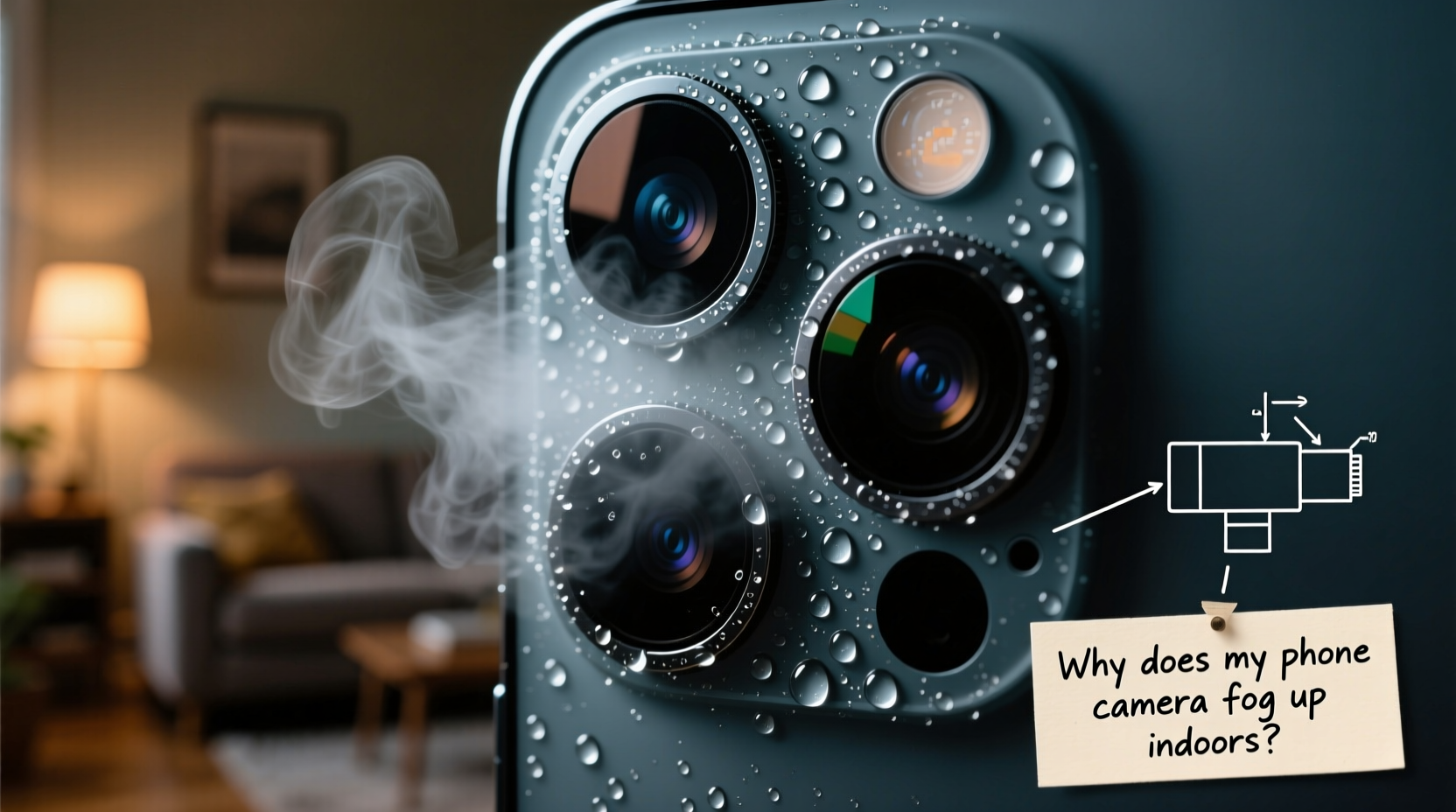
Fogging happens due to a simple principle of physics: warm, moist air cools rapidly when it comes into contact with a colder surface, causing water vapor to condense into tiny droplets. Your phone often becomes colder than room temperature when brought indoors from a cooler environment—such as moving from an air-conditioned car into a humid kitchen or entering a warm bathroom after being outside on a chilly morning.
In these situations, the glass lens of your phone camera acts as a condensation point. Because the lens is smooth and non-porous, water droplets form a thin, hazy film rather than soaking in. This layer scatters light, resulting in blurred or distorted photos. In some cases, condensation may even occur *inside* the camera module if there’s a breach in sealing or if the phone has been exposed to rapid temperature shifts frequently over time.
“Condensation on electronics isn’t just cosmetic—it can indicate potential vulnerabilities in device sealing, especially in older models.” — Dr. Alan Reyes, Environmental Engineer specializing in consumer electronics
Modern smartphones are designed with varying degrees of water resistance (often rated IP67 or IP68), but these ratings typically apply to liquid submersion, not prolonged exposure to humidity or thermal shock. Rapid temperature changes remain a weak spot for even high-end devices.
Common Scenarios That Trigger Indoor Fogging
Not all indoor environments pose the same risk. Certain daily routines significantly increase the likelihood of camera fogging:
- Coming in from cold weather: Walking into a heated home during winter with a cold phone causes immediate condensation.
- Bathroom use: Hot showers raise humidity levels dramatically. Using your phone nearby—even outside the shower—can result in foggy lenses.
- Kitchen proximity: Steam from boiling water, cooking, or dishwashers creates localized humidity pockets near countertops where phones are often placed.
- Air-conditioned spaces: Moving between hot outdoor environments and cooled interiors creates ideal conditions for condensation.
- Vehicle transitions: Leaving a phone on a car seat after driving with AC on can chill the device enough to fog up once taken inside.
How to Fix a Fogged-Up Phone Camera (Step-by-Step)
If your camera is already fogged, don’t panic. Follow this step-by-step guide to safely clear the condensation and prevent further issues.
- Stop using the camera immediately. Taking photos while the lens is fogged can mislead autofocus systems and potentially cause software glitches over time.
- Wipe the exterior gently with a microfiber cloth. Focus only on the outer lens surface. Avoid pressing hard or using paper towels, which can scratch the coating.
- Let the phone adjust to room temperature. Place it on a dry surface away from direct heat sources. Do not use hairdryers or place it near radiators—rapid heating can warp components or push moisture deeper inside.
- Wait 15–30 minutes. Most surface condensation will evaporate naturally as the phone warms up.
- Check for internal fogging. If the haze persists after warming, look closely: is the fog between the lens layers or under the glass? Internal condensation suggests moisture intrusion and requires professional attention.
- Use silica gel packets (optional). Place the phone in a container with desiccants like silica gel for several hours to draw out residual moisture.
- Test the camera. Once dry, take a test photo. If blurriness remains and cleaning doesn’t help, consider service options.
Never attempt to open the phone yourself to dry internal components. Modern smartphones are tightly sealed, and unauthorized disassembly voids warranties and risks permanent damage.
Do’s and Don’ts: Preventing Future Fogging
Prevention is far more effective than repair. Use this table as a quick reference for best practices.
| Do’s | Don’ts |
|---|---|
| Allow your phone to warm up gradually after being in cold environments. | Bring a cold phone directly into a steamy bathroom or kitchen. |
| Store your phone in a protective case that reduces direct surface cooling. | Leave your phone on cold surfaces like marble counters or metal tables. |
| Keep silica gel packs in storage areas to reduce ambient moisture. | Use heat sources like ovens, microwaves, or hairdryers to dry the phone. |
| Clean the lens regularly with a dry microfiber cloth to maintain clarity. | Ignore persistent internal fogging—it could signal seal failure. |
| Use waterproof phone cases in high-humidity zones like bathrooms. | Assume water resistance means immunity to condensation. |
Real-World Example: A Photographer’s Close Call
Sophia, a freelance event photographer based in Seattle, relies on her smartphone for candid shots during weddings and corporate events. One rainy November evening, she moved from an outdoor ceremony site into a warmly lit reception hall. Her phone, chilled from hours outside in drizzle, immediately fogged up when she tried to capture guest reactions.
At first, she wiped the lens repeatedly, frustrated that every shot was blurry. Then she remembered a tip from a tech workshop: let the device acclimate. She powered down the phone, placed it in her insulated camera bag for 20 minutes, and returned to find the lens completely clear. The rest of the night’s photos were sharp and usable.
“I almost sent that phone in for repair,” she said later. “But learning about thermal condensation saved me time and hundreds of dollars. Now I always carry a small ziplock bag and wait five extra minutes before shooting in climate-controlled venues.”
When Internal Condensation Signals a Bigger Problem
Occasional external fogging is normal. But if you notice recurring mist *inside* the camera lens housing, it may mean the phone’s environmental seals have degraded. This is especially common in phones older than two years or those previously exposed to water submersion beyond their IP rating.
Internal condensation increases the risk of:
- Lens fungus development in high-humidity climates
- Corrosion of circuitry around the camera sensor
- Permanent optical distortion due to residue buildup
If you suspect internal moisture, avoid charging the device until it’s confirmed dry. Moisture near charging ports or internal boards can cause short circuits. Instead, contact the manufacturer or an authorized repair center. Some providers offer diagnostic tools that detect moisture indicators (small stickers inside the SIM tray or port areas that change color when wet).
FAQ: Common Questions About Phone Camera Fogging
Can humidity permanently damage my phone camera?
Yes, if moisture penetrates the internal components and isn’t addressed. Prolonged exposure can lead to fungal growth on lenses or corrosion of electrical contacts. However, occasional surface condensation poses little risk if managed properly.
Why does only my front camera fog up sometimes?
The front camera is often recessed and surrounded by materials that cool faster than the main body. It can also be more exposed to breath moisture when held close to the face, especially in cold rooms. Additionally, oils from skin contact reduce surface tension, making it easier for fog to adhere.
Will putting my phone in rice help if the camera is foggy?
Rice is ineffective and outdated. While it absorbs some moisture, it works too slowly and can introduce dust or starch into ports. Silica gel or controlled airflow in a dry environment is far more efficient.
Proactive Checklist: Protect Your Phone Year-Round
Stay ahead of condensation issues with this actionable checklist:
- ✅ Acclimate your phone for 15–30 minutes after coming indoors from extreme temperatures
- ✅ Carry your phone in an insulated pocket or case during winter months
- ✅ Avoid placing your phone near sinks, stoves, or showers where steam accumulates
- ✅ Clean the camera lens weekly with a dry microfiber cloth
- ✅ Store your phone in a low-humidity area at night (not the bathroom)
- ✅ Monitor moisture indicators in the SIM tray periodically
- ✅ Replace damaged cases that no longer provide a snug seal around edges
Conclusion: Clarity Starts with Prevention
Your phone’s camera is one of its most valuable features, yet it’s vulnerable to something as ordinary as a temperature shift. Fogging isn’t a flaw—it’s a predictable interaction between physics and design limitations. By understanding the causes and adopting simple preventive habits, you can keep your lens clear, your photos sharp, and your device functioning optimally for years.
Next time you step indoors with a cold phone, pause before reaching for the camera. Let it adjust. That small delay could make the difference between a ruined memory and a perfect shot. Share your own fog-prevention tips in the comments—your insight might help someone avoid a costly mistake.




 浙公网安备
33010002000092号
浙公网安备
33010002000092号 浙B2-20120091-4
Comments
No comments yet. Why don't you start the discussion?